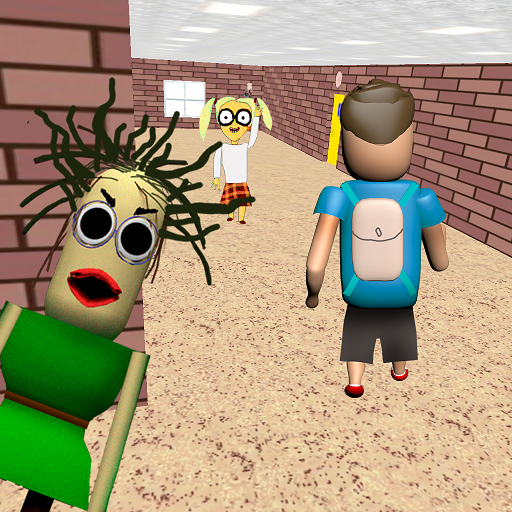
Play for Angry Teacher Part 2 PC
Awecom Games
Download Play for Angry Teacher Part 2 on PC With GameLoop Emulator
Play for Angry Teacher Part 2 pada PC
Play for Angry Teacher Part 2, datang daripada pembangun Awecom Games, sedang berjalan pada sistem Android pada masa lalu.
Kini, Anda boleh bermain Play for Angry Teacher Part 2 pada PC dengan GameLoop dengan lancar.
Muat turunnya dalam pustaka GameLoop atau hasil carian. Tiada lagi melihat bateri atau panggilan yang mengecewakan pada masa yang salah lagi.
Hanya nikmati Play for Angry Teacher Part 2 PC pada skrin besar secara percuma!
Play for Angry Teacher Part 2 Pengenalan
After the student managed to escape from the bald teacher, he went to a new school, where he will have to face a new scary teacher!
Now it's your turn to be a scary angry teacher. Your students are behaving badly, you need to punish them.
Catch up with the student until he has completed his mission and escaped from you.
Being a scary angry teacher is not easy, but you will definitely succeed!
Control
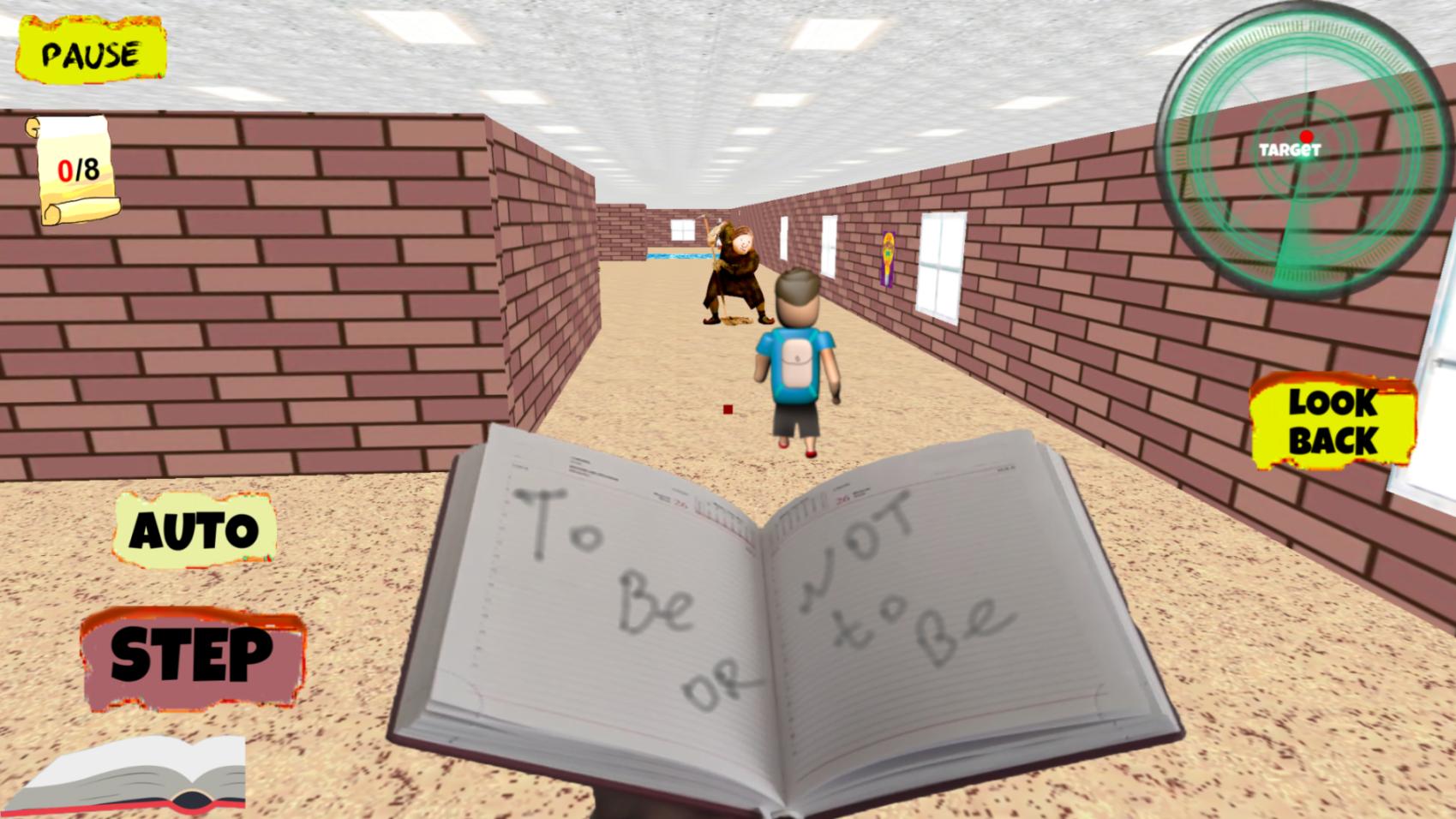
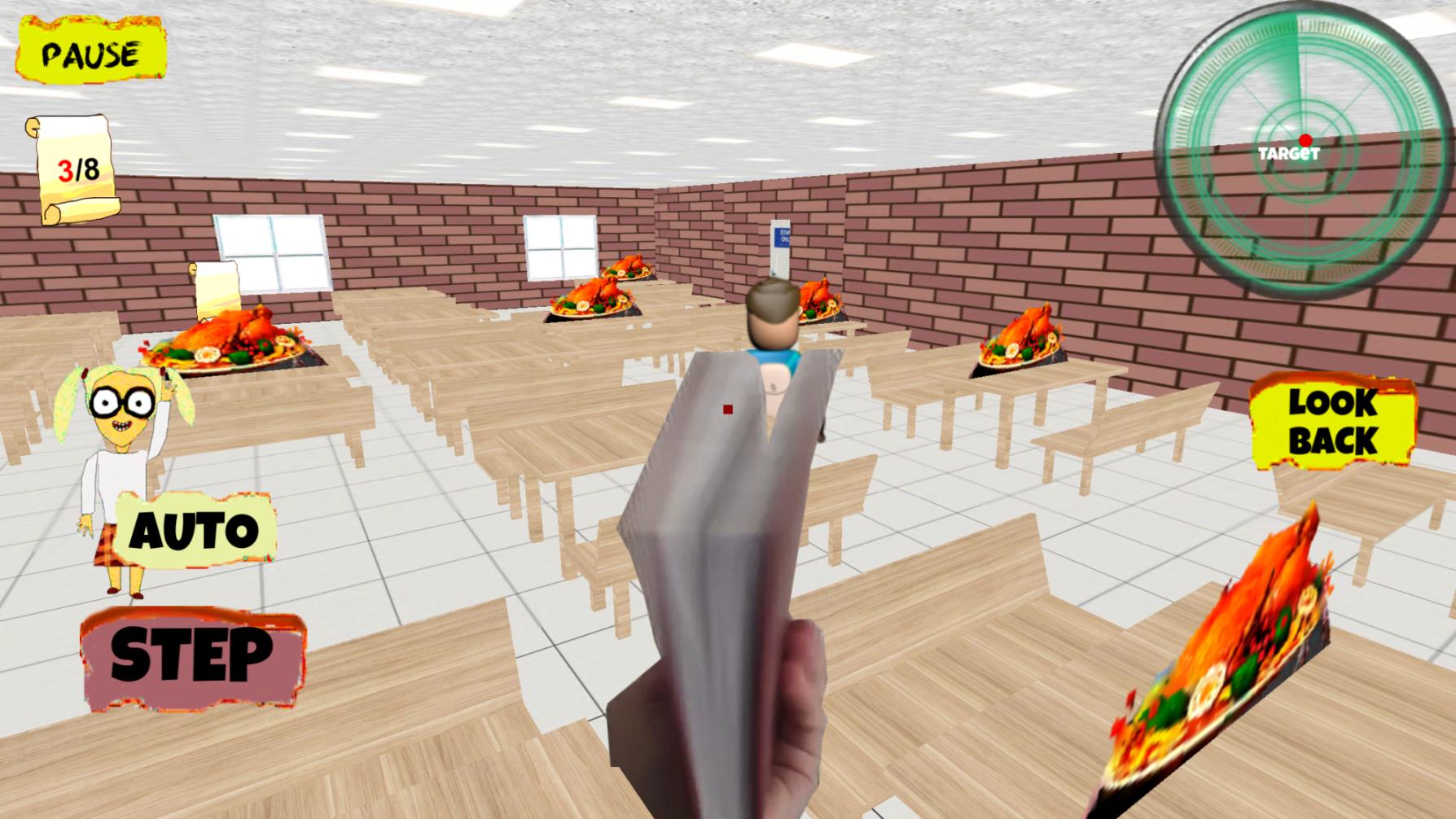
Your scary teacher can move independently, your task is to guide him using the touch panel on the right or using the slider.
Also in the Control menu, you can choose the method in which the character moves by pressing the "step" button,
when filling the scale from the bottom left, or it will move automatically when you select a switch, and you just have to direct its movement.
Preview
Tags
SimulationInformation
Developer
Awecom Games
Latest Version
1.0.7
Last Updated
2025-09-22
Category
Simulation
Available on
Google Play
Show More
Cara bermain Play for Angry Teacher Part 2 dengan GameLoop pada PC
1. Muat turun GameLoop dari laman web rasmi, kemudian jalankan fail exe untuk memasang GameLoop.
2. Buka GameLoop dan cari "Play for Angry Teacher Part 2", cari Play for Angry Teacher Part 2 dalam hasil carian dan klik "Pasang".
3. Nikmati bermain Play for Angry Teacher Part 2 di GameLoop.
Minimum requirements
OS
Windows 8.1 64-bit or Windows 10 64-bit
GPU
GTX 1050
CPU
i3-8300
Memory
8GB RAM
Storage
1GB available space
Recommended requirements
OS
Windows 8.1 64-bit or Windows 10 64-bit
GPU
GTX 1050
CPU
i3-9320
Memory
16GB RAM
Storage
1GB available space