
Digi Master PC
KevinColonKim
Download Digi Master on PC With GameLoop Emulator
Digi Master pada PC
Digi Master, datang daripada pembangun KevinColonKim, sedang berjalan pada sistem Android pada masa lalu.
Kini, Anda boleh bermain Digi Master pada PC dengan GameLoop dengan lancar.
Muat turunnya dalam pustaka GameLoop atau hasil carian. Tiada lagi melihat bateri atau panggilan yang mengecewakan pada masa yang salah lagi.
Hanya nikmati Digi Master PC pada skrin besar secara percuma!
Digi Master Pengenalan
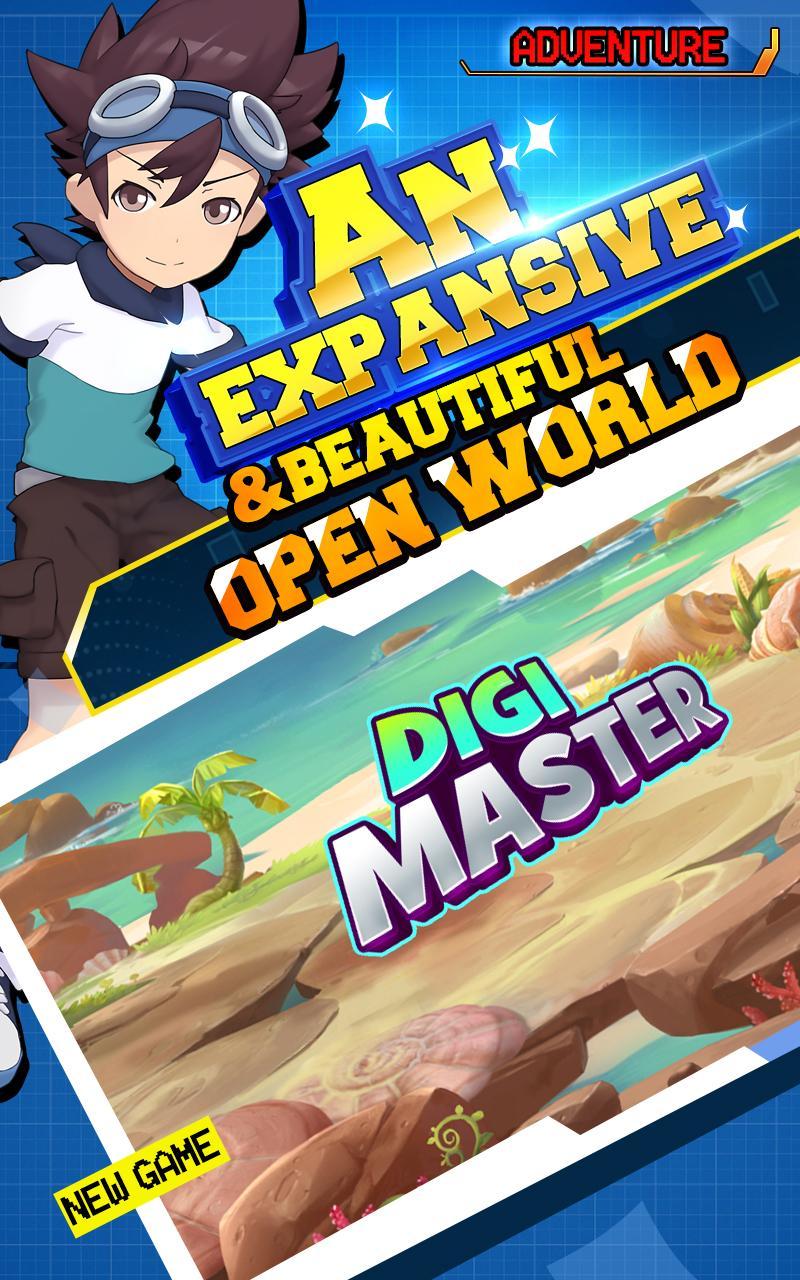
Catch and evolve monsters. Explore boundless landscapes and mythical dungeons in this expansive open world! Join a team and survive in the pandemonium. Collect, train, and evolve monsters to fight alongside in battle area.
**Cpture&Explore**
• Encounter friends and foes as you journey across the areas of the world, each with their own unique monsters to collect.
• Discover legendary accessories and equipment to boost your warriors and gain the upper hand on your opponents.
• Capture and evolve over 100 fully animated monsters!
**Battle&Collect**
• Build the ultimate team. Defeat your opponents in epic turn-based battles!
• Participate in weekly events that offer exclusive unlockables and limited characters to add to your collection!
• Conquer the Leagues and take on the grand Champion in!
Hey, equip yourself, and then make the miracle happen! Are you ready to take the challenge?
Preview

Information
Developer
KevinColonKim
Latest Version
3.0
Last Updated
2019-09-09
Category
Role-playing
Available on
Google Play
Show More
Cara bermain Digi Master dengan GameLoop pada PC
1. Muat turun GameLoop dari laman web rasmi, kemudian jalankan fail exe untuk memasang GameLoop.
2. Buka GameLoop dan cari "Digi Master", cari Digi Master dalam hasil carian dan klik "Pasang".
3. Nikmati bermain Digi Master di GameLoop.
Minimum requirements
OS
Windows 8.1 64-bit or Windows 10 64-bit
GPU
GTX 1050
CPU
i3-8300
Memory
8GB RAM
Storage
1GB available space
Recommended requirements
OS
Windows 8.1 64-bit or Windows 10 64-bit
GPU
GTX 1050
CPU
i3-9320
Memory
16GB RAM
Storage
1GB available space