
Delete puzzle: Tricky Story PC
Bottle Studio3
Download Delete puzzle: Tricky Story on PC With GameLoop Emulator
Delete puzzle: Tricky Story pada PC
Delete puzzle: Tricky Story, datang daripada pembangun Bottle Studio3, sedang berjalan pada sistem Android pada masa lalu.
Kini, Anda boleh bermain Delete puzzle: Tricky Story pada PC dengan GameLoop dengan lancar.
Muat turunnya dalam pustaka GameLoop atau hasil carian. Tiada lagi melihat bateri atau panggilan yang mengecewakan pada masa yang salah lagi.
Hanya nikmati Delete puzzle: Tricky Story PC pada skrin besar secara percuma!
Delete puzzle: Tricky Story Pengenalan
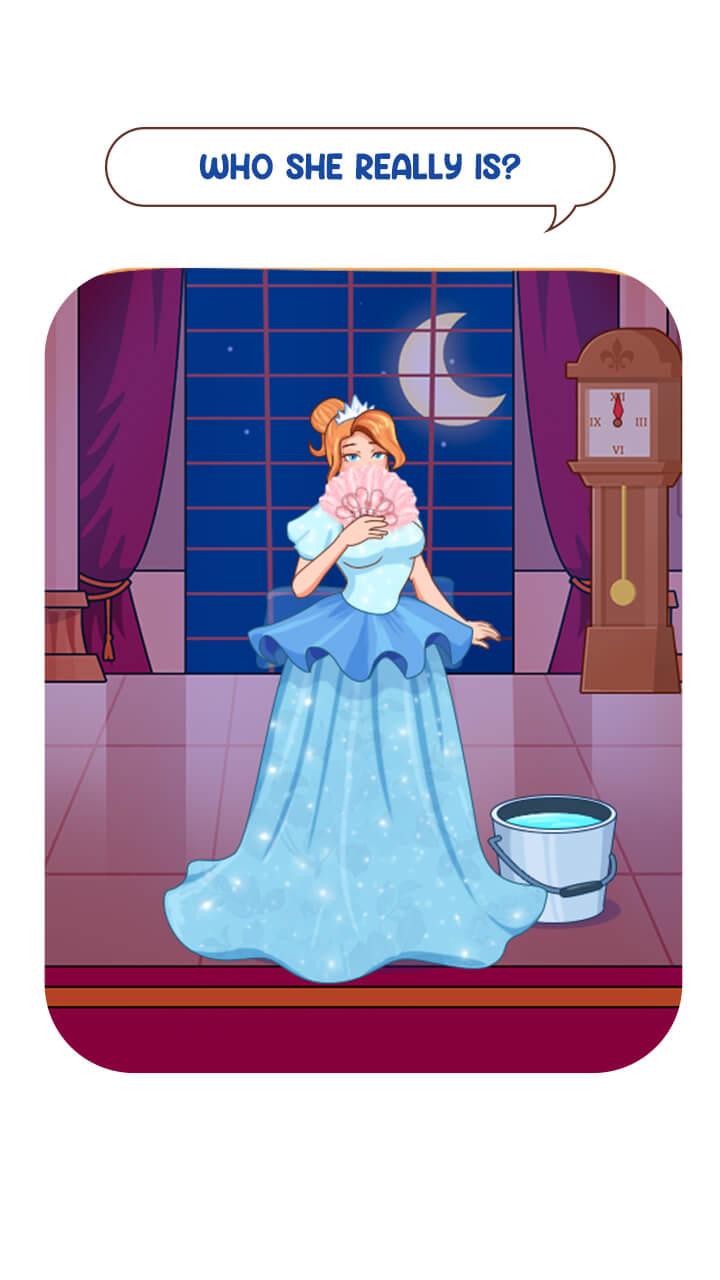
THINK YOU CAN HANDLE IT? LET'S PLAY!!
How to play a Delete puzzle: Tricky Story game? Just touch the screen and drag your finger to erase
- Ingenious puzzles that require logical, lateral, and creative thinking to solve.
- Clear, colorful graphics and calm, happy music
- Unexpected and humorous pictures will make you smile
- Solve tons of solving puzzles
- Lots of pictures worth 1000 words
Join us and download this DOP game right now!!
Preview

Tags
PuzzleInformation
Developer
Bottle Studio3
Latest Version
1.1
Last Updated
2022-07-20
Category
Puzzle
Available on
Google Play
Show More
Cara bermain Delete puzzle: Tricky Story dengan GameLoop pada PC
1. Muat turun GameLoop dari laman web rasmi, kemudian jalankan fail exe untuk memasang GameLoop.
2. Buka GameLoop dan cari "Delete puzzle: Tricky Story", cari Delete puzzle: Tricky Story dalam hasil carian dan klik "Pasang".
3. Nikmati bermain Delete puzzle: Tricky Story di GameLoop.
Minimum requirements
OS
Windows 8.1 64-bit or Windows 10 64-bit
GPU
GTX 1050
CPU
i3-8300
Memory
8GB RAM
Storage
1GB available space
Recommended requirements
OS
Windows 8.1 64-bit or Windows 10 64-bit
GPU
GTX 1050
CPU
i3-9320
Memory
16GB RAM
Storage
1GB available space