
Vault + Incognito – Hide Data & Browse Privately PC
Function 9 Apps
Download Vault + Incognito – Hide Data & Browse Privately on PC With GameLoop Emulator
Vault + Incognito – Hide Data & Browse Privately pada PC
Vault + Incognito – Hide Data & Browse Privately, datang daripada pembangun Function 9 Apps, sedang berjalan pada sistem Android pada masa lalu.
Kini, Anda boleh bermain Vault + Incognito – Hide Data & Browse Privately pada PC dengan GameLoop dengan lancar.
Muat turunnya dalam pustaka GameLoop atau hasil carian. Tiada lagi melihat bateri atau panggilan yang mengecewakan pada masa yang salah lagi.
Hanya nikmati Vault + Incognito – Hide Data & Browse Privately PC pada skrin besar secara percuma!
Vault + Incognito – Hide Data & Browse Privately Pengenalan
As it is usual that someone will ask to use your cell phone, and you will feel hesitating to say yes. Then they will stumble through your gallery, browser and see some stuff that were meant to be very private. Private Vault with incognito browser was designed for this exact need of user, to keep your videos, audios, images, document & browsing safe. Vault + Incognito browser is an completely separate private vault that can securely stores your media so they can only be accessed by you with a specific password select by you. Vault with hidden browser allows you to lock your data(audios, videos, images, documents ) with a password protected code Vault. Creating your own personal Locker.
Vault and incognito browser is completely free to hide unlimited Pictures, audios, videos & browse privately without saving history. You need vault locker for your personal files in your phone than you cannot ignore this app. Keep this vault + incognito browser app and No need to worry when giving your smart phone to friends, colleagues and family etc when this vault with incognito browser is installed in your cell
Steps to use Vault with incognito browser app
-After installation and opening you will be asked for your best friend name and password. Enter password twice & proceed
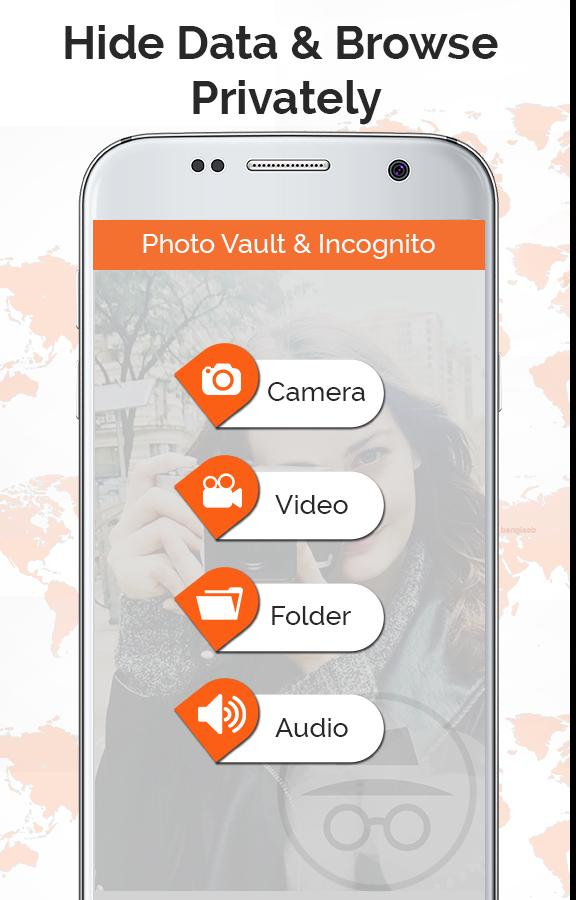
-Now there are four options images, video, audio, document.
-Select any option you want to hide and select the data you want to hide & press lock
-Your data will be locked and can be shown only in this app
- To unlock data, select that data and press unlocked, Your data will be restored to its default location
- If you want to browse privately, Press the incognito browser button and browser appears,, you can browser any thing there, watch online videos
Features of Vault with incognito browser app
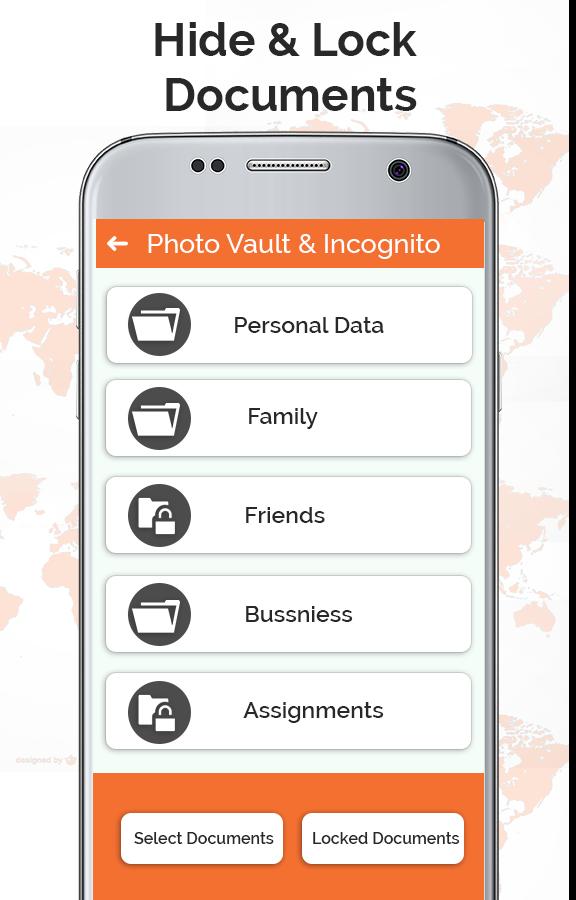
You can hide your personal videos, audios, images, documents
No body can view your personal data even you gave your cell to them
No hesitation while giving cell phone to others
Browse any private data with out any history saved in it
Download this Vault + Incognito Browser to save your data and browser privately,, Do provide your feedbacks and comments, so that we can improve our app
Preview
Tags
ProductivityInformation
Developer
Function 9 Apps
Latest Version
1.0
Last Updated
2019-06-19
Category
Productivity
Available on
Google Play
Show More
Cara bermain Vault + Incognito – Hide Data & Browse Privately dengan GameLoop pada PC
1. Muat turun GameLoop dari laman web rasmi, kemudian jalankan fail exe untuk memasang GameLoop.
2. Buka GameLoop dan cari "Vault + Incognito – Hide Data & Browse Privately", cari Vault + Incognito – Hide Data & Browse Privately dalam hasil carian dan klik "Pasang".
3. Nikmati bermain Vault + Incognito – Hide Data & Browse Privately di GameLoop.
Minimum requirements
OS
Windows 8.1 64-bit or Windows 10 64-bit
GPU
GTX 1050
CPU
i3-8300
Memory
8GB RAM
Storage
1GB available space
Recommended requirements
OS
Windows 8.1 64-bit or Windows 10 64-bit
GPU
GTX 1050
CPU
i3-9320
Memory
16GB RAM
Storage
1GB available space