
Tube Float- Float Video Player PC
TrungDung Dev
Download Tube Float- Float Video Player on PC With GameLoop Emulator
Tube Float- Float Video Player pada PC
Tube Float- Float Video Player, datang daripada pembangun TrungDung Dev, sedang berjalan pada sistem Android pada masa lalu.
Kini, Anda boleh bermain Tube Float- Float Video Player pada PC dengan GameLoop dengan lancar.
Muat turunnya dalam pustaka GameLoop atau hasil carian. Tiada lagi melihat bateri atau panggilan yang mengecewakan pada masa yang salah lagi.
Hanya nikmati Tube Float- Float Video Player PC pada skrin besar secara percuma!
Tube Float- Float Video Player Pengenalan
Looking for a Multitasking Popup media player?
Popup Video Player with built in Floating Player helps in Multi Tasking and hence it is the best Background Video Player.
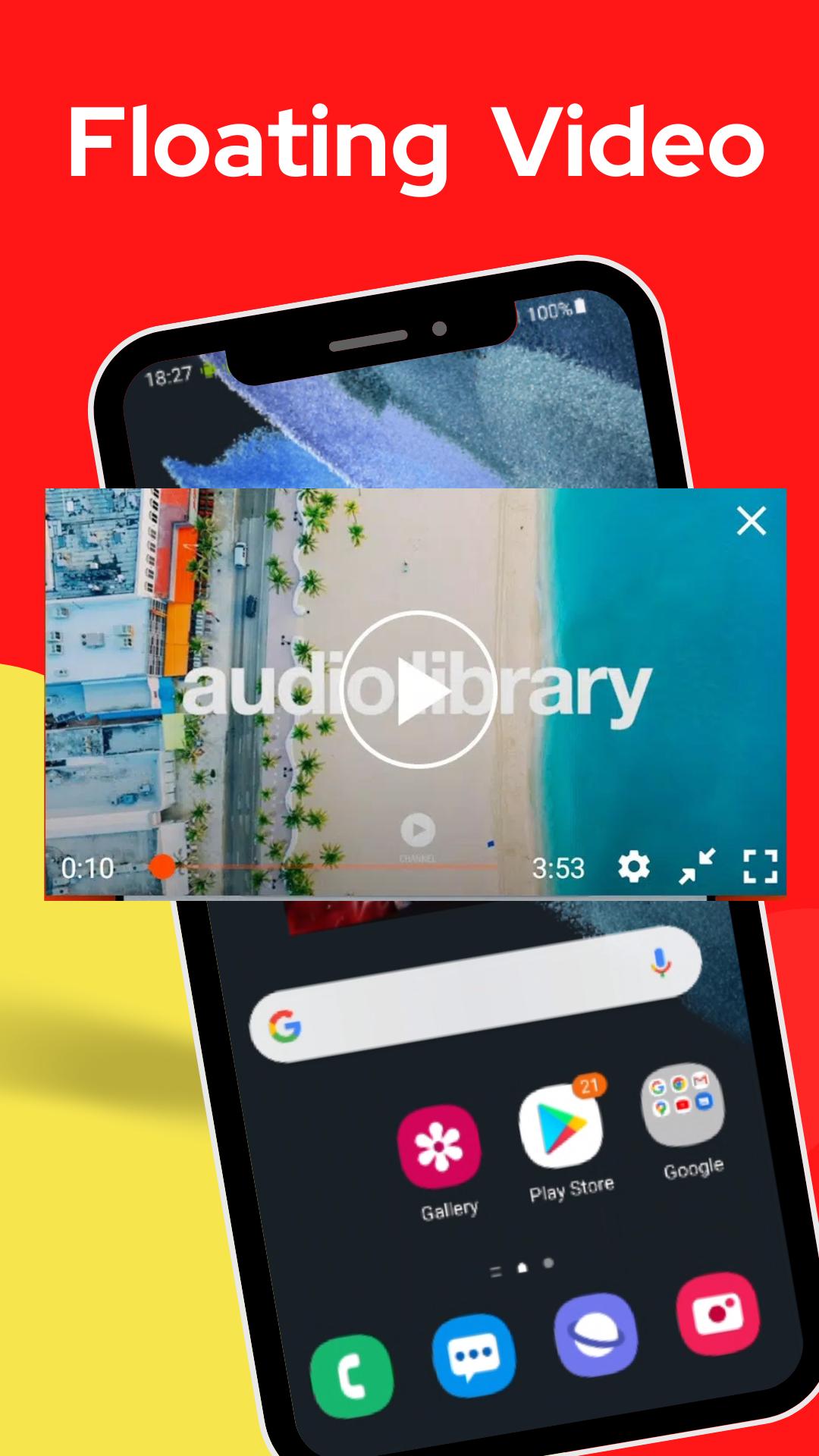
Floating Video Player shows videos on top of other applications by creating a Movable Video that floats over other windows.
Watch Video while chatting or while using other apps. Your Video will pop up so you can Enjoy Video while doing any other activity.
Floating popup Window App has specialty in Multi-Tasking Video.
Tube Floating is a very cool app that Lets you watch Tube Floating windows
Features:
Floating Play tube video and music
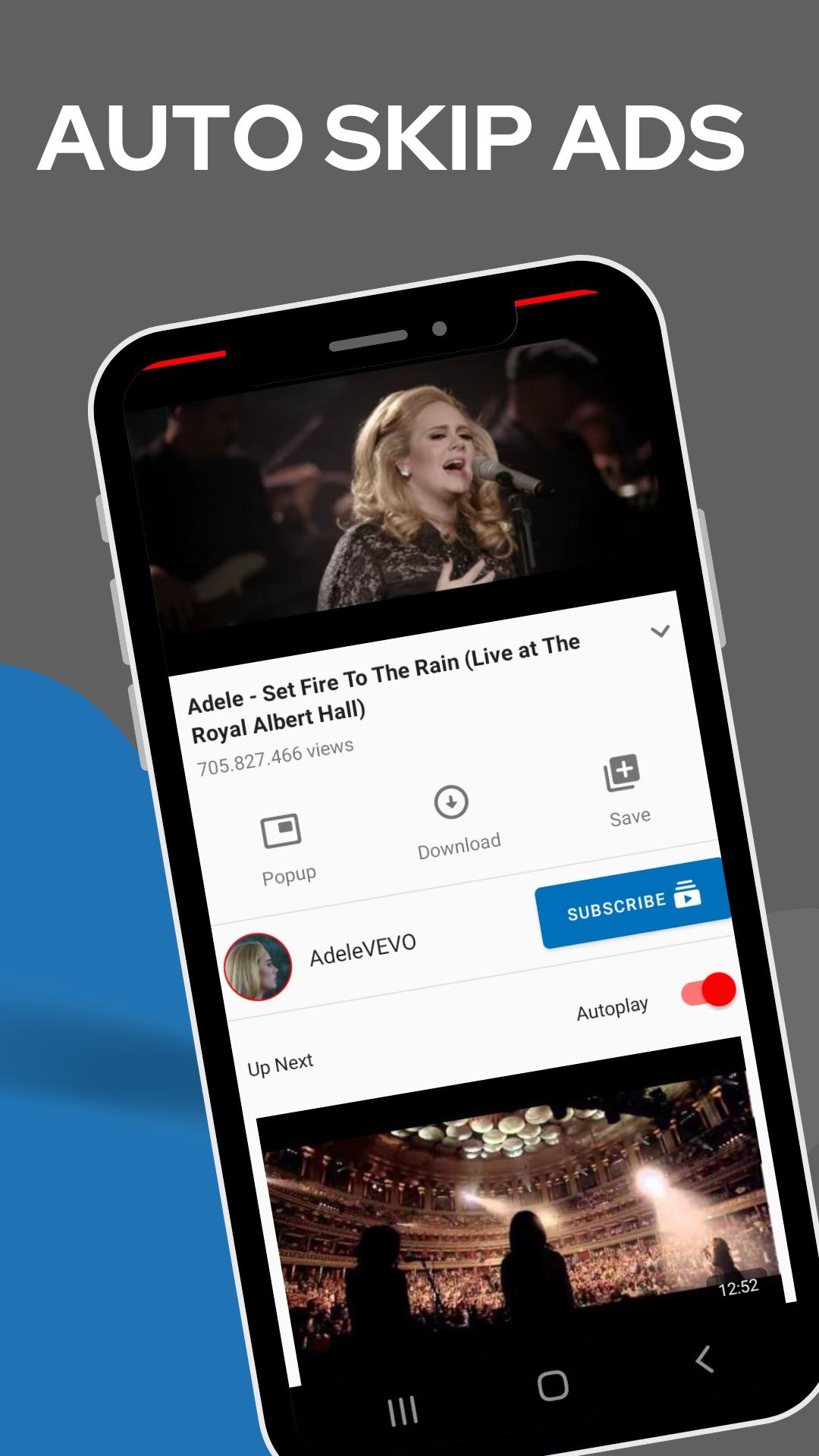
Free to used and you can limit ad playtimes
Auto next or click to play the next video
Move and resize the floating window player
Recommend your favorite videos based on playback history
Well design to optimize your viewing experience
Float Tube is an app that can help you watch Tube videos through Floating Window. With it, you can watch Tube videos while browsing the web and other things, completely free your phone.
Float Tube is always on top of other applications so that you can ensure that the player is always on top when doing other things.
On the Video Player, click the center of the floating window to show the control menu. You can adjust the position of the player, adjust the size of the player, minimize the player, lock the player, or close the player.
If you enjoy watching Tube videos, be sure to try it to play Tube Floating
Preview
Tags
ProductivityInformation
Developer
TrungDung Dev
Latest Version
1.1.1
Last Updated
2022-06-28
Category
Productivity
Available on
Google Play
Show More
Cara bermain Tube Float- Float Video Player dengan GameLoop pada PC
1. Muat turun GameLoop dari laman web rasmi, kemudian jalankan fail exe untuk memasang GameLoop.
2. Buka GameLoop dan cari "Tube Float- Float Video Player", cari Tube Float- Float Video Player dalam hasil carian dan klik "Pasang".
3. Nikmati bermain Tube Float- Float Video Player di GameLoop.
Minimum requirements
OS
Windows 8.1 64-bit or Windows 10 64-bit
GPU
GTX 1050
CPU
i3-8300
Memory
8GB RAM
Storage
1GB available space
Recommended requirements
OS
Windows 8.1 64-bit or Windows 10 64-bit
GPU
GTX 1050
CPU
i3-9320
Memory
16GB RAM
Storage
1GB available space