
TiсkToсk Video Downloader App - No Watermark PC
Avi_App
Download TiсkToсk Video Downloader App - No Watermark on PC With GameLoop Emulator
TiсkToсk Video Downloader App - No Watermark pada PC
TiсkToсk Video Downloader App - No Watermark, datang daripada pembangun Avi_App, sedang berjalan pada sistem Android pada masa lalu.
Kini, Anda boleh bermain TiсkToсk Video Downloader App - No Watermark pada PC dengan GameLoop dengan lancar.
Muat turunnya dalam pustaka GameLoop atau hasil carian. Tiada lagi melihat bateri atau panggilan yang mengecewakan pada masa yang salah lagi.
Hanya nikmati TiсkToсk Video Downloader App - No Watermark PC pada skrin besar secara percuma!
TiсkToсk Video Downloader App - No Watermark Pengenalan
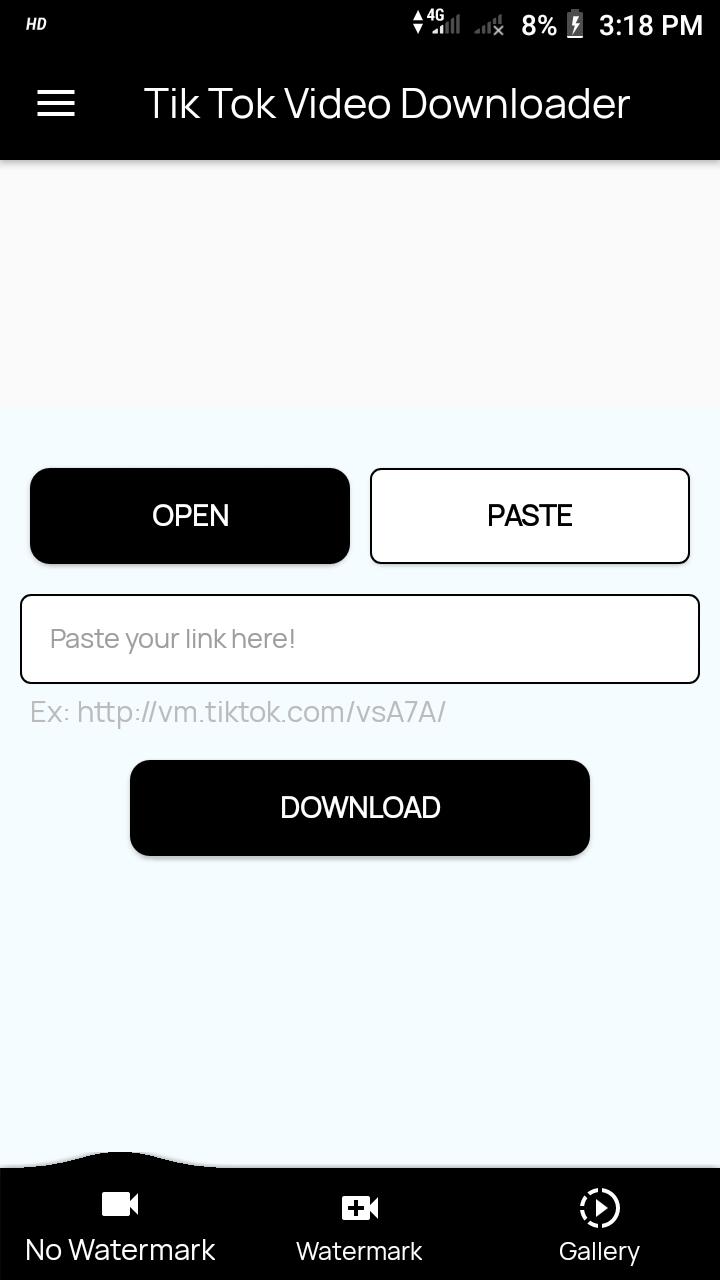
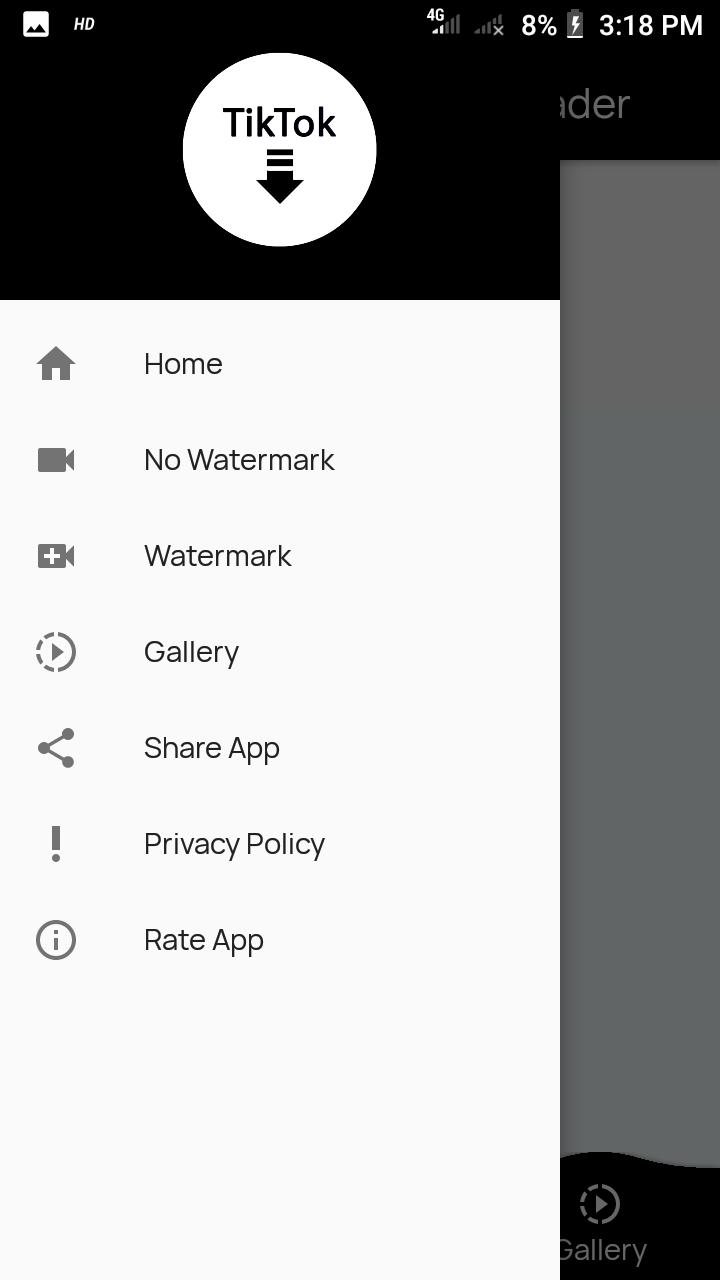
With this TikTok video downloader without a watermark, you can save any content from the popular app to your Android device. All you need to do is to download the apk on your mobile device. This downloader is lightweight and takes up little space. It has a sleek design and a user-friendly interface.
How to save a Tick Tock video on your phone:
Use the following steps to download Tik Tok videos without a watermark:
⭐️ Launch the Tiсk Toсk app on your device.
⭐️ Open the content that you wish to download.
⭐️ Press the "Share" button.
⭐️ Press the "Copy link" button.
⭐️ Return to the downloader and paste the link in the corresponding field.
⭐️ Push the "Download" button.
The free online TikTok video will be accomplished in a matter of seconds. It will have the same quality as the original and there will be no watermark on it. You may repeat these steps as often as you wish, with as many videos as you want.
Where are the videos stored?
Your Tik Tok download will be stored by default in the same folder as other downloads. If you want to download TikTok video without a watermark elsewhere, feel free to change this preset in the preferences menu. After doing it, not only Tik Tok video downloads but also other content from the internet will be saved in the new folder. No longer need to remove watermark from video, TikTok downloader makes it for you.
These are the instructions on how to download video from Tik Tok using a link, without a watermark. Hopefully, you have found this process useful.
Preview
Information
Developer
Avi_App
Latest Version
1.0.4
Last Updated
2020-07-17
Category
Productivity
Available on
Google Play
Show More
Cara bermain TiсkToсk Video Downloader App - No Watermark dengan GameLoop pada PC
1. Muat turun GameLoop dari laman web rasmi, kemudian jalankan fail exe untuk memasang GameLoop.
2. Buka GameLoop dan cari "TiсkToсk Video Downloader App - No Watermark", cari TiсkToсk Video Downloader App - No Watermark dalam hasil carian dan klik "Pasang".
3. Nikmati bermain TiсkToсk Video Downloader App - No Watermark di GameLoop.
Minimum requirements
OS
Windows 8.1 64-bit or Windows 10 64-bit
GPU
GTX 1050
CPU
i3-8300
Memory
8GB RAM
Storage
1GB available space
Recommended requirements
OS
Windows 8.1 64-bit or Windows 10 64-bit
GPU
GTX 1050
CPU
i3-9320
Memory
16GB RAM
Storage
1GB available space