Speedometer Dash Cam: Car Video Recording App PC
Stepping Forward
Download Speedometer Dash Cam: Car Video Recording App on PC With GameLoop Emulator
Speedometer Dash Cam: Car Video Recording App pada PC
Speedometer Dash Cam: Car Video Recording App, datang daripada pembangun Stepping Forward, sedang berjalan pada sistem Android pada masa lalu.
Kini, Anda boleh bermain Speedometer Dash Cam: Car Video Recording App pada PC dengan GameLoop dengan lancar.
Muat turunnya dalam pustaka GameLoop atau hasil carian. Tiada lagi melihat bateri atau panggilan yang mengecewakan pada masa yang salah lagi.
Hanya nikmati Speedometer Dash Cam: Car Video Recording App PC pada skrin besar secara percuma!
Speedometer Dash Cam: Car Video Recording App Pengenalan
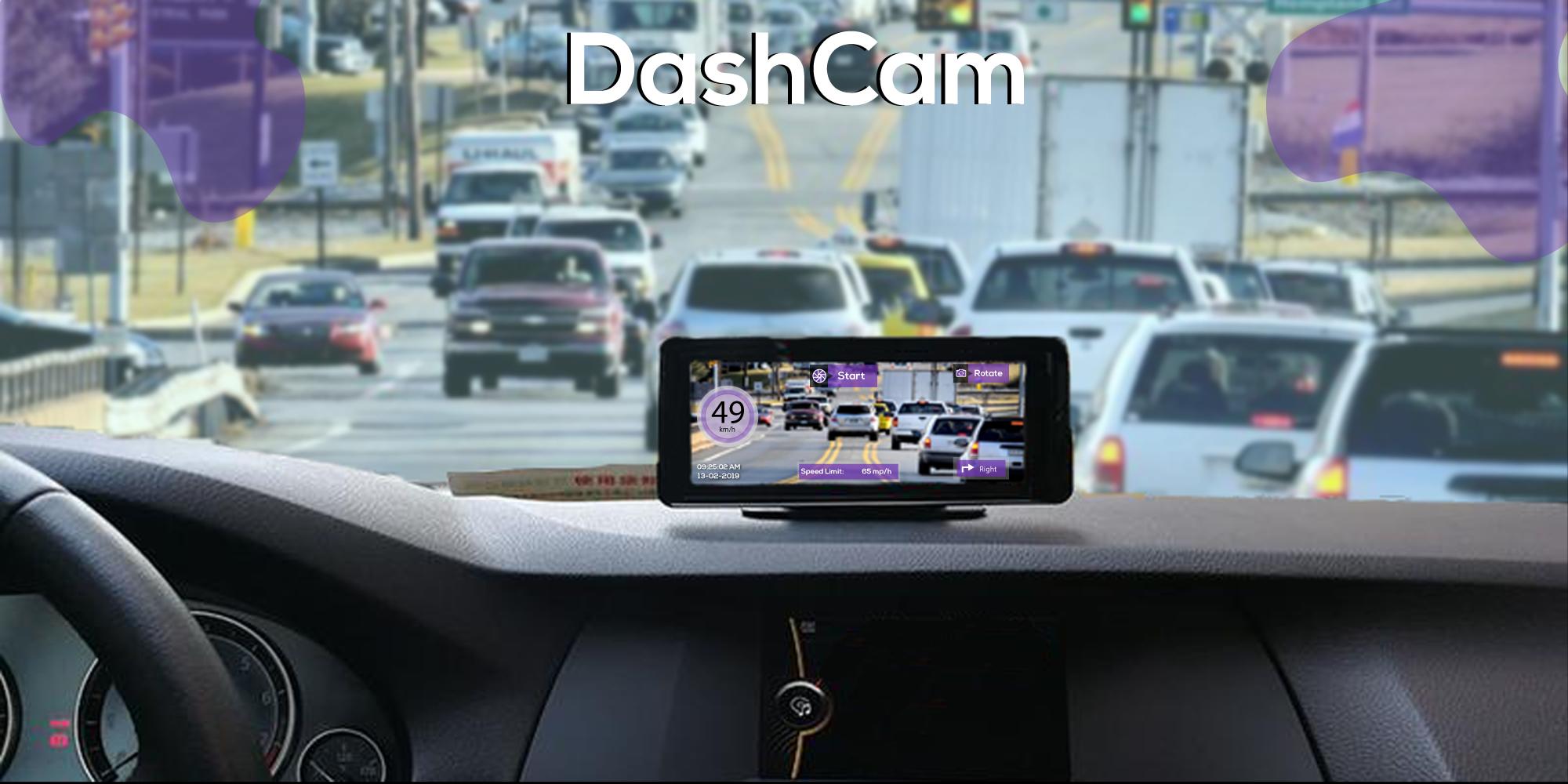
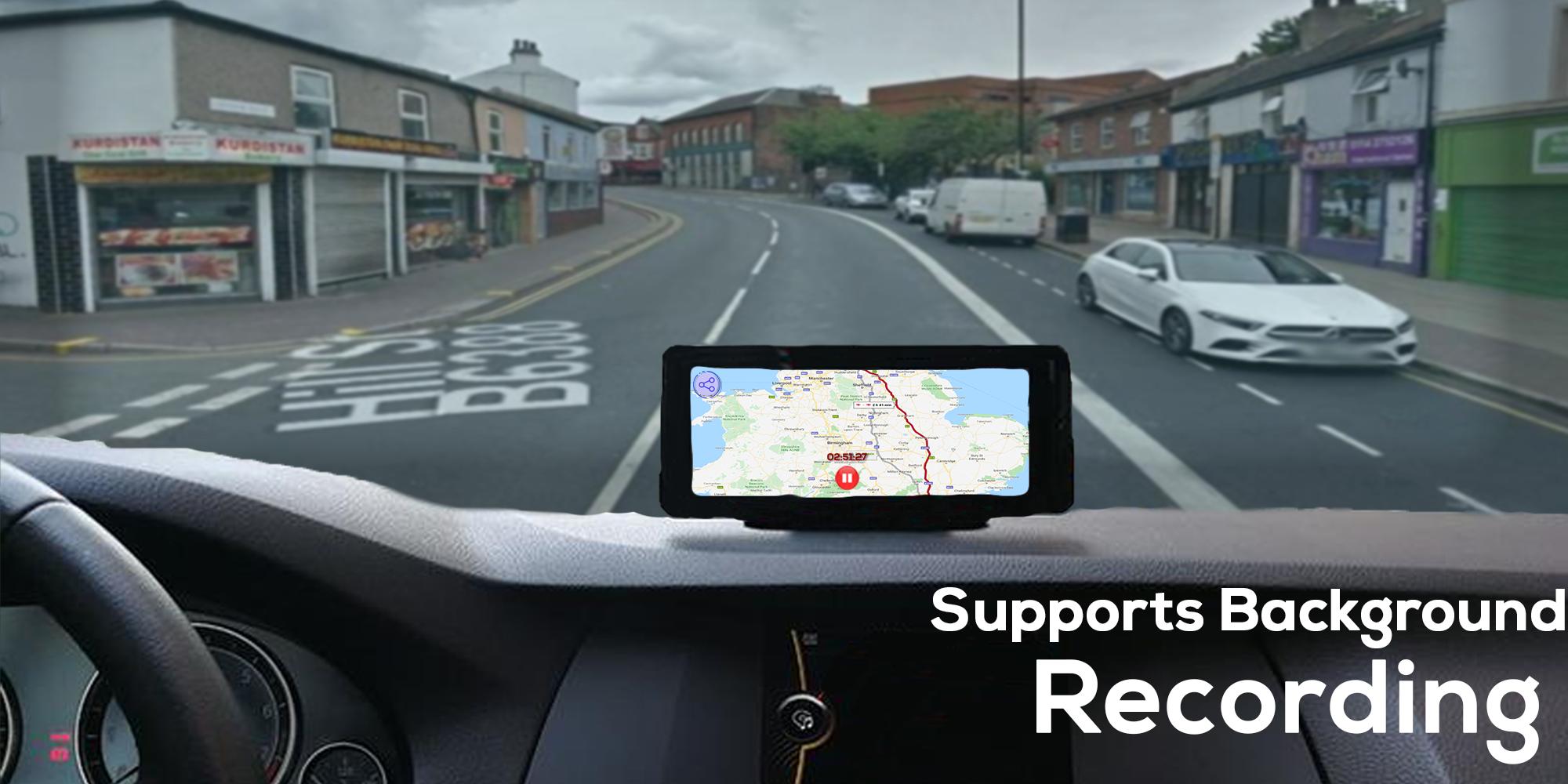
Speedometer Dash Cam: Car Video Recording App video camera tool app records what you see through your car windshield (Digital Video Recorder, DVR) and records the gps track. This Speedometer Dash Cam: Car Video Recording App records driving video, GPS, speed, and nearest address. Turn your phone into a full featured Car video recorder at a fraction of the cost of the standalone device. The Speedometer Dash Cam: Car Video Recording App automatically records everything, but only important events are retained for future reference or as evidence. You can setup quality of camera video recording. The lightest weighted and accurate app of Speedometer Dash Cam: Car Video Recording App till date on the store. You can send recorded video via e-mail, any cloud storage, Bluetooth, etc. We have created GPS speedometer with an intent to be the most useful tool for any car or bike. With Car Camera you'll get rid of the problem of buying expensive dashboard cameras.
Key features of Speedometer Dash Cam: Car Video Recording App:
1. Continuous video recording, with high quality video
2. One-touch video protection allows you to keep video files for interesting road events during the whole journey.
3. Supports high resolutions.
4. User-defined length and sound can be included.
5. User-defined storage space on the SD card with cyclic recording.
6. Set max recording time per file.
7. Videos/photos are timestamped
8. Control the application stress free with simple and clean user interface.
9. Overheating protection.
10. GPS can be disabled to reduce power consumption.
This Speedometer Dash Cam: Car Video Recording App is a free application with some ads, but they are disabled after any purchase within the app. Download Speedometer Dash Cam: Car Video Recording App Car dashboard speedometer app and give us feedback so that we can further improve next updates. The performance of this amazing speedometer app is based on accuracy of your speed camera, GPS odometer, speed camera radar, GPS speedometer, and speedometer mph is also very accurate due to speedometer GPS. The maps in speedometer also find desired location, supercars speedometers, ideal locator, speed test.
Preview
Information
Developer
Stepping Forward
Latest Version
1.8
Last Updated
2020-10-29
Category
Productivity
Available on
Google Play
Show More
Cara bermain Speedometer Dash Cam: Car Video Recording App dengan GameLoop pada PC
1. Muat turun GameLoop dari laman web rasmi, kemudian jalankan fail exe untuk memasang GameLoop.
2. Buka GameLoop dan cari "Speedometer Dash Cam: Car Video Recording App", cari Speedometer Dash Cam: Car Video Recording App dalam hasil carian dan klik "Pasang".
3. Nikmati bermain Speedometer Dash Cam: Car Video Recording App di GameLoop.
Minimum requirements
OS
Windows 8.1 64-bit or Windows 10 64-bit
GPU
GTX 1050
CPU
i3-8300
Memory
8GB RAM
Storage
1GB available space
Recommended requirements
OS
Windows 8.1 64-bit or Windows 10 64-bit
GPU
GTX 1050
CPU
i3-9320
Memory
16GB RAM
Storage
1GB available space