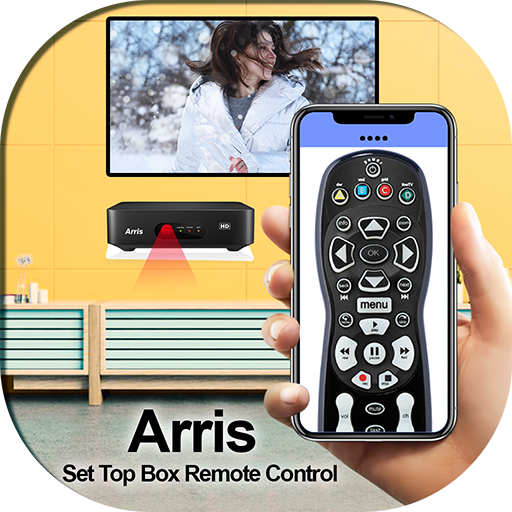
Set Up Box Remote Control For Arris PC
Autovity Infotech
Download Set Up Box Remote Control For Arris on PC With GameLoop Emulator
Set Up Box Remote Control For Arris pada PC
Set Up Box Remote Control For Arris, datang daripada pembangun Autovity Infotech, sedang berjalan pada sistem Android pada masa lalu.
Kini, Anda boleh bermain Set Up Box Remote Control For Arris pada PC dengan GameLoop dengan lancar.
Muat turunnya dalam pustaka GameLoop atau hasil carian. Tiada lagi melihat bateri atau panggilan yang mengecewakan pada masa yang salah lagi.
Hanya nikmati Set Up Box Remote Control For Arris PC pada skrin besar secara percuma!
Set Up Box Remote Control For Arris Pengenalan
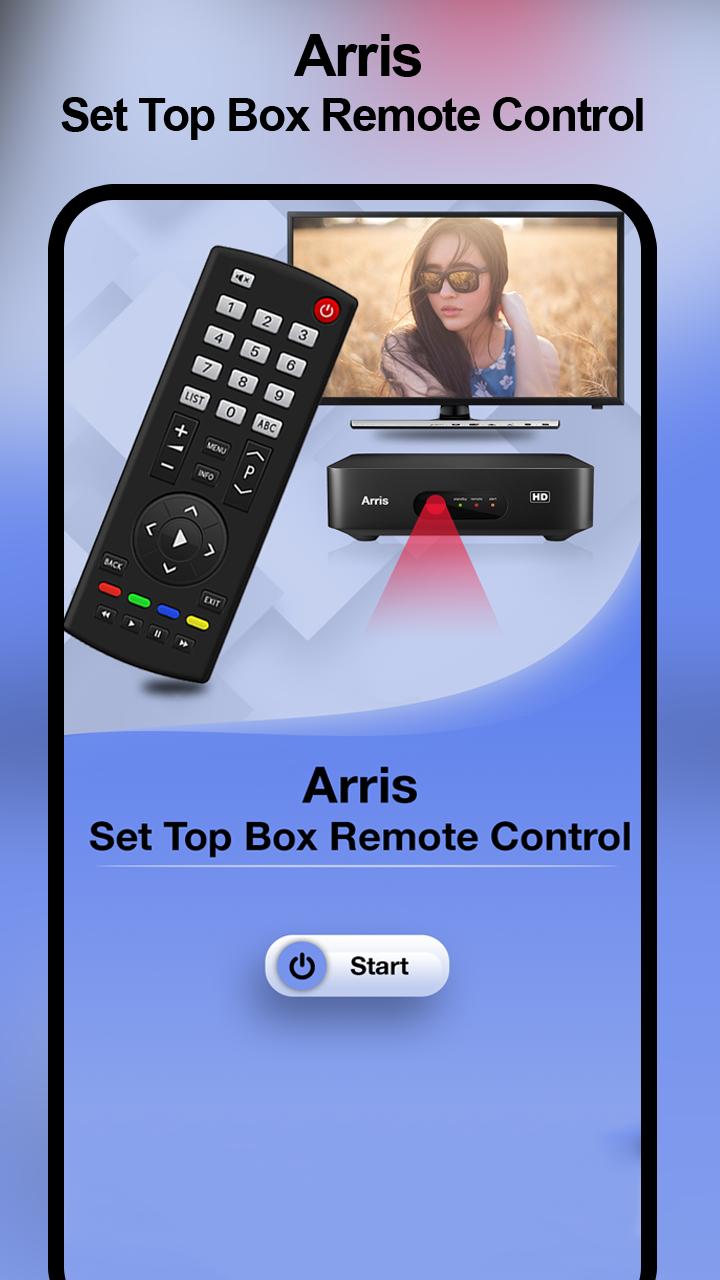
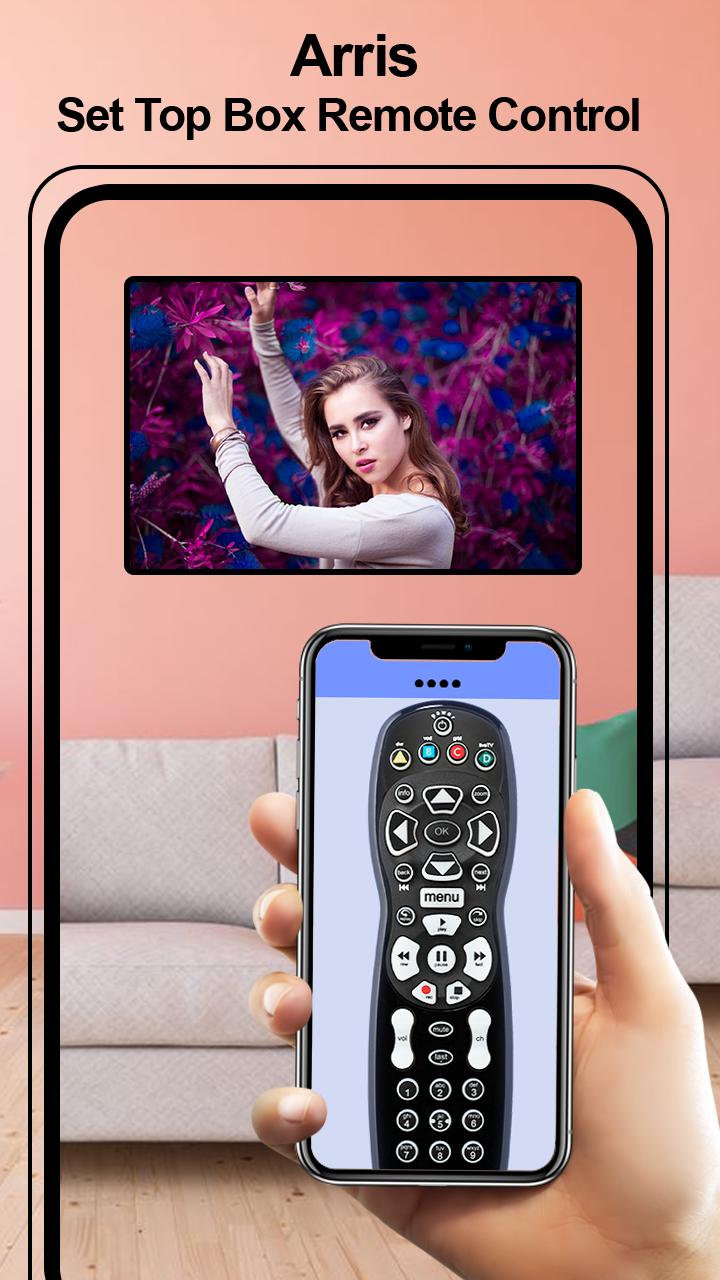
What is special in Set Up Box Remote Control For Arris ..?
=>Keep anytime Remote with you
=>Mini pocket Remote controller
=>Power ON / OFF Control
=>Mute / Un-mute
=>Channel Digits buttons
=>Channel index and lists
=>Volume Up Control
=>Volume Down Control
=>Channel Up Control
=>Menu Button with Up / Down and Left / Right controls
Easily change your smartphone into a remote control by using this Arris Remote Control app. Install this Set Up Box Remote Control For Arris application and convert your smartphone into TV Remote Control without paying any little amount. It is work same as your TV remote just needs to keep your WIFI connection same and it will connect automatically with your TV.
Features of Set Up Box Remote Control For Arris
=>Instant to use in emergency situations
=>Change mobile into Set-Up Box remote
=>Nice design with Simple Interface
=>Handle Arris TV with mobile remote
=>Allow getting remote of Arris TV
=>Awesome Features of Remote Control for Tv
=>Power ON / OFF Control buttons
=>TV remote all keys
=>Simple to use app
=>FREE!!!
Preview
Information
Developer
Autovity Infotech
Latest Version
1.0
Last Updated
2019-11-08
Category
Productivity
Available on
Google Play
Show More
Cara bermain Set Up Box Remote Control For Arris dengan GameLoop pada PC
1. Muat turun GameLoop dari laman web rasmi, kemudian jalankan fail exe untuk memasang GameLoop.
2. Buka GameLoop dan cari "Set Up Box Remote Control For Arris", cari Set Up Box Remote Control For Arris dalam hasil carian dan klik "Pasang".
3. Nikmati bermain Set Up Box Remote Control For Arris di GameLoop.
Minimum requirements
OS
Windows 8.1 64-bit or Windows 10 64-bit
GPU
GTX 1050
CPU
i3-8300
Memory
8GB RAM
Storage
1GB available space
Recommended requirements
OS
Windows 8.1 64-bit or Windows 10 64-bit
GPU
GTX 1050
CPU
i3-9320
Memory
16GB RAM
Storage
1GB available space