Layar Waktu - Tetap fokus PC
AppBuck3t
Download Layar Waktu - Tetap fokus on PC With GameLoop Emulator
Layar Waktu - Tetap fokus pada PC
Layar Waktu - Tetap fokus, datang daripada pembangun AppBuck3t, sedang berjalan pada sistem Android pada masa lalu.
Kini, Anda boleh bermain Layar Waktu - Tetap fokus pada PC dengan GameLoop dengan lancar.
Muat turunnya dalam pustaka GameLoop atau hasil carian. Tiada lagi melihat bateri atau panggilan yang mengecewakan pada masa yang salah lagi.
Hanya nikmati Layar Waktu - Tetap fokus PC pada skrin besar secara percuma!
Layar Waktu - Tetap fokus Pengenalan
"Screen Time - Restrain yourself & parental control" takes the Digital Well-being app as a starting point, makes it available to all Android users up to Lollipop, offers deeper and enhanced insights and powerful customization. Screen Time even allows you to set daily app usage limits and enter focus mode by setting downtime for a selected period for better parental control.
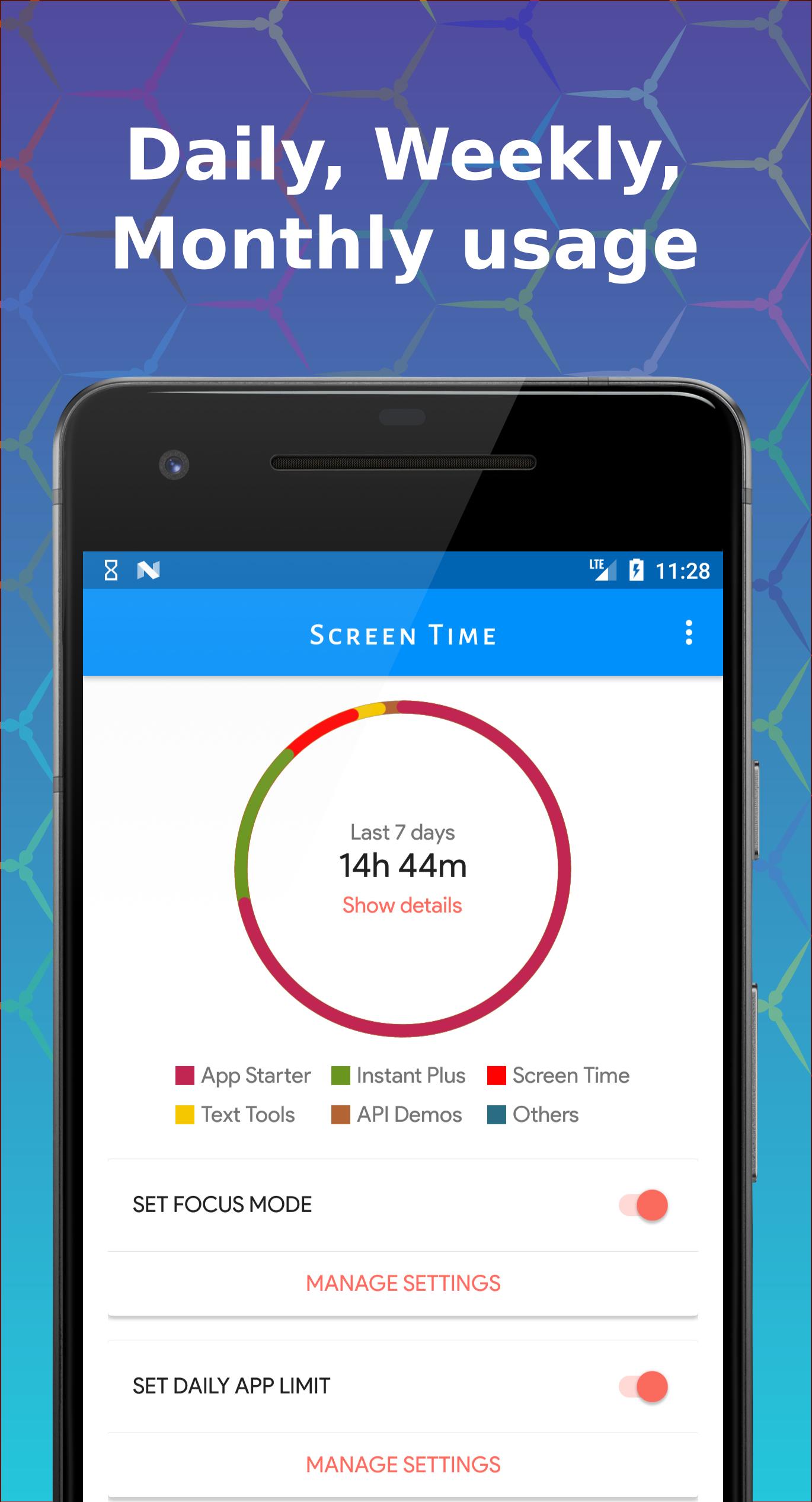
❖ Get a daily, weekly and monthly view of your digital habits
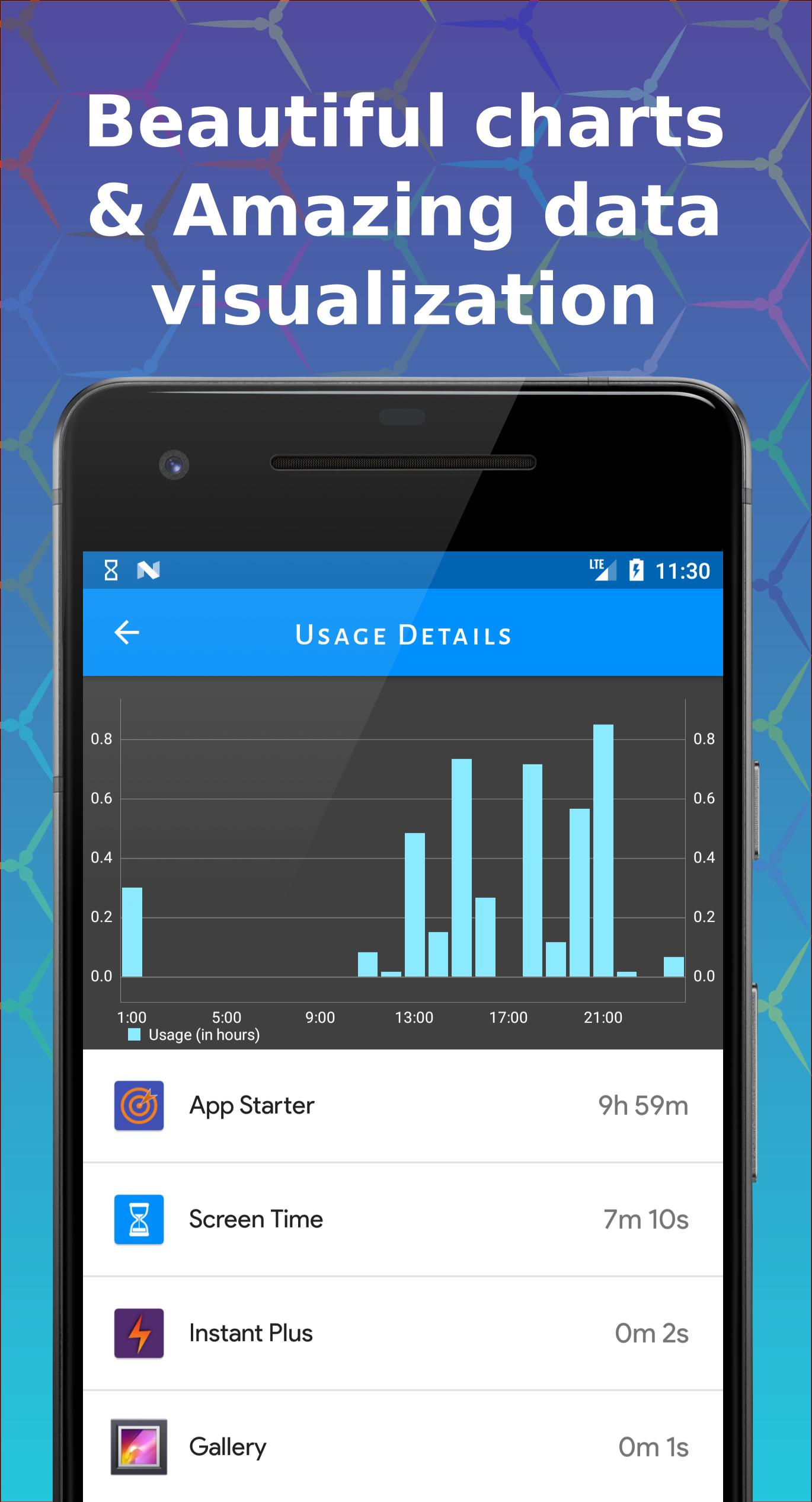
✔ How frequently you use different apps
✔ How often you check your phone
Disconnect when you want to
✔ Daily app limit lets you set limits for how much you use apps
✔ Downtime mode blocks selected apps in the selected time frame
Individuals are ending up increasingly more dependent on cell phones. Regardless of whether it is grown-ups or kids, whether at the season of supper or the gatherings, the issue of versatile habit has turned out to be increasingly genuine. More individuals don't understand that they invest a great deal of energy consistently on their applications and games. Utilizing Screen Time, we can more readily comprehend the utilization of our cell phones. Regardless of whether it's a game or an application, when you introduce Screen Time, you are an individual with time the executive's mindfulness. An effective individual can deal with his time better.
Normally we don't understand that we invest a great deal of energy in certain applications. with Screen Time, you can make you increasingly mindful of your propensity for utilizing your phone and make alterations appropriately. Perhaps you observed such a large number of recordings, possibly you invested an excessive amount of energy in informal communities.
❖ Daily app usage
Screen Time will show a detailed view of the daily mobile phone usage, accurate to the use of the phone and how long has it been used. With Screen Time, you can better allocate mobile phone usage time. With Screen Time, you can know the daily duration of each app used.
❖ Weekly / Monthly app usage
Up to a month of app usage. By checking the statistics of mobile phone usage in the last week or month. Know your daily mobile phone usage trends,
❖ Daily App Limit for each app for better parental control
You can set a daily screen time limit for each app. When the usage time exceeds, you will be notified and a page similar to App Lock will be displayed. This will remind you that the usage of the app is exceeded
❖ Daily downtime for apps for better parental control
You can set a daily downtime. When the app is selected to block in downtime, you will be notified and a page similar to App Lock will be displayed. This will remind you that this app not allowed in this downtime.
Screen Time - Restrain yourself & parental control deserves your try right away. It is the simplest but the most useful screen time manager and parental control application. We're always excited to hear from you. If you have any problems or suggestions, feel free to contact us.
Download Now
https://play.google.com/store/apps/details?id=com.appbuck3t.screentime
*** Screen Time will not upload any of your information, including the usage of the app. All the data is on your phone ***
Preview
Tags
ProductivityInformation
Developer
AppBuck3t
Latest Version
1.13.2
Last Updated
2025-08-17
Category
Productivity
Available on
Google Play
Show More
Cara bermain Layar Waktu - Tetap fokus dengan GameLoop pada PC
1. Muat turun GameLoop dari laman web rasmi, kemudian jalankan fail exe untuk memasang GameLoop.
2. Buka GameLoop dan cari "Layar Waktu - Tetap fokus", cari Layar Waktu - Tetap fokus dalam hasil carian dan klik "Pasang".
3. Nikmati bermain Layar Waktu - Tetap fokus di GameLoop.
Minimum requirements
OS
Windows 8.1 64-bit or Windows 10 64-bit
GPU
GTX 1050
CPU
i3-8300
Memory
8GB RAM
Storage
1GB available space
Recommended requirements
OS
Windows 8.1 64-bit or Windows 10 64-bit
GPU
GTX 1050
CPU
i3-9320
Memory
16GB RAM
Storage
1GB available space