CamScanner - Scan Doc to PDF PC
New Beginning
Download CamScanner - Scan Doc to PDF on PC With GameLoop Emulator
CamScanner - Scan Doc to PDF pada PC
CamScanner - Scan Doc to PDF, datang daripada pembangun New Beginning, sedang berjalan pada sistem Android pada masa lalu.
Kini, Anda boleh bermain CamScanner - Scan Doc to PDF pada PC dengan GameLoop dengan lancar.
Muat turunnya dalam pustaka GameLoop atau hasil carian. Tiada lagi melihat bateri atau panggilan yang mengecewakan pada masa yang salah lagi.
Hanya nikmati CamScanner - Scan Doc to PDF PC pada skrin besar secara percuma!
CamScanner - Scan Doc to PDF Pengenalan
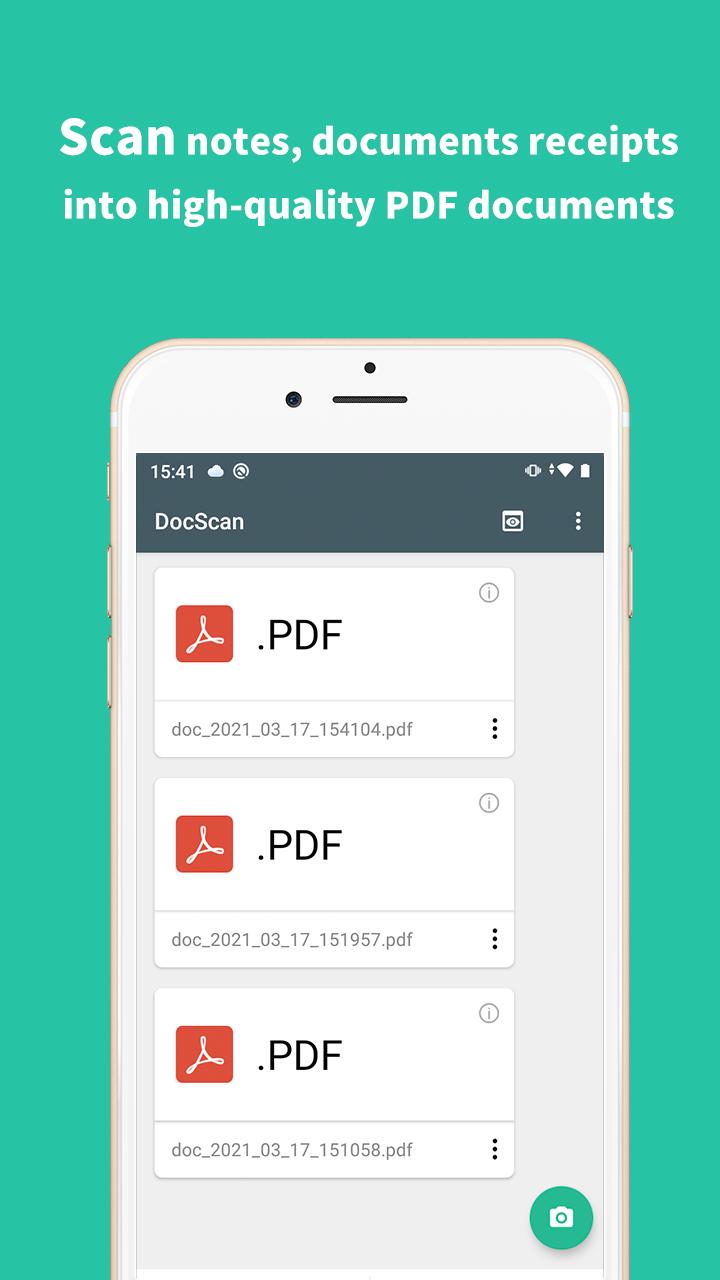
CamScanner turns your Android devices into a PDF scanner for a document, a photo captured by camera, a receipt, a note, an invoice, a business card, a whiteboard or other file formats. With this fast document scanner, you can quickly convert your document, then print or email them as multiple pages PDF files.
👉Features:
🌟- Quickly Digitize Document
Just use your phone camera to scan and digitize all kinds of paper documents: receipts, notes, invoices, whiteboard discussions, business cards, certificates, etc.
🌟- Optimize Scan Quality
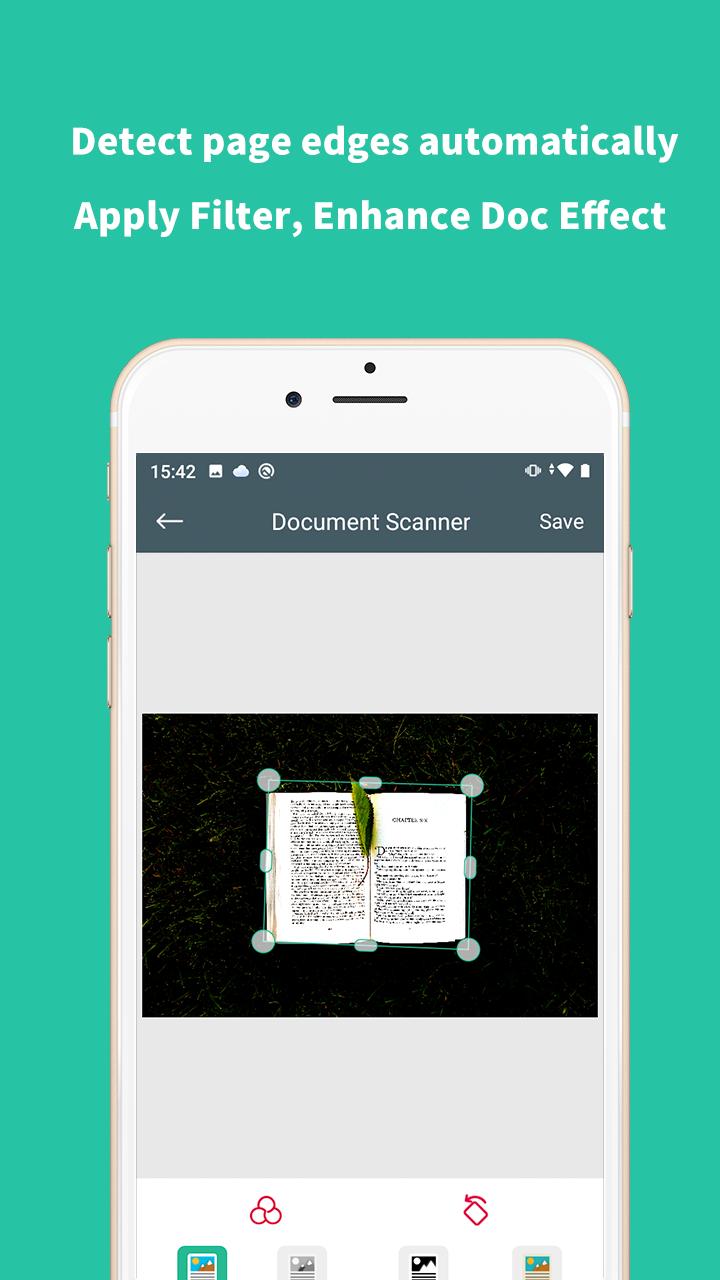
Smart cropping and auto enhancing ensure the texts and graphics in scanned documents are clear and sharp with premium colors and resolutions.
🌟- Share PDF/PNG Files
Easily share documents in PDF or PNG format with friends via various ways: post on social media, send attachment through email.
🌟- PDF Converter
PDF to JPG Converter is an easy-to-use app to convert multiple PDF files to high quality and high resolution JPG, PNG or WEBP images offline.
Permission Overview:
1. Storage: CamScanner needs permission to store documents on your phone.
2. Camera: CamScanner needs permission to use camera to scan documents.
Preview
Information
Developer
New Beginning
Latest Version
2.2
Last Updated
2021-07-08
Category
Productivity
Available on
Google Play
Show More
Cara bermain CamScanner - Scan Doc to PDF dengan GameLoop pada PC
1. Muat turun GameLoop dari laman web rasmi, kemudian jalankan fail exe untuk memasang GameLoop.
2. Buka GameLoop dan cari "CamScanner - Scan Doc to PDF", cari CamScanner - Scan Doc to PDF dalam hasil carian dan klik "Pasang".
3. Nikmati bermain CamScanner - Scan Doc to PDF di GameLoop.
Minimum requirements
OS
Windows 8.1 64-bit or Windows 10 64-bit
GPU
GTX 1050
CPU
i3-8300
Memory
8GB RAM
Storage
1GB available space
Recommended requirements
OS
Windows 8.1 64-bit or Windows 10 64-bit
GPU
GTX 1050
CPU
i3-9320
Memory
16GB RAM
Storage
1GB available space