
OCR Quickly: Ame, Afr and Oce PC
UrySoft
Download OCR Quickly: Ame, Afr and Oce on PC With GameLoop Emulator
OCR Quickly: Ame, Afr and Oce pada PC
OCR Quickly: Ame, Afr and Oce, datang daripada pembangun UrySoft, sedang berjalan pada sistem Android pada masa lalu.
Kini, Anda boleh bermain OCR Quickly: Ame, Afr and Oce pada PC dengan GameLoop dengan lancar.
Muat turunnya dalam pustaka GameLoop atau hasil carian. Tiada lagi melihat bateri atau panggilan yang mengecewakan pada masa yang salah lagi.
Hanya nikmati OCR Quickly: Ame, Afr and Oce PC pada skrin besar secara percuma!
OCR Quickly: Ame, Afr and Oce Pengenalan
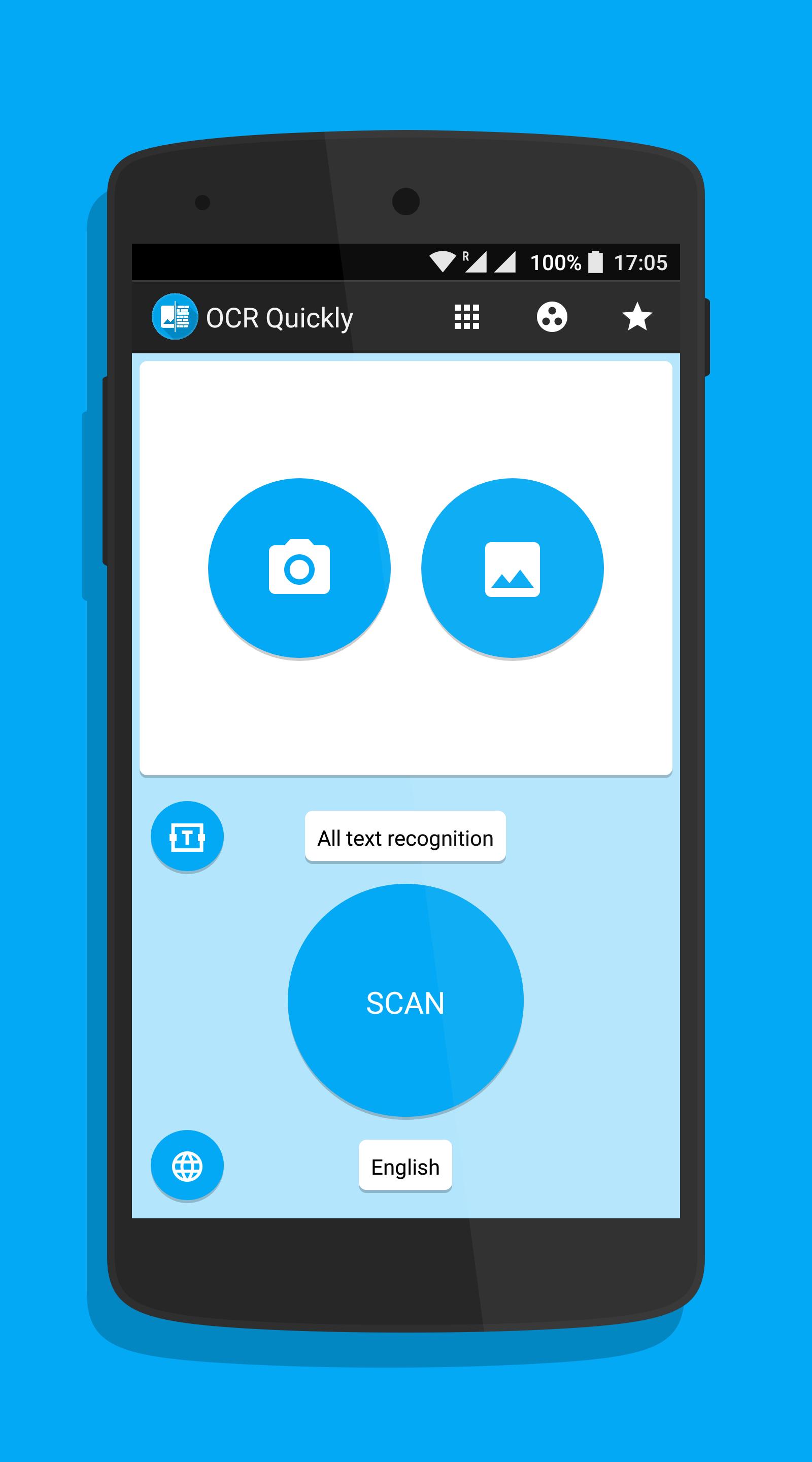
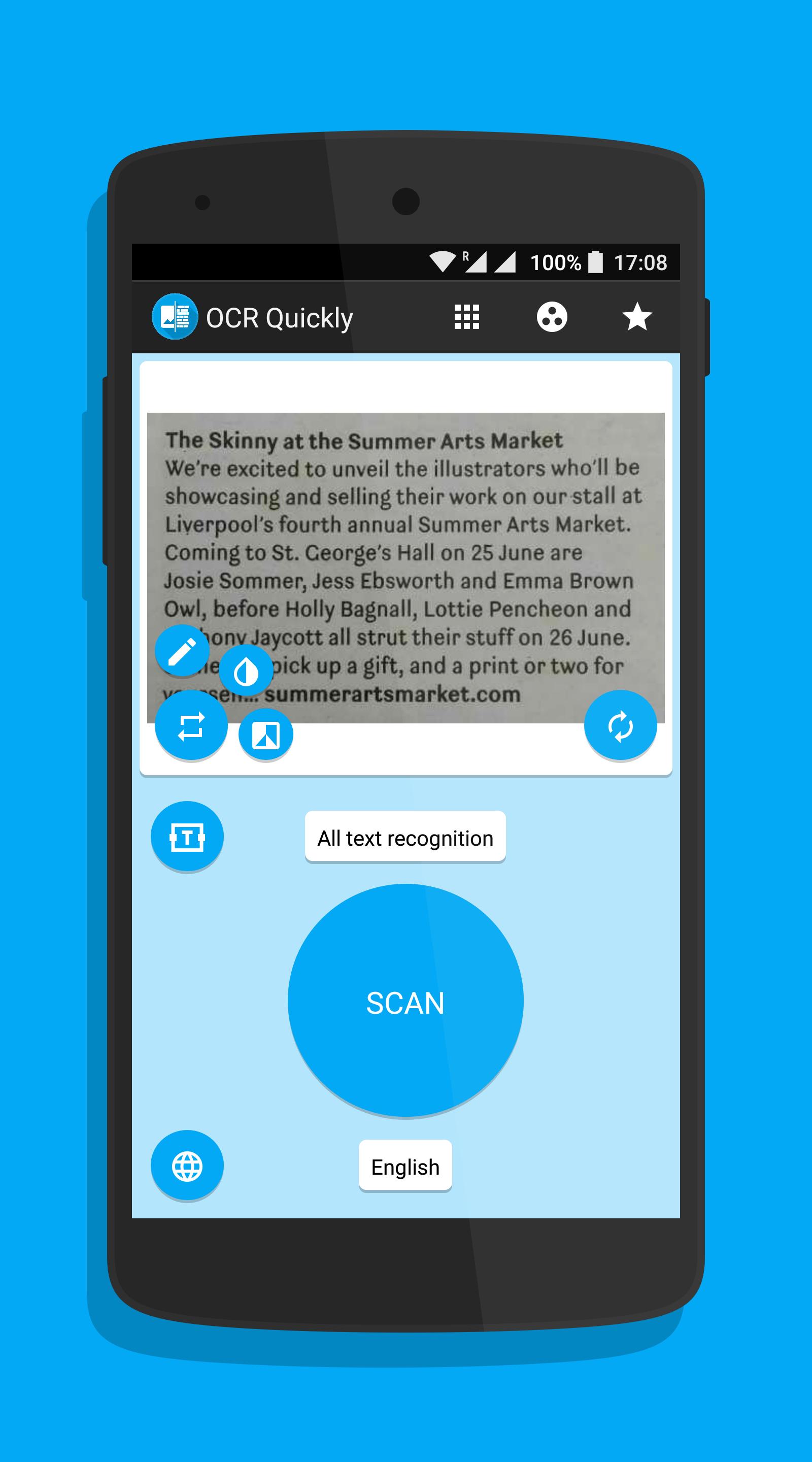
OCR Quickly based on "Tesseract-OCR", development has been sponsored by Google since 2006. Tesseract is considered one of the most accurate open source OCR engines currently available.
The Tesseract engine was originally developed as proprietary software at Hewlett Packard labs in Bristol, England and Greeley, Colorado between 1985 and 1994, with some more changes made in 1996 to port to Windows, and some migration from C to C++ in 1998. A lot of the code was written in C, and then some more was written in C++. Since then all the code has been converted to at least compile with a C++ compiler. Very little work was done in the following decade. It was then released as open source in 2005 by Hewlett Packard and the University of Nevada, Las Vegas (UNLV). Tesseract development has been sponsored by Google since 2006.
Preview
Information
Developer
UrySoft
Latest Version
1.2.0
Last Updated
2016-07-27
Category
Productivity
Available on
Google Play
Show More
Cara bermain OCR Quickly: Ame, Afr and Oce dengan GameLoop pada PC
1. Muat turun GameLoop dari laman web rasmi, kemudian jalankan fail exe untuk memasang GameLoop.
2. Buka GameLoop dan cari "OCR Quickly: Ame, Afr and Oce", cari OCR Quickly: Ame, Afr and Oce dalam hasil carian dan klik "Pasang".
3. Nikmati bermain OCR Quickly: Ame, Afr and Oce di GameLoop.
Minimum requirements
OS
Windows 8.1 64-bit or Windows 10 64-bit
GPU
GTX 1050
CPU
i3-8300
Memory
8GB RAM
Storage
1GB available space
Recommended requirements
OS
Windows 8.1 64-bit or Windows 10 64-bit
GPU
GTX 1050
CPU
i3-9320
Memory
16GB RAM
Storage
1GB available space