
Multi Apps Uninstaller PC
Howe Later Team
Download Multi Apps Uninstaller on PC With GameLoop Emulator
Multi Apps Uninstaller pada PC
Multi Apps Uninstaller, datang daripada pembangun Howe Later Team, sedang berjalan pada sistem Android pada masa lalu.
Kini, Anda boleh bermain Multi Apps Uninstaller pada PC dengan GameLoop dengan lancar.
Muat turunnya dalam pustaka GameLoop atau hasil carian. Tiada lagi melihat bateri atau panggilan yang mengecewakan pada masa yang salah lagi.
Hanya nikmati Multi Apps Uninstaller PC pada skrin besar secara percuma!
Multi Apps Uninstaller Pengenalan
If you wondered which app is a must-have app on an android device, it must be App Uninstaller!
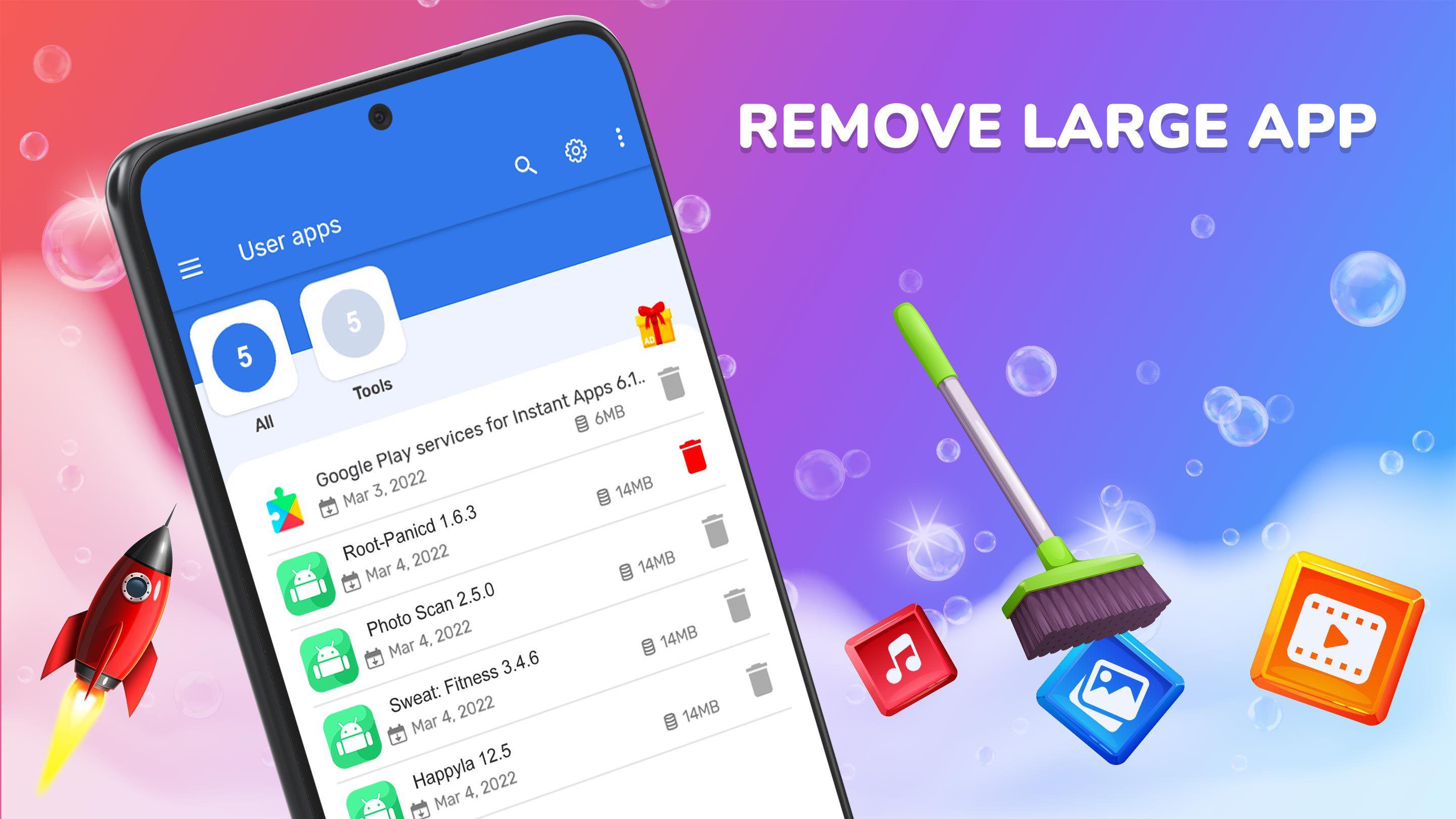
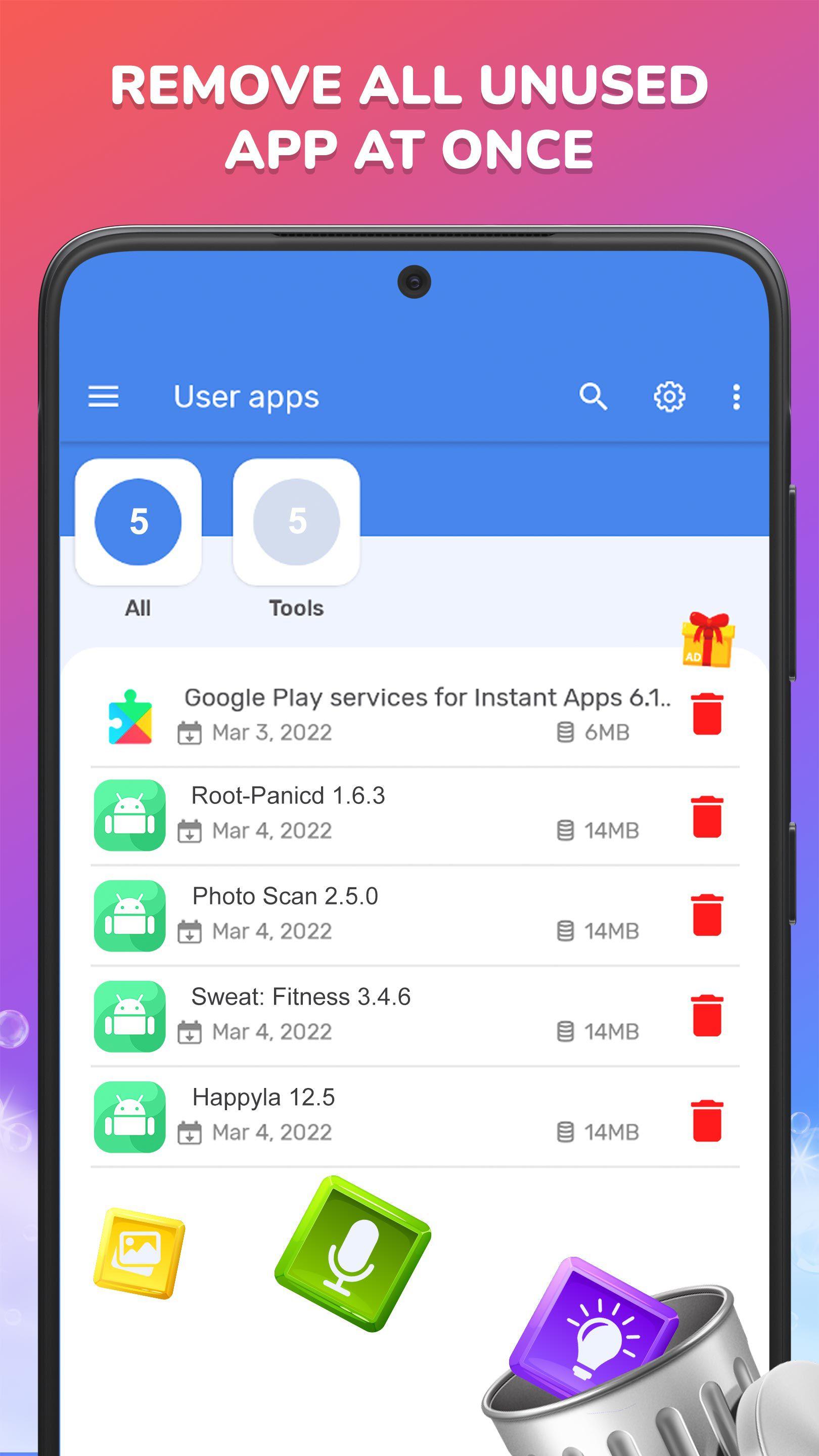
Multi App Uninstaller is a tool to remove apps for android phones. An easy-to-use app that you can select multiple apps that you want to uninstall, and click the uninstall selected apps button to delete them at once.
You can review all your apps in Uninstaller and find out which one is taking up the most space. You can take a look on it and decide to remove the apps that you don’t need anymore.
Multi Apps Uninstaller: Key Features
✅ Remove multi apps in one click
✅ Support for remove apps individually or batch uninstall
✅ Show app manage page
✅ Clean and free up storage.
✅ Sort yours app in group
✅ Option menu with context actions for each app
✅ Details of the applications
✅ Search your apps in Google Play
✅ Usable and user-friendly interface
⚠️ Note: Multi Apps Uninstaller cannot uninstall pre-loaded or pre-installed apps in the system because it is limited by the system mechanism.
Get Uninstaller app now and love your device more by free its storage up!
If you love this uninstaller app, please give us 5⭐⭐⭐⭐⭐ for support!
Preview
Tags
ProductivityInformation
Developer
Howe Later Team
Latest Version
1.0.2
Last Updated
2022-05-09
Category
Productivity
Available on
Google Play
Show More
Cara bermain Multi Apps Uninstaller dengan GameLoop pada PC
1. Muat turun GameLoop dari laman web rasmi, kemudian jalankan fail exe untuk memasang GameLoop.
2. Buka GameLoop dan cari "Multi Apps Uninstaller", cari Multi Apps Uninstaller dalam hasil carian dan klik "Pasang".
3. Nikmati bermain Multi Apps Uninstaller di GameLoop.
Minimum requirements
OS
Windows 8.1 64-bit or Windows 10 64-bit
GPU
GTX 1050
CPU
i3-8300
Memory
8GB RAM
Storage
1GB available space
Recommended requirements
OS
Windows 8.1 64-bit or Windows 10 64-bit
GPU
GTX 1050
CPU
i3-9320
Memory
16GB RAM
Storage
1GB available space