
Jnotes: Note-Taking, AI, PDF PC
深圳技德应用技术有限公司
Download Jnotes: Note-Taking, AI, PDF on PC With GameLoop Emulator
Jnotes: Note-Taking, AI, PDF pada PC
Jnotes: Note-Taking, AI, PDF, datang daripada pembangun 深圳技德应用技术有限公司, sedang berjalan pada sistem Android pada masa lalu.
Kini, Anda boleh bermain Jnotes: Note-Taking, AI, PDF pada PC dengan GameLoop dengan lancar.
Muat turunnya dalam pustaka GameLoop atau hasil carian. Tiada lagi melihat bateri atau panggilan yang mengecewakan pada masa yang salah lagi.
Hanya nikmati Jnotes: Note-Taking, AI, PDF PC pada skrin besar secara percuma!
Jnotes: Note-Taking, AI, PDF Pengenalan
✨ Why Jnotes? The best Goodnotes alternative for Android users!
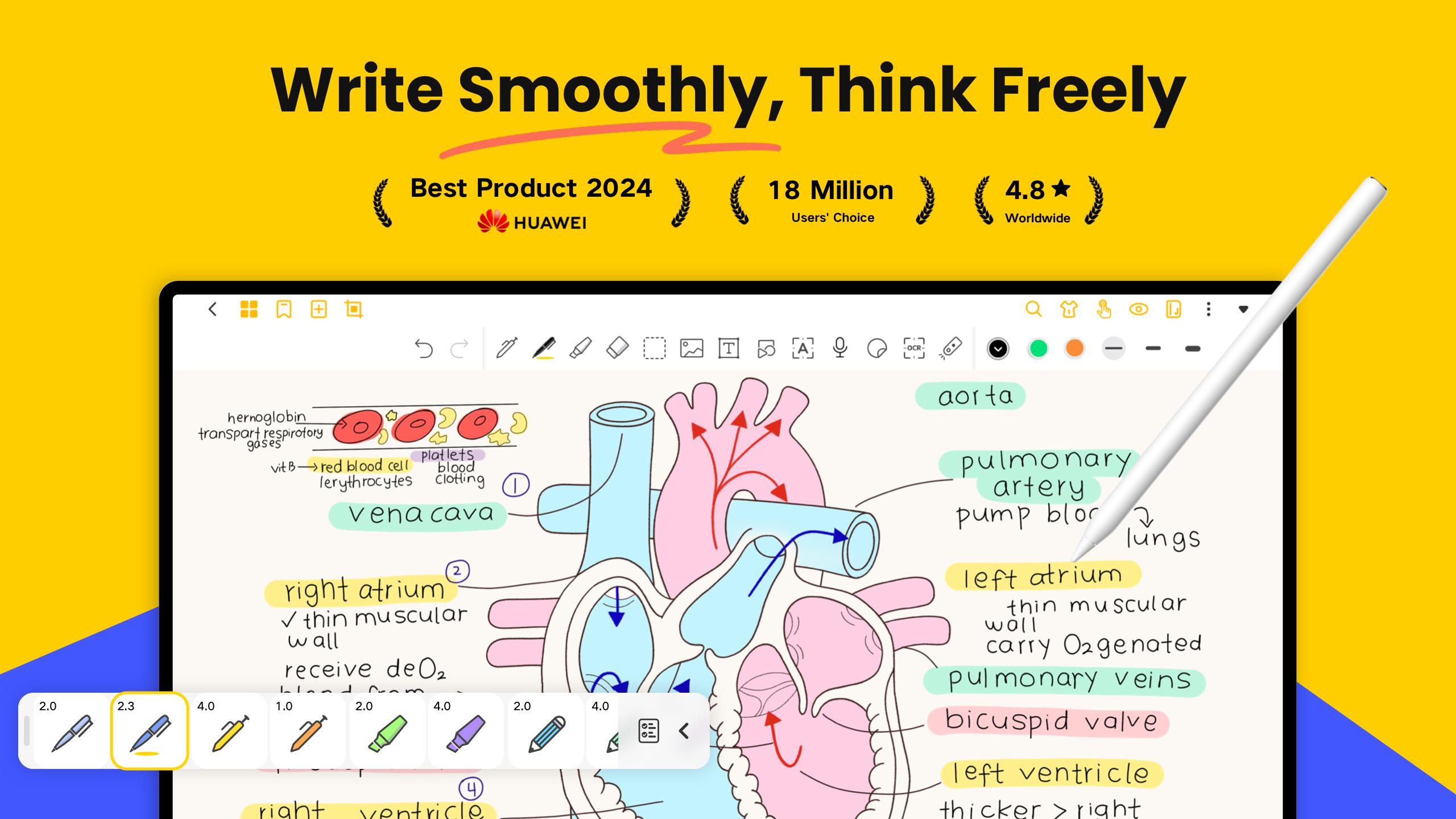
Looking for the ultimate note-taking app for your Android tablet? 📝 Jnotes offers smooth stylus writing, AI-powered notes, PDF annotation and editing tools, handwriting recognition (OCR), and rich note formats. Start creating smart, organized, and beautiful digital notes today!
✏️ Smooth Digital Handwriting
• Customizable pen colors and thickness.
• Advanced digital ink technology ensures lag-free handwriting with stylus support.
• Draw mind maps, write naturally, and enjoy refined stylus compatibility.
• Handwriting Recognition (OCR): Search, edit, and export handwritten content effortlessly.
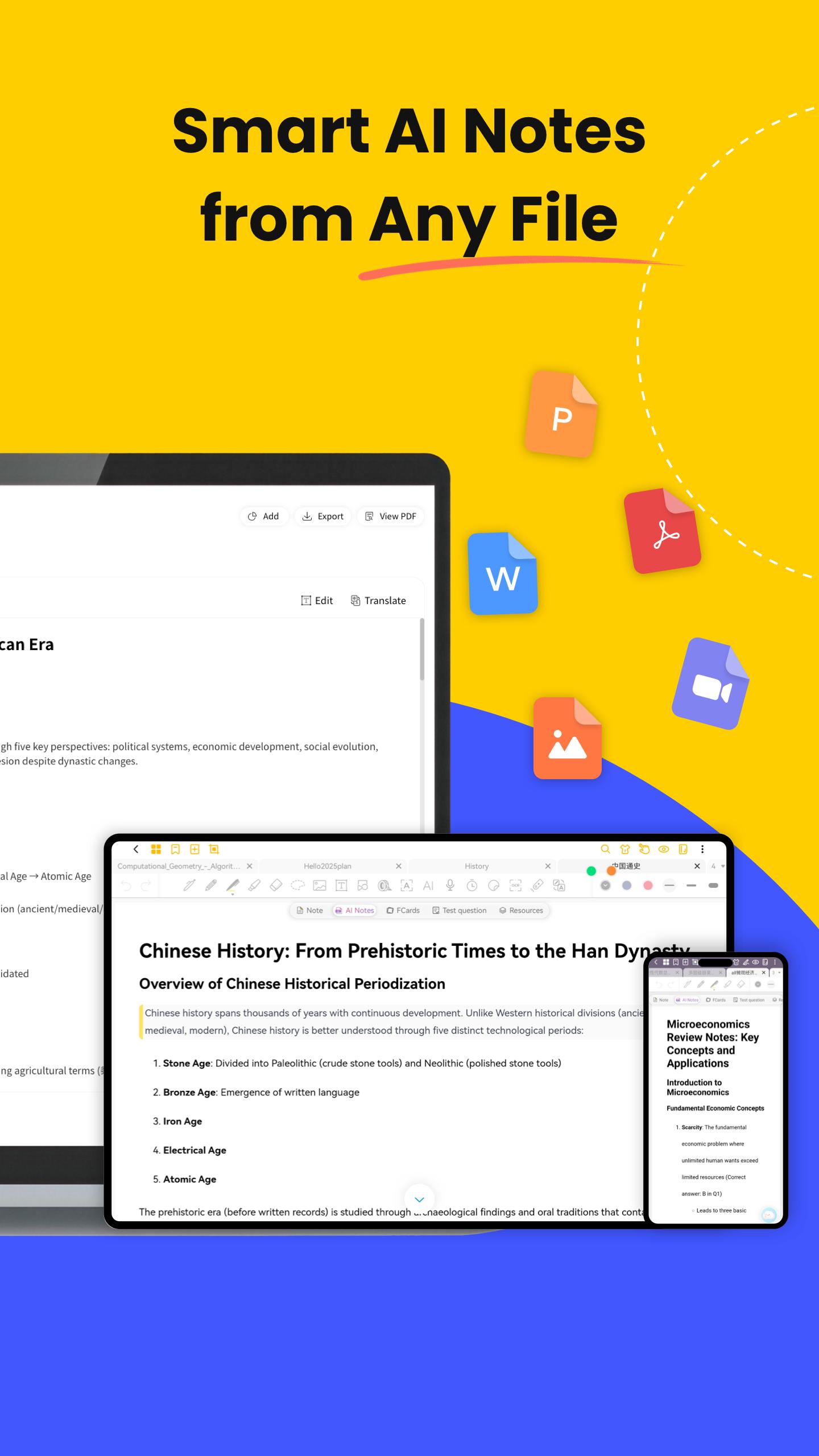
🤖 AI-Powered Notes & Summary
• AI Summary: Quickly generate accurate summaries of your notes.
• AI Flashcards: Turn notes into interactive quizzes with AI highlighting key terms.
• AI Quizzes & Tests: Generate comprehensive quizzes (incl. single-select, multiple-choice, true/false, open-ended questions, case studies) for quick knowledge verification and gap identification.
• Multimodal AI Notes: Generate intelligent notes from documents (PDF, DOCX, PPTX, MD), media files (MP3, MP4, MOV), and images.
📄 PDF Annotation & Editing
• Import PDFs and annotate with a full toolkit.
• Add handwritten notes, comments, and highlights directly on PDFs.
• Multi-Window Support: Use multi-window reading and annotating.
• Convert, translate, copy-paste, and export PDFs easily.
🎨 Extensive Customization Options
• Switch between Dark Mode and Eye-Comfort Mode.
• Choose from various interface themes and styles for notebook personalization.
• Import custom fonts for unique, aesthetic notes.
📚 Rich Note Formats
• Vast Library: Tons of templates, covers, and stickers to make your notes pop.
• Powerful editing tools: stroke modification, auto-shape drawing, image insertion.
• Sync audio recordings with drawings and text for multimedia notes.
🗂️ Efficient Note Management
• Organize notes in multi-level folders.
• Quick search for typed or recognized handwritten content.
• Backup your notes locally for extra security.
Core Uses of Jnotes
🎓 For Students
• Use Cornell Notes templates for structured study notes, college work, and test prep.
• Turn long notes into easy-to-review summaries with AI Summary.
• Automatically create interactive flashcards using AI.
• Annotate, highlight, and write directly on PDFs with ease.
💼 For Professionals
• Grab templates for meeting notes, business reports, and project management.
• Record voice notes during meetings and sync them with handwritten or typed text.
• OCR instantly converts handwriting into searchable, editable text.
🖊️ For Journaling & Planning
• Use Jnotes as a daily planner, personal journal, or creative notebook.
• Enjoy realistic, lag-free handwriting with stylus input.
• Plan everything—from meals to workouts—or sketch your next big idea.
📌 How to Get Help / Stay Connected
📥 Email: Jnotes_offer@jideos.com (Include your Jnotes version, tablet model, screenshot/video, and issue description)
💬 Social Media:
- Instagram: @jnotesapp
- X: @Jnotes_official
- YouTube: @jnotes5711
🚀 Download Jnotes now and transform your Android tablet into the most powerful digital notebook today!
⭐ Loving Jnotes? We'd be thrilled if you left us a 5-star review on the Play Store! Your feedback helps us keep improving!
Preview
Tags
ProductivityInformation
Developer
深圳技德应用技术有限公司
Latest Version
3.5.7-gp
Last Updated
2025-10-29
Category
Productivity
Available on
Google Play
Show More
Cara bermain Jnotes: Note-Taking, AI, PDF dengan GameLoop pada PC
1. Muat turun GameLoop dari laman web rasmi, kemudian jalankan fail exe untuk memasang GameLoop.
2. Buka GameLoop dan cari "Jnotes: Note-Taking, AI, PDF", cari Jnotes: Note-Taking, AI, PDF dalam hasil carian dan klik "Pasang".
3. Nikmati bermain Jnotes: Note-Taking, AI, PDF di GameLoop.
Minimum requirements
OS
Windows 8.1 64-bit or Windows 10 64-bit
GPU
GTX 1050
CPU
i3-8300
Memory
8GB RAM
Storage
1GB available space
Recommended requirements
OS
Windows 8.1 64-bit or Windows 10 64-bit
GPU
GTX 1050
CPU
i3-9320
Memory
16GB RAM
Storage
1GB available space