TV Cast & HD Projector Guide PC
Share Karo - File Transfer , File Manager
Download TV Cast & HD Projector Guide on PC With GameLoop Emulator
TV Cast & HD Projector Guide pada PC
TV Cast & HD Projector Guide, datang daripada pembangun Share Karo - File Transfer , File Manager, sedang berjalan pada sistem Android pada masa lalu.
Kini, Anda boleh bermain TV Cast & HD Projector Guide pada PC dengan GameLoop dengan lancar.
Muat turunnya dalam pustaka GameLoop atau hasil carian. Tiada lagi melihat bateri atau panggilan yang mengecewakan pada masa yang salah lagi.
Hanya nikmati TV Cast & HD Projector Guide PC pada skrin besar secara percuma!
TV Cast & HD Projector Guide Pengenalan
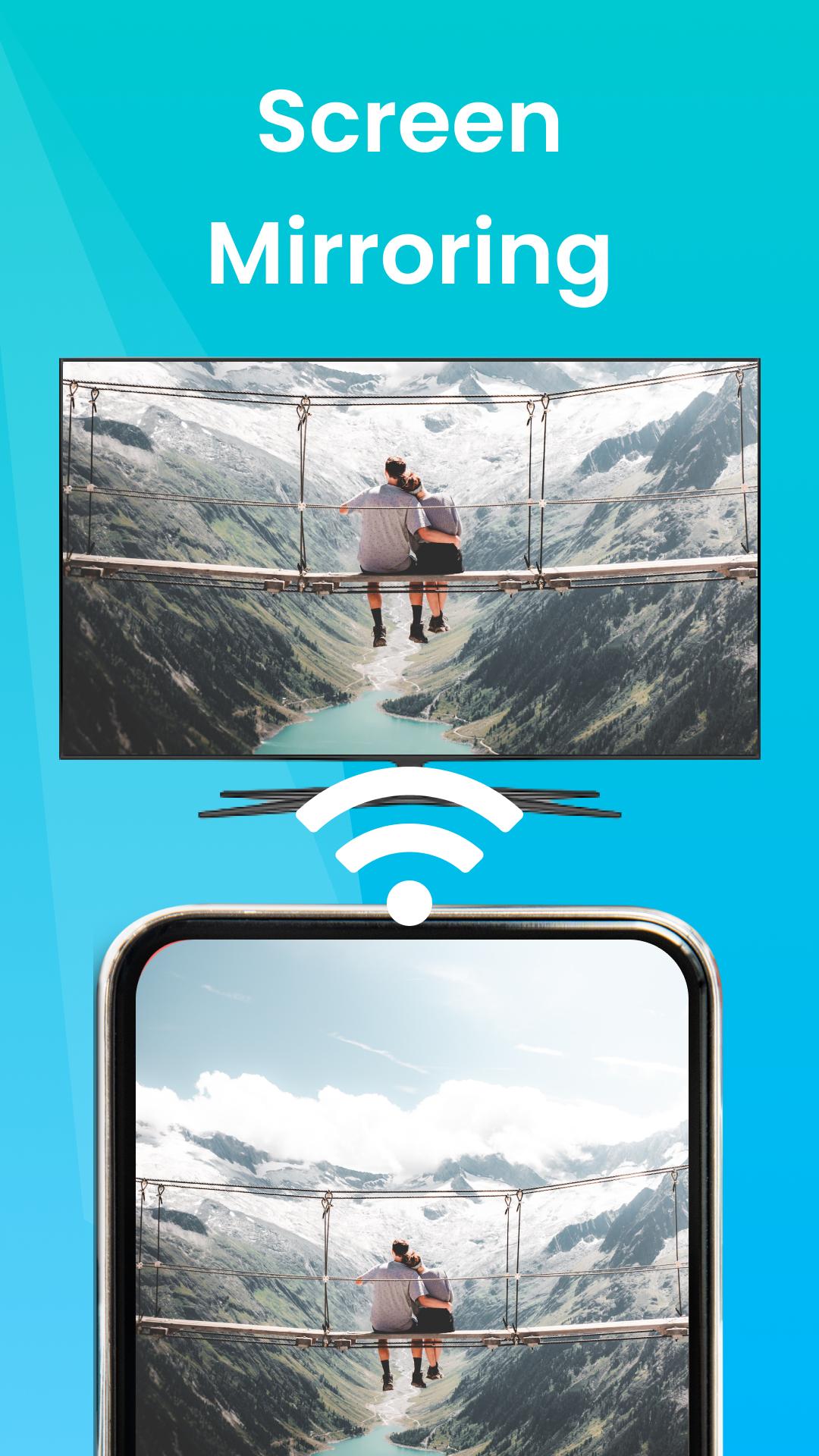
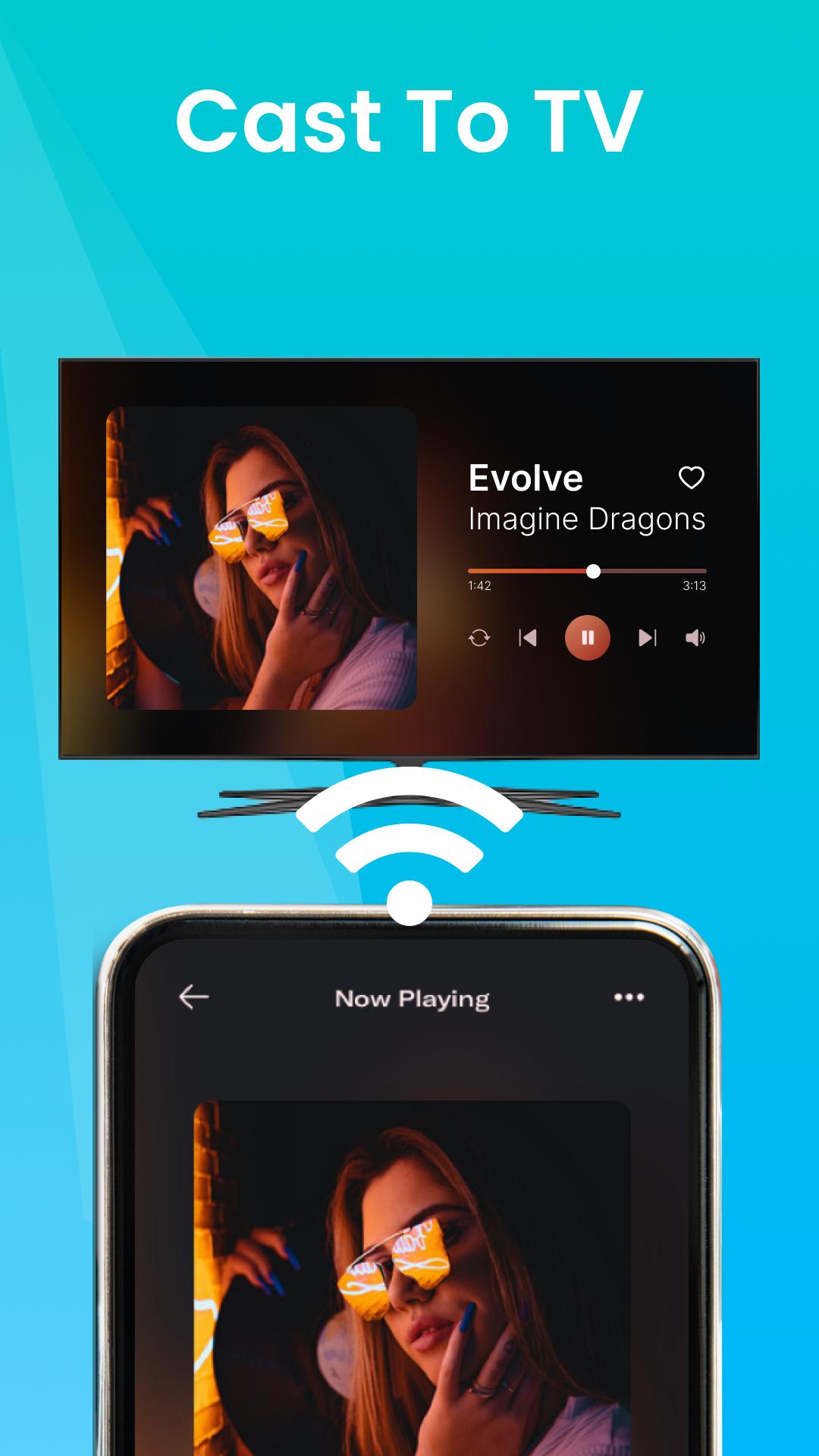
Screen Mirroring: Cast to TV, Mirror your phone screen to a TV
HD Video Screen Mirroring is an app for all devices and tablets to cast of a video from your mobile device. Be it projecting the video from your mobile, windows PC, Laptop or a macbook, This is app which can be used to know how to set up projectors to enjoy a theatre like viewing experience.
screen mirroring: Cast your screen or Cast to TV,
Cast your mobile screen to a nearby TV/projector easily by following simple steps. Just connect TV and phone to the same Wifi network and mirror the phone screen to a big TV or projector.
Latest Projectors to Buy
In the Projector Guide and Screen Cast, we have provided the list as well as the buying links of the best projectors in the market currently. As the technology in this space gets better, we will be updating the list and also provide which projectors are best suited for your needs
Preview
Tags
ProductivityInformation
Developer
Share Karo - File Transfer , File Manager
Latest Version
3.2
Last Updated
2023-08-04
Category
Productivity
Available on
Google Play
Show More
Cara bermain TV Cast & HD Projector Guide dengan GameLoop pada PC
1. Muat turun GameLoop dari laman web rasmi, kemudian jalankan fail exe untuk memasang GameLoop.
2. Buka GameLoop dan cari "TV Cast & HD Projector Guide", cari TV Cast & HD Projector Guide dalam hasil carian dan klik "Pasang".
3. Nikmati bermain TV Cast & HD Projector Guide di GameLoop.
Minimum requirements
OS
Windows 8.1 64-bit or Windows 10 64-bit
GPU
GTX 1050
CPU
i3-8300
Memory
8GB RAM
Storage
1GB available space
Recommended requirements
OS
Windows 8.1 64-bit or Windows 10 64-bit
GPU
GTX 1050
CPU
i3-9320
Memory
16GB RAM
Storage
1GB available space