Battery Widget PC
Hairy Robot
Download Battery Widget on PC With GameLoop Emulator
Battery Widget pada PC
Battery Widget, datang daripada pembangun Hairy Robot, sedang berjalan pada sistem Android pada masa lalu.
Kini, Anda boleh bermain Battery Widget pada PC dengan GameLoop dengan lancar.
Muat turunnya dalam pustaka GameLoop atau hasil carian. Tiada lagi melihat bateri atau panggilan yang mengecewakan pada masa yang salah lagi.
Hanya nikmati Battery Widget PC pada skrin besar secara percuma!
Battery Widget Pengenalan
Important: On Android 8.0 (API level 26) or above, the app may not works due to "Background execution limits" introduced in Oreo to improve battery life.
To overcome this, follow below steps:
(1) goto the "App info" screen
(2) then select "Battery > Battery optimization"
(3) set filter "All apps"
(4) locate and select Battery Widget
(5) select "Don't optimize", then "DONE"
(6) restart app to confirm is working
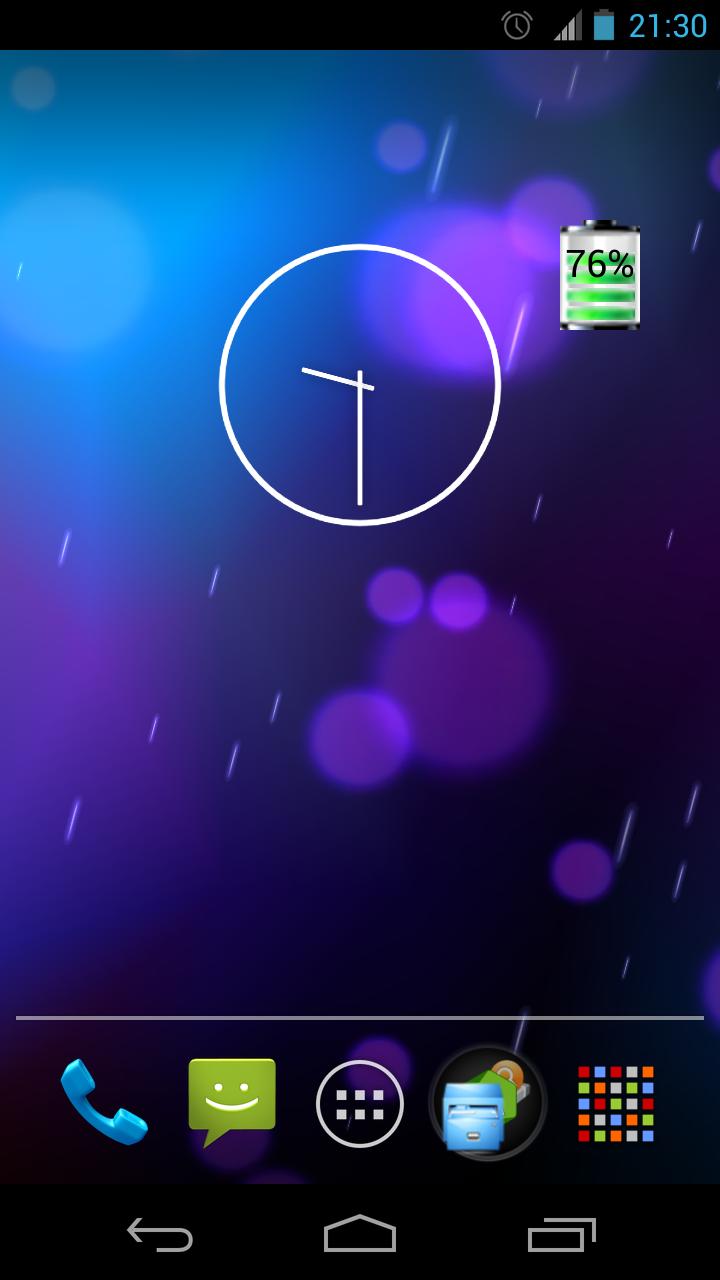
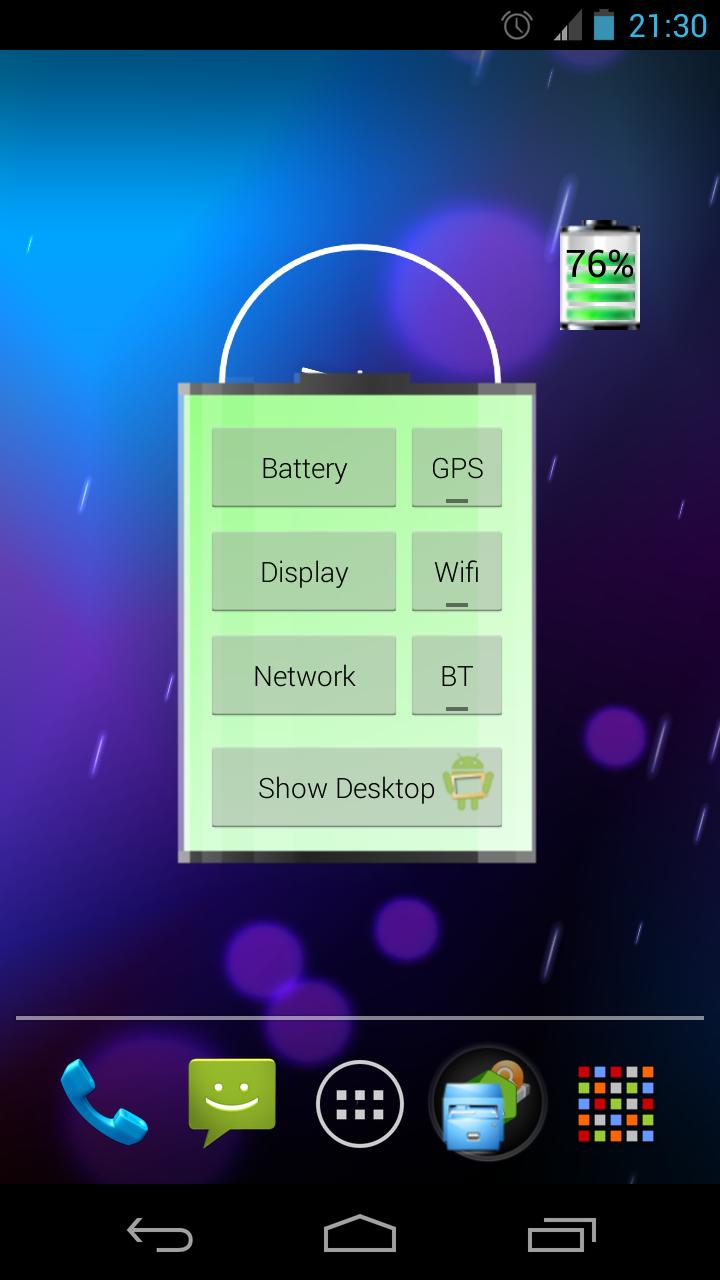
Graphical Battery Widget shows the exact battery level in 1x1 space, with shortcuts to Power-Summary/Display/Network/GPS/Wifi/BT Settings and 'Show Desktop' feature to shows your wallpaper/live-wallpaper in full screen.
Note:
This doesn't open, it is a Widget not an app. Add on homescreen with
Menu -> Add -> Widgets -> Battery Widget or
Apps -> Widgets -> Battery Widget
Permissions:
The permissions requested by the application can be quite intimidating, they are needed for quick access to various power settings. The application does not access/transmit device location information.
The code is open source and available on github: https://github.com/HairyRobot/BatteryWidget-gyu
Preview
Information
Developer
Hairy Robot
Latest Version
1.0.0
Last Updated
2014-08-21
Category
Productivity
Available on
Google Play
Show More
Cara bermain Battery Widget dengan GameLoop pada PC
1. Muat turun GameLoop dari laman web rasmi, kemudian jalankan fail exe untuk memasang GameLoop.
2. Buka GameLoop dan cari "Battery Widget", cari Battery Widget dalam hasil carian dan klik "Pasang".
3. Nikmati bermain Battery Widget di GameLoop.
Minimum requirements
OS
Windows 8.1 64-bit or Windows 10 64-bit
GPU
GTX 1050
CPU
i3-8300
Memory
8GB RAM
Storage
1GB available space
Recommended requirements
OS
Windows 8.1 64-bit or Windows 10 64-bit
GPU
GTX 1050
CPU
i3-9320
Memory
16GB RAM
Storage
1GB available space