Flowchart Studio PC
Bianca's House
Download Flowchart Studio on PC With GameLoop Emulator
Flowchart Studio pada PC
Flowchart Studio, datang daripada pembangun Bianca's House, sedang berjalan pada sistem Android pada masa lalu.
Kini, Anda boleh bermain Flowchart Studio pada PC dengan GameLoop dengan lancar.
Muat turunnya dalam pustaka GameLoop atau hasil carian. Tiada lagi melihat bateri atau panggilan yang mengecewakan pada masa yang salah lagi.
Hanya nikmati Flowchart Studio PC pada skrin besar secara percuma!
Flowchart Studio Pengenalan
Designed for anyone wanting to design a process, or a complex algorithm, such as planning the "edge cases" of a UI.
The Flowchart is reborn with the new simple Standard Notation.
Add and Move steps with drag n drop. For those users who prefer not to drag their fingers across their tablet's screen, the user-interface also works equally well with Point-n-Tap.
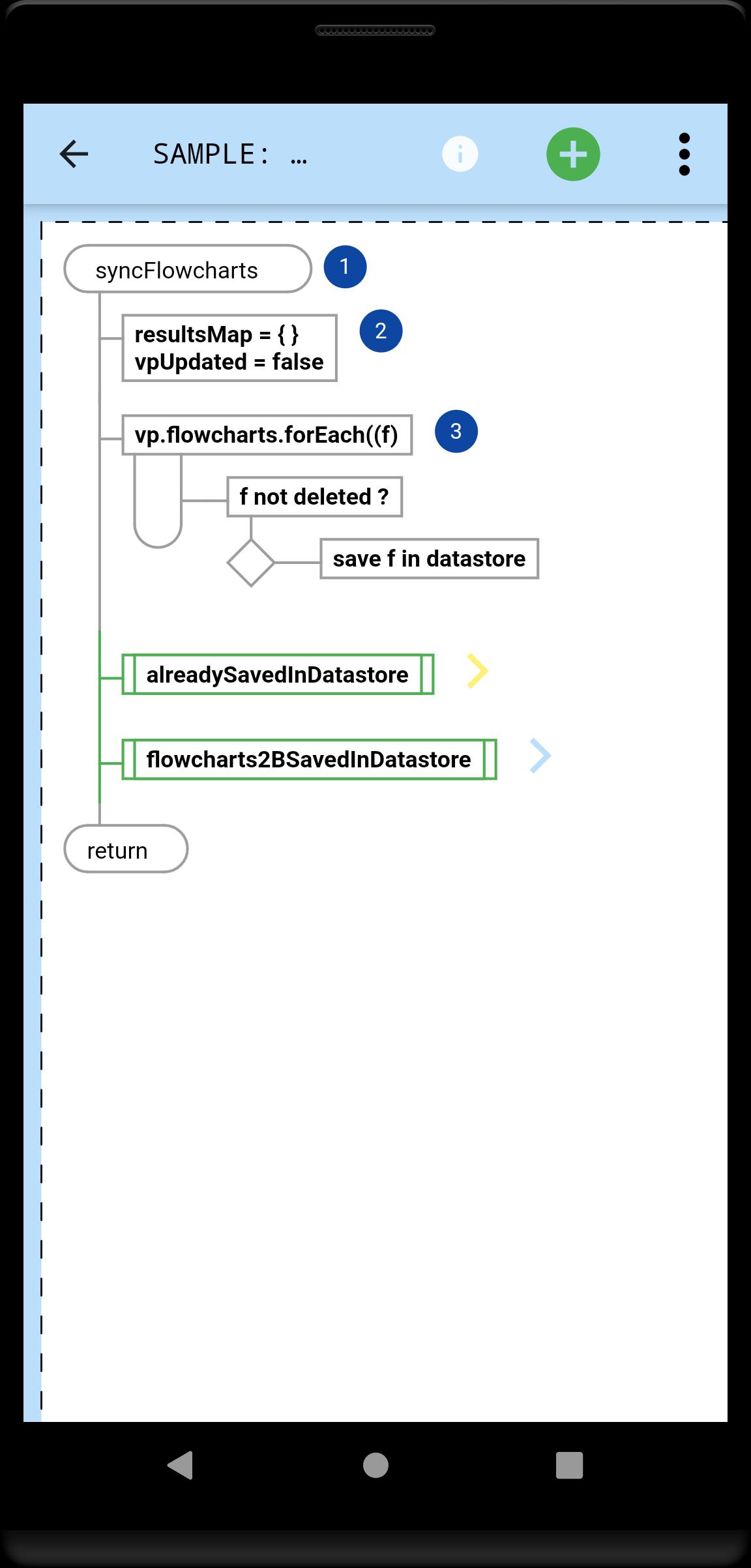
You tell the app which steps, and their order: it draws the perfect flowchart.
A Flowchart is a tree of Steps. Coders will instantly be familiar with any flowchart, because they now flow just like their code.
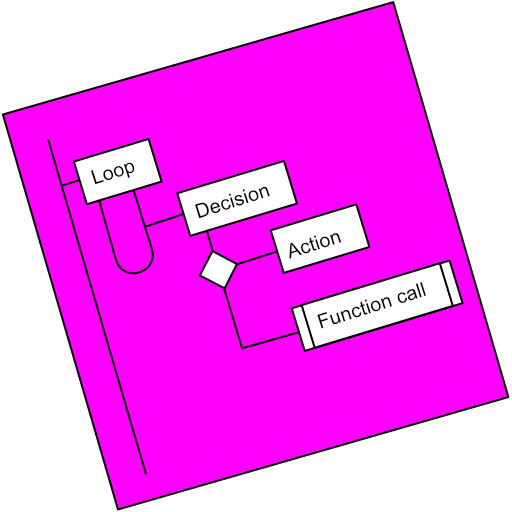
A Step is either a Loop, a Decision or an Action (or Async Action for coders).
Flowcharts can be linked (Function Call steps).
Every step can be annotated with Text and an Image.
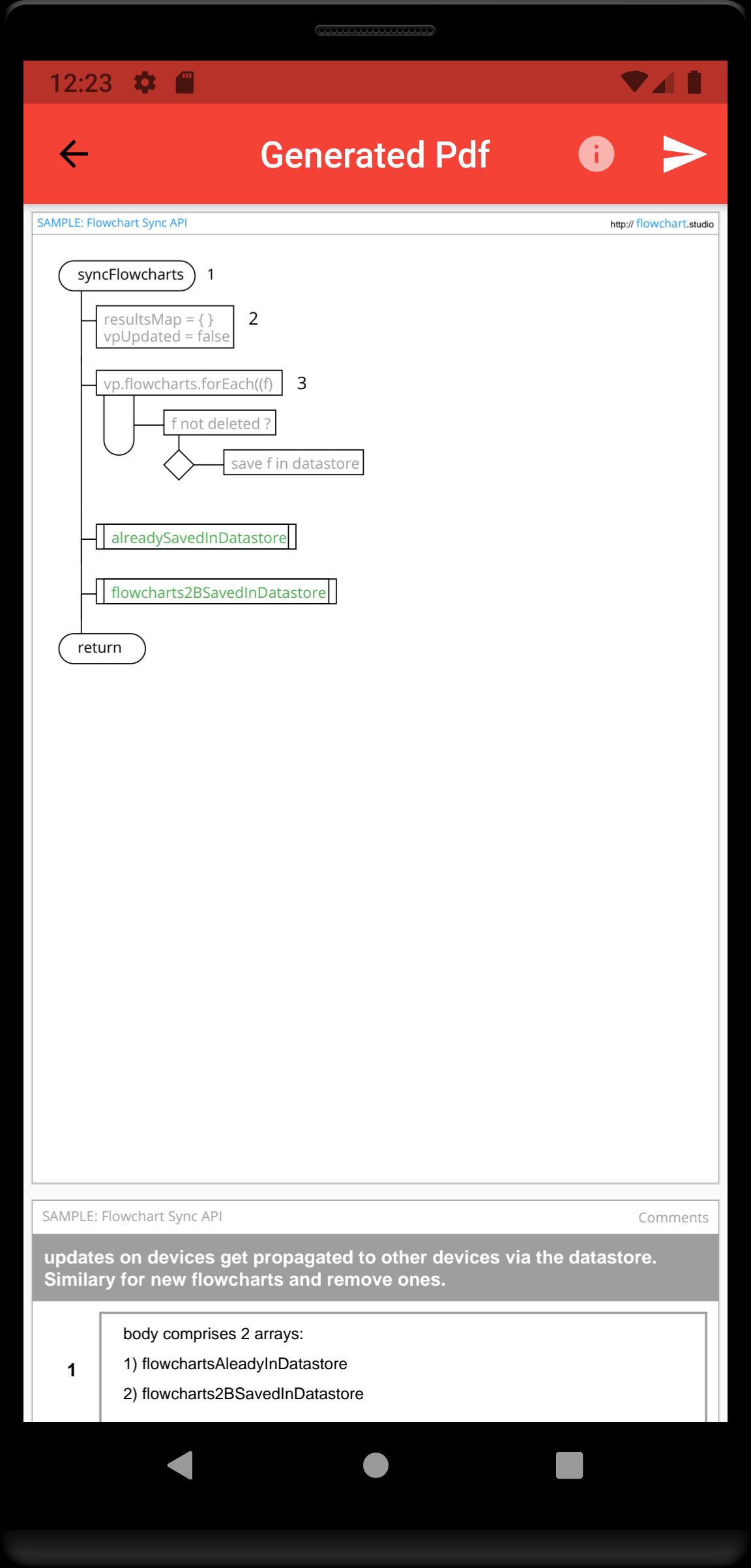
Your step annotations get collated and added to your generated Pdfs.
Your flowcharts are saved on your device, and can be sync'd to our Cloud, allowing you to access them from all your devices.
Preview
Tags
ProductivityInformation
Developer
Bianca's House
Latest Version
1.0.0
Last Updated
2022-01-23
Category
Productivity
Available on
Google Play
Show More
Cara bermain Flowchart Studio dengan GameLoop pada PC
1. Muat turun GameLoop dari laman web rasmi, kemudian jalankan fail exe untuk memasang GameLoop.
2. Buka GameLoop dan cari "Flowchart Studio", cari Flowchart Studio dalam hasil carian dan klik "Pasang".
3. Nikmati bermain Flowchart Studio di GameLoop.
Minimum requirements
OS
Windows 8.1 64-bit or Windows 10 64-bit
GPU
GTX 1050
CPU
i3-8300
Memory
8GB RAM
Storage
1GB available space
Recommended requirements
OS
Windows 8.1 64-bit or Windows 10 64-bit
GPU
GTX 1050
CPU
i3-9320
Memory
16GB RAM
Storage
1GB available space