Find MyHeadset™ PC
Plantronics Inc.
Download Find MyHeadset™ on PC With GameLoop Emulator
Find MyHeadset™ pada PC
Find MyHeadset™, datang daripada pembangun Plantronics Inc., sedang berjalan pada sistem Android pada masa lalu.
Kini, Anda boleh bermain Find MyHeadset™ pada PC dengan GameLoop dengan lancar.
Muat turunnya dalam pustaka GameLoop atau hasil carian. Tiada lagi melihat bateri atau panggilan yang mengecewakan pada masa yang salah lagi.
Hanya nikmati Find MyHeadset™ PC pada skrin besar secara percuma!
Find MyHeadset™ Pengenalan
Tired of searching for your misplaced Plantronics headset or wondering how much charge is available on your headset’s battery?
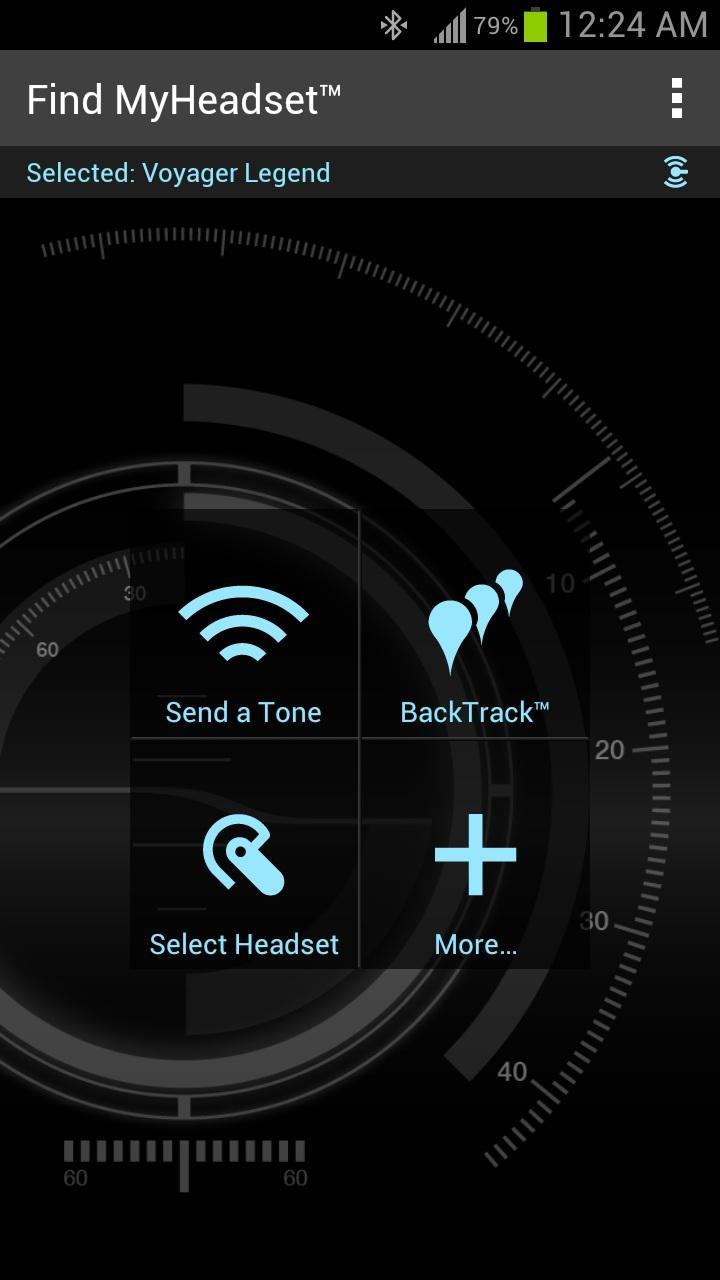
Most headsets are found under car seats, in pockets, or on a messy desk. For less obvious locations, acoustically locate your headset by sending it a tone so you can hear where it’s hiding. If your headset is out of Bluetooth® range (33ft/10m), or is powered off, then try the BackTrack™ activity log that maps where it was last in use.
How to find your headset:
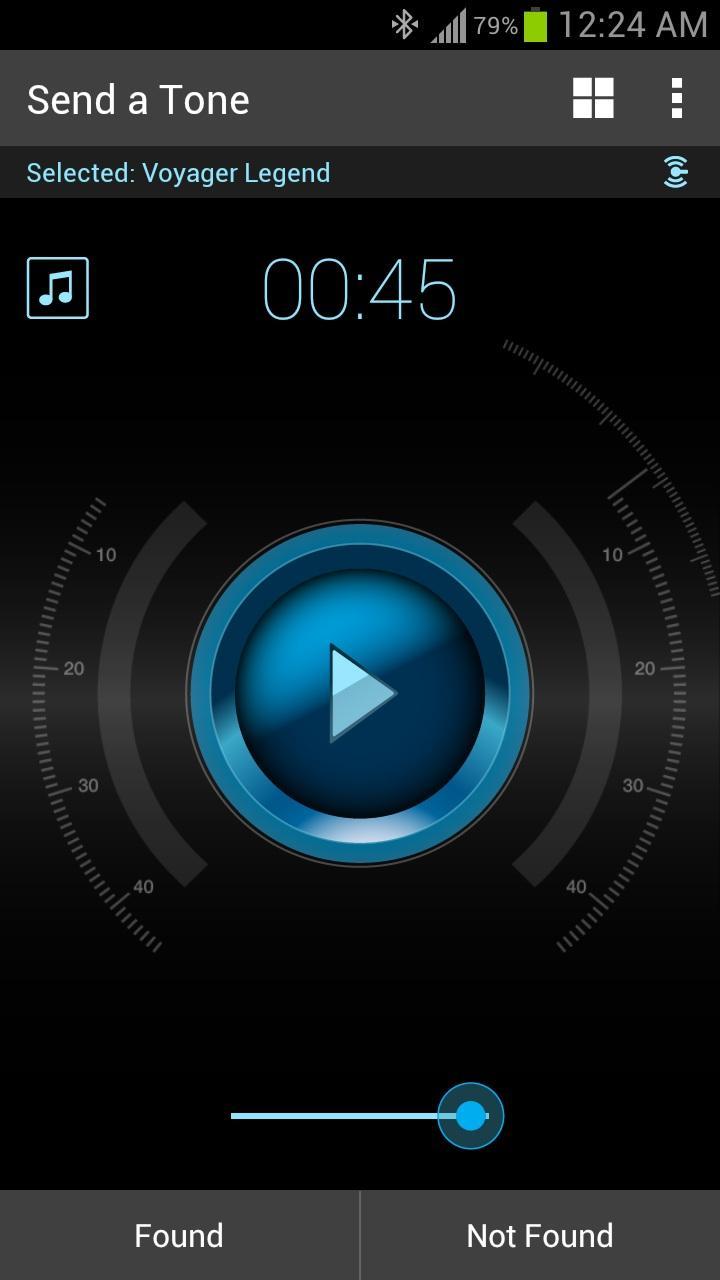
• SEND A TONE: If you think your headset is powered on and within 33ft/10m of your phone, play a sound file through your headset and hear it tell you where it is. You can increase the volume or select an alternate tone from the library to improve your chances of hearing your headset. (Your media audio settings on your phone must be enabled.)
• TRACK IT: If you think your headset is powered off or too far away, review its recent activity on a time-stamped map to discover where your headset was last used. (Your GPS location services on your phone must be enabled.)
BONUS Battery Meter:
If your phone/tablet is running Android OS 3.X, 4.0.X, 4.1.X, 4.2.2*, 4.3 or 4.4 and it is paired and connected to any of the following Plantronics headsets, an on-screen headset battery meter icon will appear in your device’s Status Bar and a talk-time estimate for your headset will be included in your Notifications list. Compatible headsets include:
Voyager Edge
Voyager Edge UC
Voyager Legend
Voyager Legend UC
Voyager PRO HD
Voyager PRO UC
Marque 2 M165
Marque 2 M180
Marque 2 A170
Marque M155
Savor M1100
Explorer 10
Explorer 50
M90 Series
M70 Series
M55
M25 Series
BackBeat FIT
BackBeat PRO
BackBeat GO
BackBeat GO2
Blackwire C710/C720
*NOTE – Battery status is not available for the following Android versions. However, all other features of the Find MyHeadset app will work with those phones/tablets:
• Samsung Galaxy S4 phones running Android OS 4.2.2
• Any phones/tablets running below Android OS 3.0
• Any phone or tablet running Android OS 4.2 or 4.2.1
• Some phones or tablets running Android OS 4.4
Support & Feedback:
NEED MORE HELP? For technical support or questions, visit http://www.plantronics.com/us/support/
SHARE YOUR IDEAS: We love hearing your feedback. Email us at MobileSupport@plantronics.com
Preview
Information
Developer
Plantronics Inc.
Latest Version
1.3
Last Updated
2015-03-31
Category
Productivity
Available on
Google Play
Show More
Cara bermain Find MyHeadset™ dengan GameLoop pada PC
1. Muat turun GameLoop dari laman web rasmi, kemudian jalankan fail exe untuk memasang GameLoop.
2. Buka GameLoop dan cari "Find MyHeadset™", cari Find MyHeadset™ dalam hasil carian dan klik "Pasang".
3. Nikmati bermain Find MyHeadset™ di GameLoop.
Minimum requirements
OS
Windows 8.1 64-bit or Windows 10 64-bit
GPU
GTX 1050
CPU
i3-8300
Memory
8GB RAM
Storage
1GB available space
Recommended requirements
OS
Windows 8.1 64-bit or Windows 10 64-bit
GPU
GTX 1050
CPU
i3-9320
Memory
16GB RAM
Storage
1GB available space