EasyNotes: Notes, Memo & Lists PC
QR Scanner & QR Code Generator & Radio & Notes
Download EasyNotes: Notes, Memo & Lists on PC With GameLoop Emulator
EasyNotes: Notes, Memo & Lists pada PC
EasyNotes: Notes, Memo & Lists, datang daripada pembangun QR Scanner & QR Code Generator & Radio & Notes, sedang berjalan pada sistem Android pada masa lalu.
Kini, Anda boleh bermain EasyNotes: Notes, Memo & Lists pada PC dengan GameLoop dengan lancar.
Muat turunnya dalam pustaka GameLoop atau hasil carian. Tiada lagi melihat bateri atau panggilan yang mengecewakan pada masa yang salah lagi.
Hanya nikmati EasyNotes: Notes, Memo & Lists PC pada skrin besar secara percuma!
EasyNotes: Notes, Memo & Lists Pengenalan
Create notes, memos and lists with the best note-taking app for Android!
Easy Notes is built for simple, everyday note taking. Capture quick notes, shopping lists, reminders and ideas in seconds, all in one place.
Make everyday note taking simple and personal. Write quick notes and checklists, add photos or voice memos, and customize your notebook with colorful backgrounds, fonts and themes. From organizing notes with categories to keeping them on your home screen with widgets, Easy notepad fits the way you like to record your life.
Easy Notes Features
📒 Notepad free and notebook free for note-taking apps
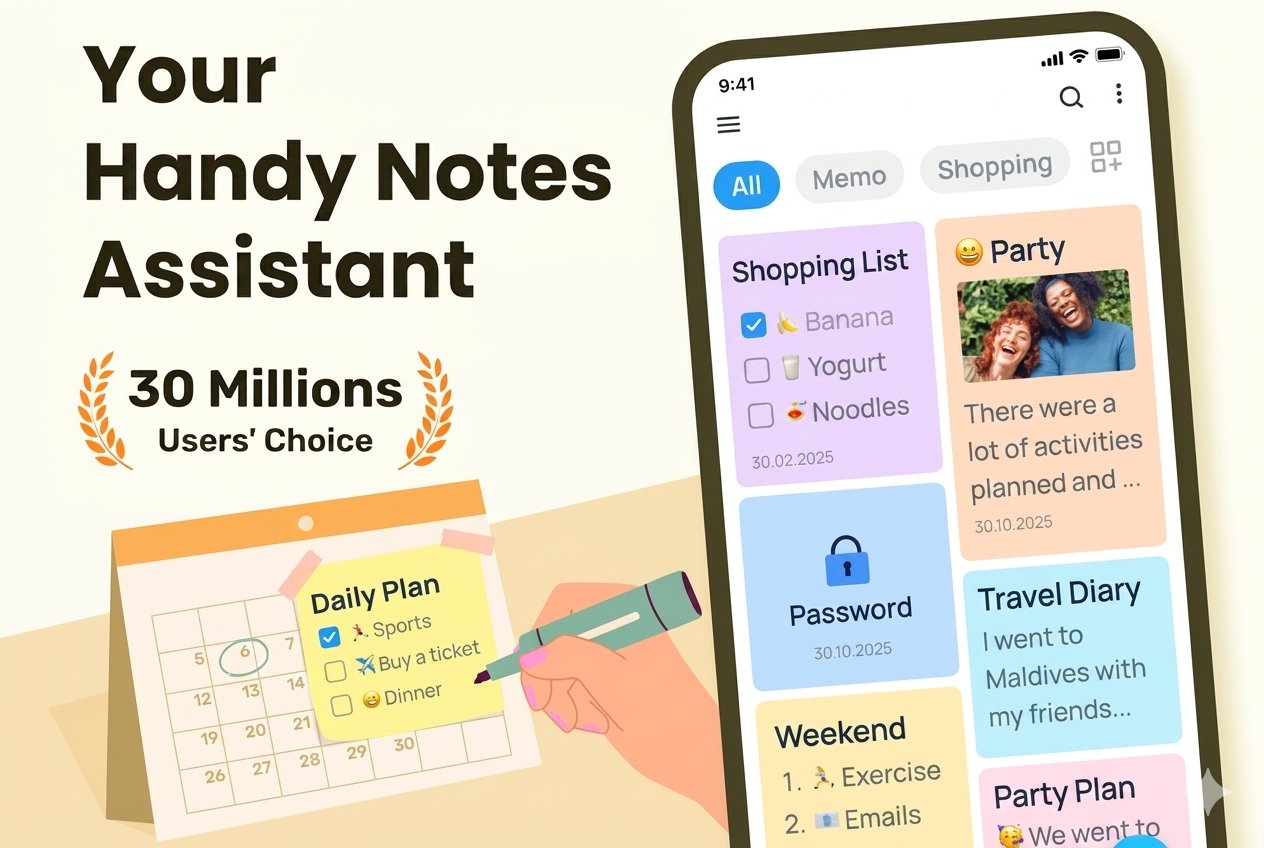
🖼 Photo notes, voice memos, sticky notes widget
📌 Pin memos, goodnotes and view them with notes widget
🗓 Sort notepad,note book by time
🗂 Organize notepad by color, category, tags
📥 Save notes automatically when take notes
📋 Take checklist and memo with calendar
✍️ Draw in this note taking app for students
⬆️ Cloud sync and local backup to keep notes safe
🛎 Set up notes reminders in notepad & notebook
📅 Calendar notes writer for good note taker
🔐 Lock notes and keep notes as a personal note app
🎨 Make color sticky notes on tablet and phone
👀 Sticky notes free and view notebook by sticky note widget
Notebook, Notas, Free Notes App
Simple Note Taking for Daily Life
Easy Notes is a good note taking apps for notebooks. No complicated workspace or heavy setup. Just open your notepad, write what you need, and organize it in a way that makes sense to you.
Create a quick memo when an idea appears. Make a grocery list before shopping. Save a photo inside a note. Record a voice memo when typing is inconvenient. Pin an important note, add a sticky notes widget to your home screen, or set a reminder in Notepad for something you cannot miss.
Draw & Write by Hand
Add simple doodles, sketches and handwritten notes to your powful notepad. Choose from different pens, colors, and templates to capture ideas in a more visual way. Easy Notes is designed for quick everyday drawing and handwriting, rather than complex professional note taking apps.
Easy Note Organization with Categories
Make notes for school, work, or other usage scenarios. This easy note pad, note taking apps, good notes app help you categorize notes into different tabs. Manage your notes more efficiently and easily.
Home Screen Notes & Sticky Notes Widget
Keep your sticky notes right on your home screen with Easy Notes widgets. View important notes, memos and checklists without opening the app, or quickly jump back into your notebook when you need to write something down.
Personalized Notes & Notebook
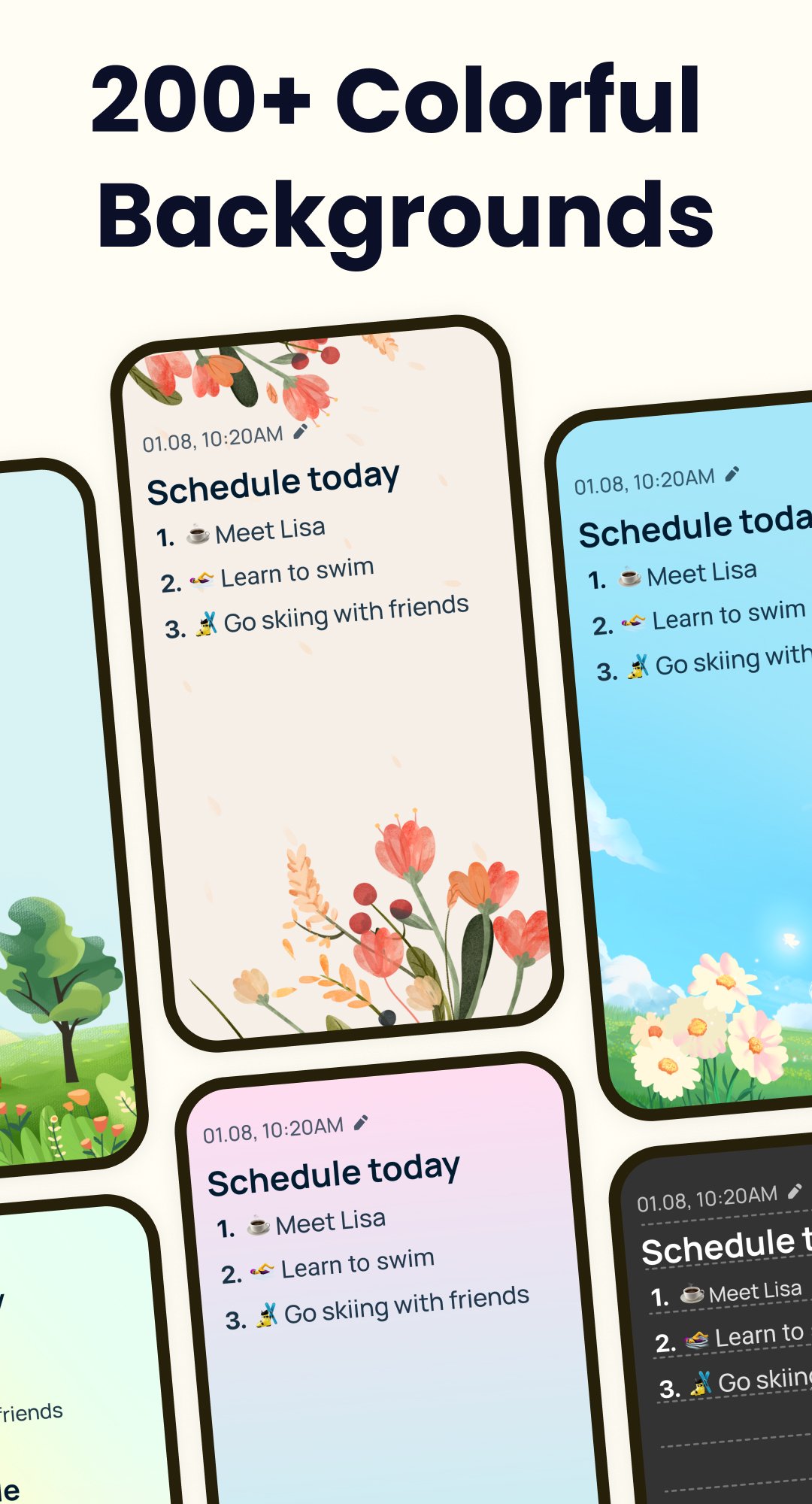
Easy Notes is a good notes widget app that supports color notes writers. Choose different notas backgrounds, note colors, fonts and sticky note widget styles to create a notebook that matches your style. Use bright sticky notes、good notes app for reminders, or simple backgrounds for work and school notes!
Calendar Notes & Daily Planning
Use this note pad to view your memos and quick notes in calendar note app mode. Note taking apps help to write notes, memos or organize notes in the form of a calendar. In a word, you can notetaking anytime and anywhere.
Cloud Sync & Local Backup
Easy Notes can sync notes between tablet and phone through Google Drive. Never worry about losing notes and memo. Easy to share notes, images, and voice memo to others.
Private Notes & Note Lock
Lock notepad helps keep notes app private with passwords. Note writer with lockers protect one note pad or the entire notes category to keep all good notes app safe.
Easy to start. Easy to organize. Made for everyday life. Easy Notes brings notes, memos, checklists, sticky notes and everyday organization together in one simple, personal and easy-to-use notebook free app.
Any issues, mail us via easynotes@guloolootech.com
Thank you for using Notepad, Notebook, Note taking apps, Free Note widget App.
Preview
Tags
ProductivityInformation
Developer
QR Scanner & QR Code Generator & Radio & Notes
Latest Version
1.3.60.0828
Last Updated
2026-09-08
Category
Productivity
Available on
Google Play
Show More
Cara bermain EasyNotes: Notes, Memo & Lists dengan GameLoop pada PC
1. Muat turun GameLoop dari laman web rasmi, kemudian jalankan fail exe untuk memasang GameLoop.
2. Buka GameLoop dan cari "EasyNotes: Notes, Memo & Lists", cari EasyNotes: Notes, Memo & Lists dalam hasil carian dan klik "Pasang".
3. Nikmati bermain EasyNotes: Notes, Memo & Lists di GameLoop.
Minimum requirements
OS
Windows 8.1 64-bit or Windows 10 64-bit
GPU
GTX 1050
CPU
i3-8300
Memory
8GB RAM
Storage
1GB available space
Recommended requirements
OS
Windows 8.1 64-bit or Windows 10 64-bit
GPU
GTX 1050
CPU
i3-9320
Memory
16GB RAM
Storage
1GB available space