
Resize Camera PC
Neon Infinity Studio
Download Resize Camera on PC With GameLoop Emulator
Resize Camera pada PC
Resize Camera, datang daripada pembangun Neon Infinity Studio, sedang berjalan pada sistem Android pada masa lalu.
Kini, Anda boleh bermain Resize Camera pada PC dengan GameLoop dengan lancar.
Muat turunnya dalam pustaka GameLoop atau hasil carian. Tiada lagi melihat bateri atau panggilan yang mengecewakan pada masa yang salah lagi.
Hanya nikmati Resize Camera PC pada skrin besar secara percuma!
Resize Camera Pengenalan
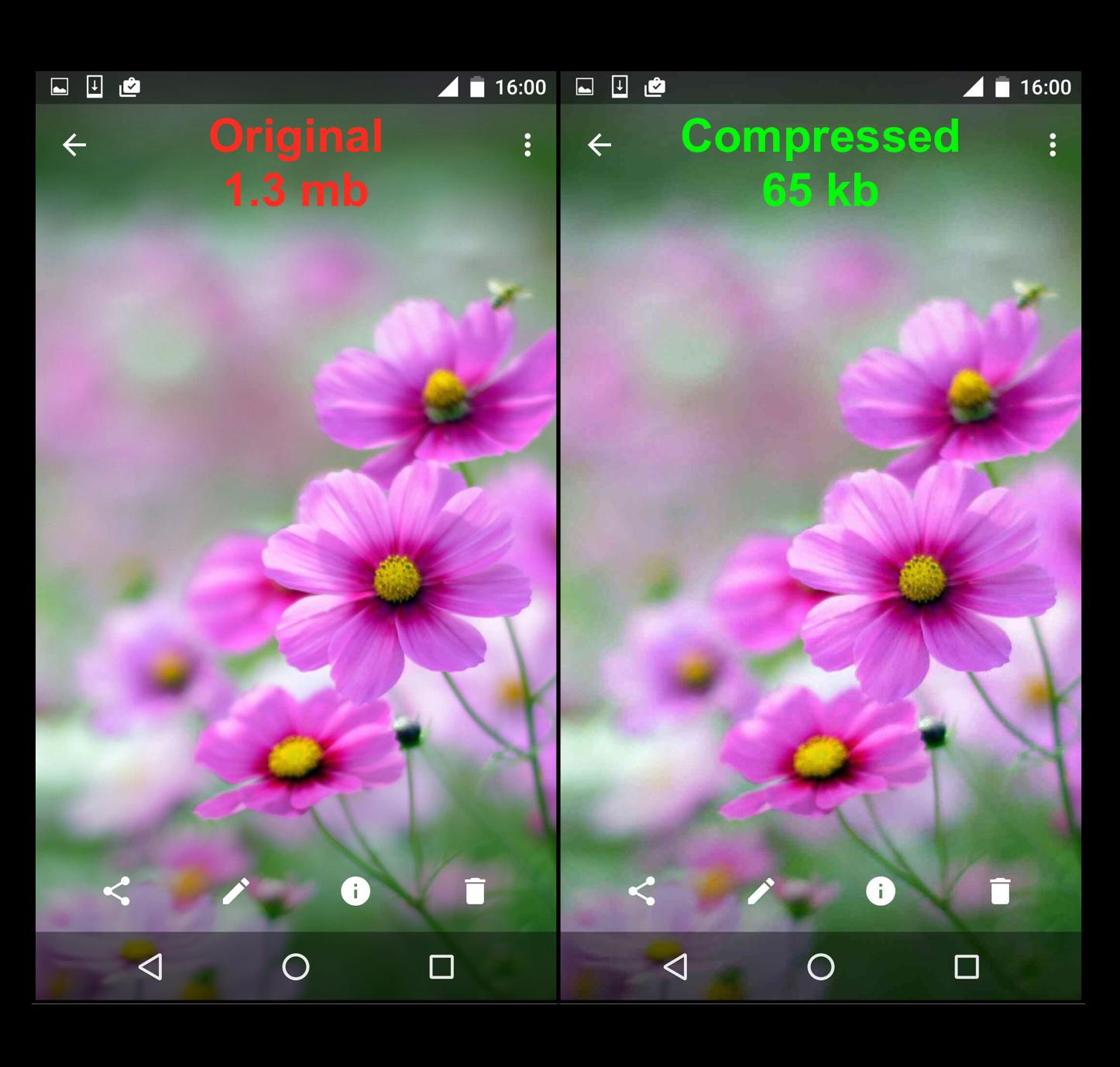
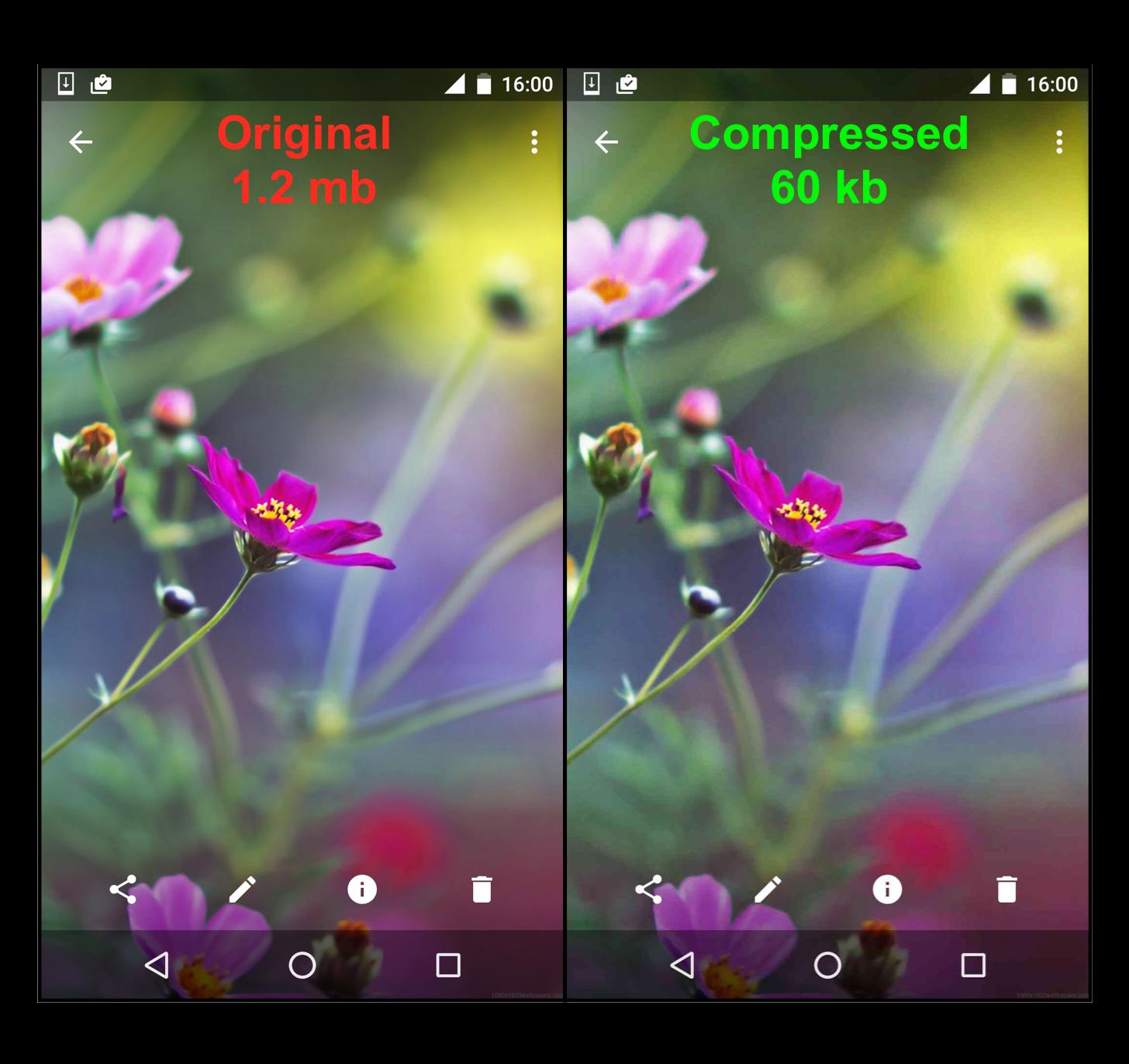
Resize Camera is a perfect solution to help saving storage of your phone to 10 times by minimising your photo to the smallest size with a very small effect to the quality of your photos. The app is an intermediary app connecting to all other camera applications on your phone which allow you selfie with any favourite camera applications.
By compressing size of the taken pictures/videos, the app provides a Mb-to-Kb solution to your phone which will save a lot of storage memory. Thus, you can have more photos, increase the working efficiency for your phone to 10 times, and have more space for other applications.
Simple, easy, and effective you do not need to spend money to buy an expensive phone to get more storage, and stop being frustrated whenever your phone gets warning message of low storage.
If you're a selfie person, you don't want to miss us. Download Resize Camera now to improve the capacity storage of your phone.
Preview
Tags
PhotographyInformation
Developer
Neon Infinity Studio
Latest Version
1.6.4
Last Updated
2019-03-10
Category
Photography
Available on
Google Play
Show More
Cara bermain Resize Camera dengan GameLoop pada PC
1. Muat turun GameLoop dari laman web rasmi, kemudian jalankan fail exe untuk memasang GameLoop.
2. Buka GameLoop dan cari "Resize Camera", cari Resize Camera dalam hasil carian dan klik "Pasang".
3. Nikmati bermain Resize Camera di GameLoop.
Minimum requirements
OS
Windows 8.1 64-bit or Windows 10 64-bit
GPU
GTX 1050
CPU
i3-8300
Memory
8GB RAM
Storage
1GB available space
Recommended requirements
OS
Windows 8.1 64-bit or Windows 10 64-bit
GPU
GTX 1050
CPU
i3-9320
Memory
16GB RAM
Storage
1GB available space