
PhotoRoom Photo Editor Pro PC
OpenSoft Light Lab
Download PhotoRoom Photo Editor Pro on PC With GameLoop Emulator
PhotoRoom Photo Editor Pro pada PC
PhotoRoom Photo Editor Pro, datang daripada pembangun OpenSoft Light Lab, sedang berjalan pada sistem Android pada masa lalu.
Kini, Anda boleh bermain PhotoRoom Photo Editor Pro pada PC dengan GameLoop dengan lancar.
Muat turunnya dalam pustaka GameLoop atau hasil carian. Tiada lagi melihat bateri atau panggilan yang mengecewakan pada masa yang salah lagi.
Hanya nikmati PhotoRoom Photo Editor Pro PC pada skrin besar secara percuma!
PhotoRoom Photo Editor Pro Pengenalan
Adobe Photoshop PhotoRoom Pro is a free, powerful photo editor and camera app that empowers your photography, helping you capture and edit stunning images.
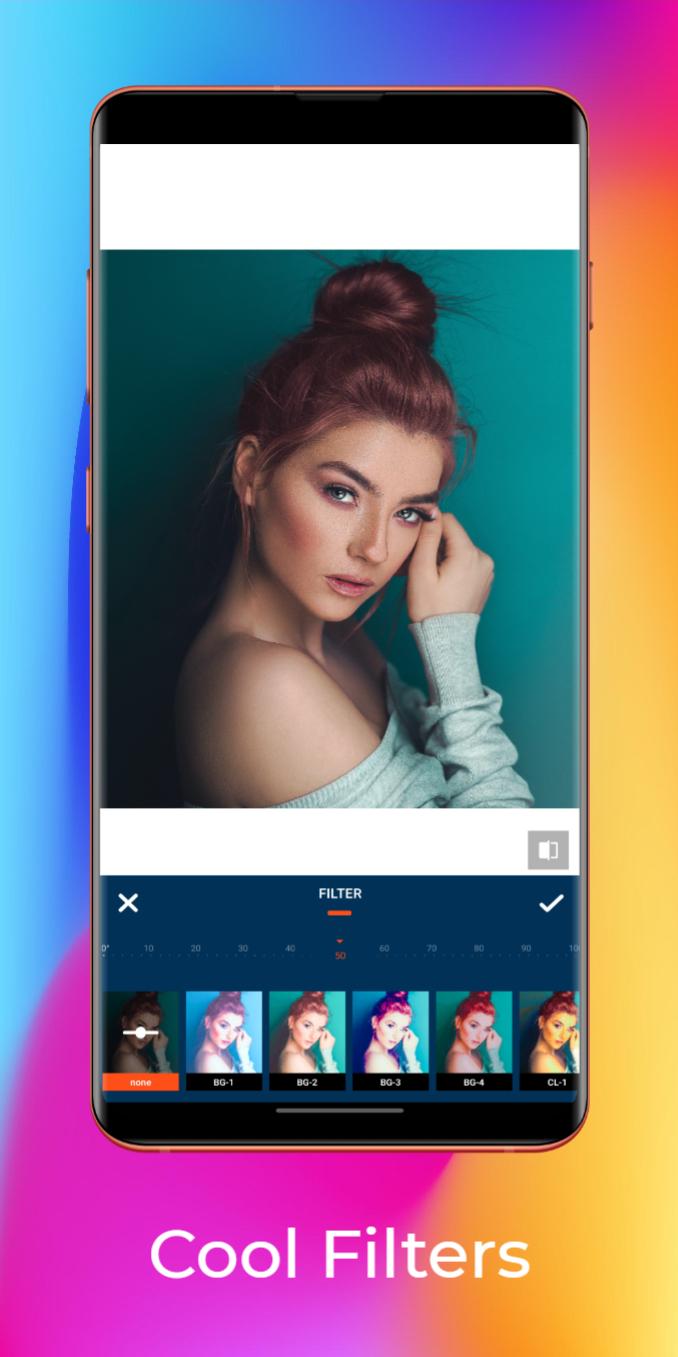
Easy image editing tools like sliders and filters for pictures simplify photo editing. Remove or erase the background of photos, use templates and create your content. Retouch full-resolution photos, apply photo filters or start photo editing wherever you are.
With Photo Room Pro, you can turn your photos into pro-quality content in seconds.
The app crops objects and people in your picture, automatically. With one tap, remove the background and create stand-out content that showcases a product or person. Edit the image, add text or a logo, stickers, make collages to make it even easier. It's like having a whole Adobe photography and design studio in your pocket!
✔ What you can create:
✔ Product content for e-commerce & marketplaces like Poshmark, Shopify, eBay, Etsy, Facebook marketplace, or Depop.
✔ Portrait photography and profile pics for business or social
✔ Official photos for your Passport, ID, or Driving License
✔ Covers for Youtube, Instagram, and Facebook
✔ Instagram Stories to promote you or your business
✔ Fun collages and stickers
PhotoRoom for Creators
Promote you and your business on social by easily creating templates for Youtube or Podcast covers, and Facebook, Instagram, or Pinterest content.
😍 More Coolest Features:
- Neon Photo Effects and Spirals
- Adjust Tool
- Splash Effect Tool
- Makeup Tool
- Beauty Tool
- Layout Tool
- Blur Tool
- Square Blur Tool
- Colored Tool
- Radius Tool
- Ratio Tool
- Padding Tool
- Square Splash Tool
- Mosaic Tool
- Gradient Tool
- Add Stickers Tool
- Replace Tool
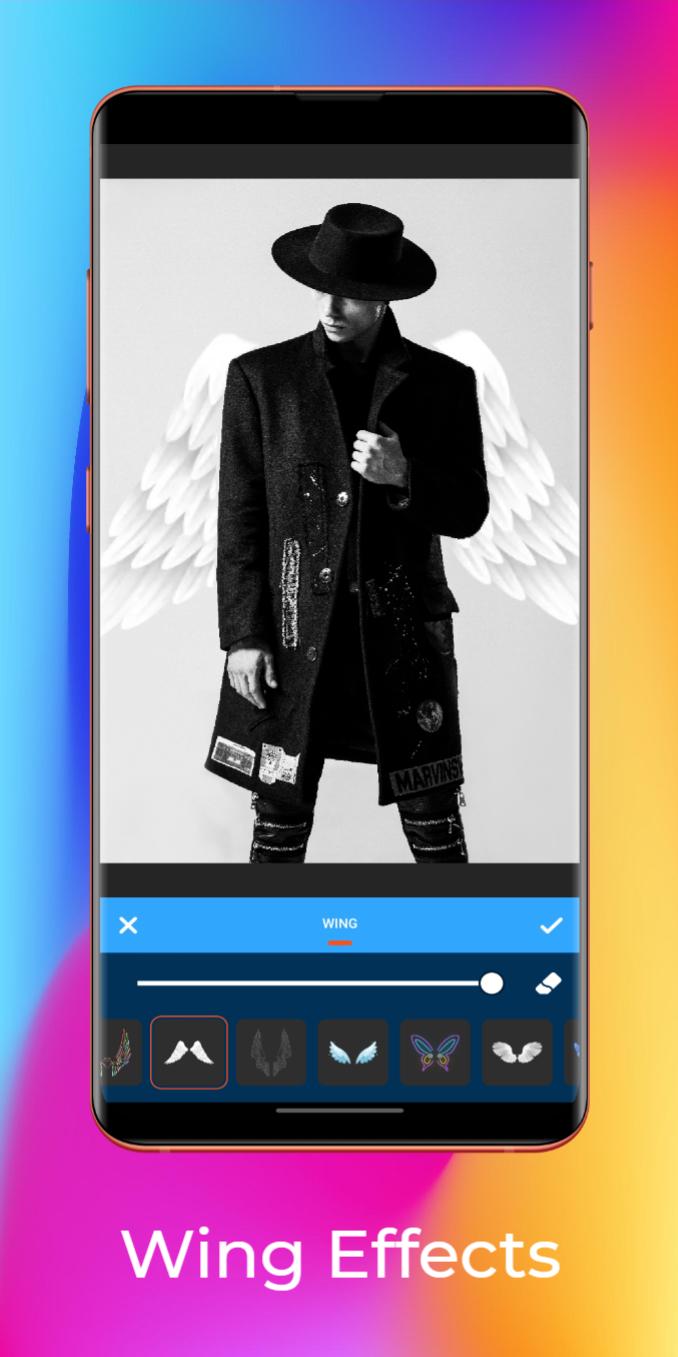
The best photo editor With all the powerful and distinctive photo maker features above, PhotoRoom Photo Editor Pro helps you become an expert in photo editing (photo filters, best collage maker, and effects adjustment) and discover endless fun during the time.💖
Further any query, please contact with us:
contact.opensoftlightlab@gmail.com
Preview
Tags
PhotographyInformation
Developer
OpenSoft Light Lab
Latest Version
4.0.5
Last Updated
2022-08-08
Category
Photography
Available on
Google Play
Show More
Cara bermain PhotoRoom Photo Editor Pro dengan GameLoop pada PC
1. Muat turun GameLoop dari laman web rasmi, kemudian jalankan fail exe untuk memasang GameLoop.
2. Buka GameLoop dan cari "PhotoRoom Photo Editor Pro", cari PhotoRoom Photo Editor Pro dalam hasil carian dan klik "Pasang".
3. Nikmati bermain PhotoRoom Photo Editor Pro di GameLoop.
Minimum requirements
OS
Windows 8.1 64-bit or Windows 10 64-bit
GPU
GTX 1050
CPU
i3-8300
Memory
8GB RAM
Storage
1GB available space
Recommended requirements
OS
Windows 8.1 64-bit or Windows 10 64-bit
GPU
GTX 1050
CPU
i3-9320
Memory
16GB RAM
Storage
1GB available space