Photopea Editor Tool PC
MiniGames INC.
Download Photopea Editor Tool on PC With GameLoop Emulator
Photopea Editor Tool pada PC
Photopea Editor Tool, datang daripada pembangun MiniGames INC., sedang berjalan pada sistem Android pada masa lalu.
Kini, Anda boleh bermain Photopea Editor Tool pada PC dengan GameLoop dengan lancar.
Muat turunnya dalam pustaka GameLoop atau hasil carian. Tiada lagi melihat bateri atau panggilan yang mengecewakan pada masa yang salah lagi.
Hanya nikmati Photopea Editor Tool PC pada skrin besar secara percuma!
Photopea Editor Tool Pengenalan
Photopea is a free Photoshop alternative that works like an charm. Using Photo Editor, you can open and edit PSD, XCF, Sketch, XD, CDR as well as popular image file formats and save them as PSD, JPG, PNG or SVG files. And yes, it supports layers and masks.
✨
#Why Photopea?
It is a free application for advanced online photo editing. It works with both vector and raster graphics so that you can work with files in various formats. It has available the most essential tools of Adobe Photoshop.
Key Features:
- All the files save in RGB in 8 bits and work well in this format
- It works in all kinds of computers, tablets, and phones. A mouse or stylus will obviously make thing simpler
- It works on all operating systems: Windows, Mac, Linux, and even Chromebook or Android or iOS.
- Usable file types include: PSD, JPG, PNG, Sketch, RAW, PDF, XCF, SVG, TIFF, GIF, TGA, etc.
- Import from web
- Import-Export Option
- Cloud Storage
- Built-in Templates
- Revision Control
- Social Media Integration
- And More
Available tools:
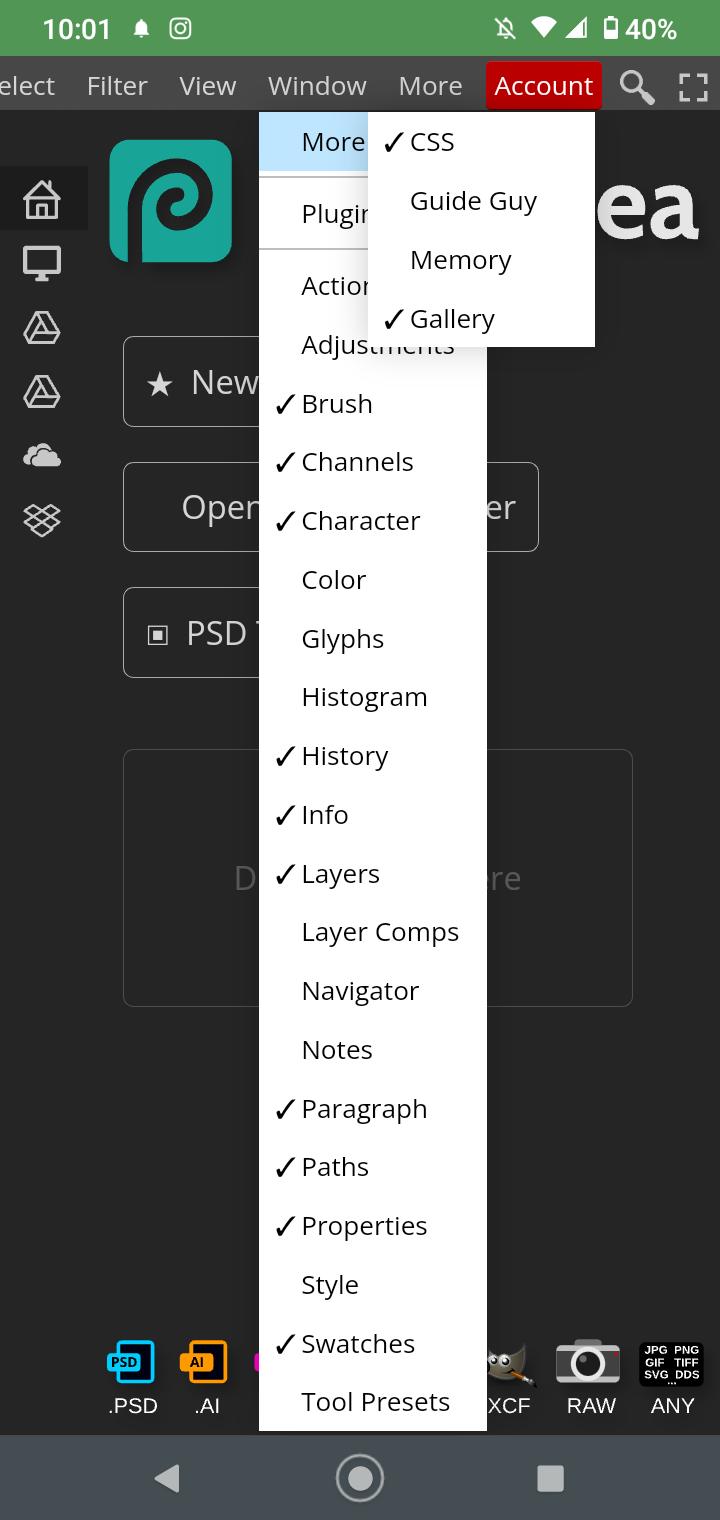
As you’ll see, it has many of the basic characteristics of Photoshop:
- Editing with layers
- Editing with masks and intelligent objects
- Selections and transformations with layers
- Brushes (basic and intelligent).
- Text
- Vector editing
- Actions, scripts, guides and snapping
- Color spaces
- Slices
- Animations
- Color settings (brightness, contrast, saturation).
- Transform tools
- Batch Editing
- Auto Select
- Filters
- Swatches
- and more
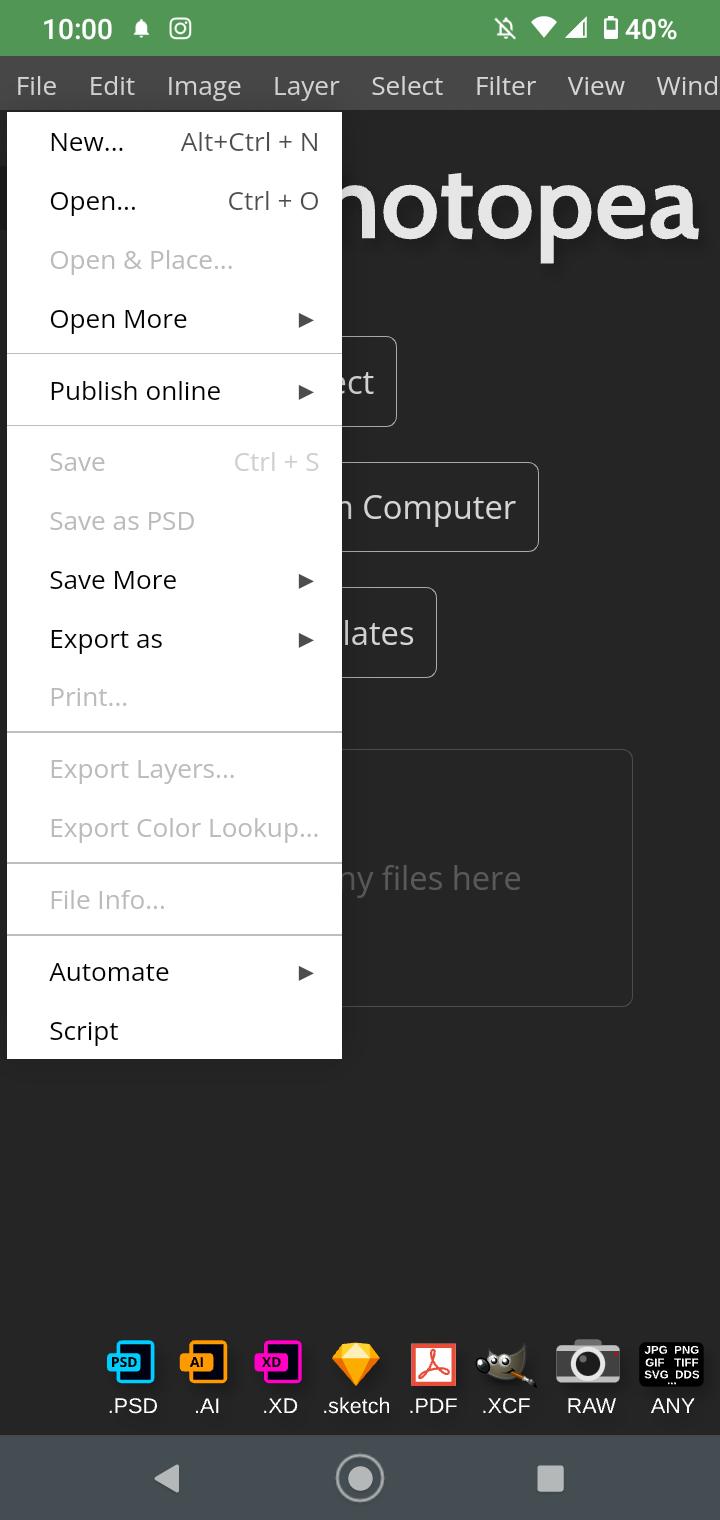
Create a New Project or open existing files from your computer and edit your project according to your needs. Save your work as PSD (File >> Save as PSD) or as PNG/JPG/SVG/GIF/More (File >> Export as).
Preview
Tags
PhotographyInformation
Developer
MiniGames INC.
Latest Version
9.8
Last Updated
2022-05-13
Category
Photography
Available on
Google Play
Show More
Cara bermain Photopea Editor Tool dengan GameLoop pada PC
1. Muat turun GameLoop dari laman web rasmi, kemudian jalankan fail exe untuk memasang GameLoop.
2. Buka GameLoop dan cari "Photopea Editor Tool", cari Photopea Editor Tool dalam hasil carian dan klik "Pasang".
3. Nikmati bermain Photopea Editor Tool di GameLoop.
Minimum requirements
OS
Windows 8.1 64-bit or Windows 10 64-bit
GPU
GTX 1050
CPU
i3-8300
Memory
8GB RAM
Storage
1GB available space
Recommended requirements
OS
Windows 8.1 64-bit or Windows 10 64-bit
GPU
GTX 1050
CPU
i3-9320
Memory
16GB RAM
Storage
1GB available space