
GPS Camera: Add Map in Photo PC
SmartTool .Inc
Download GPS Camera: Add Map in Photo on PC With GameLoop Emulator
GPS Camera: Add Map in Photo pada PC
GPS Camera: Add Map in Photo, datang daripada pembangun SmartTool .Inc, sedang berjalan pada sistem Android pada masa lalu.
Kini, Anda boleh bermain GPS Camera: Add Map in Photo pada PC dengan GameLoop dengan lancar.
Muat turunnya dalam pustaka GameLoop atau hasil carian. Tiada lagi melihat bateri atau panggilan yang mengecewakan pada masa yang salah lagi.
Hanya nikmati GPS Camera: Add Map in Photo PC pada skrin besar secara percuma!
GPS Camera: Add Map in Photo Pengenalan
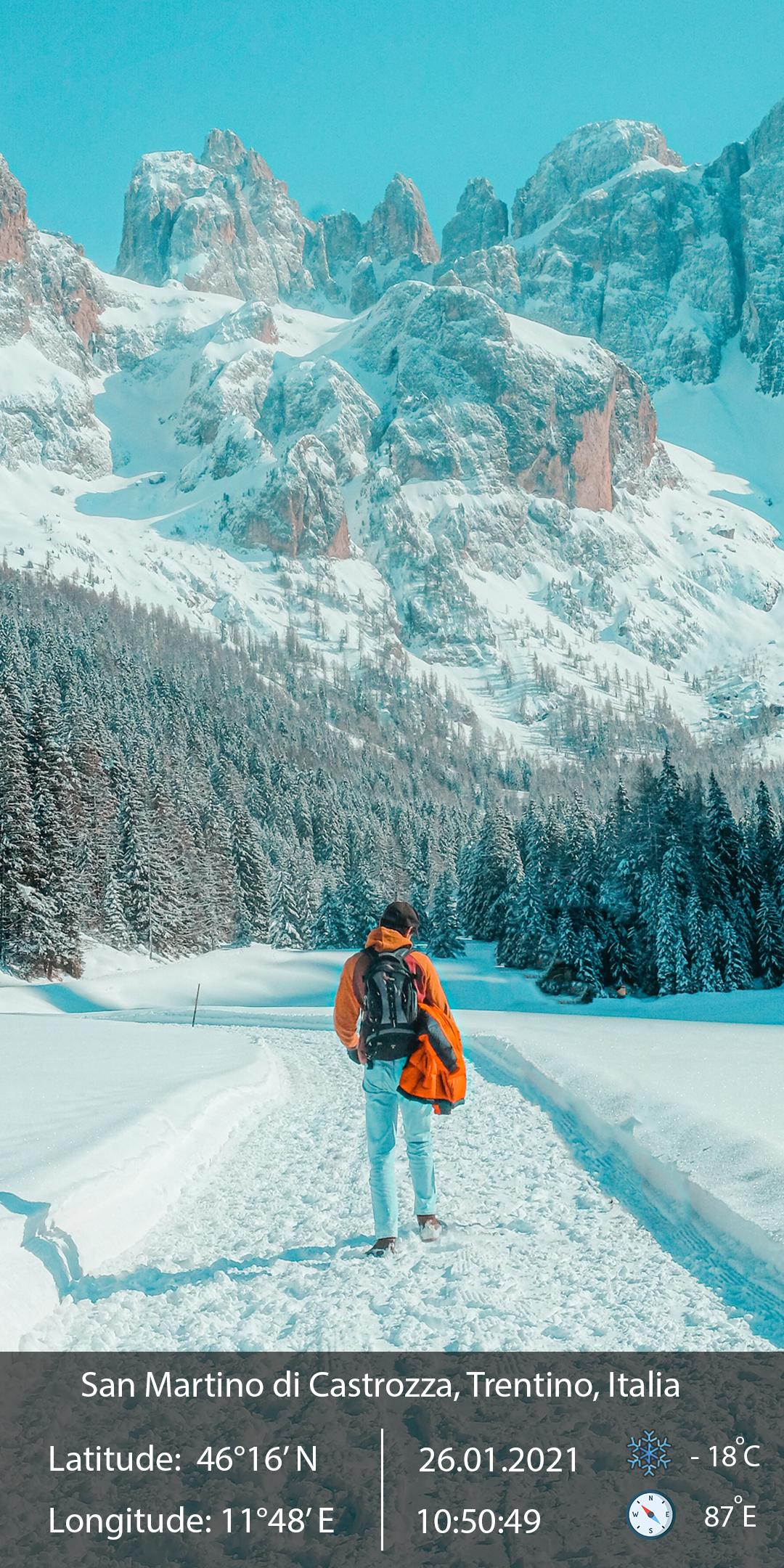
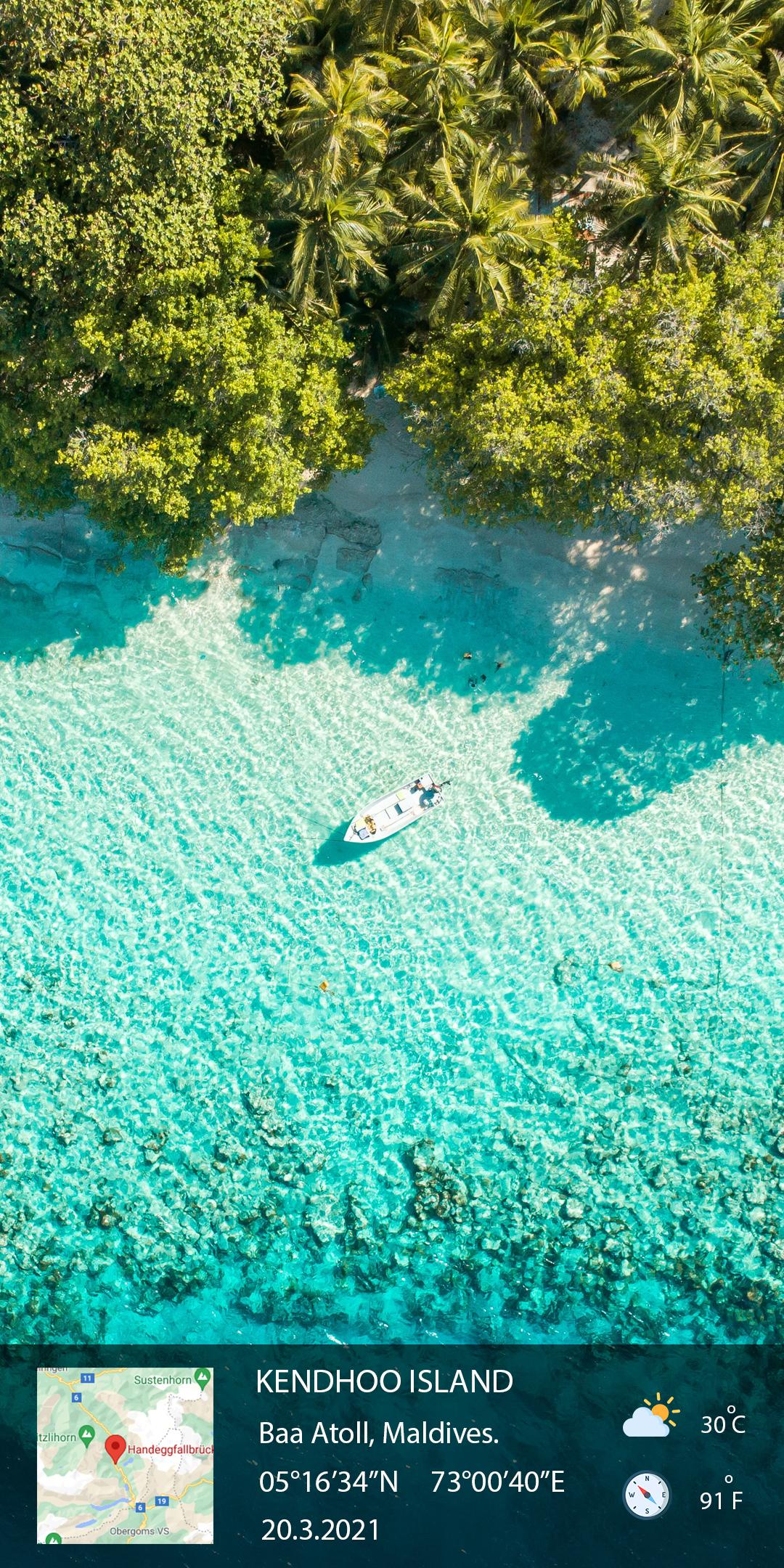
GPS Camera can help you to add the location, address, coordinates direction, altitude, current date & time in the picture.
The app's camera will show you following live details:
- Get Custom camera with Grid, Ratio, Front & Selfie camera, Flash, Focus,
Timer, on/off capture sound
- Set Map data as Automatic or Manual
- Show map in photo with 4 map type
- Change color text field in template
- Location on map,
- Address of the location,
- Time & Date,
- Latitude & Longitude &
- Weather details & Temperature
- Change text font for template
- Compass: Auto compass direction
Using this camera, you can take direct photos with these details on the photo. These details will be added to the photo at the bottom or top portion. You can save it or share it with your friends directly in the action press the icon. You can also view photos you took using the native built in gallery.
What are you waiting for? Download our free GPS Camera app now!
☎ Support
If you have any problems installing or using the application, please contact the team developed applications via email smarttoolsolution2019@gmail.com . We will contact you and solve the problem as soon as possible.
If you like the app, please help me 5 star review. Thank you!
Preview
Information
Developer
SmartTool .Inc
Latest Version
1.1.4
Last Updated
2022-01-25
Category
Photography
Available on
Google Play
Show More
Cara bermain GPS Camera: Add Map in Photo dengan GameLoop pada PC
1. Muat turun GameLoop dari laman web rasmi, kemudian jalankan fail exe untuk memasang GameLoop.
2. Buka GameLoop dan cari "GPS Camera: Add Map in Photo", cari GPS Camera: Add Map in Photo dalam hasil carian dan klik "Pasang".
3. Nikmati bermain GPS Camera: Add Map in Photo di GameLoop.
Minimum requirements
OS
Windows 8.1 64-bit or Windows 10 64-bit
GPU
GTX 1050
CPU
i3-8300
Memory
8GB RAM
Storage
1GB available space
Recommended requirements
OS
Windows 8.1 64-bit or Windows 10 64-bit
GPU
GTX 1050
CPU
i3-9320
Memory
16GB RAM
Storage
1GB available space