
GIF Maker PC
G3 Studio
Download GIF Maker on PC With GameLoop Emulator
GIF Maker pada PC
GIF Maker, datang daripada pembangun G3 Studio, sedang berjalan pada sistem Android pada masa lalu.
Kini, Anda boleh bermain GIF Maker pada PC dengan GameLoop dengan lancar.
Muat turunnya dalam pustaka GameLoop atau hasil carian. Tiada lagi melihat bateri atau panggilan yang mengecewakan pada masa yang salah lagi.
Hanya nikmati GIF Maker PC pada skrin besar secara percuma!
GIF Maker Pengenalan
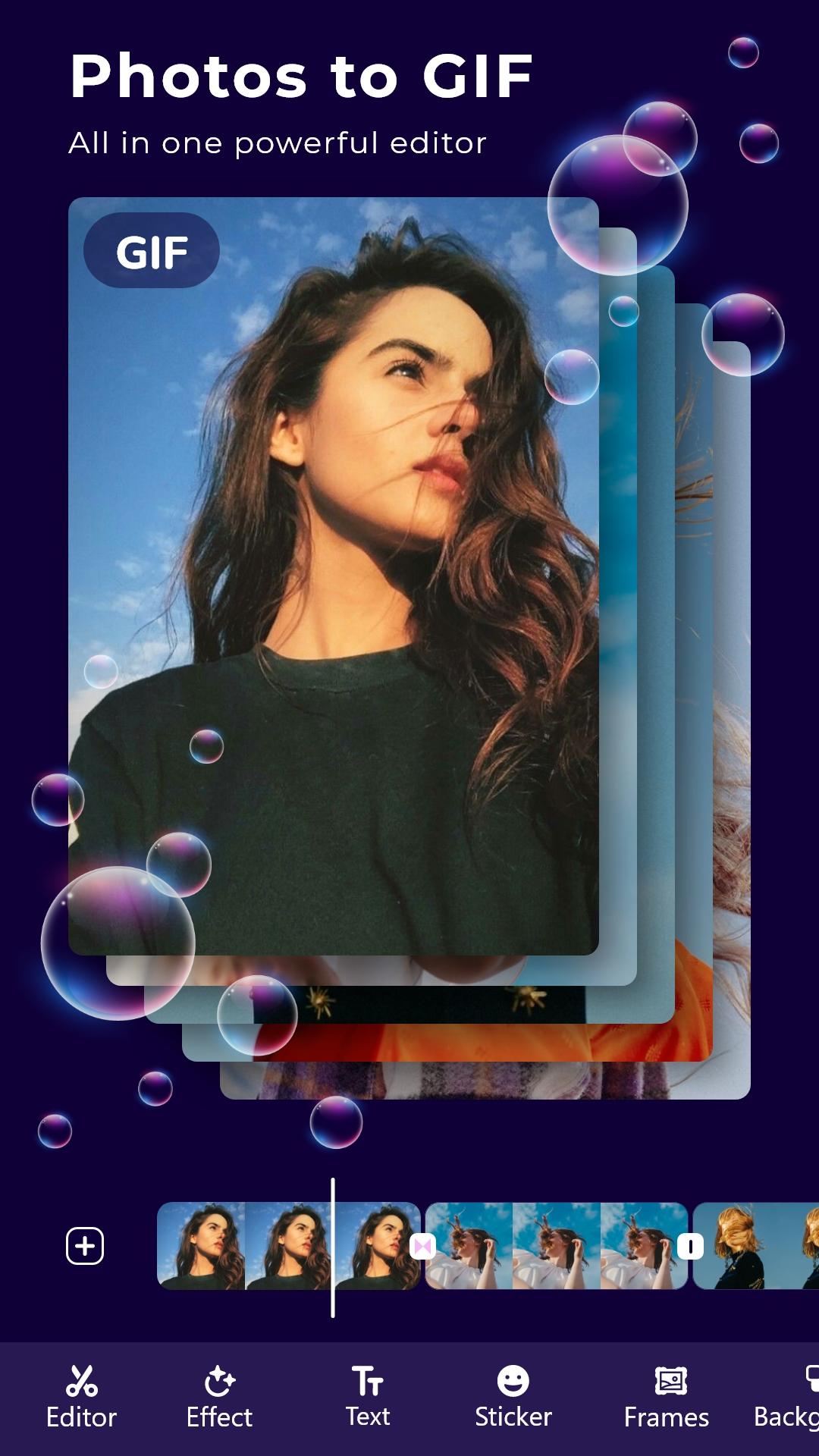
* Create GIF from your favorite photos, Videos.
* Store great moments with GIFs
Make GIF from multiple photos and Videos
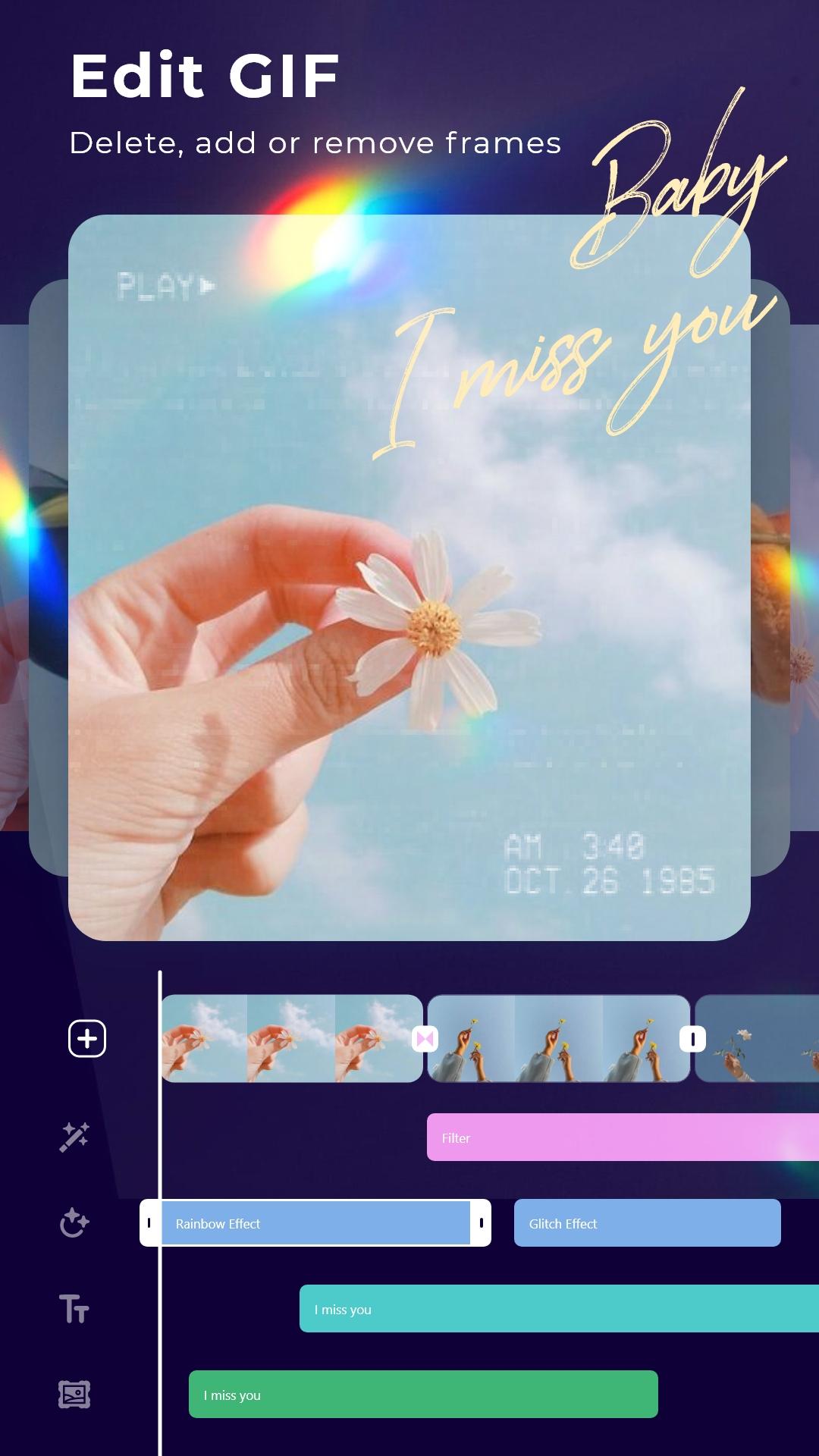
* Add animated stickers, still images to Gif
* Add transition effects between frames
* Add motion effects of each photo
* Add good, quality sayings
* Add super beautiful, cute frames
* Add color change, shake, Glitch and 1000 other effects
* Adjust frame rate: Run fast and slow the way you want
* Photo filters, blend modes, crop, rotate, flip: All in GIF editor
* Save GIFs in 1080p, super sharp
More tools
* Convert GIF to Video
* Convert Video to GIF
* Edit any GIF image
* Record screen, record with camera and convert to GIF
* Crop image from GIF or Video
* Compress GIFs
* Cut off the excess part of the Video
* Extract Music from your Video
Gif maker: Edit, create professional GIF images
Preview
Tags
PhotographyInformation
Developer
G3 Studio
Latest Version
12.0
Last Updated
2025-08-15
Category
Photography
Available on
Google Play
Show More
Cara bermain GIF Maker dengan GameLoop pada PC
1. Muat turun GameLoop dari laman web rasmi, kemudian jalankan fail exe untuk memasang GameLoop.
2. Buka GameLoop dan cari "GIF Maker", cari GIF Maker dalam hasil carian dan klik "Pasang".
3. Nikmati bermain GIF Maker di GameLoop.
Minimum requirements
OS
Windows 8.1 64-bit or Windows 10 64-bit
GPU
GTX 1050
CPU
i3-8300
Memory
8GB RAM
Storage
1GB available space
Recommended requirements
OS
Windows 8.1 64-bit or Windows 10 64-bit
GPU
GTX 1050
CPU
i3-9320
Memory
16GB RAM
Storage
1GB available space