Easy GIF - Video to GIF, Images to GIF, Edit GIF PC
Navneet Krishna
Download Easy GIF - Video to GIF, Images to GIF, Edit GIF on PC With GameLoop Emulator
Easy GIF - Video to GIF, Images to GIF, Edit GIF pada PC
Easy GIF - Video to GIF, Images to GIF, Edit GIF, datang daripada pembangun Navneet Krishna, sedang berjalan pada sistem Android pada masa lalu.
Kini, Anda boleh bermain Easy GIF - Video to GIF, Images to GIF, Edit GIF pada PC dengan GameLoop dengan lancar.
Muat turunnya dalam pustaka GameLoop atau hasil carian. Tiada lagi melihat bateri atau panggilan yang mengecewakan pada masa yang salah lagi.
Hanya nikmati Easy GIF - Video to GIF, Images to GIF, Edit GIF PC pada skrin besar secara percuma!
Easy GIF - Video to GIF, Images to GIF, Edit GIF Pengenalan
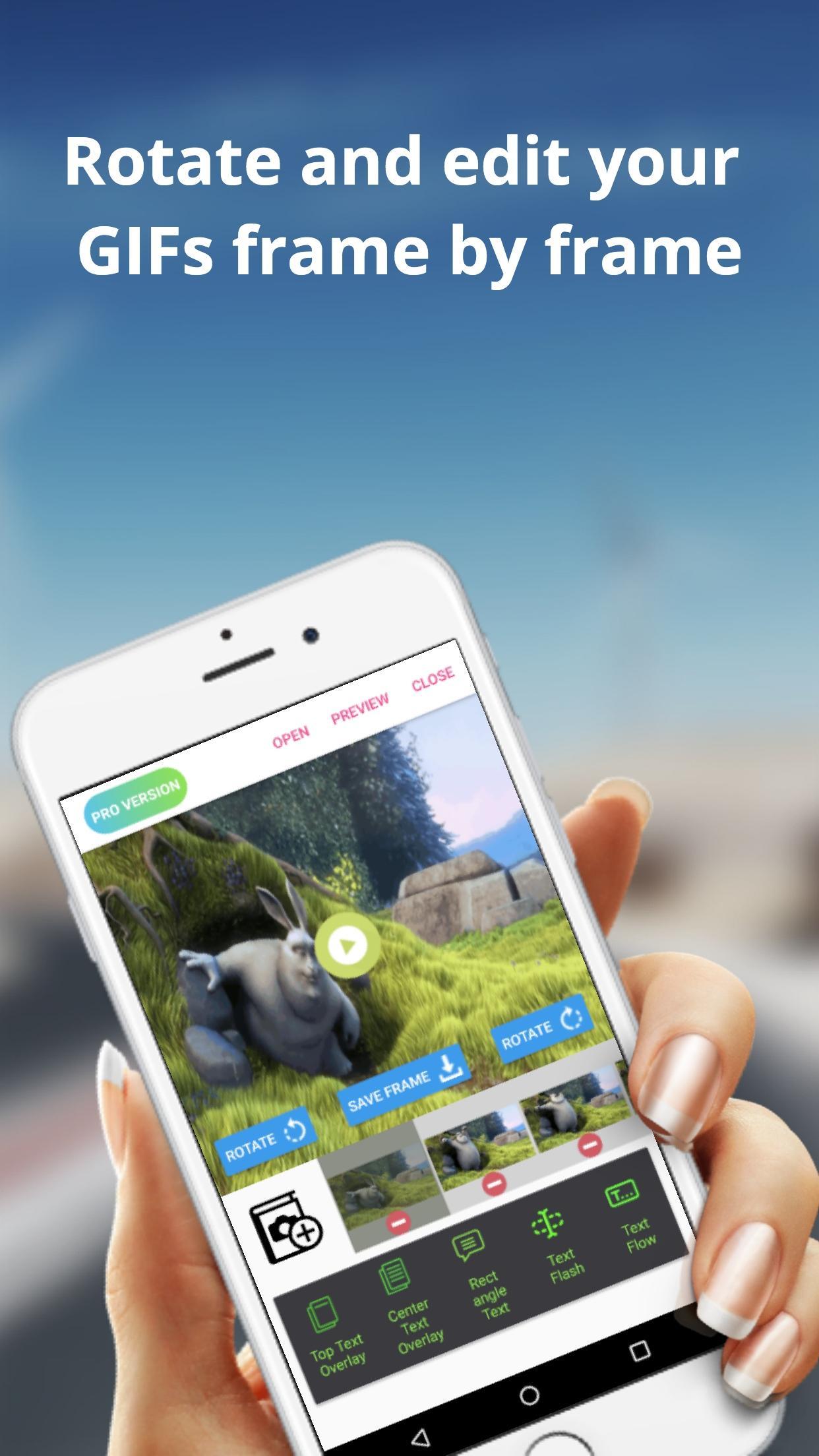
The Easy GIF app can assist you in building cool gifs by providing options like gif edit(add or remove gif frames),add animated text on gifs etc. With Easy GIF, you can package your favourite moments into a gif format and share with your friends family. You can also add text overlays on your GIFs.
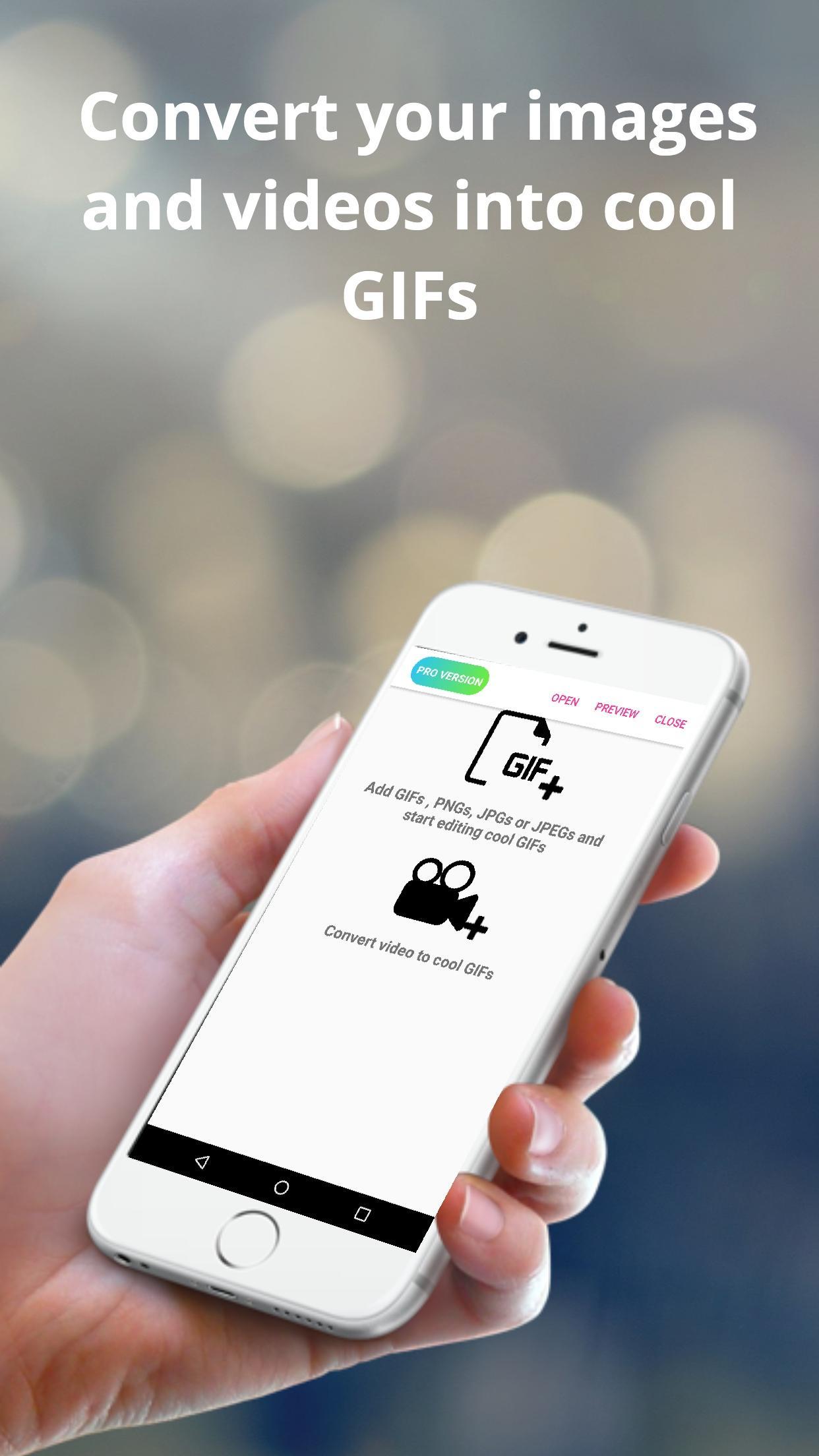
The app also helps you to convert videos to GIF. For larger videos, the app helps to trim the videos to 10 sec clips and then convert to gif. You can also save images from the video to your gallery.
You can also batch import images to the app and then convert them to gif. You can finally save the created GIF to gallery or even share with friends and family using whatsapp, gmail etc.
Some features provided by the app includes :
> Convert images to GIF
> Browse multiple images at once from gallery and then convert images
> Edit already built GIFs
> Save rotated gif to gallery
> trim large videos to short videos automatically
> Convert GIF to images and save to gallery
> Convert Video to images and save to gallery
> Add text overlays in already built GIFs
> Add or Delete frames from GIFs
Preview
Tags
PhotographyInformation
Developer
Navneet Krishna
Latest Version
1.0.9
Last Updated
2019-07-05
Category
Photography
Available on
Google Play
Show More
Cara bermain Easy GIF - Video to GIF, Images to GIF, Edit GIF dengan GameLoop pada PC
1. Muat turun GameLoop dari laman web rasmi, kemudian jalankan fail exe untuk memasang GameLoop.
2. Buka GameLoop dan cari "Easy GIF - Video to GIF, Images to GIF, Edit GIF", cari Easy GIF - Video to GIF, Images to GIF, Edit GIF dalam hasil carian dan klik "Pasang".
3. Nikmati bermain Easy GIF - Video to GIF, Images to GIF, Edit GIF di GameLoop.
Minimum requirements
OS
Windows 8.1 64-bit or Windows 10 64-bit
GPU
GTX 1050
CPU
i3-8300
Memory
8GB RAM
Storage
1GB available space
Recommended requirements
OS
Windows 8.1 64-bit or Windows 10 64-bit
GPU
GTX 1050
CPU
i3-9320
Memory
16GB RAM
Storage
1GB available space