
V.360° Camera PC
VSN Mobil
Download V.360° Camera on PC With GameLoop Emulator
V.360° Camera pada PC
V.360° Camera, datang daripada pembangun VSN Mobil, sedang berjalan pada sistem Android pada masa lalu.
Kini, Anda boleh bermain V.360° Camera pada PC dengan GameLoop dengan lancar.
Muat turunnya dalam pustaka GameLoop atau hasil carian. Tiada lagi melihat bateri atau panggilan yang mengecewakan pada masa yang salah lagi.
Hanya nikmati V.360° Camera PC pada skrin besar secara percuma!
V.360° Camera Pengenalan
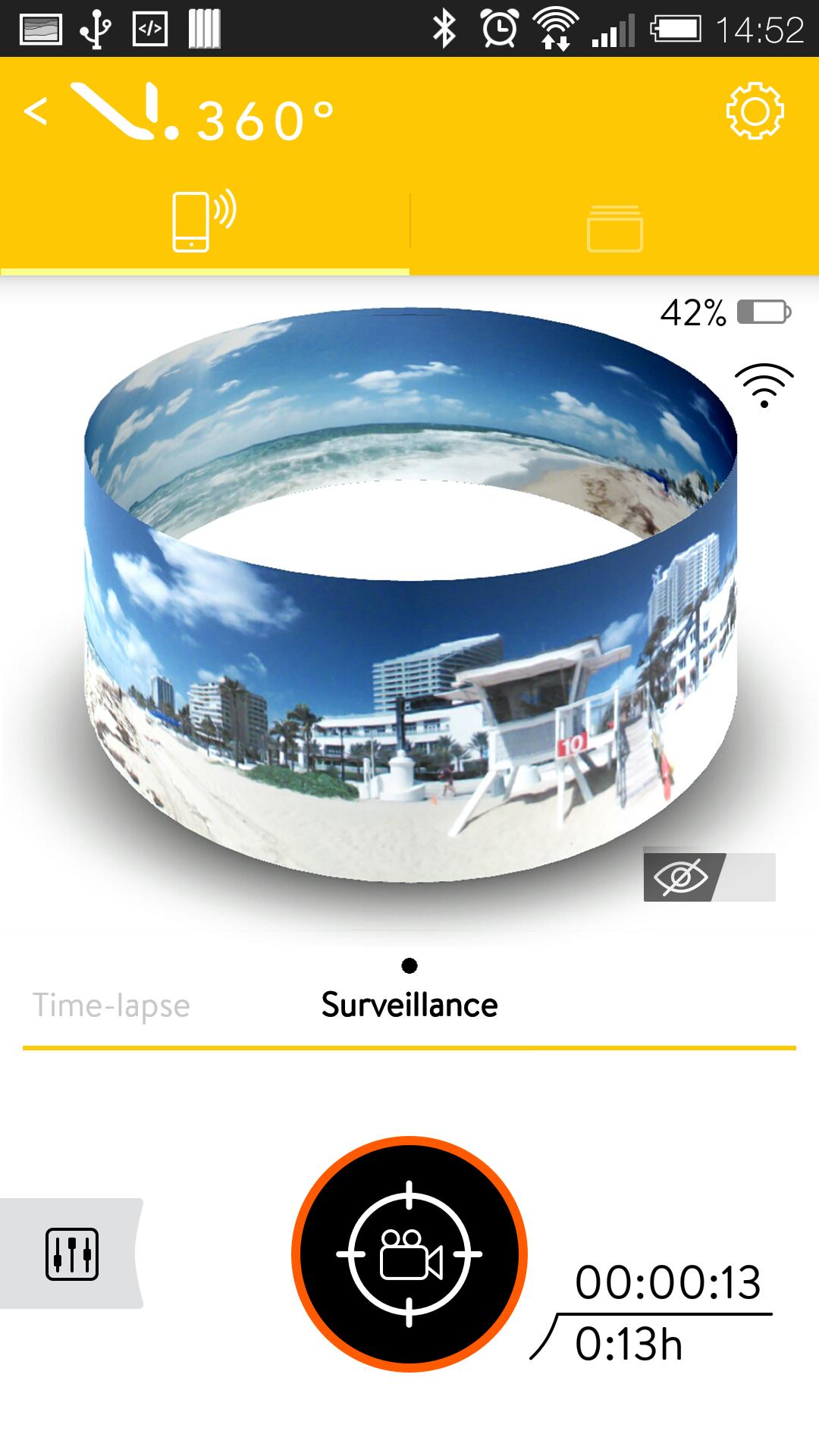
The V.360° Camera Application gives you full control of your V.360° camera from compatible Android phones and tablets. With this easy to use app, you can see what your camera sees using the unique shotglass view finder or in traditional landscape viewing formats. Use the app to play back videos, view photos, and create video clips that can be shared via email, text, Facebook®, Instagram™, or other social networking applications. You can also setup your camera as a WiFi access point, allowing you to broadcast live to your friends straight from your V.360° camera.
Key Features
• Use your device as a viewfinder to record videos and capture photos from your camera
• View photos and playback videos stored within your camera’s memory
• Scan within panoramic views by panning your device left or right or by swiping the screen
• Create and edit images or video clips that can be shared with others via text, email, or directly to your favorite social networking site
• Make your camera a WiFi access point and broadcast live to others
• Manage files stored within the camera’s on-board memory
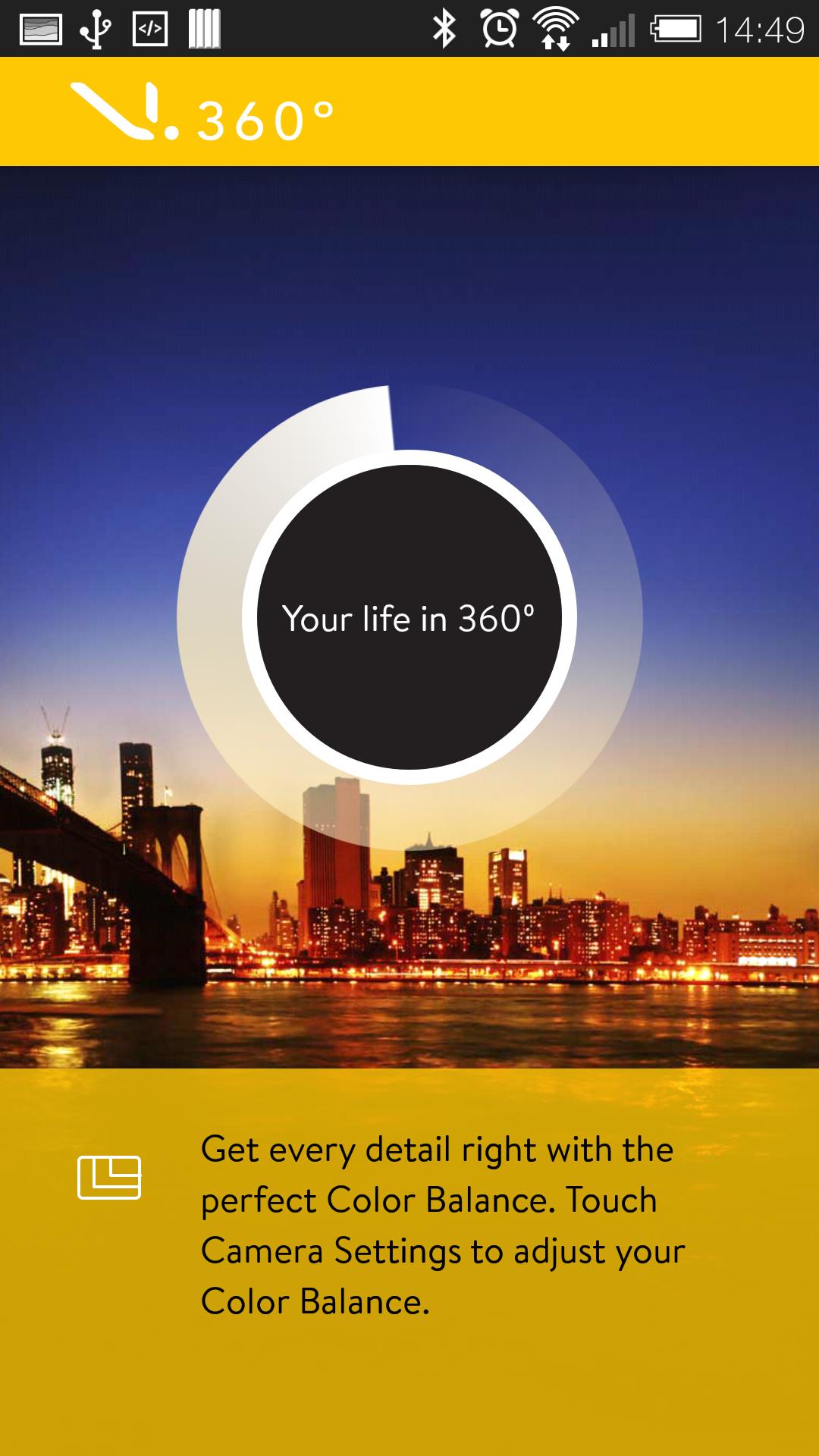
• Adjust camera settings and modes: fine-tune resolution, white balance, and other advanced video/photo settings
• Stream your clips from your camera to any television by attaching the camera to an HDMI cable
Note: Requires V.360° camera hardware for full operation.
When connecting your phone or tablet to your V.360° via Wi-Fi, your connected device will no longer have access to the internet. Any application that requires an internet connection will be temporarily disabled while you are connected to the V.360° camera.
Preview
Information
Developer
VSN Mobil
Latest Version
1.1.6
Last Updated
2015-09-11
Category
Photography
Available on
Google Play
Show More
Cara bermain V.360° Camera dengan GameLoop pada PC
1. Muat turun GameLoop dari laman web rasmi, kemudian jalankan fail exe untuk memasang GameLoop.
2. Buka GameLoop dan cari "V.360° Camera", cari V.360° Camera dalam hasil carian dan klik "Pasang".
3. Nikmati bermain V.360° Camera di GameLoop.
Minimum requirements
OS
Windows 8.1 64-bit or Windows 10 64-bit
GPU
GTX 1050
CPU
i3-8300
Memory
8GB RAM
Storage
1GB available space
Recommended requirements
OS
Windows 8.1 64-bit or Windows 10 64-bit
GPU
GTX 1050
CPU
i3-9320
Memory
16GB RAM
Storage
1GB available space