
Photo Editor - Collage Maker PC
The Big Picture _ Photo & Video
Download Photo Editor - Collage Maker on PC With GameLoop Emulator
Photo Editor - Collage Maker pada PC
Photo Editor - Collage Maker, datang daripada pembangun The Big Picture _ Photo & Video, sedang berjalan pada sistem Android pada masa lalu.
Kini, Anda boleh bermain Photo Editor - Collage Maker pada PC dengan GameLoop dengan lancar.
Muat turunnya dalam pustaka GameLoop atau hasil carian. Tiada lagi melihat bateri atau panggilan yang mengecewakan pada masa yang salah lagi.
Hanya nikmati Photo Editor - Collage Maker PC pada skrin besar secara percuma!
Photo Editor - Collage Maker Pengenalan
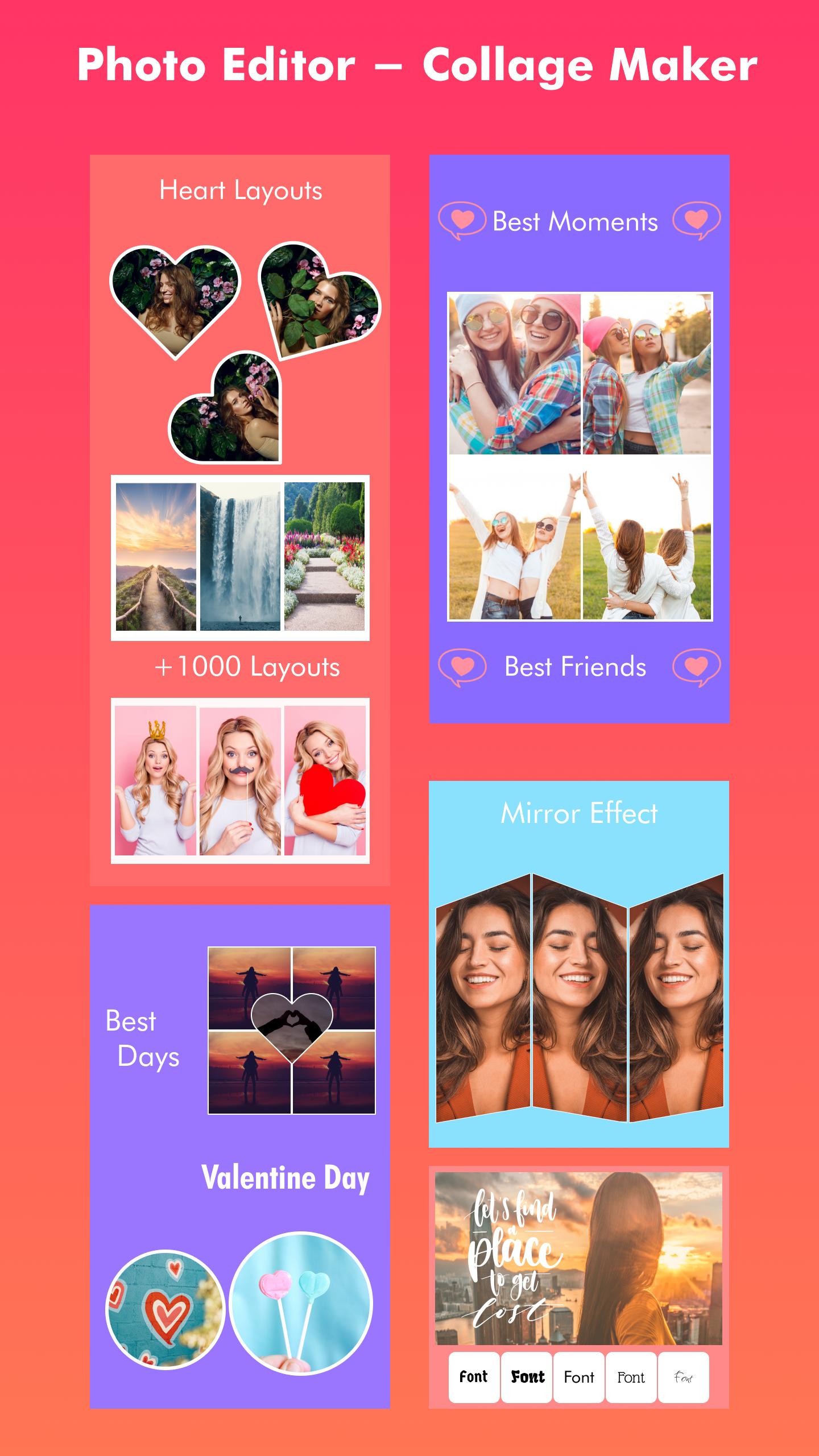
📷 Looking for a powerful and easy-to-use photo editing and collage-making app? Look no further than Photo Editor - Collage Maker! With a range of features and customization options, this app is perfect for anyone looking to create stunning photos and collages.
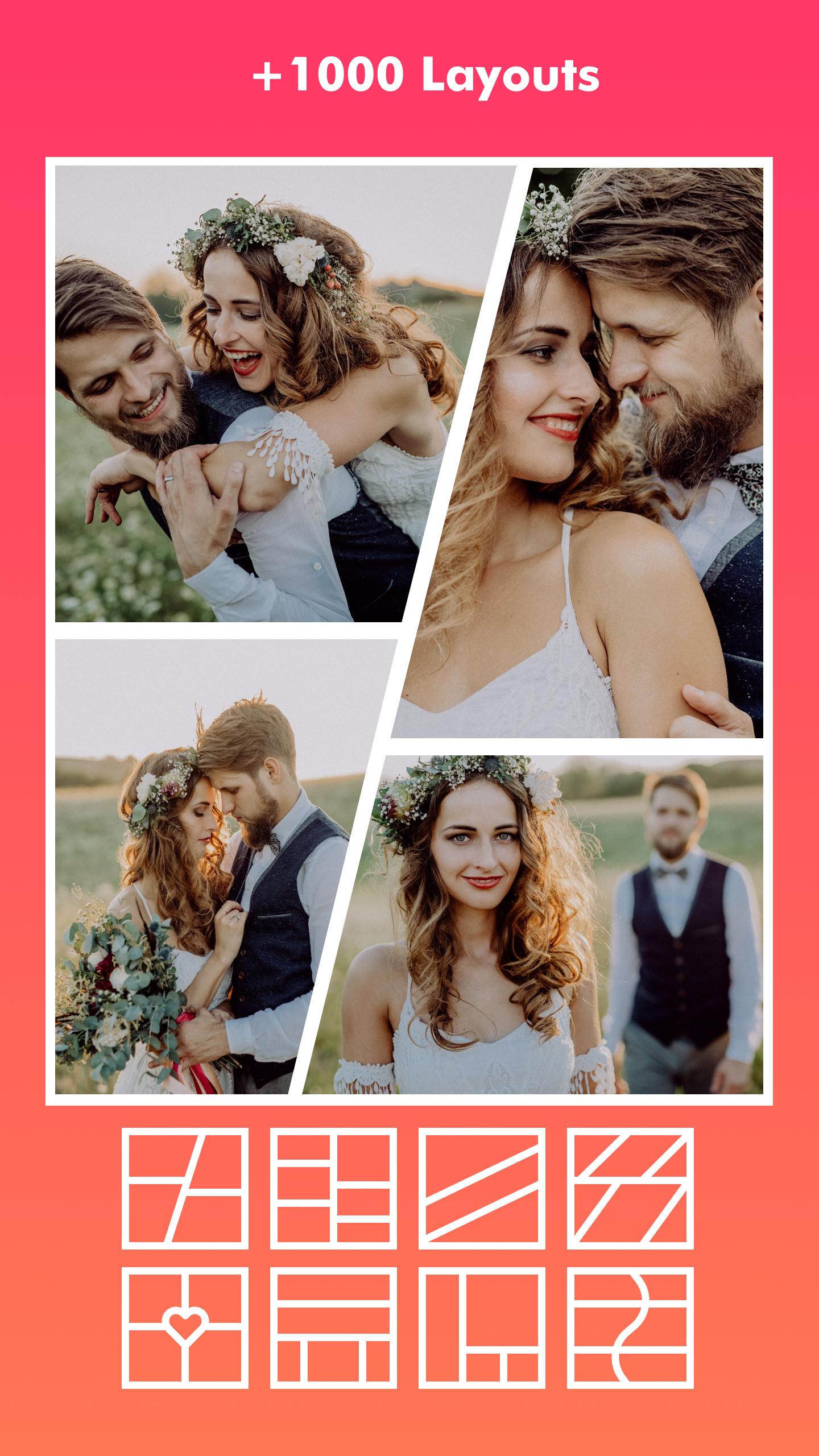
💗 One of the standout features of Photo Editor - Collage Maker is its photo collages. With hundreds of layouts to choose from, you can easily create stunning collages using your favorite photos. Plus, with custom grid photo sizes, borders, and backgrounds, you can design a collage that truly reflects your style and personality.
💗 But that's not all - Photo Editor - Collage Maker is also a powerful photo editor. With all-in-one editing tools, you can crop pictures, apply filters, add stickers and text to images, and draw on photos with a doodle tool. Whether you want to touch up a selfie or add some flair to a landscape shot, this app has everything you need to make your photos look their best.
💗 If you're looking for something a bit more creative, Photo Editor - Collage Maker also includes a freestyle scrapbook feature. With this feature, you can select a beautiful background and create a scrapbook using pictures, stickers, texts, and doodles. It's the perfect way to showcase your memories and share them with friends and family on social media.
💗 But that's still not all - Photo Editor - Collage Maker also includes a range of other features to help you create stunning photos and collages. For example, the side-by-side photos feature lets you create before and after SNS covers, YouTube thumbnails, and even outfit comparison Instagram posts. Meanwhile, the story templates feature includes over 100 stylized templates, including Film, Magazine, and Ripped Paper, to help you create Insta stories and share your most memorable moments with friends.
💗 And if you're looking to create insta square photos in a blur background or white to fit for Instagram, Photo Editor - Collage Maker has you covered with the multi-fit feature. You can choose from multiple ratios, including 1:1, 4:5, 3:2 ratios, and more, and even square up to 10 photos at once.
💗 With so many features and customization options, Photo Editor - Collage Maker is the ultimate photo editing and collage-making app. So why wait? Download the app today and start creating stunning photos and collages that truly reflect your unique style and personality.
Preview
Tags
PhotographyInformation
Developer
The Big Picture _ Photo & Video
Latest Version
5
Last Updated
2023-04-27
Category
Photography
Available on
Google Play
Show More
Cara bermain Photo Editor - Collage Maker dengan GameLoop pada PC
1. Muat turun GameLoop dari laman web rasmi, kemudian jalankan fail exe untuk memasang GameLoop.
2. Buka GameLoop dan cari "Photo Editor - Collage Maker", cari Photo Editor - Collage Maker dalam hasil carian dan klik "Pasang".
3. Nikmati bermain Photo Editor - Collage Maker di GameLoop.
Minimum requirements
OS
Windows 8.1 64-bit or Windows 10 64-bit
GPU
GTX 1050
CPU
i3-8300
Memory
8GB RAM
Storage
1GB available space
Recommended requirements
OS
Windows 8.1 64-bit or Windows 10 64-bit
GPU
GTX 1050
CPU
i3-9320
Memory
16GB RAM
Storage
1GB available space