Avatoon - Cartoon Photo Editor PC
JimmyLi
Download Avatoon - Cartoon Photo Editor on PC With GameLoop Emulator
Avatoon - Cartoon Photo Editor pada PC
Avatoon - Cartoon Photo Editor, datang daripada pembangun JimmyLi, sedang berjalan pada sistem Android pada masa lalu.
Kini, Anda boleh bermain Avatoon - Cartoon Photo Editor pada PC dengan GameLoop dengan lancar.
Muat turunnya dalam pustaka GameLoop atau hasil carian. Tiada lagi melihat bateri atau panggilan yang mengecewakan pada masa yang salah lagi.
Hanya nikmati Avatoon - Cartoon Photo Editor PC pada skrin besar secara percuma!
Avatoon - Cartoon Photo Editor Pengenalan
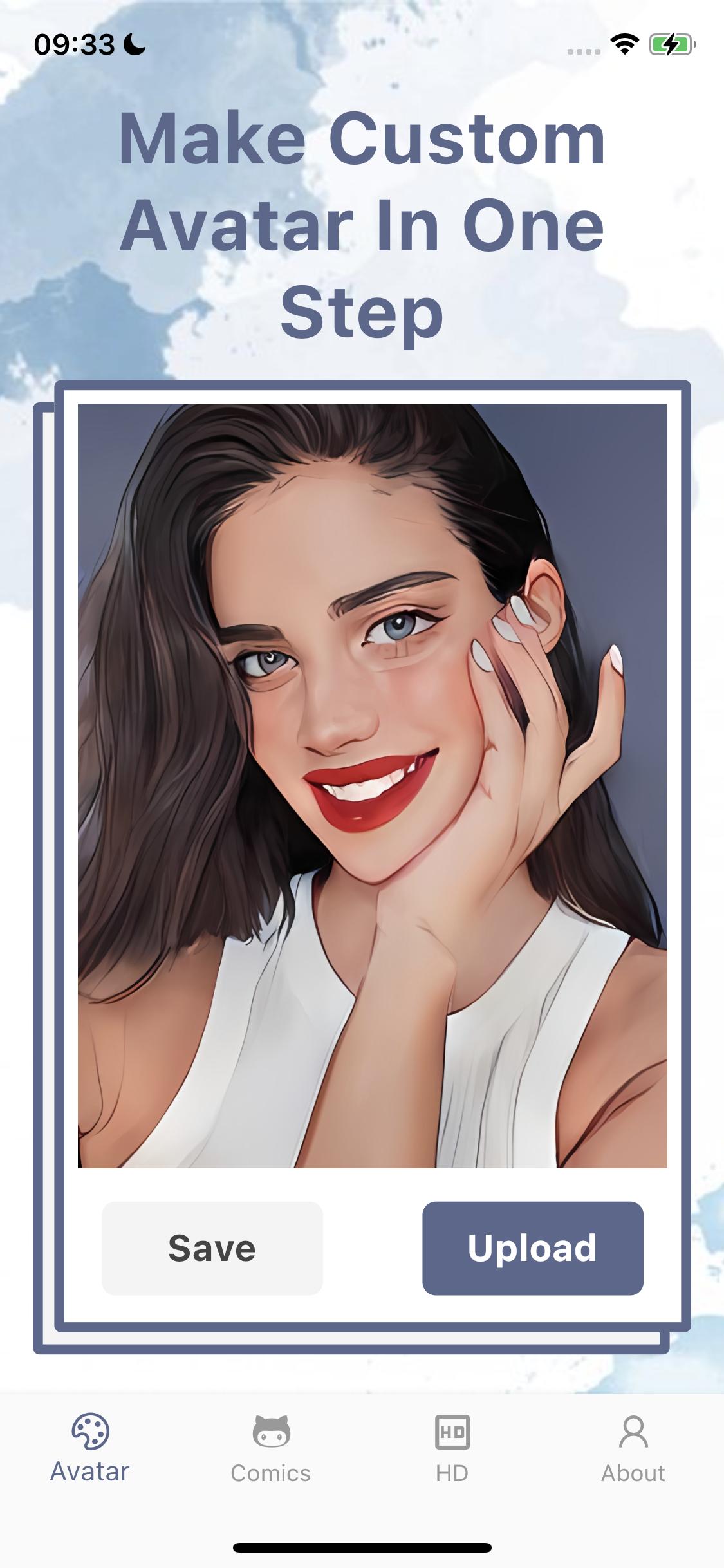
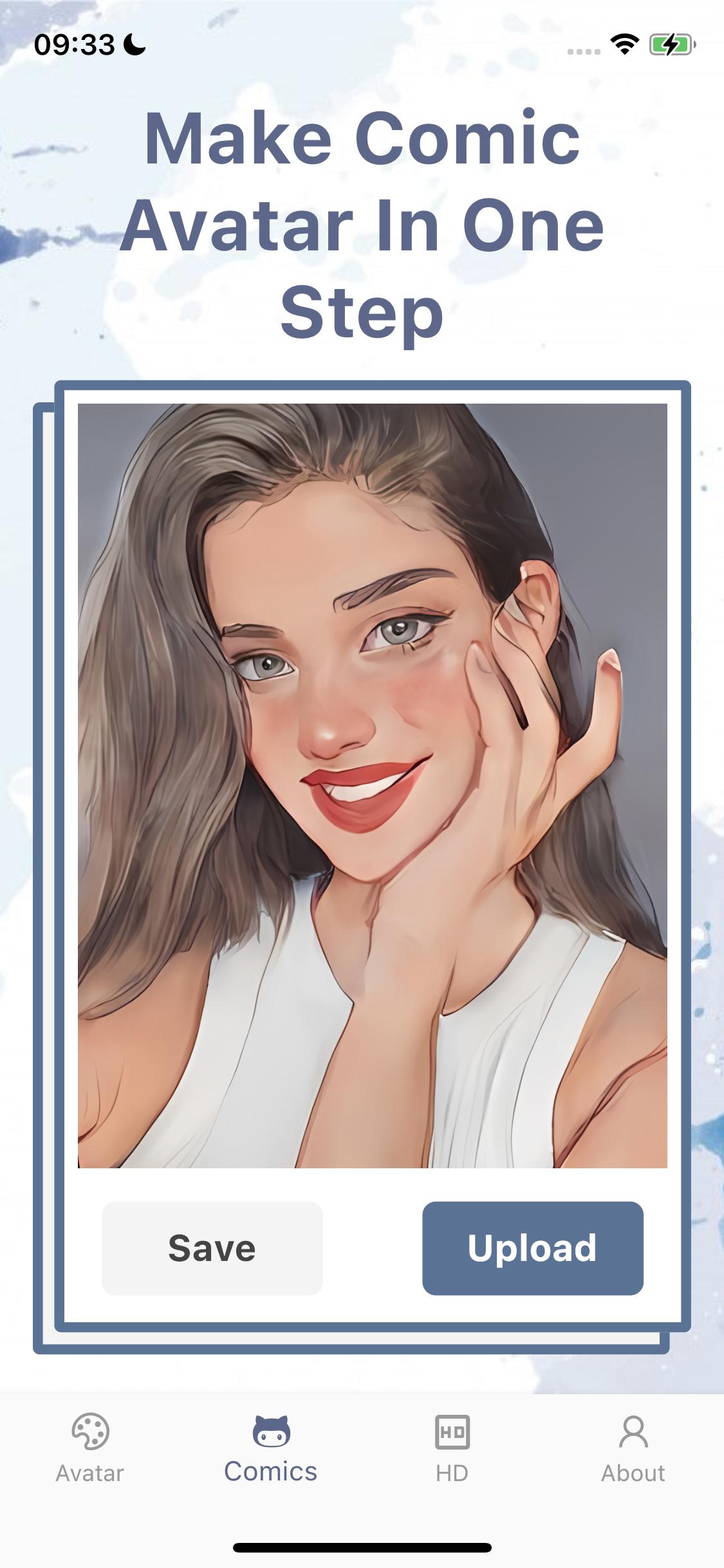
Avatoon takes user-uploaded avatars and converts them
online in real-time through AI machine learning. automatically
generate good-looking, realistic cartoon avatars.
The app provides both hand-drawn and cartoon effects for use.
Each user has a certain number of free uses.
Also available in the app is an advanced feature: HD avatar conversion.
You can provide a converted avatar. After uploading it, you will get a 2K
clarity of the hand-drawn avatar.
「Automatic Subscription Membership Instructions」
1. Service name: Avatoon VIP member continuous monthly subscription (1 month), Avatoon VIP member continuous quarterly subscription (3 months), Avatoon VIP member continuous yearly subscription (12 months).
2. Price: $1.99/month for monthly subscriptions, $5.49/quarter for quarterly subscriptions, and $23.49/year for annual subscriptions.
3. For accounts with automatic subscriptions, your Google account will be charged 24 hours prior to the expiration of each month's subscription period, and the subscription will be deferred for one subscription period after a successful charge.
4. If you want to cancel the subscription, please manually open the "Settings" of your Android phone --> go to "Google App Store" --> click "Google ID "Select "Google ID", enter the "Account Settings" page, click "Subscriptions", and select ToonFace You can cancel your subscription to the VIP membership service. If you do not close your subscription at least 24 hours before the end of the subscription period, you will be deemed to have agreed to continue your authorization and the subscription will be automatically renewed.
5. Cancel renewal: If you need to cancel the subscription, please manually open the iPhone "Settings" ---> enter "Google App Store" ---> click "Google ID", select to view "Google ID", enter " "Account Settings" page, click "Subscribe", select the comic face to generate VIP membership service to cancel the subscription. If you do not close the subscription at least 24 hours before the end of the subscription period, it will be deemed that you agree to continue the authorization, and the subscription will automatically renew.
6. Renewal: The member's own recharge account or Google account will be deducted within 24 hours before the expiration, and the subscription period will be extended by one subscription period after the deduction is successful.
7. Free trial for the first three days: Renew or cancel the renewal within the free trial period, the free trial rights will not be recovered from the user, and the user can continue the trial until the end of the trial period. After the free trial ends, the selected service will be automatically subscribed.
Privacy Policy: https://www.makegzs.com/89.html
User Agreement: https://www.makegzs.com/90.html
Automatic renewal membership service agreement: https://www.makegzs.com/91.html
Preview
Tags
PhotographyInformation
Developer
JimmyLi
Latest Version
2.0.5
Last Updated
2022-06-13
Category
Photography
Available on
Google Play
Show More
Cara bermain Avatoon - Cartoon Photo Editor dengan GameLoop pada PC
1. Muat turun GameLoop dari laman web rasmi, kemudian jalankan fail exe untuk memasang GameLoop.
2. Buka GameLoop dan cari "Avatoon - Cartoon Photo Editor", cari Avatoon - Cartoon Photo Editor dalam hasil carian dan klik "Pasang".
3. Nikmati bermain Avatoon - Cartoon Photo Editor di GameLoop.
Minimum requirements
OS
Windows 8.1 64-bit or Windows 10 64-bit
GPU
GTX 1050
CPU
i3-8300
Memory
8GB RAM
Storage
1GB available space
Recommended requirements
OS
Windows 8.1 64-bit or Windows 10 64-bit
GPU
GTX 1050
CPU
i3-9320
Memory
16GB RAM
Storage
1GB available space