One-Handed Mode PC
XDA
Download One-Handed Mode on PC With GameLoop Emulator
One-Handed Mode pada PC
One-Handed Mode, datang daripada pembangun XDA, sedang berjalan pada sistem Android pada masa lalu.
Kini, Anda boleh bermain One-Handed Mode pada PC dengan GameLoop dengan lancar.
Muat turunnya dalam pustaka GameLoop atau hasil carian. Tiada lagi melihat bateri atau panggilan yang mengecewakan pada masa yang salah lagi.
Hanya nikmati One-Handed Mode PC pada skrin besar secara percuma!
One-Handed Mode Pengenalan
One-Handed Mode by XDA-Developers is the first and only app that replicates the iOS Reachability feature without requiring root access or a custom ROM.
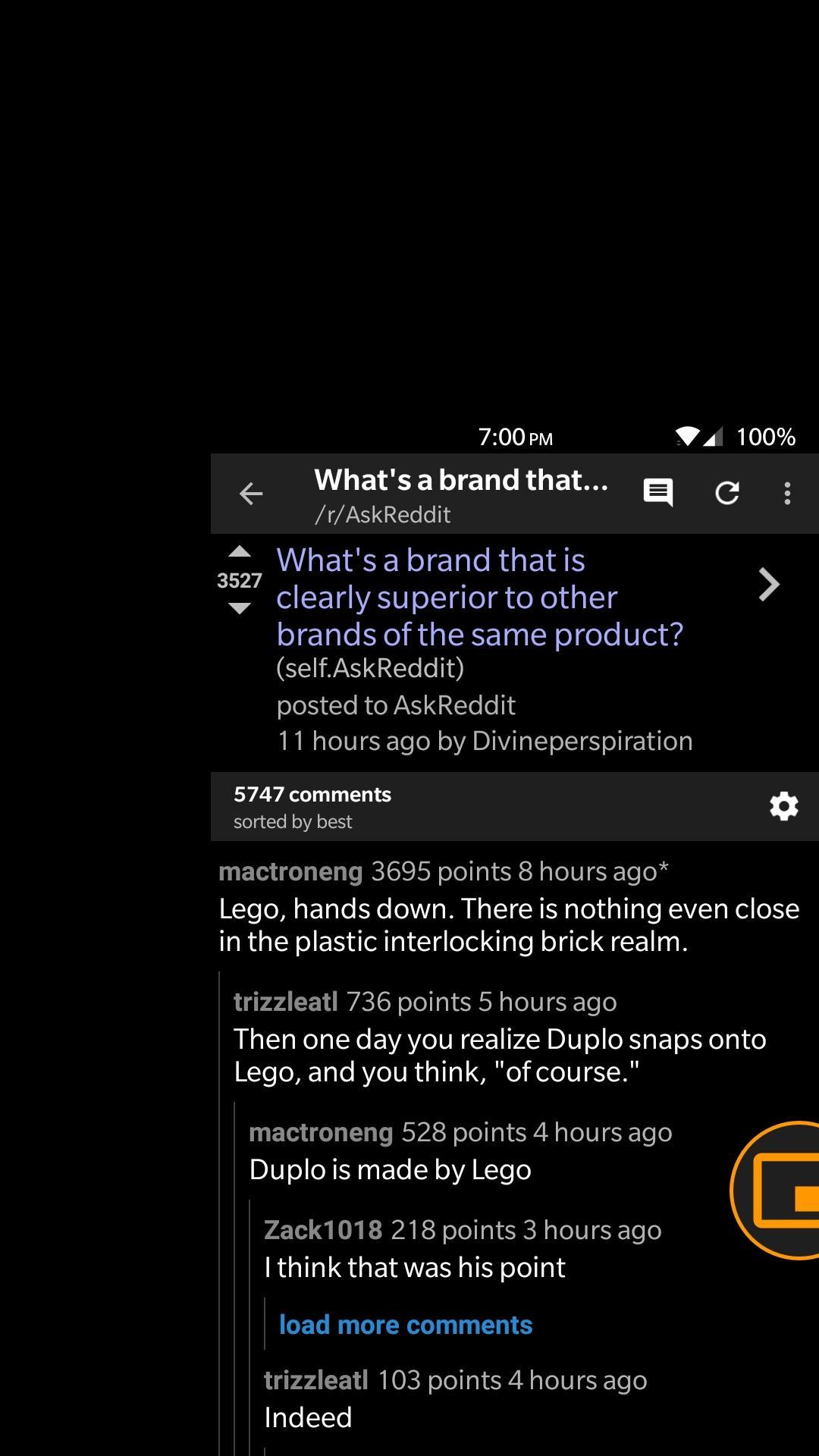
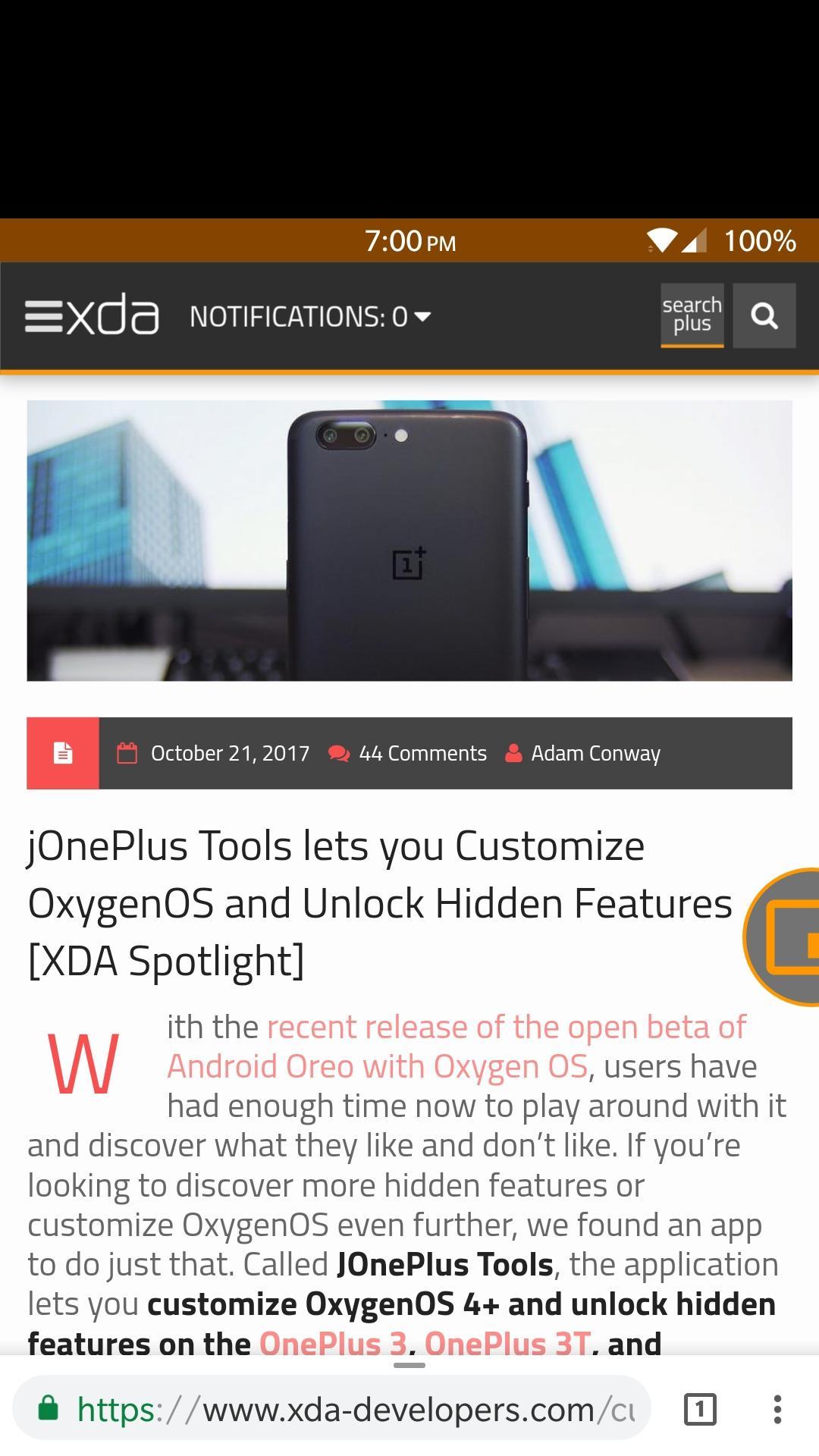
One-Handed Mode lets you reach your status bar and action bar of any app without having to stretch your hand. It does this by moving the entire screen down to a smaller window.
This app uses a floating, movable bubble that toggles One-Handed Mode whenever it is pressed. There are also other ways to toggle One-Handed Mode if you dislike the bubble.
Features
- Toggle One-Handed Mode through a Launcher Shortcut
- Toggle One-Handed Mode through a Quick Settings Tile
- Toggle One-Handed Mode through an intent
- Integration with Custom Navigation Bar app to add a navigation bar button to toggle One-Handed Mode
- Emergency reset button to safeguard your device
- Start service on boot
- Automatically adjust DPI to better fit screen contents
- Customize One-Handed Mode window, support for left-handed window
- Drag to dismiss bubble
- Disables One-Handed Mode on lock screen, when pressing home button, or when in landscape mode
Warning!
Many applications are not fully compatible with One-Handed Mode, and will show a large blank space between the status bar and the window. This happens because those applications are not built for a variable screen size, and is a limitation of Android itself and not our app. We recommend that you do not customize the One-Handed Mode window so you can avoid this problem for the most part.
Preview
Information
Developer
XDA
Latest Version
27
Last Updated
2017-11-26
Category
Personalization
Available on
Google Play
Show More
Cara bermain One-Handed Mode dengan GameLoop pada PC
1. Muat turun GameLoop dari laman web rasmi, kemudian jalankan fail exe untuk memasang GameLoop.
2. Buka GameLoop dan cari "One-Handed Mode", cari One-Handed Mode dalam hasil carian dan klik "Pasang".
3. Nikmati bermain One-Handed Mode di GameLoop.
Minimum requirements
OS
Windows 8.1 64-bit or Windows 10 64-bit
GPU
GTX 1050
CPU
i3-8300
Memory
8GB RAM
Storage
1GB available space
Recommended requirements
OS
Windows 8.1 64-bit or Windows 10 64-bit
GPU
GTX 1050
CPU
i3-9320
Memory
16GB RAM
Storage
1GB available space