iphone x home bar - iphone 11 home bar PC
Kongthay
Download iphone x home bar - iphone 11 home bar on PC With GameLoop Emulator
iphone x home bar - iphone 11 home bar pada PC
iphone x home bar - iphone 11 home bar, datang daripada pembangun Kongthay, sedang berjalan pada sistem Android pada masa lalu.
Kini, Anda boleh bermain iphone x home bar - iphone 11 home bar pada PC dengan GameLoop dengan lancar.
Muat turunnya dalam pustaka GameLoop atau hasil carian. Tiada lagi melihat bateri atau panggilan yang mengecewakan pada masa yang salah lagi.
Hanya nikmati iphone x home bar - iphone 11 home bar PC pada skrin besar secara percuma!
iphone x home bar - iphone 11 home bar Pengenalan
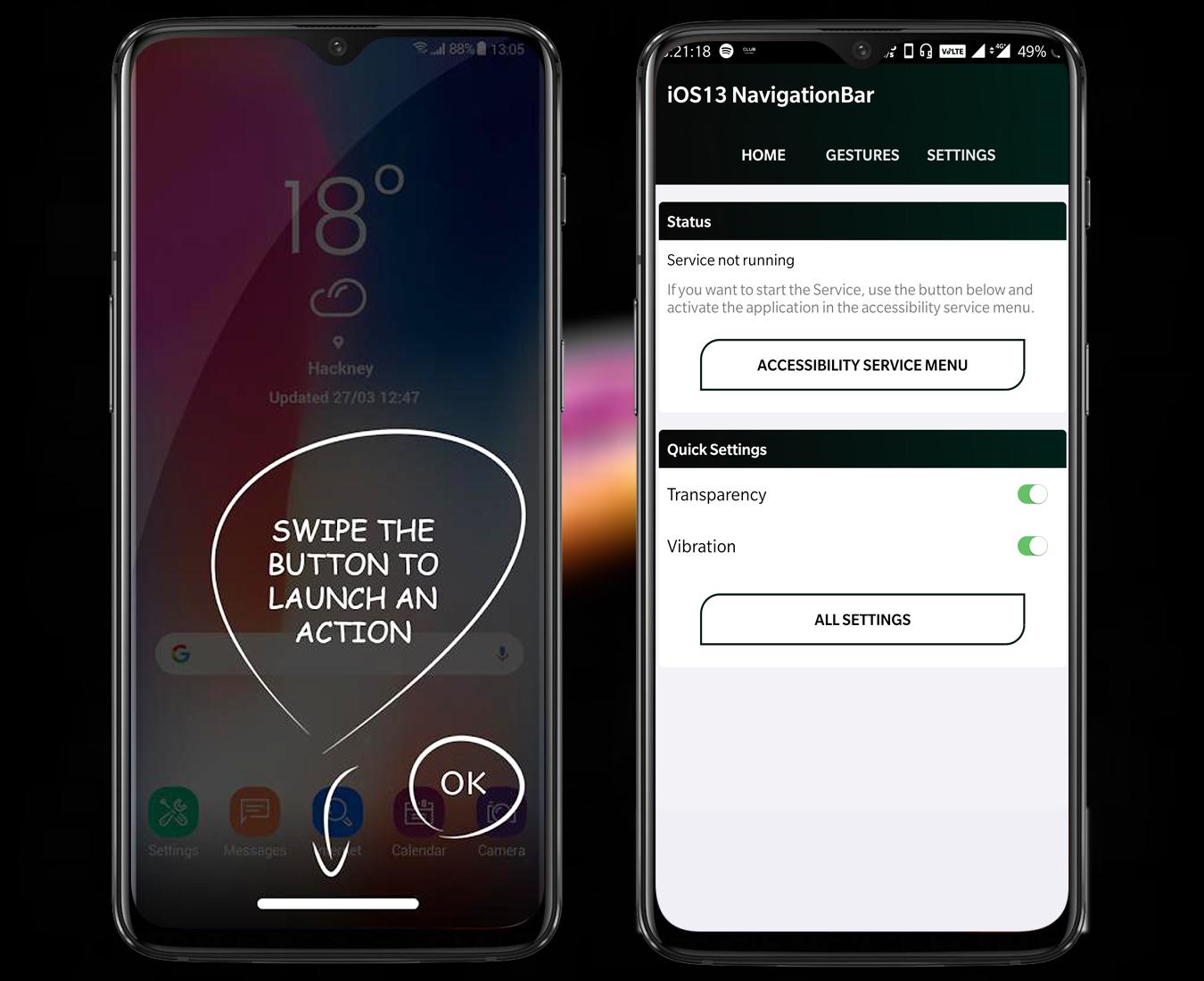
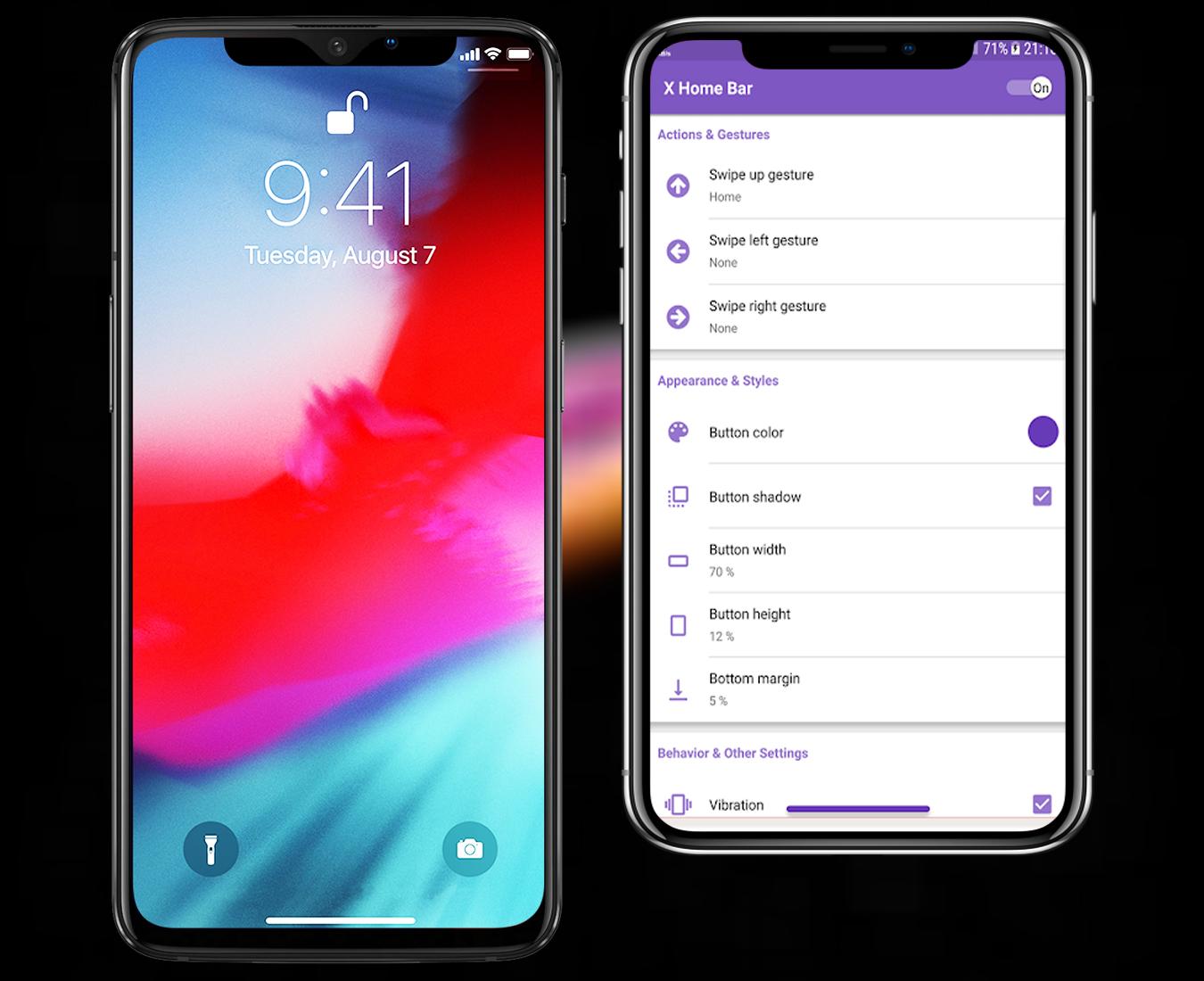
This app X Home Bar - Free or Home Bar Gesture adds an Phone X look like home button at the bottom of your screen.
This new home button is very simple. Just swipe up, left or right to launch a selected action.
The available actions are:
*Home
*Recent apps
*Back Press
*Pull down notification panel
*Quick settings
*Start a selected app
*Take a screenshot 5.0 or above
*Start the power menu
If your device has a navigation bar (Home, Back and Recent apps buttons) on the screen, the button will be above the navigation bar!
X Home Bar - Free or Home Bar Gesture is best free app in Playstore.
* Permission use:
* You don't have to root your moible, this app only uses the Device Administrator permission.
It is necessary and used only for locking the device when you use feature turn off the screen. You need to enable Administration before it can be used that feature.
* This app uses Accessibility services
We request this permission to:
* Receive notifications when you are interacting with an app to make color auto change and some feature
* Inspect the content of a window you are interacting with. To enable some feature like back, recent press, etc.
Please be assured that we will not collect any personal information.
This app uses your mobile Accessibility services.
Accessibility services are used to start several actions (start multi-task, pull down notification panel, pull down quick settings, open power menu, simulate back). These actions can help people that need to use their phone with only one hand to start actions that are not easy to do with only one hand (for example pull down notifications). Accessibility services are only used to these actions.
Preview
Information
Developer
Kongthay
Latest Version
1.0
Last Updated
2019-10-21
Category
Personalization
Available on
Google Play
Show More
Cara bermain iphone x home bar - iphone 11 home bar dengan GameLoop pada PC
1. Muat turun GameLoop dari laman web rasmi, kemudian jalankan fail exe untuk memasang GameLoop.
2. Buka GameLoop dan cari "iphone x home bar - iphone 11 home bar", cari iphone x home bar - iphone 11 home bar dalam hasil carian dan klik "Pasang".
3. Nikmati bermain iphone x home bar - iphone 11 home bar di GameLoop.
Minimum requirements
OS
Windows 8.1 64-bit or Windows 10 64-bit
GPU
GTX 1050
CPU
i3-8300
Memory
8GB RAM
Storage
1GB available space
Recommended requirements
OS
Windows 8.1 64-bit or Windows 10 64-bit
GPU
GTX 1050
CPU
i3-9320
Memory
16GB RAM
Storage
1GB available space