CM Launcher Default Theme PC
Cheetah Mobile themes
Download CM Launcher Default Theme on PC With GameLoop Emulator
CM Launcher Default Theme pada PC
CM Launcher Default Theme, datang daripada pembangun Cheetah Mobile themes, sedang berjalan pada sistem Android pada masa lalu.
Kini, Anda boleh bermain CM Launcher Default Theme pada PC dengan GameLoop dengan lancar.
Muat turunnya dalam pustaka GameLoop atau hasil carian. Tiada lagi melihat bateri atau panggilan yang mengecewakan pada masa yang salah lagi.
Hanya nikmati CM Launcher Default Theme PC pada skrin besar secara percuma!
CM Launcher Default Theme Pengenalan
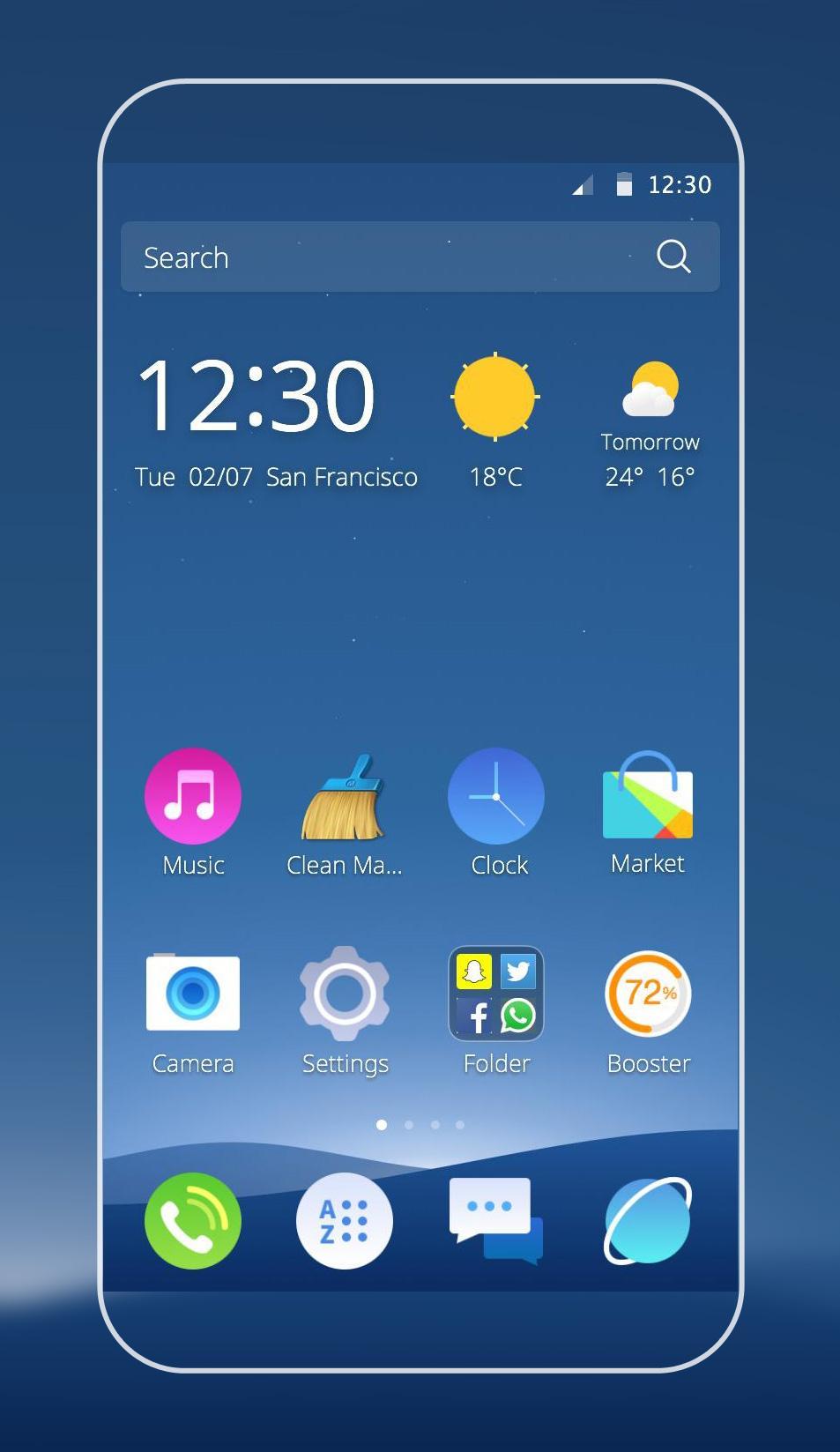
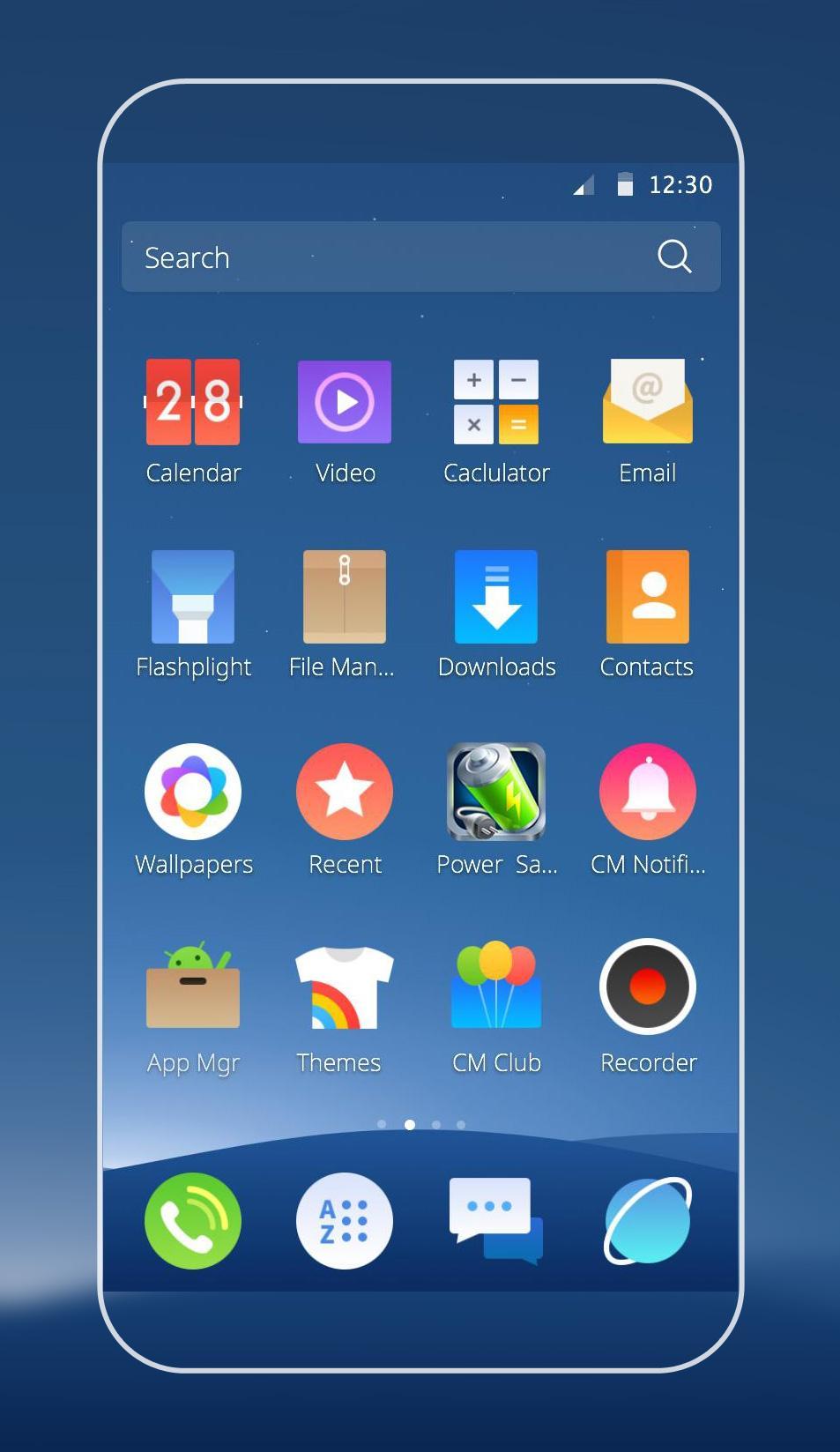
CM Launcher Default Theme is a free theme specially designed for CM Launcher users, including dozens of unified icons and artistic wallpapers, which can personalize your device easily.
To use this theme, you can follow these following steps:
1. Download and install the theme;
2. Install CM Launcher;
3. Start CM Launcher, go to “Theme--Mine” to open the theme and apply it to your phone.
More Themes? Click here: http://www.mobilethemenow.com/
CM Launcher is the safest launcher in the world!
FEATURES
SMALL - Just 2 MB, CM Launcher dramatically improves your device while being the most lightweight launcher in the world, even beating out APUS, GO Launcher, Nova Launcher and more.
SLEEK - Accelerate your startup speed by 100%! Make your apps load quicker, search the net with speed, and make full use of the capabilities of your phone with no dead weight.
SECURE - Includes the world's #1 antivirus engine, which protects your personal info and app data, as well as blocking viruses and malware.
SMART - Automatically organizes your apps into intelligent folders based on your habits, and recommends the apps that are popular with people in your neighborhood.
STYLISH - Customize your unique wallpaper to fit your personal style!
CONTACT US
Your comments help us to make our products great. If you have any suggestions or comments, you are more than welcome to get in touch with us in our beta community at Google+: https://plus.google.com/communities/108059376787244543323
or contact us directly:
Developer
launcher@cmcm.com
Preview
Information
Developer
Cheetah Mobile themes
Latest Version
1.1.1
Last Updated
2015-09-11
Category
Personalization
Available on
Google Play
Show More
Cara bermain CM Launcher Default Theme dengan GameLoop pada PC
1. Muat turun GameLoop dari laman web rasmi, kemudian jalankan fail exe untuk memasang GameLoop.
2. Buka GameLoop dan cari "CM Launcher Default Theme", cari CM Launcher Default Theme dalam hasil carian dan klik "Pasang".
3. Nikmati bermain CM Launcher Default Theme di GameLoop.
Minimum requirements
OS
Windows 8.1 64-bit or Windows 10 64-bit
GPU
GTX 1050
CPU
i3-8300
Memory
8GB RAM
Storage
1GB available space
Recommended requirements
OS
Windows 8.1 64-bit or Windows 10 64-bit
GPU
GTX 1050
CPU
i3-9320
Memory
16GB RAM
Storage
1GB available space