Classic Emoji Keyboard PC
Home_apps
Download Classic Emoji Keyboard on PC With GameLoop Emulator
Classic Emoji Keyboard pada PC
Classic Emoji Keyboard, datang daripada pembangun Home_apps, sedang berjalan pada sistem Android pada masa lalu.
Kini, Anda boleh bermain Classic Emoji Keyboard pada PC dengan GameLoop dengan lancar.
Muat turunnya dalam pustaka GameLoop atau hasil carian. Tiada lagi melihat bateri atau panggilan yang mengecewakan pada masa yang salah lagi.
Hanya nikmati Classic Emoji Keyboard PC pada skrin besar secara percuma!
Classic Emoji Keyboard Pengenalan
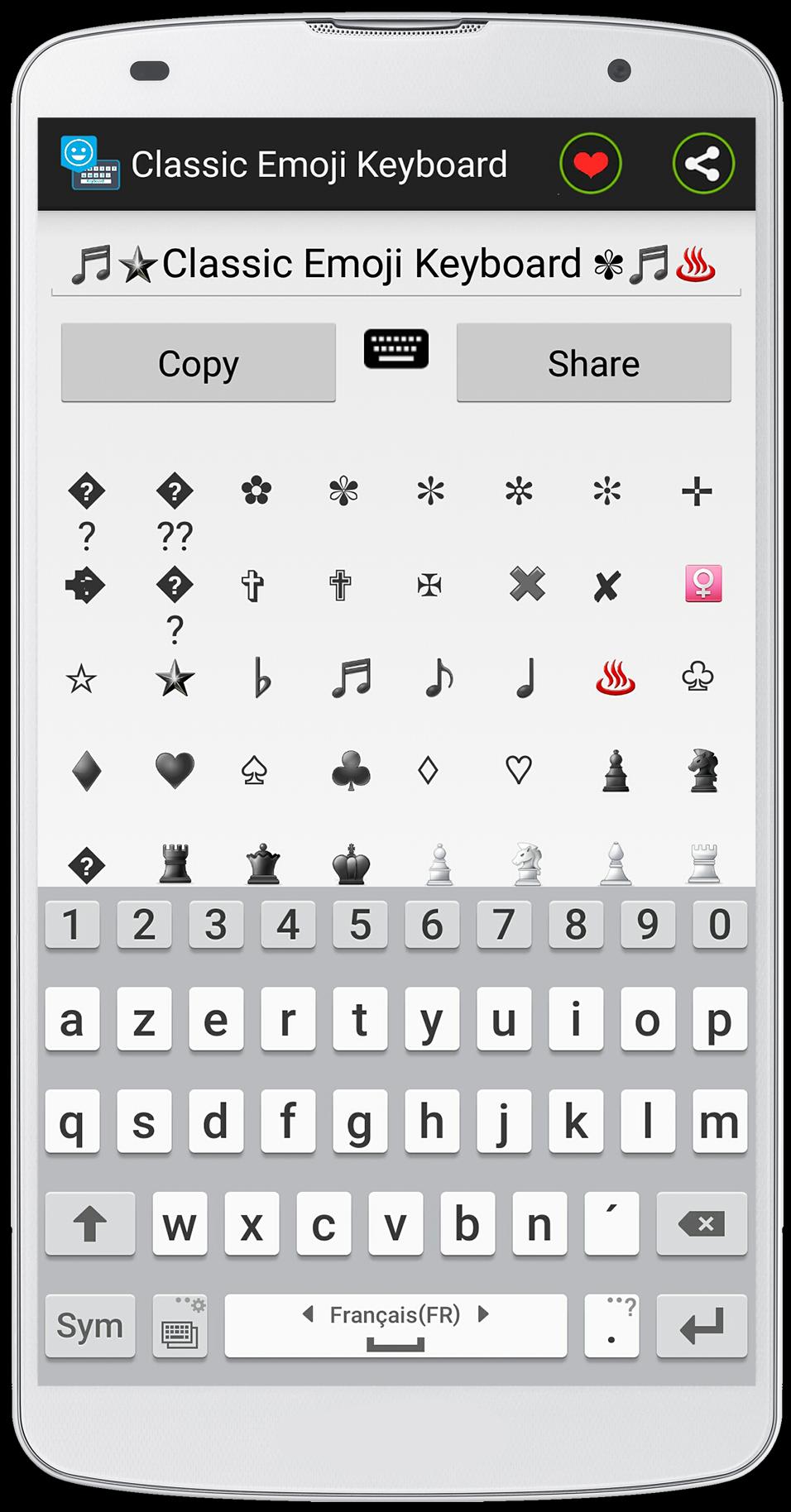
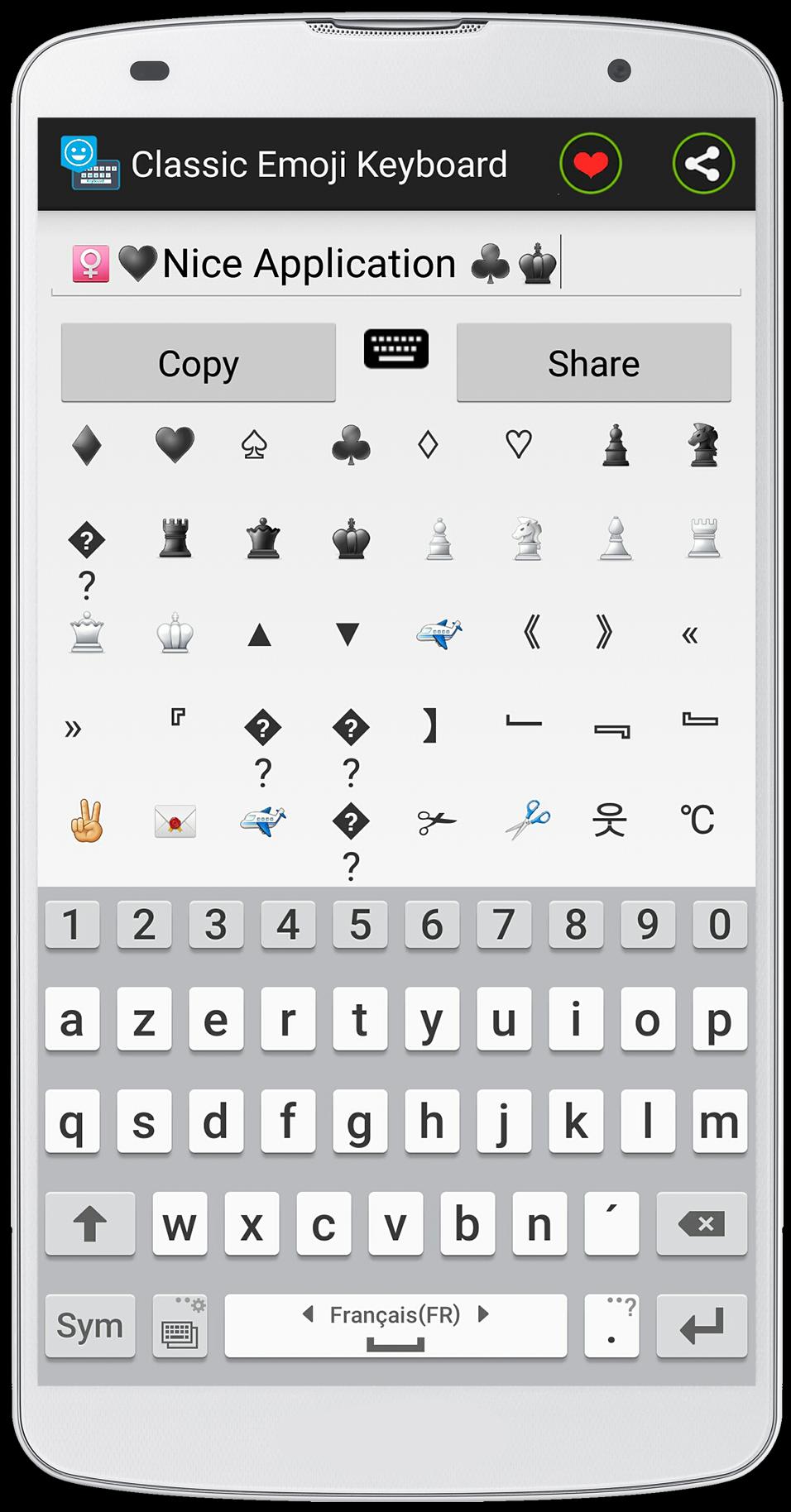
This application is developed in an exclusive way, this method uses the ASCII table to create the Emoji, Emoticons and also the symbols .
as you see the size of this application is very small "2,2Mo", it is because of used ASCII method .
Classic Emoji Keyboard is easy to use .
how to use :
- Open the " Classic Emoji Go Keyboard " application and write your text eg "I like Emoji Keyboard Symbols" and used the Emoji and symbols to give a nice style to your text .
- click "copy" to copy text and paste it into your conversation .
feature of the app :
- the size of the application is very small .
- the application uses less RAM against by other application uses more RAM .
- easy to use .
- you can share with your text Emojis with your friends by facebook or whatsapp ...
Je espère que vous aimez cette application, si vous avez une question, contactez-moi par e-mail!(topapp169@gmail.com)
Enfin, si vous aimez cette application, assurez-vous de laisser un gentil commentaire pour cette application
Preview
Information
Developer
Home_apps
Latest Version
1.0
Last Updated
2015-07-28
Category
Personalization
Available on
Google Play
Show More
Cara bermain Classic Emoji Keyboard dengan GameLoop pada PC
1. Muat turun GameLoop dari laman web rasmi, kemudian jalankan fail exe untuk memasang GameLoop.
2. Buka GameLoop dan cari "Classic Emoji Keyboard", cari Classic Emoji Keyboard dalam hasil carian dan klik "Pasang".
3. Nikmati bermain Classic Emoji Keyboard di GameLoop.
Minimum requirements
OS
Windows 8.1 64-bit or Windows 10 64-bit
GPU
GTX 1050
CPU
i3-8300
Memory
8GB RAM
Storage
1GB available space
Recommended requirements
OS
Windows 8.1 64-bit or Windows 10 64-bit
GPU
GTX 1050
CPU
i3-9320
Memory
16GB RAM
Storage
1GB available space