
B.T.S Fake Video Call Simulator PC
DVlspro
Download B.T.S Fake Video Call Simulator on PC With GameLoop Emulator
B.T.S Fake Video Call Simulator pada PC
B.T.S Fake Video Call Simulator, datang daripada pembangun DVlspro, sedang berjalan pada sistem Android pada masa lalu.
Kini, Anda boleh bermain B.T.S Fake Video Call Simulator pada PC dengan GameLoop dengan lancar.
Muat turunnya dalam pustaka GameLoop atau hasil carian. Tiada lagi melihat bateri atau panggilan yang mengecewakan pada masa yang salah lagi.
Hanya nikmati B.T.S Fake Video Call Simulator PC pada skrin besar secara percuma!
B.T.S Fake Video Call Simulator Pengenalan
Hello fans for bts fake call video chat,
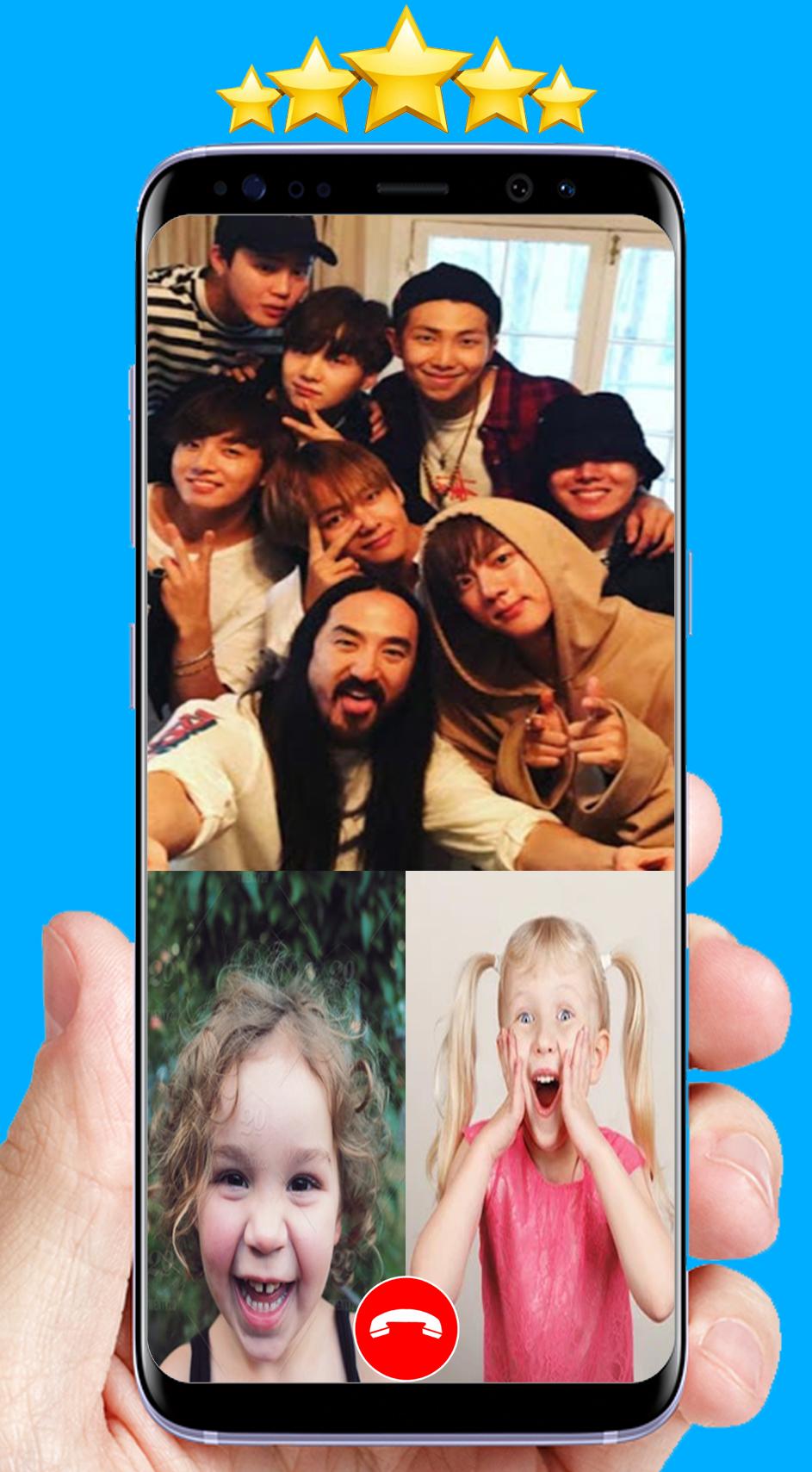
Fake call from bts kpop is a simple application Enables the user to make bts fake call that look so real, It is very interesting that we can have personal conversations with our idols.
Download Prank call bts simulator and make calls with kpop bts by one click for thinking your friends are you call bts and receiving fake calls from bts jungkook, jimin, v, rm, jhope, jin, suga
<>Features:
* great incoming call bts kpop.
* use call video from kpop bts.
* Simple bts chat simulator.
* Call voice with bts songs.
* Easy to use.
<>Disclaimer:
This is not a real call and just an imitation! The app does not have any damage and is just for fun and stop feeling bored and depressed so. This app is purely fictional and is not an official app. It's fanmade! In other words, it's not really bangtan boys calling you, but rather, a 100% fake and fictional simulation.
Preview

Tags
PersonalizationInformation
Developer
DVlspro
Latest Version
2
Last Updated
2021-10-01
Category
Personalization
Available on
Google Play
Show More
Cara bermain B.T.S Fake Video Call Simulator dengan GameLoop pada PC
1. Muat turun GameLoop dari laman web rasmi, kemudian jalankan fail exe untuk memasang GameLoop.
2. Buka GameLoop dan cari "B.T.S Fake Video Call Simulator", cari B.T.S Fake Video Call Simulator dalam hasil carian dan klik "Pasang".
3. Nikmati bermain B.T.S Fake Video Call Simulator di GameLoop.
Minimum requirements
OS
Windows 8.1 64-bit or Windows 10 64-bit
GPU
GTX 1050
CPU
i3-8300
Memory
8GB RAM
Storage
1GB available space
Recommended requirements
OS
Windows 8.1 64-bit or Windows 10 64-bit
GPU
GTX 1050
CPU
i3-9320
Memory
16GB RAM
Storage
1GB available space