Piano Tiles 🎹 Piggy Roblx PC
Yellow myFav
Download Piano Tiles 🎹 Piggy Roblx on PC With GameLoop Emulator
Piano Tiles 🎹 Piggy Roblx pada PC
Piano Tiles 🎹 Piggy Roblx, datang daripada pembangun Yellow myFav, sedang berjalan pada sistem Android pada masa lalu.
Kini, Anda boleh bermain Piano Tiles 🎹 Piggy Roblx pada PC dengan GameLoop dengan lancar.
Muat turunnya dalam pustaka GameLoop atau hasil carian. Tiada lagi melihat bateri atau panggilan yang mengecewakan pada masa yang salah lagi.
Hanya nikmati Piano Tiles 🎹 Piggy Roblx PC pada skrin besar secara percuma!
Piano Tiles 🎹 Piggy Roblx Pengenalan
How to play Piano Tiles 🎹 Piggy Roblx:
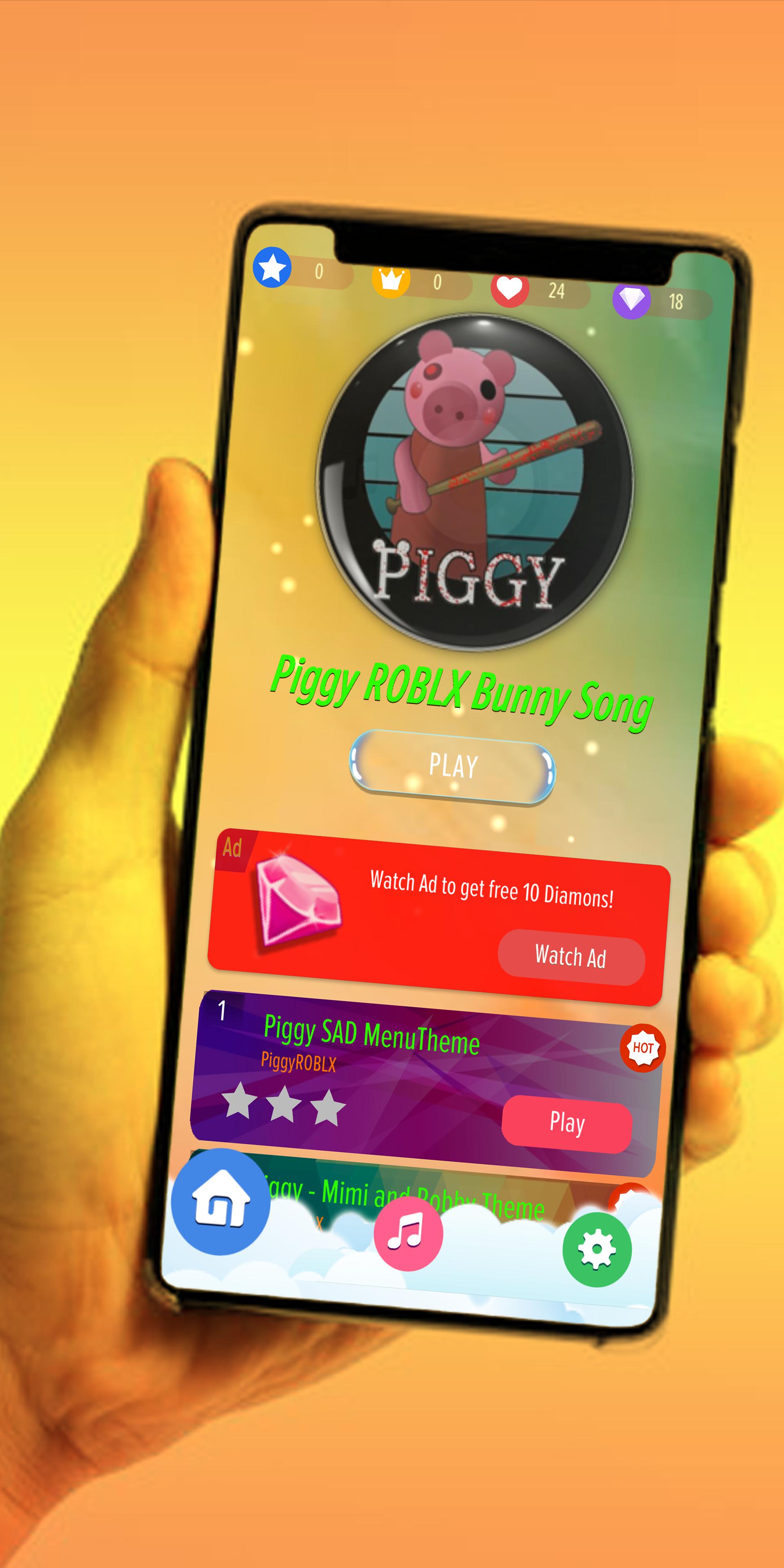
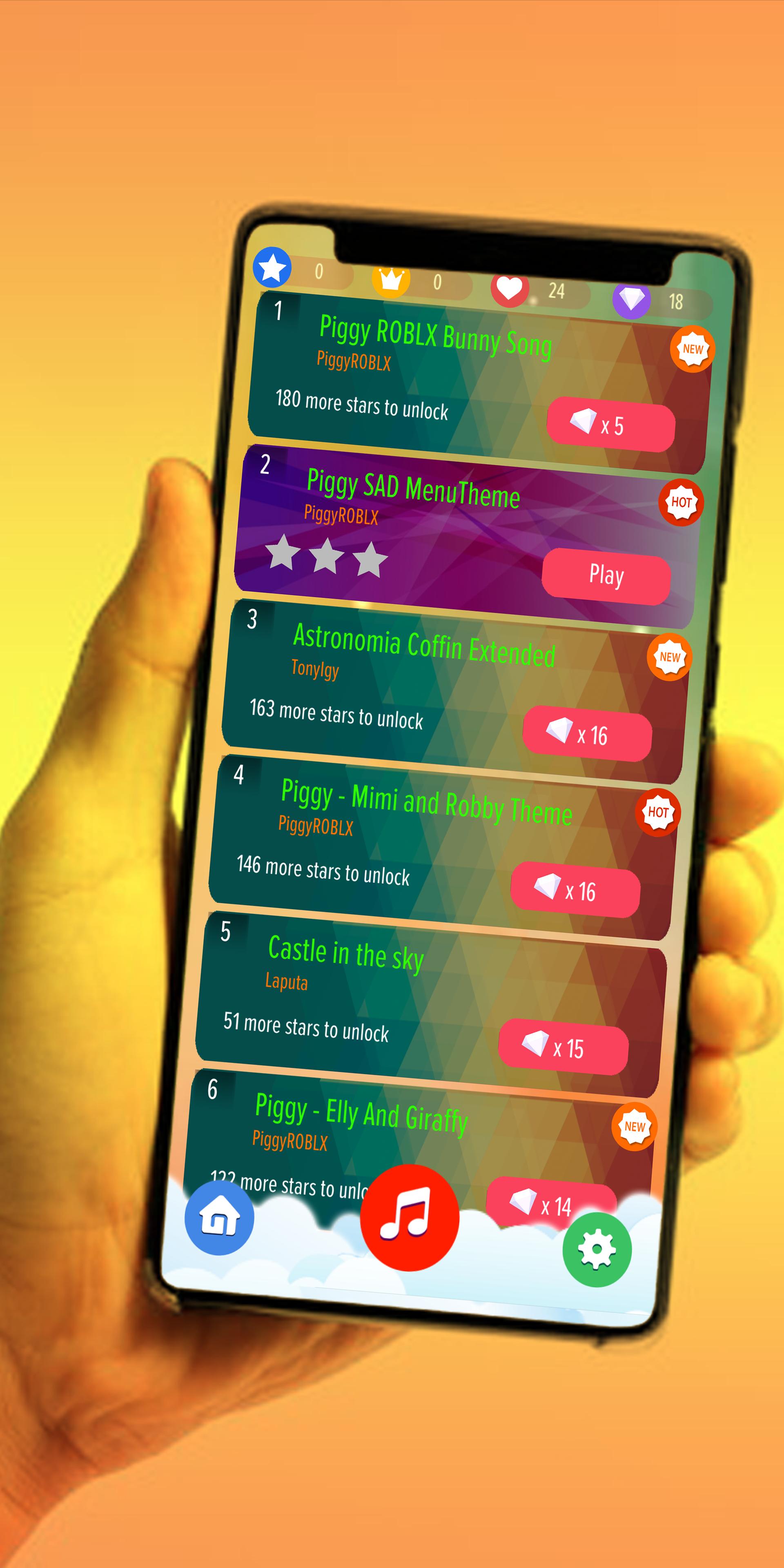
This application is very easy to play. The rules are simple. Tap the piano black tile continuously to play piggy theme songs, never miss a piano black tile to finish each song.
So lets begin challenge your fingers speed now playing Piggy Game Roblox !!!
Notes :
Disclaimer
This game is not an official app. There is no copyrighted material, everything we make is done by us including the piano music!
Piano Tiles 🎹 Piggy Roblox on Piano Tiles is unofficial application.
This app only for fans entertainment purposes.
It is not affiliated with Piggy Roblox Games or endorsed by record label.
Preview
Tags
Music-&Information
Developer
Yellow myFav
Latest Version
1.1
Last Updated
2020-07-25
Category
Music-audio
Available on
Google Play
Show More
Cara bermain Piano Tiles 🎹 Piggy Roblx dengan GameLoop pada PC
1. Muat turun GameLoop dari laman web rasmi, kemudian jalankan fail exe untuk memasang GameLoop.
2. Buka GameLoop dan cari "Piano Tiles 🎹 Piggy Roblx", cari Piano Tiles 🎹 Piggy Roblx dalam hasil carian dan klik "Pasang".
3. Nikmati bermain Piano Tiles 🎹 Piggy Roblx di GameLoop.
Minimum requirements
OS
Windows 8.1 64-bit or Windows 10 64-bit
GPU
GTX 1050
CPU
i3-8300
Memory
8GB RAM
Storage
1GB available space
Recommended requirements
OS
Windows 8.1 64-bit or Windows 10 64-bit
GPU
GTX 1050
CPU
i3-9320
Memory
16GB RAM
Storage
1GB available space