Rocket Player Cloud Expansion PC
JRT Studio Music Players
Download Rocket Player Cloud Expansion on PC With GameLoop Emulator
Rocket Player Cloud Expansion pada PC
Rocket Player Cloud Expansion, datang daripada pembangun JRT Studio Music Players, sedang berjalan pada sistem Android pada masa lalu.
Kini, Anda boleh bermain Rocket Player Cloud Expansion pada PC dengan GameLoop dengan lancar.
Muat turunnya dalam pustaka GameLoop atau hasil carian. Tiada lagi melihat bateri atau panggilan yang mengecewakan pada masa yang salah lagi.
Hanya nikmati Rocket Player Cloud Expansion PC pada skrin besar secara percuma!
Rocket Player Cloud Expansion Pengenalan
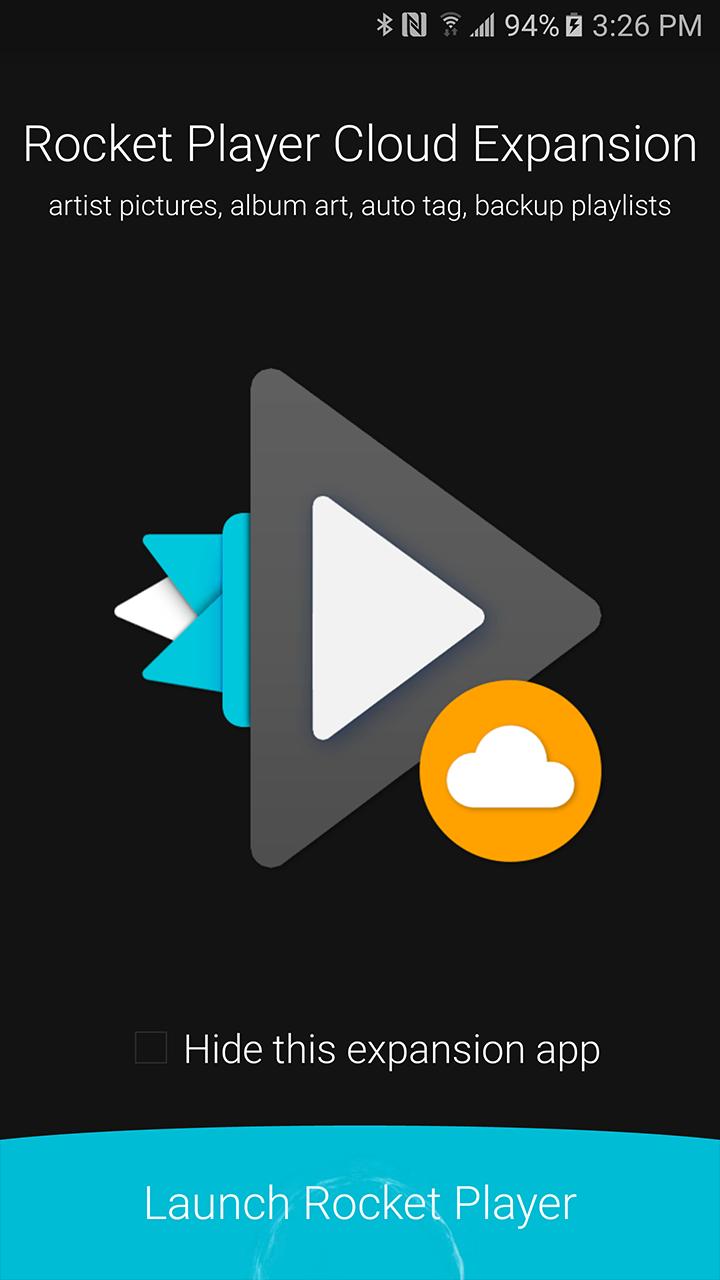
Cloud Expansion is an add-on application for Rocket Player. Purchase of cloud support required within the Rocket Player application. Otherwise this application does nothing. Cloud features include:
-Backup/migrate/restore playlists to devices with playlist edits.
-Auto tag songs with a single press.
-Display Gracenote artist photos for specific artists (not all artists have artwork).
-Download Gracenote album artwork for songs
When upgrading to a new device migrate your old playlists created in Rocket Player. Accidentally make an incorrect edit? Restore from a previous version!
The auto tag songs feature will fill in missing tag information like album, artist, genre and even track number.
Display Gracenote artist photos - get an up close look with your favorite artists! Closer, cleaner, and better than ever before.
Download Gracenote album artwork - manage your songs artwork with a high-quality match from our database.
© 2019 JRT Studio LLC | Rocket Player is a trademark of JRT Studio LLC | Gracenote is a trademark of Gracenote, Inc., registered in the U.S. and other countries.
Preview
Information
Developer
JRT Studio Music Players
Latest Version
0.1.24
Last Updated
2017-02-16
Category
Music-audio
Available on
Google Play
Show More
Cara bermain Rocket Player Cloud Expansion dengan GameLoop pada PC
1. Muat turun GameLoop dari laman web rasmi, kemudian jalankan fail exe untuk memasang GameLoop.
2. Buka GameLoop dan cari "Rocket Player Cloud Expansion", cari Rocket Player Cloud Expansion dalam hasil carian dan klik "Pasang".
3. Nikmati bermain Rocket Player Cloud Expansion di GameLoop.
Minimum requirements
OS
Windows 8.1 64-bit or Windows 10 64-bit
GPU
GTX 1050
CPU
i3-8300
Memory
8GB RAM
Storage
1GB available space
Recommended requirements
OS
Windows 8.1 64-bit or Windows 10 64-bit
GPU
GTX 1050
CPU
i3-9320
Memory
16GB RAM
Storage
1GB available space