Moojic In-Store Radio PC
Adonta Mobility Solutions Pvt. Ltd.
Download Moojic In-Store Radio on PC With GameLoop Emulator
Moojic In-Store Radio pada PC
Moojic In-Store Radio, datang daripada pembangun Adonta Mobility Solutions Pvt. Ltd., sedang berjalan pada sistem Android pada masa lalu.
Kini, Anda boleh bermain Moojic In-Store Radio pada PC dengan GameLoop dengan lancar.
Muat turunnya dalam pustaka GameLoop atau hasil carian. Tiada lagi melihat bateri atau panggilan yang mengecewakan pada masa yang salah lagi.
Hanya nikmati Moojic In-Store Radio PC pada skrin besar secara percuma!
Moojic In-Store Radio Pengenalan
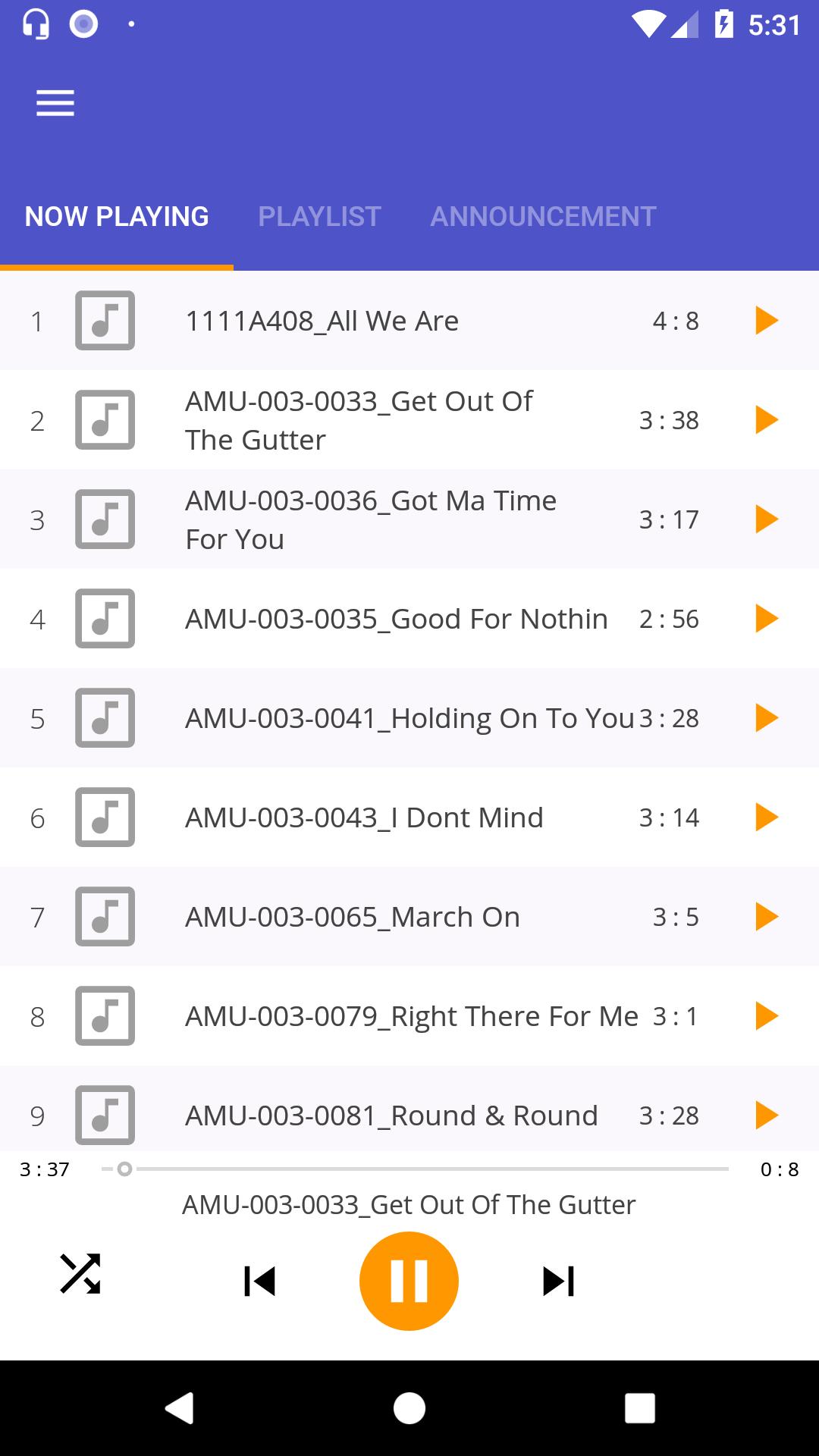
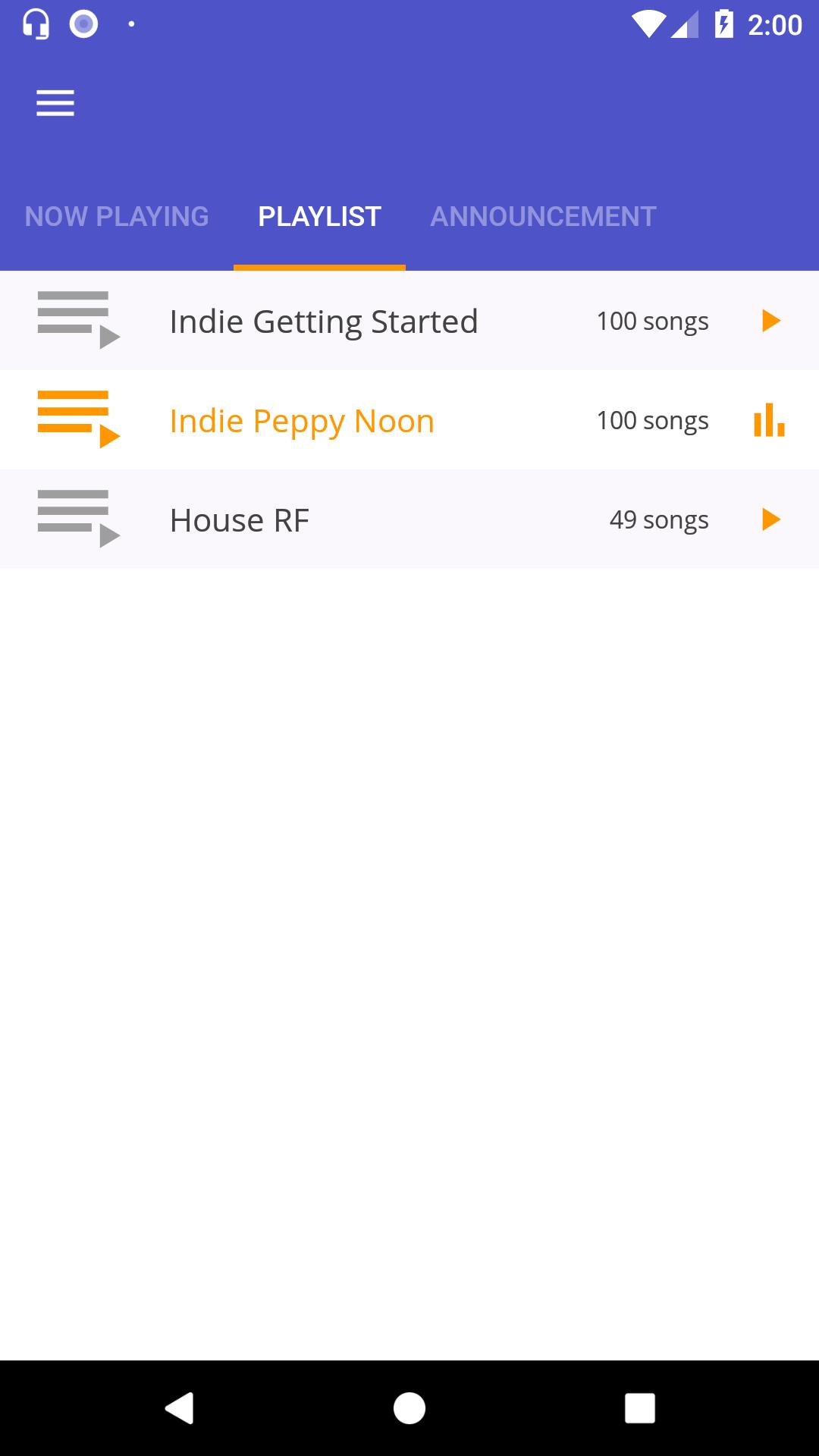
Moojic has been managing the in-store radio experience for customers in retail, hospitality, entertainment and fitness for more than half a decade now. At Moojic, we are extremely passionate about using music and technology to create outstanding customer experiences. Moojic came to life with an intent to recreate the age-old jukebox and has now grown to be the most innovative and sought out instore radio company across the globe.
Preview
Information
Developer
Adonta Mobility Solutions Pvt. Ltd.
Latest Version
1.7
Last Updated
2019-04-08
Category
Music-audio
Available on
Google Play
Show More
Cara bermain Moojic In-Store Radio dengan GameLoop pada PC
1. Muat turun GameLoop dari laman web rasmi, kemudian jalankan fail exe untuk memasang GameLoop.
2. Buka GameLoop dan cari "Moojic In-Store Radio", cari Moojic In-Store Radio dalam hasil carian dan klik "Pasang".
3. Nikmati bermain Moojic In-Store Radio di GameLoop.
Minimum requirements
OS
Windows 8.1 64-bit or Windows 10 64-bit
GPU
GTX 1050
CPU
i3-8300
Memory
8GB RAM
Storage
1GB available space
Recommended requirements
OS
Windows 8.1 64-bit or Windows 10 64-bit
GPU
GTX 1050
CPU
i3-9320
Memory
16GB RAM
Storage
1GB available space