80-an Radio PC
MyIndieApp.com
Download 80-an Radio on PC With GameLoop Emulator
80-an Radio pada PC
80-an Radio, datang daripada pembangun MyIndieApp.com, sedang berjalan pada sistem Android pada masa lalu.
Kini, Anda boleh bermain 80-an Radio pada PC dengan GameLoop dengan lancar.
Muat turunnya dalam pustaka GameLoop atau hasil carian. Tiada lagi melihat bateri atau panggilan yang mengecewakan pada masa yang salah lagi.
Hanya nikmati 80-an Radio PC pada skrin besar secara percuma!
80-an Radio Pengenalan
80-an Radio - Bermain Radio Muzik Amerika
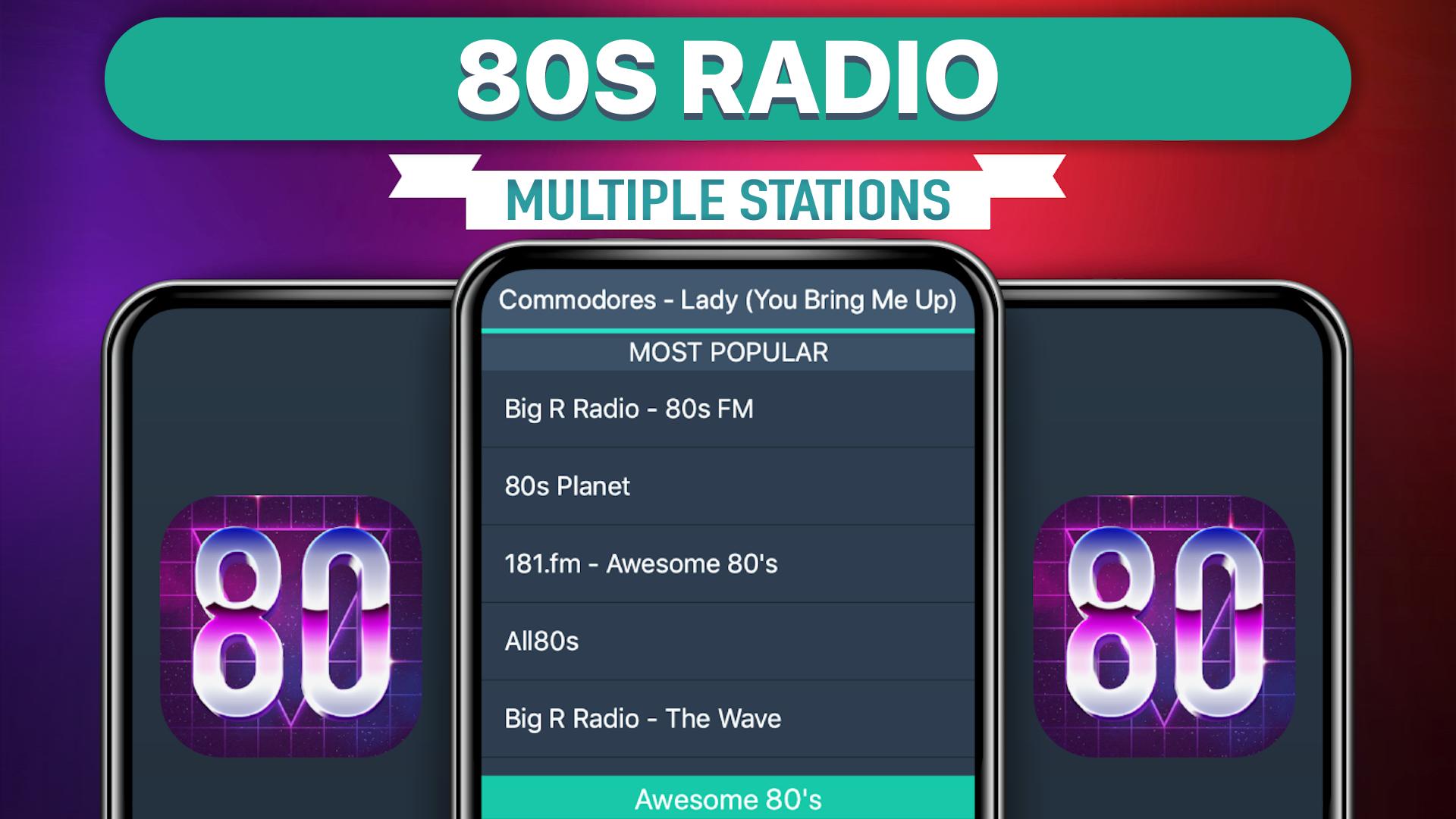
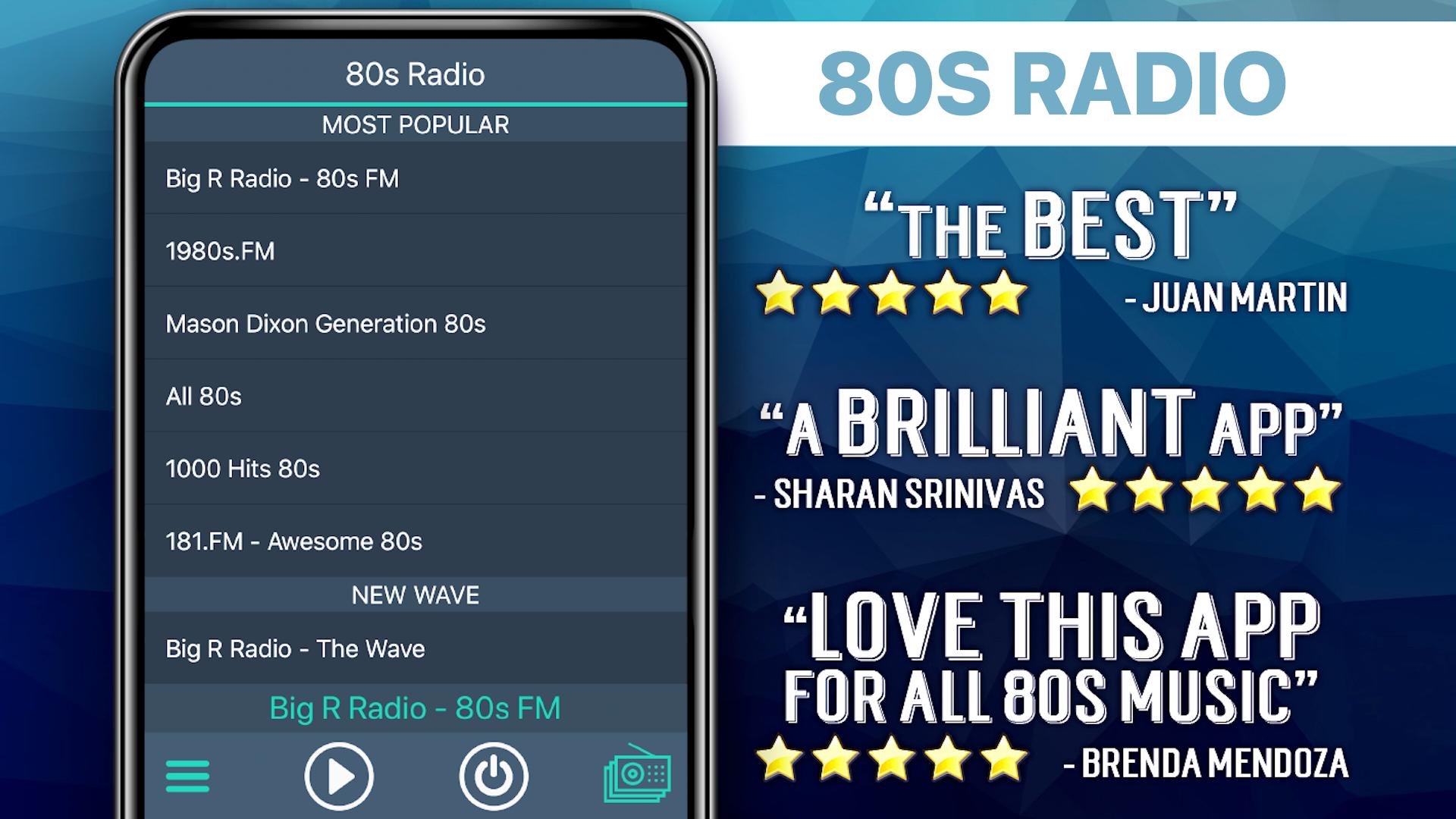
Stesen-stesen radio yang sedia ada:
**** Most Popular ****
181.fm - Awesome 80's
181.FM - 80's Hairband
Flashback Radio
Totally 80's
1980s.FM
******* Totally 80s *******
181.fm - Awesome 80's
Big R Radio - The Wave
Discofox Dance Fo x
AceRadio.Net - Soft 80s Channel
**** International 80s ****
Underground Eighties: UK Synthop
A B C 80s (Ireland)
M2 80 : 80's HITS - France
laut.fm/club85
hotmixradio-frenchy-128.mp3
Radio Vivellart, la musique est votre mémoire
Radio Bavaria International
laut.fm/maximix
****** 80s Mix ******
A B C Stars 80s
a1180hits
Ashdown FM 80s Hits US
Radio Del Sur Online
Canal 80 Web Radio
CHIC RADIO - Programme Vintage
WILVFM
Dublins A B C
Flashback Radio
FlashbackRadio.FM
KICKRADIO, 80's & 90's Hits
KTFM GENEVA vos annees KT
MY 100 Best 80's and 90's
PlaZma Radio
Radio Del Sur Online
radio SAW-80er
ThreeTen Radio - Only The 80s
Zero Radio (High)
181.FM - 80's Hairband"
1980s.FM
FAQs
Q: Why does the music stop playing when the screen goes dark?
A: There are several possible explanations for why this is happening. Many devices have built-in power saving settings (ex. Doze mode) that can cause disruptions in online streaming. Additionally, wifi settings need to be set to stay on when the device falls asleep. Please follow the link to our FAQ to find detailed instructions for how to adjust your settings to ensure seamless streaming: http://myindieapp.com/faq
Q: Why is the music skipping?
A: When songs are skipping, it is often because 1) that station's server has recently been reset or 2) the internet isn't filling the audio buffer fast enough. Usually these issues are resolved with faster internet, changing the wifi settings on your device, or they resolve on their own after the server resets.
Q: Why is the app not working on my device?
A: Unfortunately, 80s Radio doesn't support all devices and operating systems. This is the main reason we have decided to bring this app to you totally FREE! Try it out to see if we are coming in loud and clear, "Nothing ventured nothing gained." We are adding support for new devices all the time.
Q: Why are some stations blank at times?
A: Some of these stations are controlled by real DJs and if they aren't playing anything at the time or their site is down no music will play. Fortunately we have a variety of channels so you will always have a lot to choose from.
80-an Radio - percuma muzik
Nikmatilah!
Preview
Tags
Music-&Information
Developer
MyIndieApp.com
Latest Version
7.2
Last Updated
2023-10-12
Category
Music-audio
Available on
Google Play
Show More
Cara bermain 80-an Radio dengan GameLoop pada PC
1. Muat turun GameLoop dari laman web rasmi, kemudian jalankan fail exe untuk memasang GameLoop.
2. Buka GameLoop dan cari "80-an Radio", cari 80-an Radio dalam hasil carian dan klik "Pasang".
3. Nikmati bermain 80-an Radio di GameLoop.
Minimum requirements
OS
Windows 8.1 64-bit or Windows 10 64-bit
GPU
GTX 1050
CPU
i3-8300
Memory
8GB RAM
Storage
1GB available space
Recommended requirements
OS
Windows 8.1 64-bit or Windows 10 64-bit
GPU
GTX 1050
CPU
i3-9320
Memory
16GB RAM
Storage
1GB available space