Cute Kawaii Lock Screen PC
Chupen Apps
Download Cute Kawaii Lock Screen on PC With GameLoop Emulator
Cute Kawaii Lock Screen pada PC
Cute Kawaii Lock Screen, datang daripada pembangun Chupen Apps, sedang berjalan pada sistem Android pada masa lalu.
Kini, Anda boleh bermain Cute Kawaii Lock Screen pada PC dengan GameLoop dengan lancar.
Muat turunnya dalam pustaka GameLoop atau hasil carian. Tiada lagi melihat bateri atau panggilan yang mengecewakan pada masa yang salah lagi.
Hanya nikmati Cute Kawaii Lock Screen PC pada skrin besar secara percuma!
Cute Kawaii Lock Screen Pengenalan
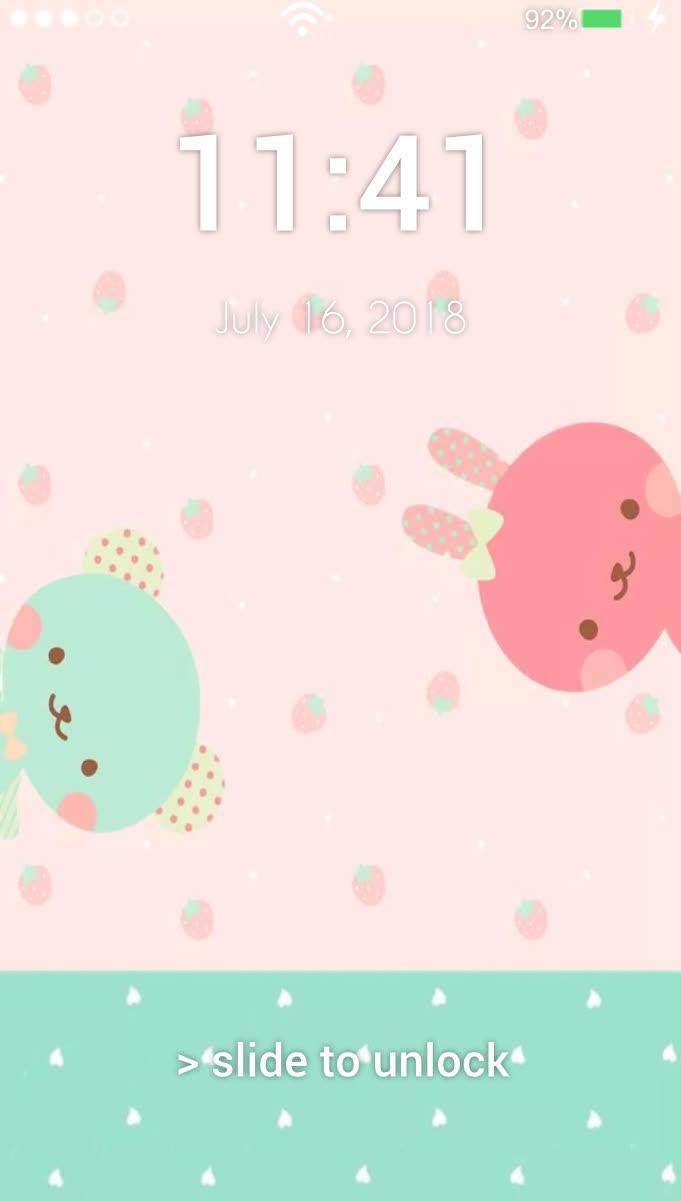
Kawaii is a Japan style drawings of cute little animals and characters. Find your favourite Kawaii
picture, and set it as a lock screen. The app may choose images randomly, so you would see new
cute animal on each phone unlock. Enjoy! Kawaii!
Every day may not be sweet, but there is something sweet in every day.
The lock screen app features:
🎶 password option
🎶 best system locker replacement
🎶 panel with shortcut buttons to flashlight, camera, etc.
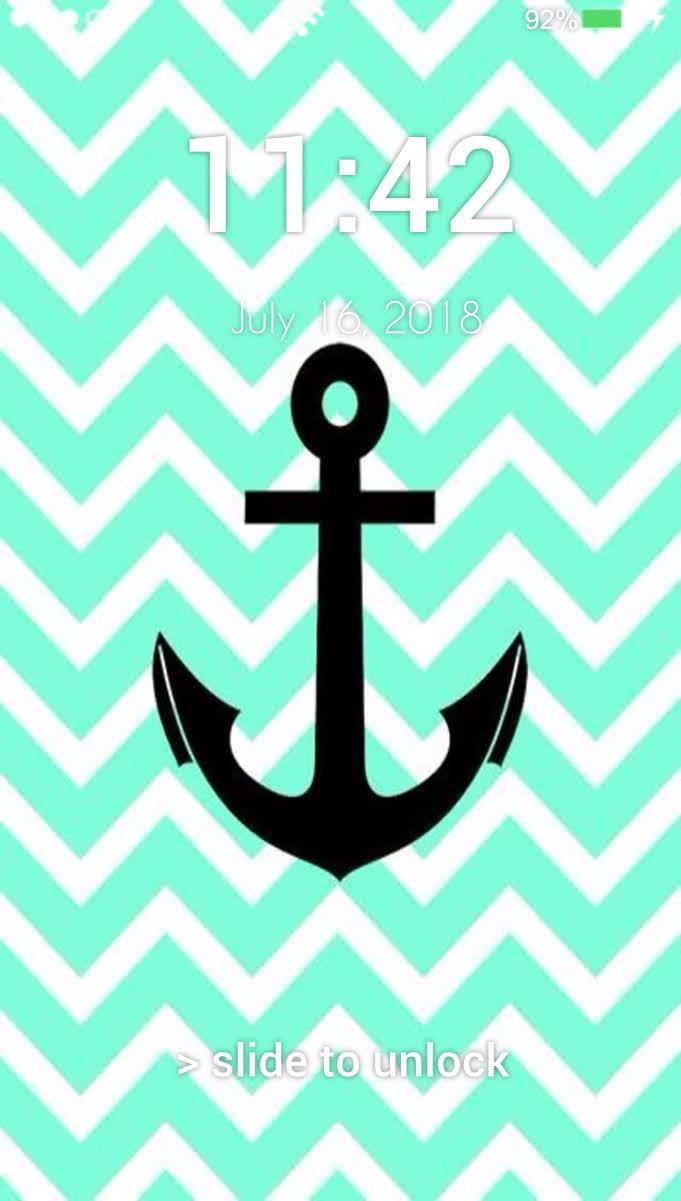
🎶 showing current battery, time and date
🎶 a lot of cool photos
HOW TO CONFIGURE ?
🔨 allow permissions for screen overlay access and system settings
🔨 choose favourite background
🔨 or allow random
🔨 optionally set security password
Preview
Information
Developer
Chupen Apps
Latest Version
1.3
Last Updated
2019-03-29
Category
Lifestyle
Available on
Google Play
Show More
Cara bermain Cute Kawaii Lock Screen dengan GameLoop pada PC
1. Muat turun GameLoop dari laman web rasmi, kemudian jalankan fail exe untuk memasang GameLoop.
2. Buka GameLoop dan cari "Cute Kawaii Lock Screen", cari Cute Kawaii Lock Screen dalam hasil carian dan klik "Pasang".
3. Nikmati bermain Cute Kawaii Lock Screen di GameLoop.
Minimum requirements
OS
Windows 8.1 64-bit or Windows 10 64-bit
GPU
GTX 1050
CPU
i3-8300
Memory
8GB RAM
Storage
1GB available space
Recommended requirements
OS
Windows 8.1 64-bit or Windows 10 64-bit
GPU
GTX 1050
CPU
i3-9320
Memory
16GB RAM
Storage
1GB available space