Voice Changer Pro: Change Voice with Sound Effects PC
MLS Star Team Android
Download Voice Changer Pro: Change Voice with Sound Effects on PC With GameLoop Emulator
Voice Changer Pro: Change Voice with Sound Effects pada PC
Voice Changer Pro: Change Voice with Sound Effects, datang daripada pembangun MLS Star Team Android, sedang berjalan pada sistem Android pada masa lalu.
Kini, Anda boleh bermain Voice Changer Pro: Change Voice with Sound Effects pada PC dengan GameLoop dengan lancar.
Muat turunnya dalam pustaka GameLoop atau hasil carian. Tiada lagi melihat bateri atau panggilan yang mengecewakan pada masa yang salah lagi.
Hanya nikmati Voice Changer Pro: Change Voice with Sound Effects PC pada skrin besar secara percuma!
Voice Changer Pro: Change Voice with Sound Effects Pengenalan
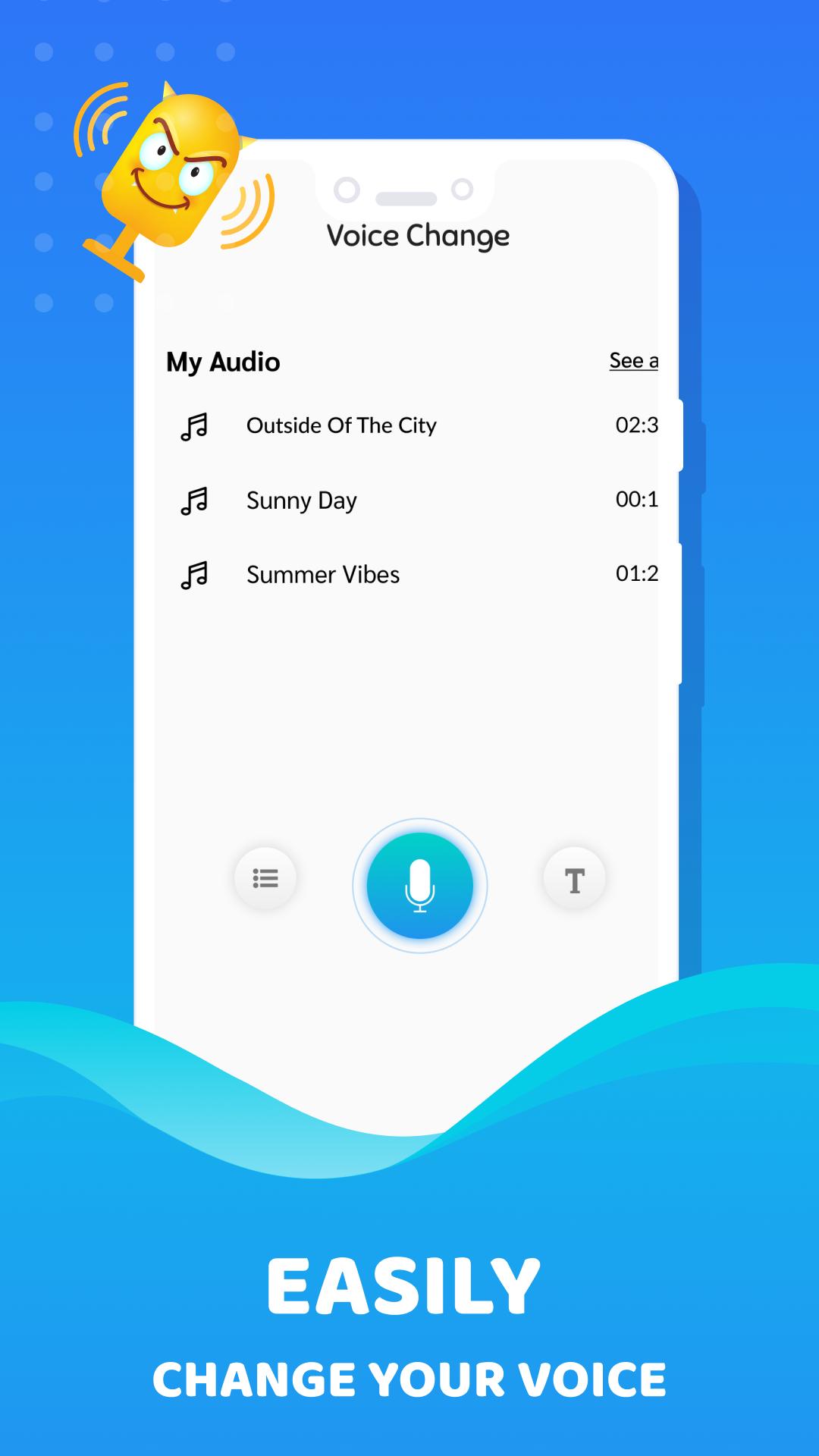
🍄 Record your voice with high-quality sound or open music, apply effects and share them with your friends.
🍄 This is the best voice changer app with a simple interface. Very easy to your voice with voice changer effect.
🍄 Voice Recording: Change Voice with Sound Effects app supports various sound effects and you can customize custom parameters to have the best sound effects for you.
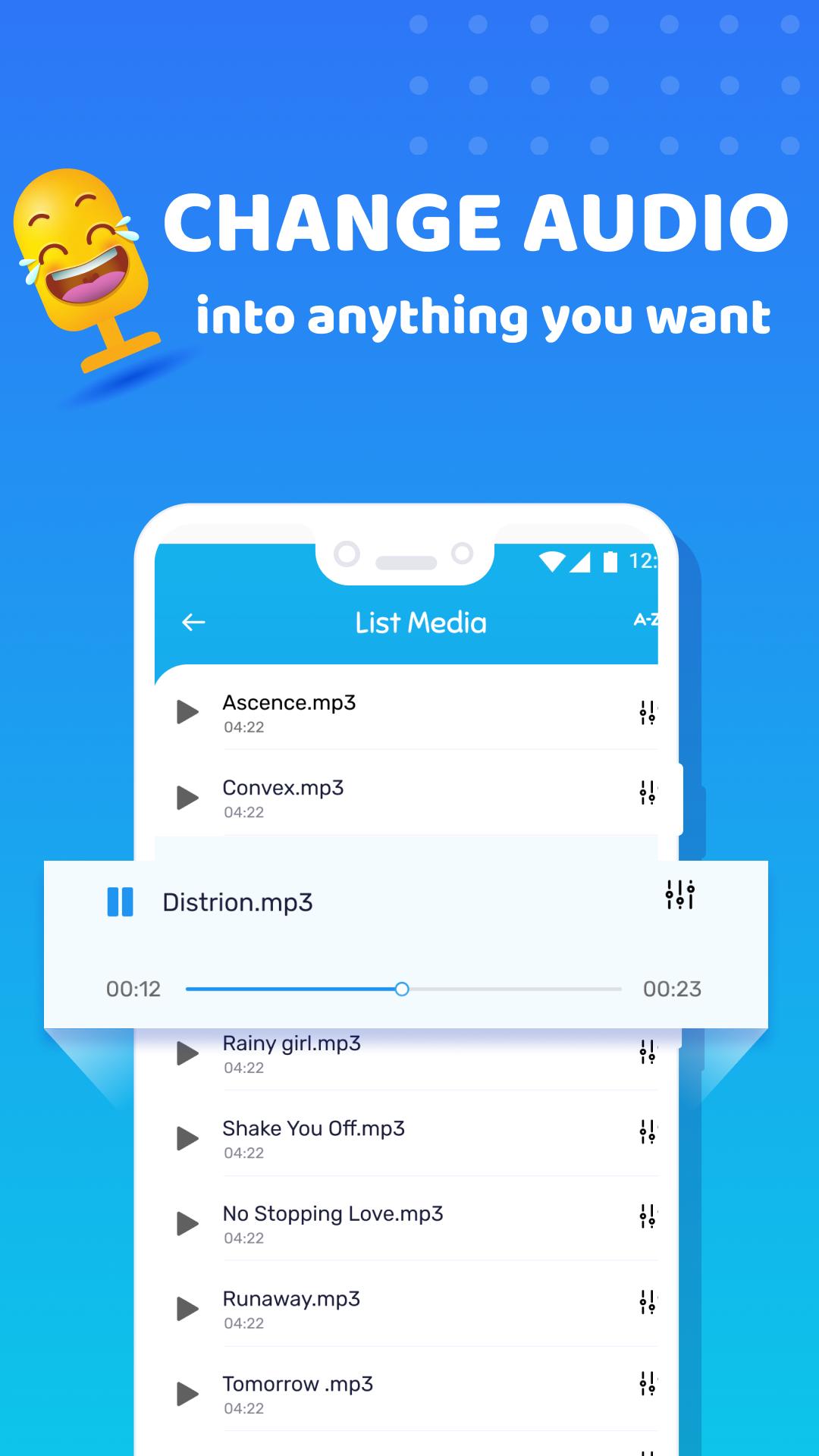
🍄 All you need to do is open Voice Changer Pro: Change Voice with Voice Effects app, voice recorder or select an audio file available on your phone and start creating your own funny sound with Sound Effects.
🍄 Voice Changer provides more than 20 sound effects and you are allowed to use the first 6 sound effects for free. The following effects you need to pay to be able to use.
Main Feature of Voice Changer Pro: Change Voice with funny voice changer, Voice Recorder app:
🦋 Reverting your voice or built-in special effects allows you to instantly change the sound effect.
🦋 Voice recording and change them into funny voice changer as a professional voice recorder - voice changer app.
🦋 Converting text to audio is also a special function that is only available in Voice Changer Pro: Change Voice with Sound Effects
🦋 Share audio files with your friends via social networks with Voice Recorder: Change Voice with Sound Effects app.
🦋 Download music or other audio files to apply the voice changer effect on it when using the Voice Recorder: Change Voice with Voice Changer app.
🦋 Record and change your voice directly. Save recording files with high-quality audio.
🦋 Set as ringtone, alarm, notification ...As easy as when you use the voice recording - voice change app.
🦋 With Voice Changer Pro: Change Voice with funny voice changer app you can also easily share, delete or change the name of your audio file as like Voice change - Voice Recording app.
🦋 Payment options to open all voice effects as well as remove unnecessary ads.
🦋 Change, adjust, improve, balance sound with Voice Recording: Voice change with funny voice changer app as like a Voice Change app.
🦋 Listen to voice changer effect before putting into Voice Changer Pro: Change Voice with Voice Effects as like a Voice Change app.
🦋 Store and manage voice changer effect files.
🦋 Voice Changer Pro: Change Voice with Voice Effects app with a friendly interface and easy to use.
🦋 Record extremely funny voice changer to tease friends, share great sounds on social networks. With Voice Changer Pro: Change Voice with Voice Effects app, you can entertain and relieve stress in your free time.
This voice changer pro is free to install but there are still some lock contents that are only available through an paid subscription option.
When choosing this option you will have chance to try all lock features for free. During trial period you can cancel subscription and pay nothing. If you choose to pay, the payment will be charged to your google account at confirmation of purchase. Subscriptions are set to renew automatically within 24 hours before the expiration date.
If you have any questions about the Funny Voice Changer app, please leave a comment below and we'll respond as quickly as possible.
Don't forget to rate 5 ⭐ ⭐ ⭐ ⭐ ⭐ if you like this new one.
Preview
Information
Developer
MLS Star Team Android
Latest Version
1.0.0
Last Updated
2019-09-13
Category
Entertainment
Available on
Google Play
Show More
Cara bermain Voice Changer Pro: Change Voice with Sound Effects dengan GameLoop pada PC
1. Muat turun GameLoop dari laman web rasmi, kemudian jalankan fail exe untuk memasang GameLoop.
2. Buka GameLoop dan cari "Voice Changer Pro: Change Voice with Sound Effects", cari Voice Changer Pro: Change Voice with Sound Effects dalam hasil carian dan klik "Pasang".
3. Nikmati bermain Voice Changer Pro: Change Voice with Sound Effects di GameLoop.
Minimum requirements
OS
Windows 8.1 64-bit or Windows 10 64-bit
GPU
GTX 1050
CPU
i3-8300
Memory
8GB RAM
Storage
1GB available space
Recommended requirements
OS
Windows 8.1 64-bit or Windows 10 64-bit
GPU
GTX 1050
CPU
i3-9320
Memory
16GB RAM
Storage
1GB available space