
UTH IPTV PC
Fictive Hut
Download UTH IPTV on PC With GameLoop Emulator
UTH IPTV pada PC
UTH IPTV, datang daripada pembangun Fictive Hut, sedang berjalan pada sistem Android pada masa lalu.
Kini, Anda boleh bermain UTH IPTV pada PC dengan GameLoop dengan lancar.
Muat turunnya dalam pustaka GameLoop atau hasil carian. Tiada lagi melihat bateri atau panggilan yang mengecewakan pada masa yang salah lagi.
Hanya nikmati UTH IPTV PC pada skrin besar secara percuma!
UTH IPTV Pengenalan
UTH IPTV lets you enjoy all your favorite TV channels and movies in HD Quality on your Android Phone, TV Boxes and Smart TVs with the following features:
- Live streaming in HD quality.
- More than 5000 TV channels.
- Clean and modern design.
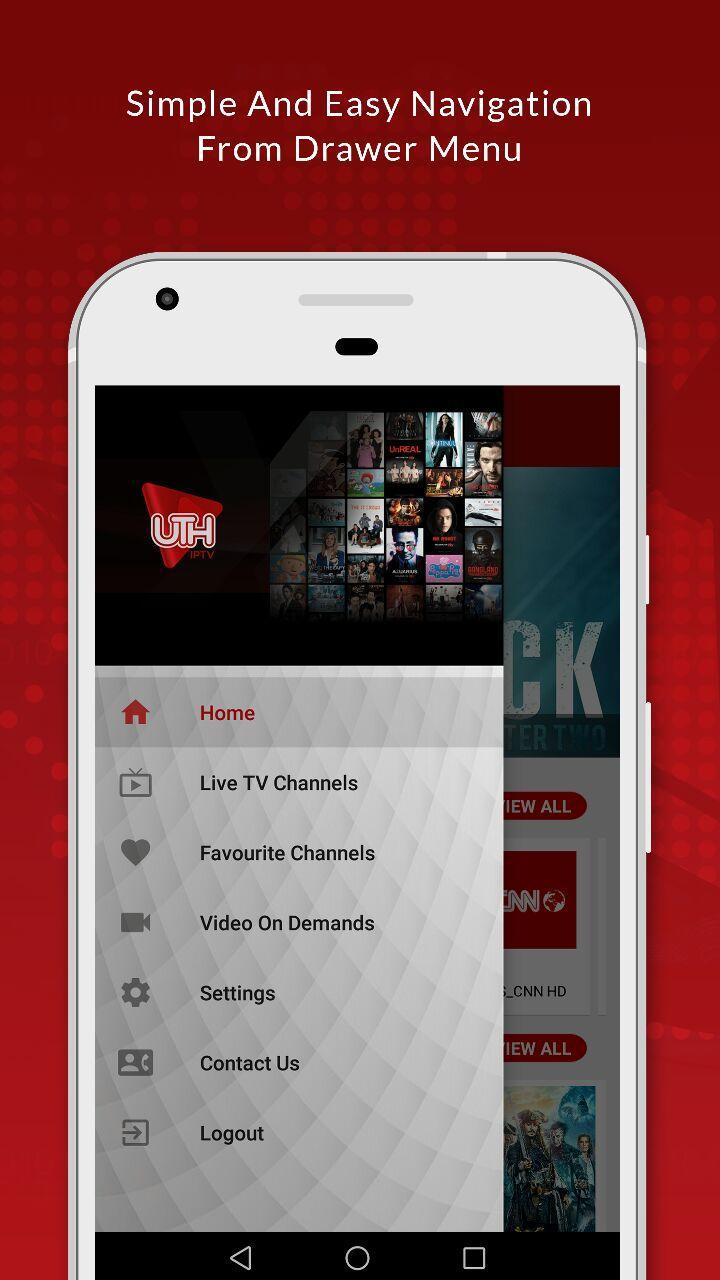
- Simple and easy navigation.
- Country listing and easily searchable channels.
- Latest and classic movies section.
- Parental lock to prevent restricted channels.
- Add channels to favorites list.
- Automatic addition of latest updates.
- Ads free application.
- One time subscription.
- Works on Android TV Boxes and Smart TVs as well.
Recommended Internet Speed: 8 - 10 Mbps.
Manifest Permission Required: READ_PHONE STATE (In order to identified each user)
Download now to start watching your favorite shows!
Please don't forget to share your experience in our review section!
Preview

Information
Developer
Fictive Hut
Latest Version
23
Last Updated
2018-06-14
Category
Entertainment
Available on
Google Play
Show More
Cara bermain UTH IPTV dengan GameLoop pada PC
1. Muat turun GameLoop dari laman web rasmi, kemudian jalankan fail exe untuk memasang GameLoop.
2. Buka GameLoop dan cari "UTH IPTV", cari UTH IPTV dalam hasil carian dan klik "Pasang".
3. Nikmati bermain UTH IPTV di GameLoop.
Minimum requirements
OS
Windows 8.1 64-bit or Windows 10 64-bit
GPU
GTX 1050
CPU
i3-8300
Memory
8GB RAM
Storage
1GB available space
Recommended requirements
OS
Windows 8.1 64-bit or Windows 10 64-bit
GPU
GTX 1050
CPU
i3-9320
Memory
16GB RAM
Storage
1GB available space