
Netflix PC
Netflix, Inc.
Download Netflix on PC With GameLoop Emulator
Netflix pada PC
Netflix, datang daripada pembangun Netflix, Inc., sedang berjalan pada sistem Android pada masa lalu.
Kini, Anda boleh bermain Netflix pada PC dengan GameLoop dengan lancar.
Muat turunnya dalam pustaka GameLoop atau hasil carian. Tiada lagi melihat bateri atau panggilan yang mengecewakan pada masa yang salah lagi.
Hanya nikmati Netflix PC pada skrin besar secara percuma!
Netflix Pengenalan
Looking for the most talked about TV shows and movies from around the world? They're all on Netflix.
Discover award-winning series, movies, live events, podcasts, and games on the go - all in the mobile app. Now, you'll never miss a moment from the world of Netflix while you travel, commute, or just take a break.
What you'll love about Netflix:
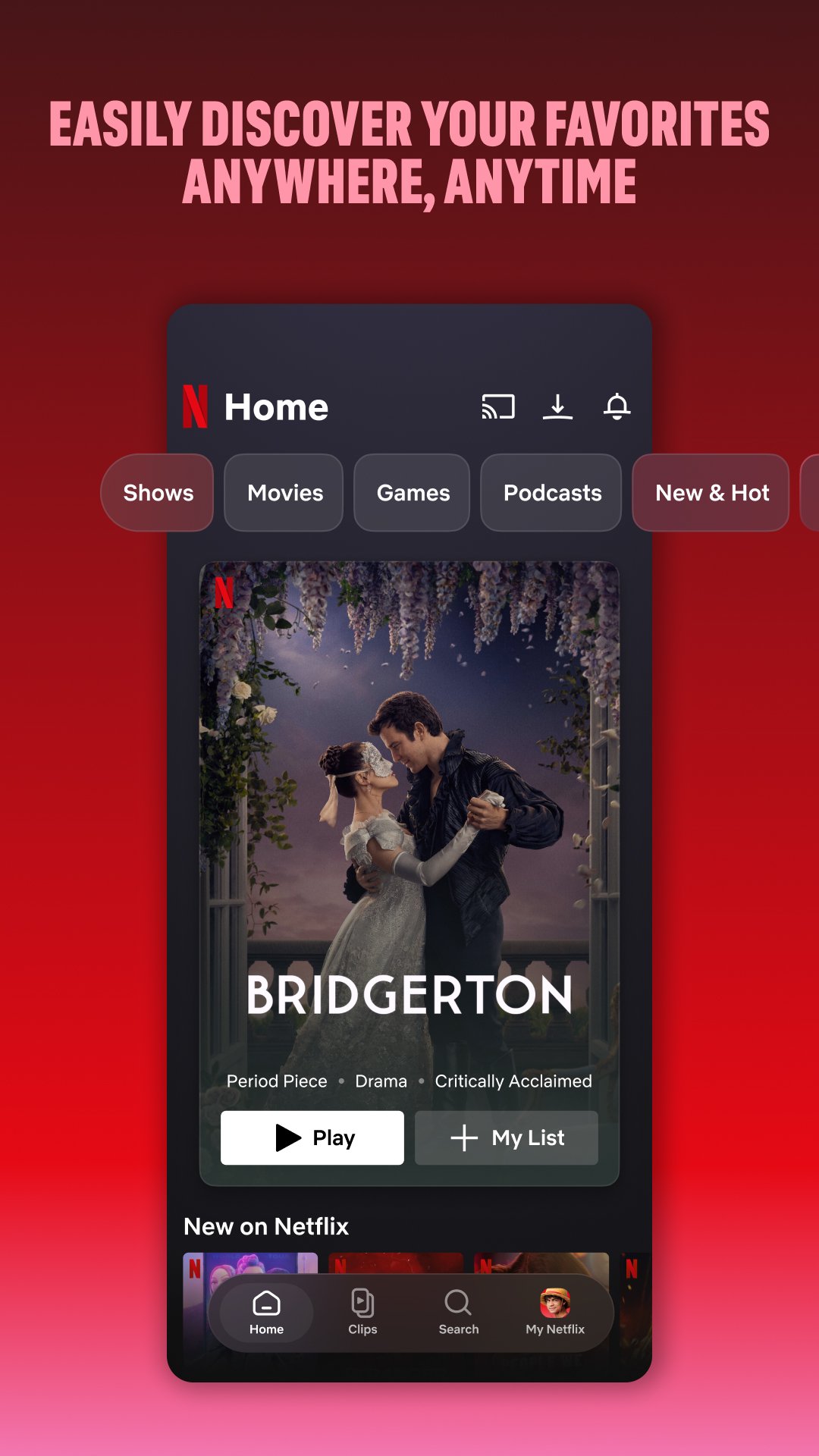
- Smooth navigation with bottom shortcuts to quickly browse or jump back into your favorites.
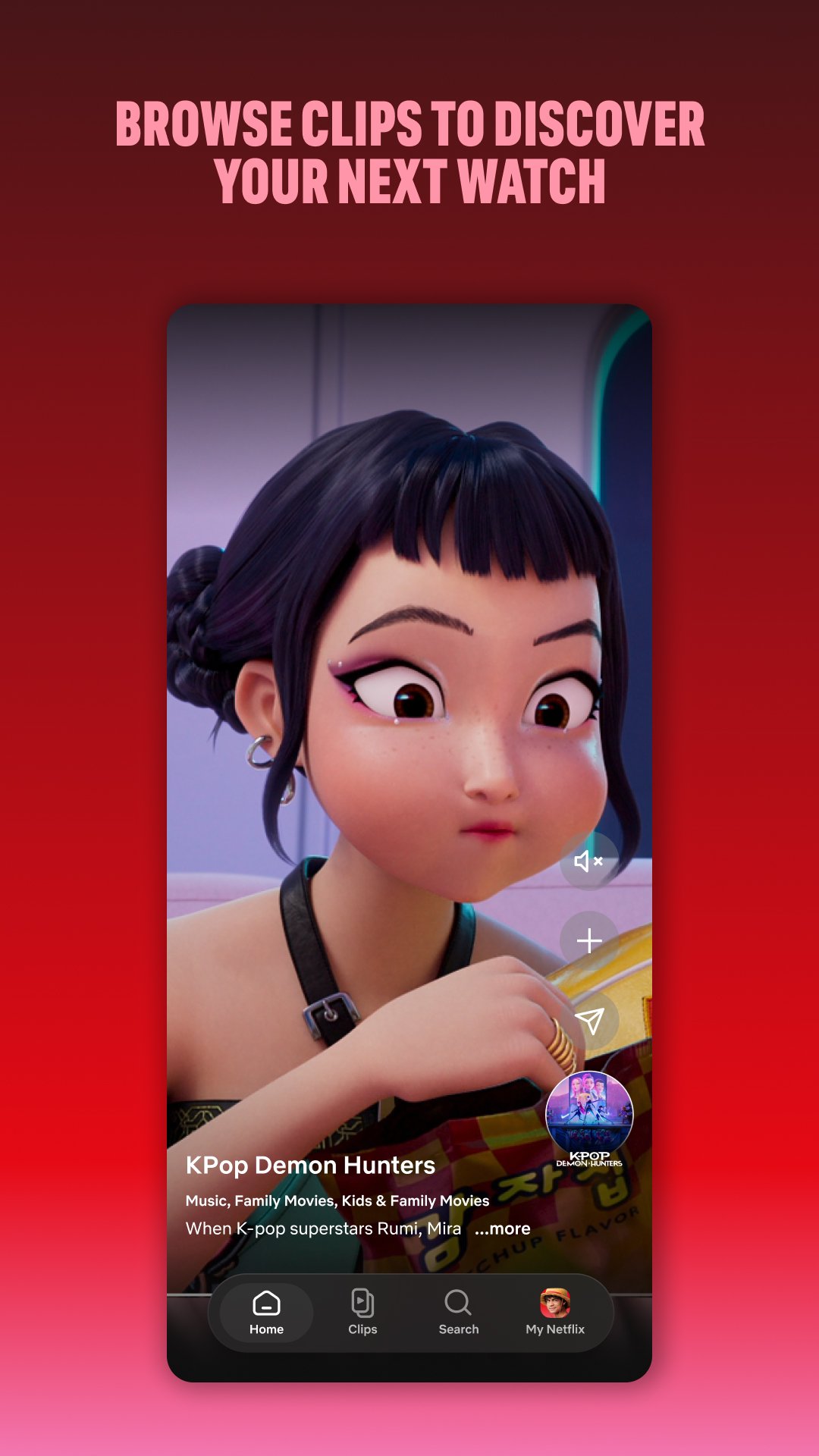
- A new way to discover what's next, including an upcoming clips feed.
- A full world of entertainment in one place - series, movies, live events, games, and podcasts.
- Keep track of everything you love, from your favorite moments to 'My List', in the 'My Netflix' tab.
- Personalized recommendations based on your ratings. Instant notifications for new releases, episodes, and live events.
Netflix membership is a month-to-month subscription that begins at sign-up. You can easily cancel anytime, online, 24 hours a day. There are no long-term contracts or cancellation fees. We just want you to love what you watch.
Please note that the App Privacy information applies to information collected through the Netflix iOS, iPadOS, and tvOS apps. See the Netflix Privacy Statement (link below) to learn more about information we collect in other contexts, including account registration.
Privacy policy: www.netflix.com/privacy
Terms of use: www.netflix.com/terms
Phone Number: +18667160414
Email: iosappstore@netflix.com
Preview
Tags
EntertainmentInformation
Developer
Netflix, Inc.
Latest Version
9.93.0 build 8 74808
Last Updated
2026-11-23
Category
Entertainment
Available on
Google Play
Show More
Cara bermain Netflix dengan GameLoop pada PC
1. Muat turun GameLoop dari laman web rasmi, kemudian jalankan fail exe untuk memasang GameLoop.
2. Buka GameLoop dan cari "Netflix", cari Netflix dalam hasil carian dan klik "Pasang".
3. Nikmati bermain Netflix di GameLoop.
Minimum requirements
OS
Windows 8.1 64-bit or Windows 10 64-bit
GPU
GTX 1050
CPU
i3-8300
Memory
8GB RAM
Storage
1GB available space
Recommended requirements
OS
Windows 8.1 64-bit or Windows 10 64-bit
GPU
GTX 1050
CPU
i3-9320
Memory
16GB RAM
Storage
1GB available space