
minPLAY: Floating Player, Popup Music Video PC
VDKDEV
Download minPLAY: Floating Player, Popup Music Video on PC With GameLoop Emulator
minPLAY: Floating Player, Popup Music Video pada PC
minPLAY: Floating Player, Popup Music Video, datang daripada pembangun VDKDEV, sedang berjalan pada sistem Android pada masa lalu.
Kini, Anda boleh bermain minPLAY: Floating Player, Popup Music Video pada PC dengan GameLoop dengan lancar.
Muat turunnya dalam pustaka GameLoop atau hasil carian. Tiada lagi melihat bateri atau panggilan yang mengecewakan pada masa yang salah lagi.
Hanya nikmati minPLAY: Floating Player, Popup Music Video PC pada skrin besar secara percuma!
minPLAY: Floating Player, Popup Music Video Pengenalan
- Introduction
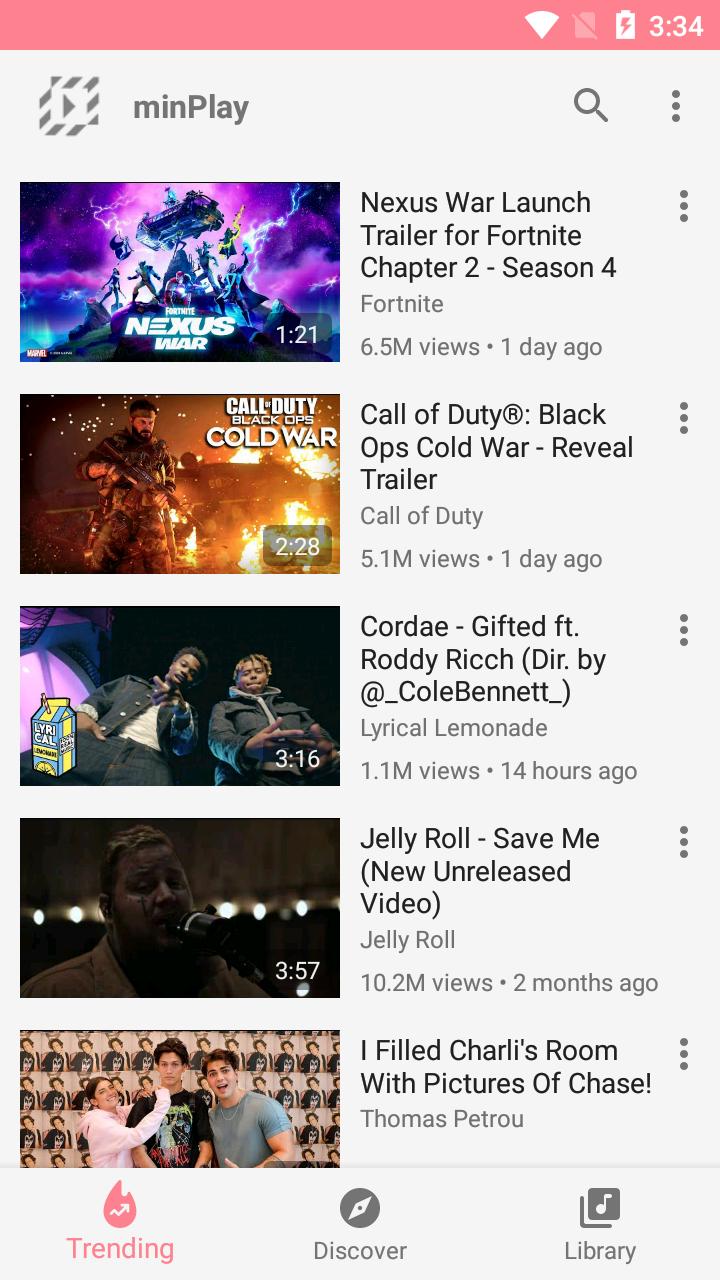
minPLAY gives you play videos in a floating pop-up for multitasking experience. Search your favorite videos, create your own playlists, discover new video genres and browse the daily Top Trend of your country, unlimited video watching!
- Highlight Features
+ Discover newest and hot videos by genres you love
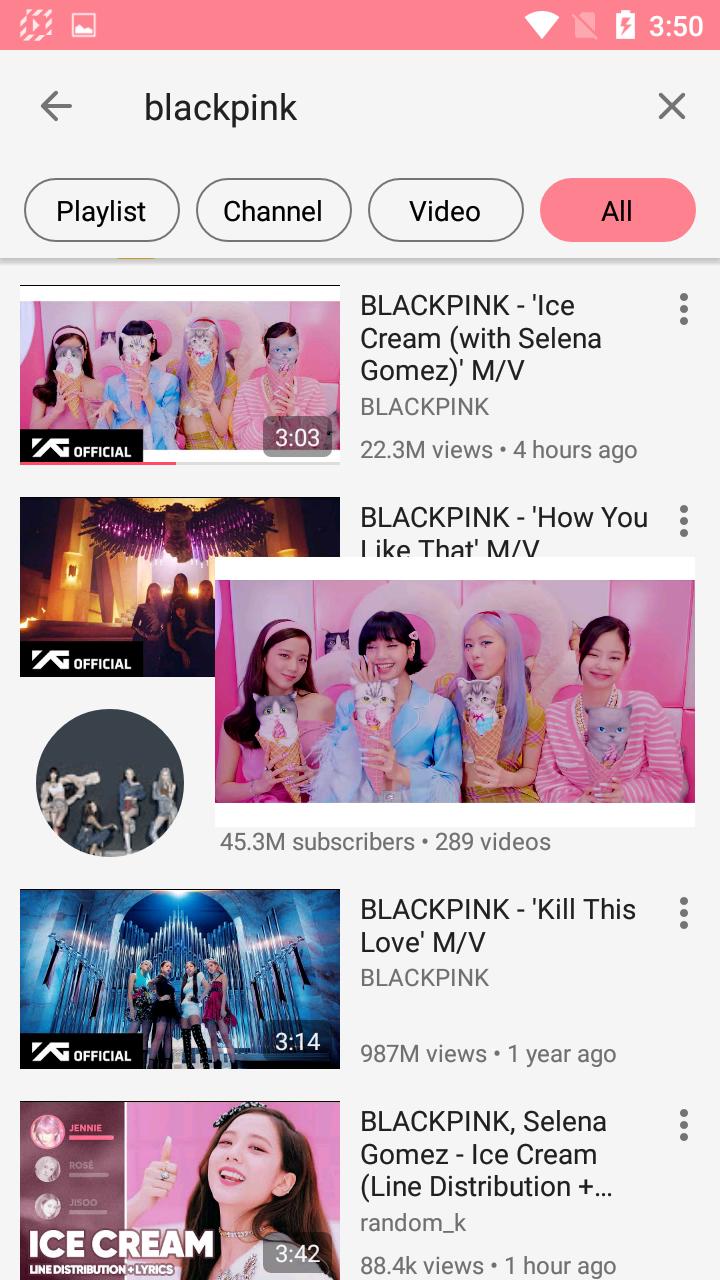
+ Play video or Playlist on Floating Popup player
+ Subscribe channel you love without login account
+ Tracking history: recently played, most played & search keywords
+ Search everything, smart search with suggestions and filters by video, channel or playlist
+ Create local playlists for watching later
+ Bookmark remote playlists
+ Turn on/off captions in Video player
+ Support to change video quality, playback speed in Video player
- Float Popup Player
+ Watch video on full-screen and floating popup mode for multitasking, always appears on top other apps
+ Move the floating popup player wherever you want on the screen
+ How to change Popup size? Long press the Floating Popup Player in three seconds to resize bigger or smaller
- Permissions
Appear on top other apps: This permission allows minPLAY to show the pop-up player on top of other apps you're using.
Preview
Information
Developer
VDKDEV
Latest Version
1.1.3
Last Updated
2020-10-27
Category
Entertainment
Available on
Google Play
Show More
Cara bermain minPLAY: Floating Player, Popup Music Video dengan GameLoop pada PC
1. Muat turun GameLoop dari laman web rasmi, kemudian jalankan fail exe untuk memasang GameLoop.
2. Buka GameLoop dan cari "minPLAY: Floating Player, Popup Music Video", cari minPLAY: Floating Player, Popup Music Video dalam hasil carian dan klik "Pasang".
3. Nikmati bermain minPLAY: Floating Player, Popup Music Video di GameLoop.
Minimum requirements
OS
Windows 8.1 64-bit or Windows 10 64-bit
GPU
GTX 1050
CPU
i3-8300
Memory
8GB RAM
Storage
1GB available space
Recommended requirements
OS
Windows 8.1 64-bit or Windows 10 64-bit
GPU
GTX 1050
CPU
i3-9320
Memory
16GB RAM
Storage
1GB available space