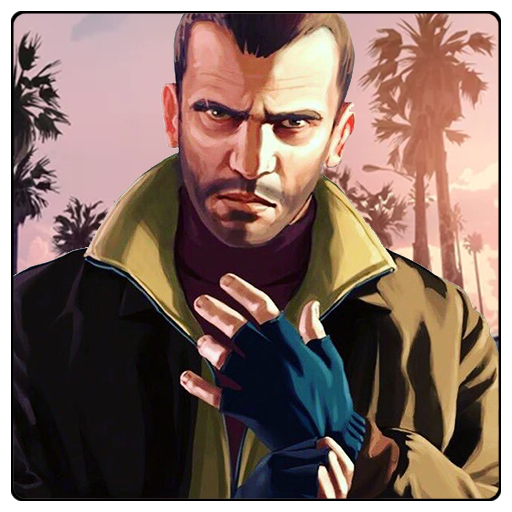
GTA heft: Auto Cheat Skin MCPE PC
Achlad
Download GTA heft: Auto Cheat Skin MCPE on PC With GameLoop Emulator
GTA heft: Auto Cheat Skin MCPE pada PC
GTA heft: Auto Cheat Skin MCPE, datang daripada pembangun Achlad, sedang berjalan pada sistem Android pada masa lalu.
Kini, Anda boleh bermain GTA heft: Auto Cheat Skin MCPE pada PC dengan GameLoop dengan lancar.
Muat turunnya dalam pustaka GameLoop atau hasil carian. Tiada lagi melihat bateri atau panggilan yang mengecewakan pada masa yang salah lagi.
Hanya nikmati GTA heft: Auto Cheat Skin MCPE PC pada skrin besar secara percuma!
GTA heft: Auto Cheat Skin MCPE Pengenalan
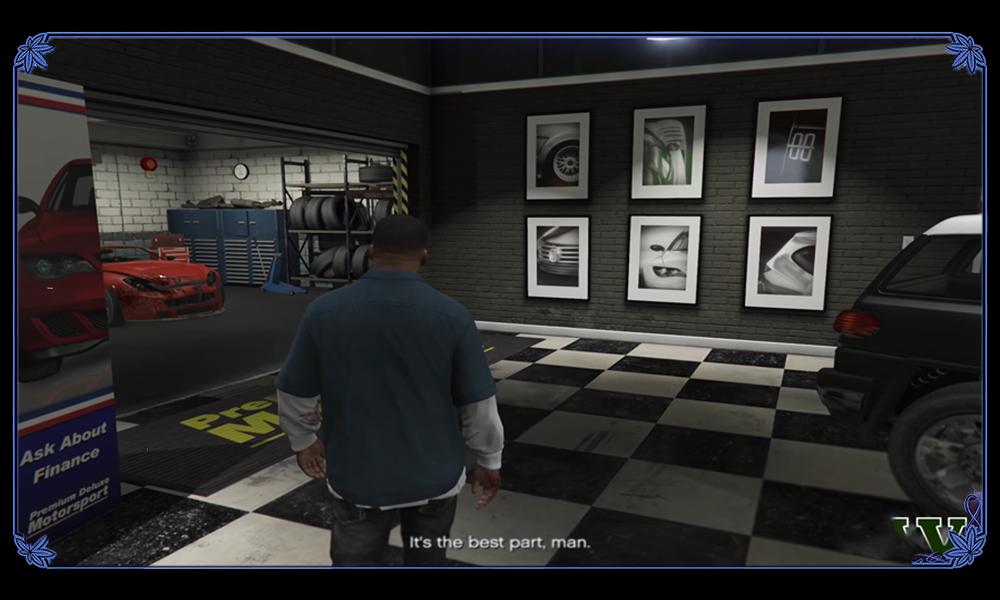
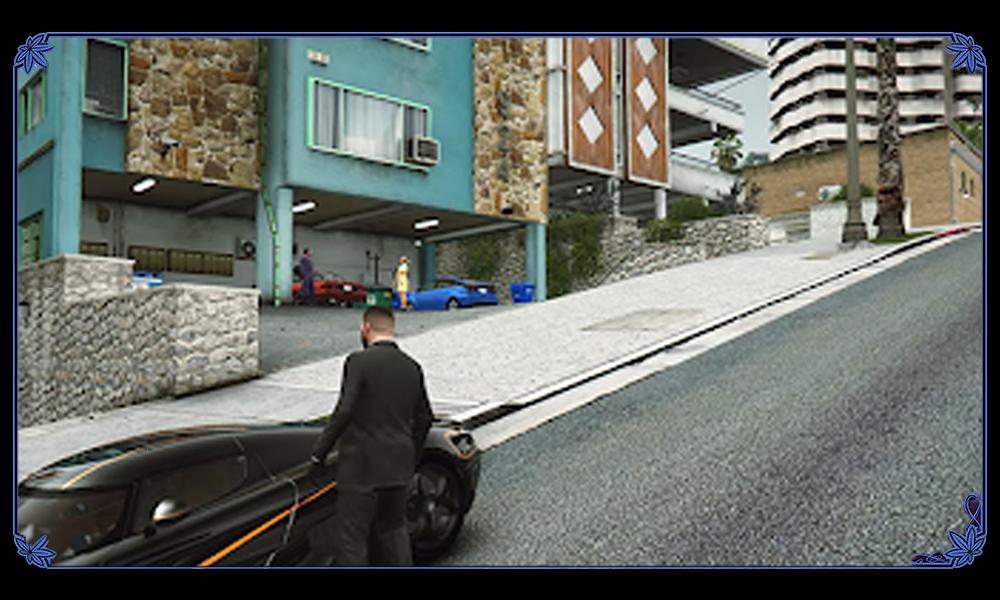
Explore the city as a notorious gangster in the Grand Theft Auto V (GTA V) mod for Minecraft Bedrock Pocket Edition. Experience the thrill of the criminal world as you rise through the ranks to become the top gangster in the city. With regular updates, the mod promises even more excitement and adventure.
Get behind the wheel of cars, bikes, planes, trucks, and buses as you rule the streets and cause chaos in the city. Engage in shootouts with rival gangs, and complete secret missions to eliminate the mafia cartel. This mod offers the ultimate open-world action experience and allows you to live out your wildest gangster dreams.
Please note that this app is not associated with Mojang AB and is an unofficial Minecraft Pocket Edition mod. If there are any issues with intellectual property rights, contact us immediately and we will take the necessary measures.
Looking for cheats for your favorite GTA games? Look no further. The Cheats for all GTA app has you covered with easy access to a complete listing of cheat codes for every game in the GTA series. From GTA 5 to GTA San Andreas, the app has cheats for all versions and platforms, including PC, Console, and mobile devices. It is also localized in over 18 languages for your convenience.
With the GTA 5 Skin for Minecraft PE MCPE mod, bring your Minecraft experience to a whole new level. This app allows you to easily install GTA skins with just one click, without the need for any additional applications. Compatible with both PC and Pocket Edition, the mod also works with all other Minecraft addons.
Stand out from the crowd with your unique skins in Minecraft multiplayer mode. Download the skins of GTA, including San Andreas, and surprise your friends. If you want to further customize your skins, use an external skin editor to add that extra special touch. The possibilities are endless with the GTA 5 Skin for Minecraft PE MCPE mod.
*Disclaimer: This app is an unofficial Minecraft Pocket Edition add-on and is not associated with Mojang AB. If any intellectual property rights have been violated, please contact us immediately and we will take the necessary measures.
Preview
Information
Developer
Achlad
Latest Version
San Andreas
Last Updated
2023-02-06
Category
Entertainment
Available on
Google Play
Show More
Cara bermain GTA heft: Auto Cheat Skin MCPE dengan GameLoop pada PC
1. Muat turun GameLoop dari laman web rasmi, kemudian jalankan fail exe untuk memasang GameLoop.
2. Buka GameLoop dan cari "GTA heft: Auto Cheat Skin MCPE", cari GTA heft: Auto Cheat Skin MCPE dalam hasil carian dan klik "Pasang".
3. Nikmati bermain GTA heft: Auto Cheat Skin MCPE di GameLoop.
Minimum requirements
OS
Windows 8.1 64-bit or Windows 10 64-bit
GPU
GTX 1050
CPU
i3-8300
Memory
8GB RAM
Storage
1GB available space
Recommended requirements
OS
Windows 8.1 64-bit or Windows 10 64-bit
GPU
GTX 1050
CPU
i3-9320
Memory
16GB RAM
Storage
1GB available space