
Facetime Guide for Calling PC
Mpost LOK
Download Facetime Guide for Calling on PC With GameLoop Emulator
Facetime Guide for Calling pada PC
Facetime Guide for Calling, datang daripada pembangun Mpost LOK, sedang berjalan pada sistem Android pada masa lalu.
Kini, Anda boleh bermain Facetime Guide for Calling pada PC dengan GameLoop dengan lancar.
Muat turunnya dalam pustaka GameLoop atau hasil carian. Tiada lagi melihat bateri atau panggilan yang mengecewakan pada masa yang salah lagi.
Hanya nikmati Facetime Guide for Calling PC pada skrin besar secara percuma!
Facetime Guide for Calling Pengenalan
Facetime app💬 is a free and secure video calling app which gives you a chance to stay in touch with people you love wherever they are. You can simply make facetime video and audio calls. FaceTime Audio is a great way to talk with other Apple devices users thanks to the crystal-clear sound of the call.📞 FaceTime Audio can be preferable to a standard phone call because it's often higher quality because it uses a higher-quality codec that exceeds even HD voice services offered by carriers. While you're having a FaceTime video chat with friends and family you take📸 facetime live photos. Facetime Video Call is a cross platform app with a wide range of communication features including talk, smile, laugh, send text, send images and connect with anyone with a built-in camera. So you can joke around, hang out, catch up, and stay in touch with just a click. Unlike other video chat applications, FaceTime does not require the receiver to be online. The behavior is similar to dialing a phone number. Another benefit of using FaceTime is that it does not need the FaceTime client to be running on the receiving side in order to receive the call. This feature helps in saving battery usage.
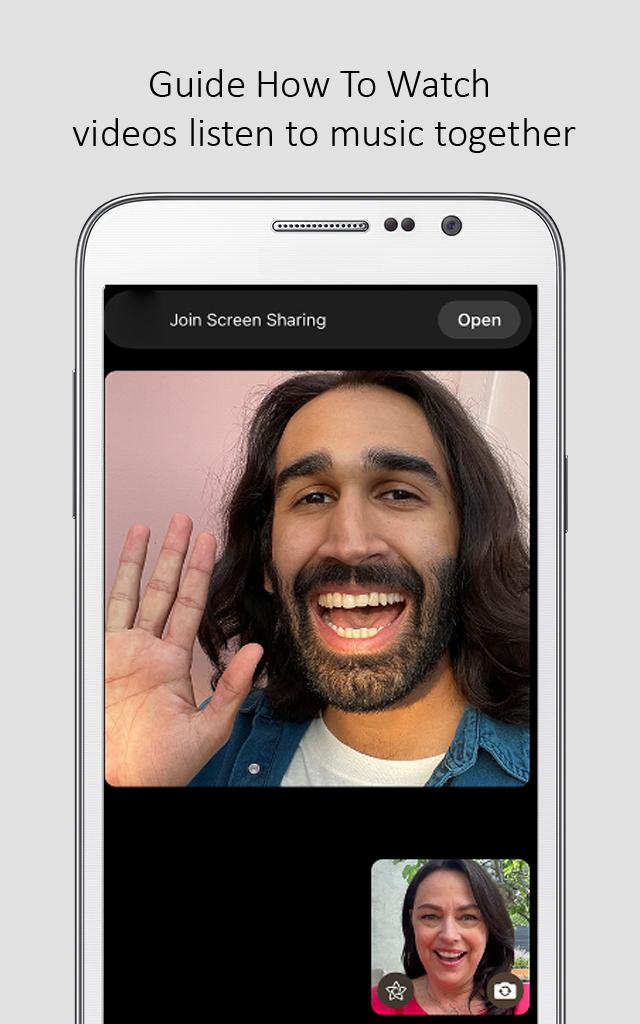
Facetime application has many unique features which make the app worth downloading. One of them is facetime shareplay, which is basically a way for you to do more FaceTime calls with your friends and family. You can watch TV 📺 together, listen to music, and share your screen🎶. The media you watch with SharePlay syncs and provides common controls that anyone can use to pause, skip, rewind, or fast-forward.
Note:❗
This app has no connection with the original app. Just be aware of the app and in case of any questions, give us feedback.
Preview

Tags
EntertainmentInformation
Developer
Mpost LOK
Latest Version
1.0.0
Last Updated
2023-03-06
Category
Entertainment
Available on
Google Play
Show More
Cara bermain Facetime Guide for Calling dengan GameLoop pada PC
1. Muat turun GameLoop dari laman web rasmi, kemudian jalankan fail exe untuk memasang GameLoop.
2. Buka GameLoop dan cari "Facetime Guide for Calling", cari Facetime Guide for Calling dalam hasil carian dan klik "Pasang".
3. Nikmati bermain Facetime Guide for Calling di GameLoop.
Minimum requirements
OS
Windows 8.1 64-bit or Windows 10 64-bit
GPU
GTX 1050
CPU
i3-8300
Memory
8GB RAM
Storage
1GB available space
Recommended requirements
OS
Windows 8.1 64-bit or Windows 10 64-bit
GPU
GTX 1050
CPU
i3-9320
Memory
16GB RAM
Storage
1GB available space