Cmoar VR Cinema Demo PC
Pixel Edge Games
Download Cmoar VR Cinema Demo on PC With GameLoop Emulator
Cmoar VR Cinema Demo pada PC
Cmoar VR Cinema Demo, datang daripada pembangun Pixel Edge Games, sedang berjalan pada sistem Android pada masa lalu.
Kini, Anda boleh bermain Cmoar VR Cinema Demo pada PC dengan GameLoop dengan lancar.
Muat turunnya dalam pustaka GameLoop atau hasil carian. Tiada lagi melihat bateri atau panggilan yang mengecewakan pada masa yang salah lagi.
Hanya nikmati Cmoar VR Cinema Demo PC pada skrin besar secara percuma!
Cmoar VR Cinema Demo Pengenalan
5.5 version is here (2018) !
Watching your favorite movies has never been so immersive as in our Cmoar VR Cinema! Bringing the atmosphere of your favorite cinema straight to your mobile enables you to relive all those exciting moments you had when you first stepped into the auditorium with PC Quality graphics. Relax and enjoy those glorious battles, romantic finales, comedic moments once more in the most immersive VR Media Player on Cardboard!
Demo Version is limited by 90-second movie display limit.
FEATURES
Daydream Support
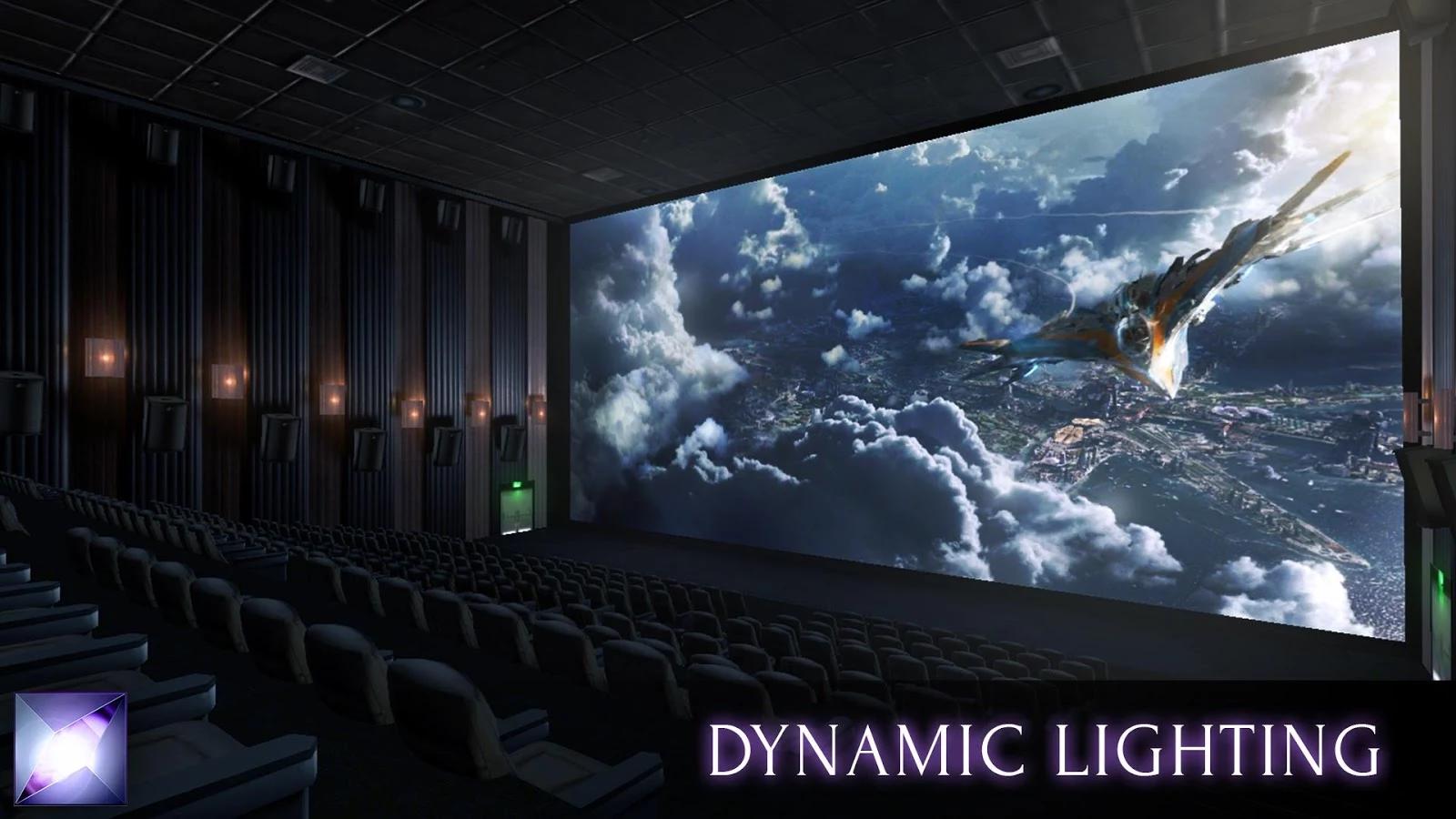
Dynamic Lighting effect
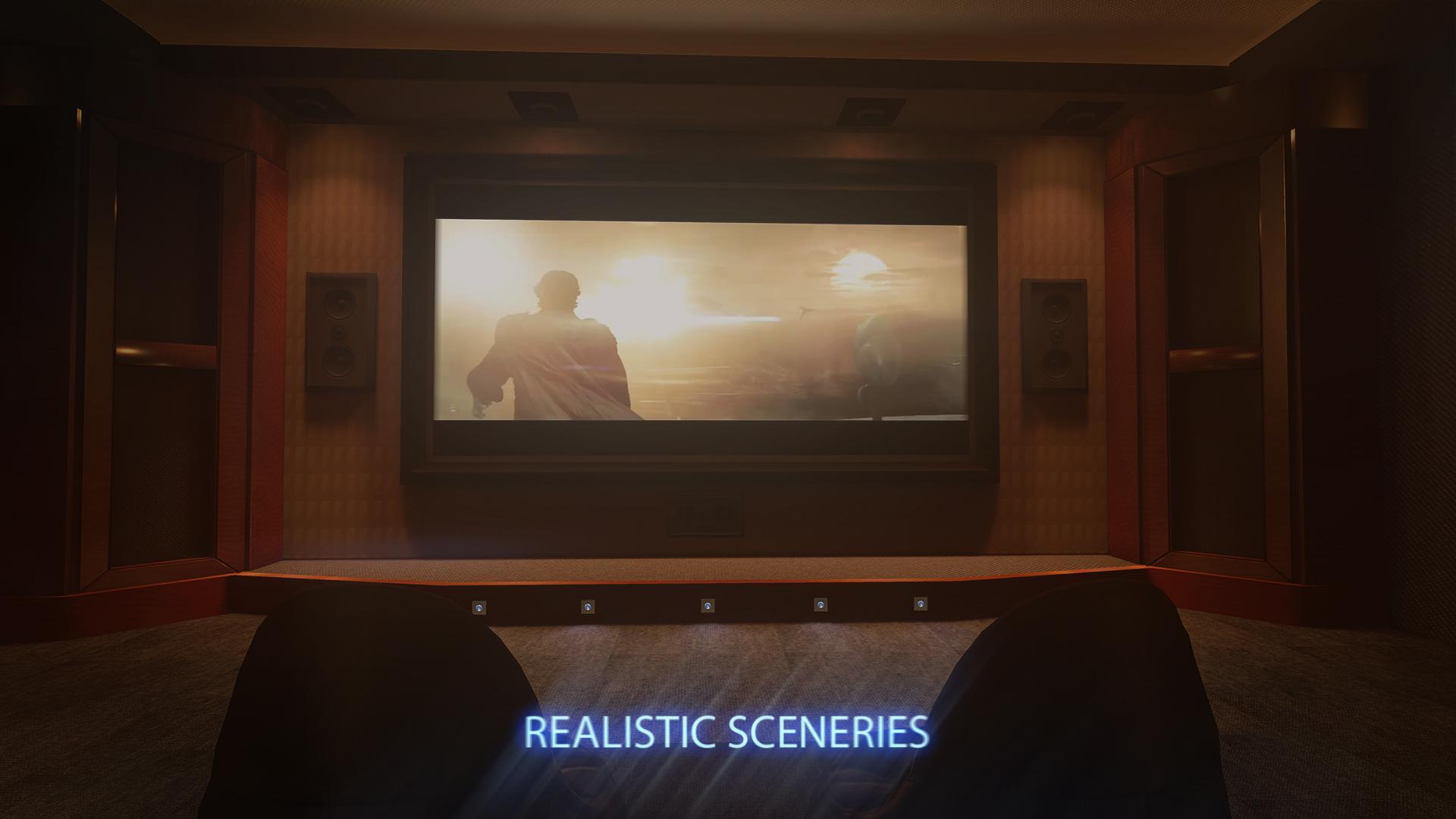
4 beautiful realistic sceneries [3 NEW!]
LAN PLEX support ( DLNA server) [NEW!]
LAN shared media (UPnP/DLNA media servers) [NEW!]
Disc (DVD) with navigation (inside LAN category) [NEW!]
3D 180° & 360° movies with options (orientation/zoom/tilt) [NEW!]
Seat change ability [NEW!]
Embedded subtitles and audio track support [NEW!]
New VR menu interface [NEW!]
Support for 2D & 3D Movies (SBS/Over-Under)
Watching Youtube videos (1080p 2D)
Watching Youtube videos (1080p 3D)
Add every video and directory to Favourites
"Last-viewed” option
Many subtitle encoding formats
If you encounter any problems feel free to contact us on sboczek@10antshill.com.
Preview
Information
Developer
Pixel Edge Games
Latest Version
5.5.5
Last Updated
2018-08-05
Category
Entertainment
Available on
Google Play
Show More
Cara bermain Cmoar VR Cinema Demo dengan GameLoop pada PC
1. Muat turun GameLoop dari laman web rasmi, kemudian jalankan fail exe untuk memasang GameLoop.
2. Buka GameLoop dan cari "Cmoar VR Cinema Demo", cari Cmoar VR Cinema Demo dalam hasil carian dan klik "Pasang".
3. Nikmati bermain Cmoar VR Cinema Demo di GameLoop.
Minimum requirements
OS
Windows 8.1 64-bit or Windows 10 64-bit
GPU
GTX 1050
CPU
i3-8300
Memory
8GB RAM
Storage
1GB available space
Recommended requirements
OS
Windows 8.1 64-bit or Windows 10 64-bit
GPU
GTX 1050
CPU
i3-9320
Memory
16GB RAM
Storage
1GB available space