
CheerOjisan (Uncle cheers together) PC
株式会社アドバンスト・ネット
Download CheerOjisan (Uncle cheers together) on PC With GameLoop Emulator
CheerOjisan (Uncle cheers together) pada PC
CheerOjisan (Uncle cheers together), datang daripada pembangun 株式会社アドバンスト・ネット, sedang berjalan pada sistem Android pada masa lalu.
Kini, Anda boleh bermain CheerOjisan (Uncle cheers together) pada PC dengan GameLoop dengan lancar.
Muat turunnya dalam pustaka GameLoop atau hasil carian. Tiada lagi melihat bateri atau panggilan yang mengecewakan pada masa yang salah lagi.
Hanya nikmati CheerOjisan (Uncle cheers together) PC pada skrin besar secara percuma!
CheerOjisan (Uncle cheers together) Pengenalan
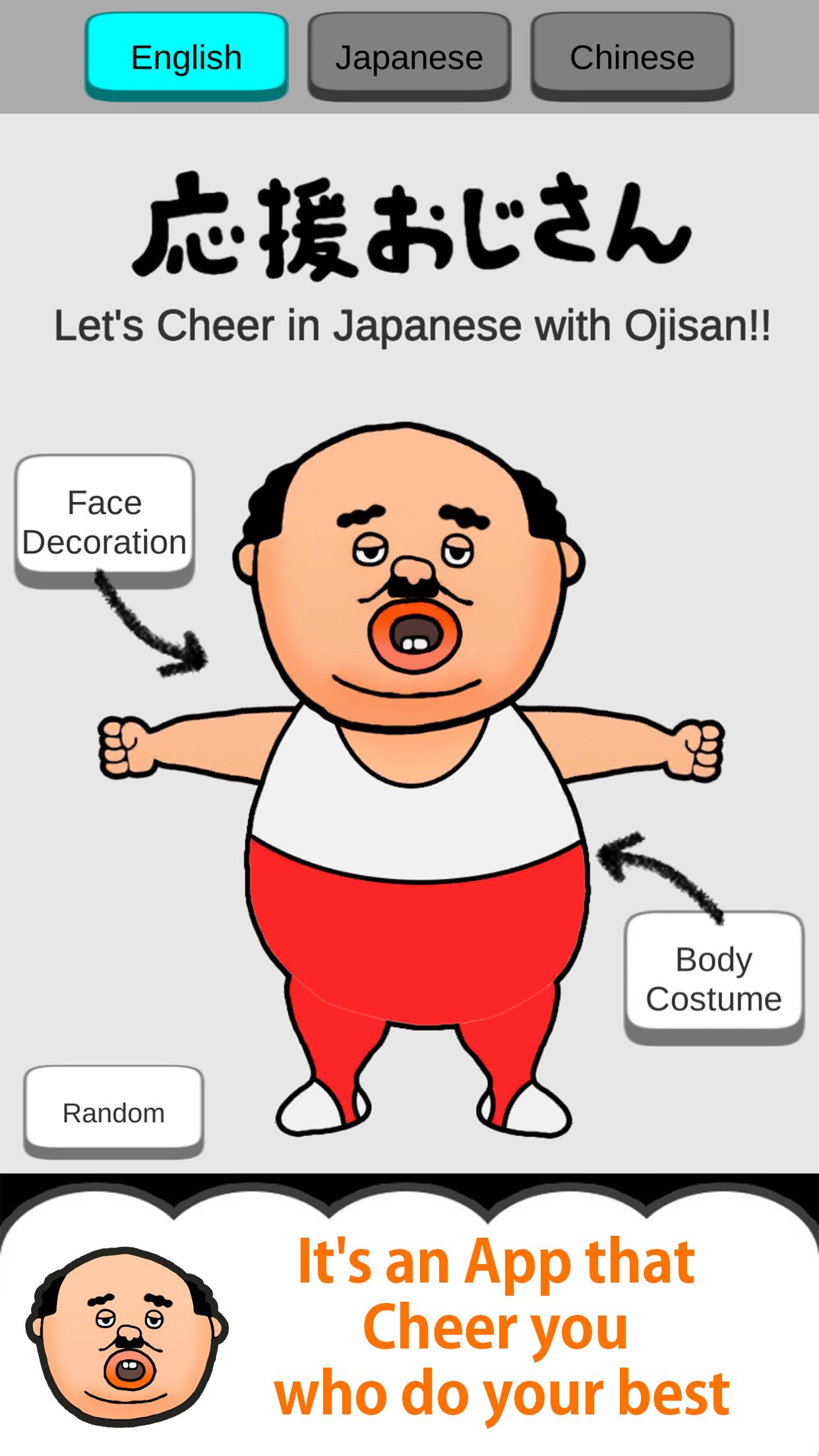
This is the Japanese uncle character "Ojisan" Apllication.
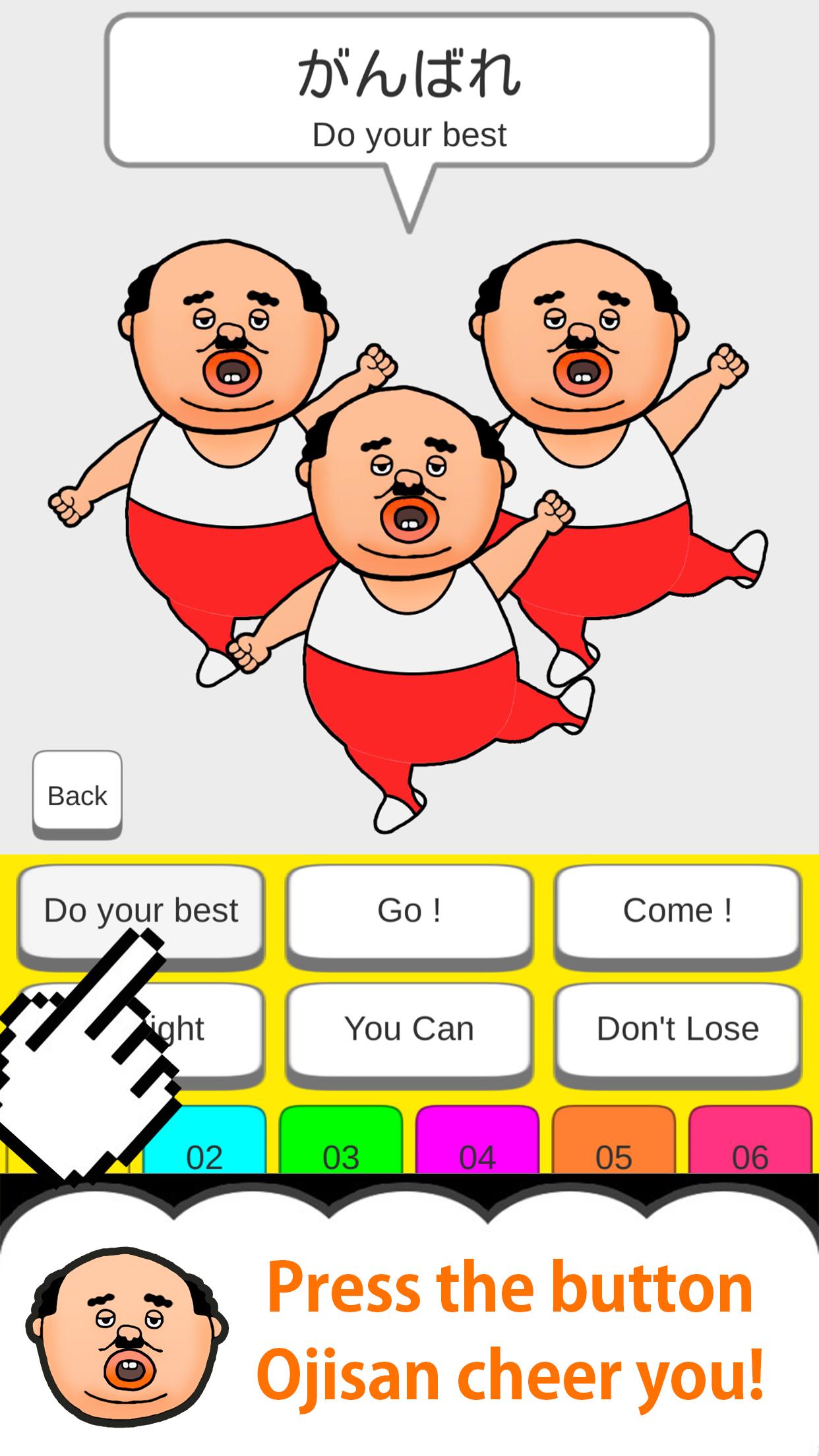
Uncle Cheers with you.
Every time you press the button with your finger,
Ojisan will move limbs and cheer you!
Let's press the button you care about!
So addictive!
-12 kinds of Ojisan's clothes
-12 types of Ojisan's face items
Have fun in combination!
Cute! Smile! lol!
please enjoy it !!
[Secret Button] ... If you release all your uncle's clothes and face items, the secret button will appear somewhere.
When you press the secret button, the number of cheering uncles ...
* Please release the silent mode and use it!
* Some English and Chinese translations may differ from Japanese nuances.
m (_ _) m
Preview
Tags
EntertainmentInformation
Developer
株式会社アドバンスト・ネット
Latest Version
1.2.0
Last Updated
2020-03-24
Category
Entertainment
Available on
Google Play
Show More
Cara bermain CheerOjisan (Uncle cheers together) dengan GameLoop pada PC
1. Muat turun GameLoop dari laman web rasmi, kemudian jalankan fail exe untuk memasang GameLoop.
2. Buka GameLoop dan cari "CheerOjisan (Uncle cheers together)", cari CheerOjisan (Uncle cheers together) dalam hasil carian dan klik "Pasang".
3. Nikmati bermain CheerOjisan (Uncle cheers together) di GameLoop.
Minimum requirements
OS
Windows 8.1 64-bit or Windows 10 64-bit
GPU
GTX 1050
CPU
i3-8300
Memory
8GB RAM
Storage
1GB available space
Recommended requirements
OS
Windows 8.1 64-bit or Windows 10 64-bit
GPU
GTX 1050
CPU
i3-9320
Memory
16GB RAM
Storage
1GB available space