
Vocaberry: Vocal Coach 0+ PC
adhocapp
Download Vocaberry: Vocal Coach 0+ on PC With GameLoop Emulator
Vocaberry: Vocal Coach 0+ pada PC
Vocaberry: Vocal Coach 0+, datang daripada pembangun adhocapp, sedang berjalan pada sistem Android pada masa lalu.
Kini, Anda boleh bermain Vocaberry: Vocal Coach 0+ pada PC dengan GameLoop dengan lancar.
Muat turunnya dalam pustaka GameLoop atau hasil carian. Tiada lagi melihat bateri atau panggilan yang mengecewakan pada masa yang salah lagi.
Hanya nikmati Vocaberry: Vocal Coach 0+ PC pada skrin besar secara percuma!
Vocaberry: Vocal Coach 0+ Pengenalan
Singing is possible for everyone! Try now with Vocaberry.
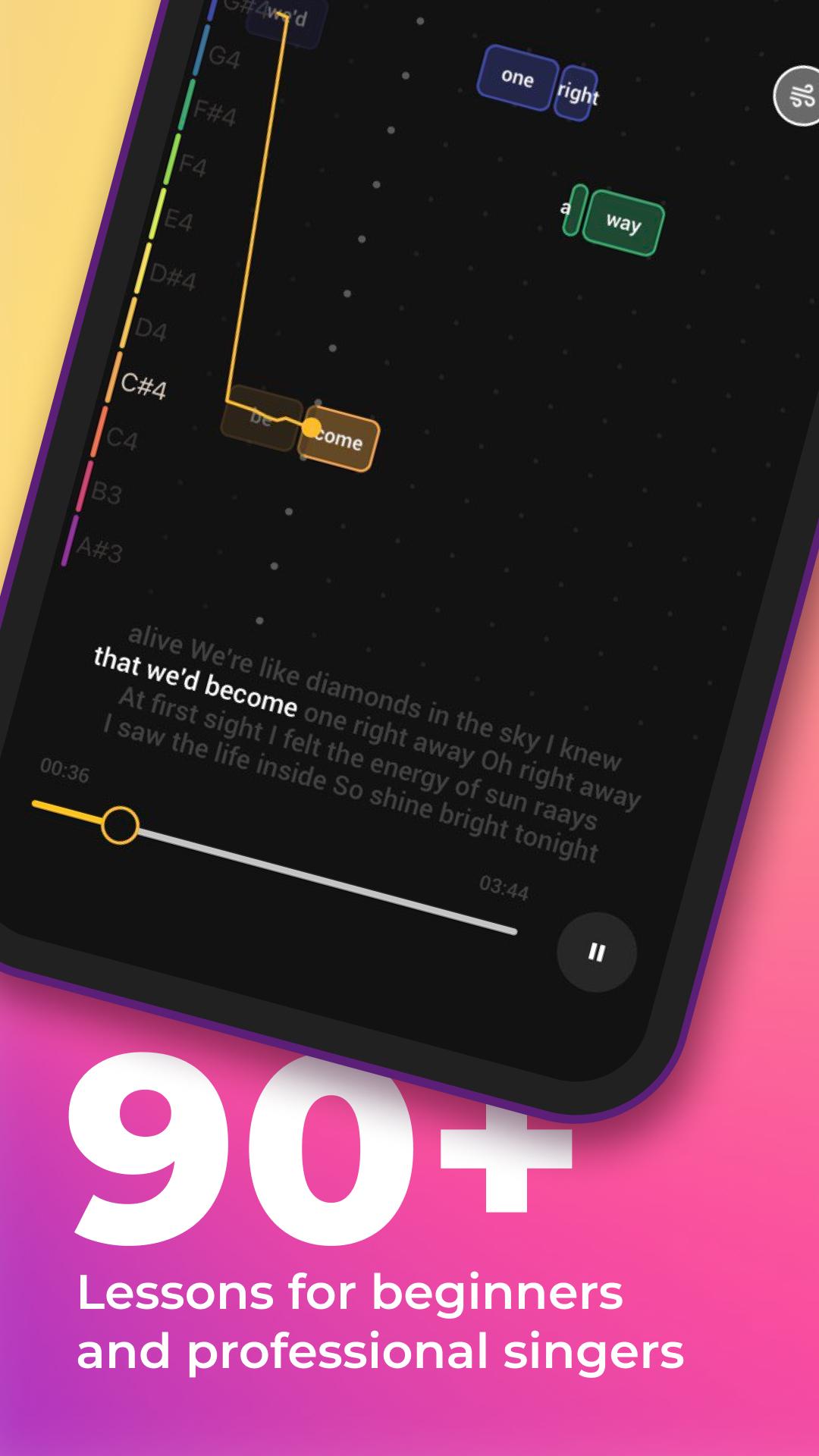
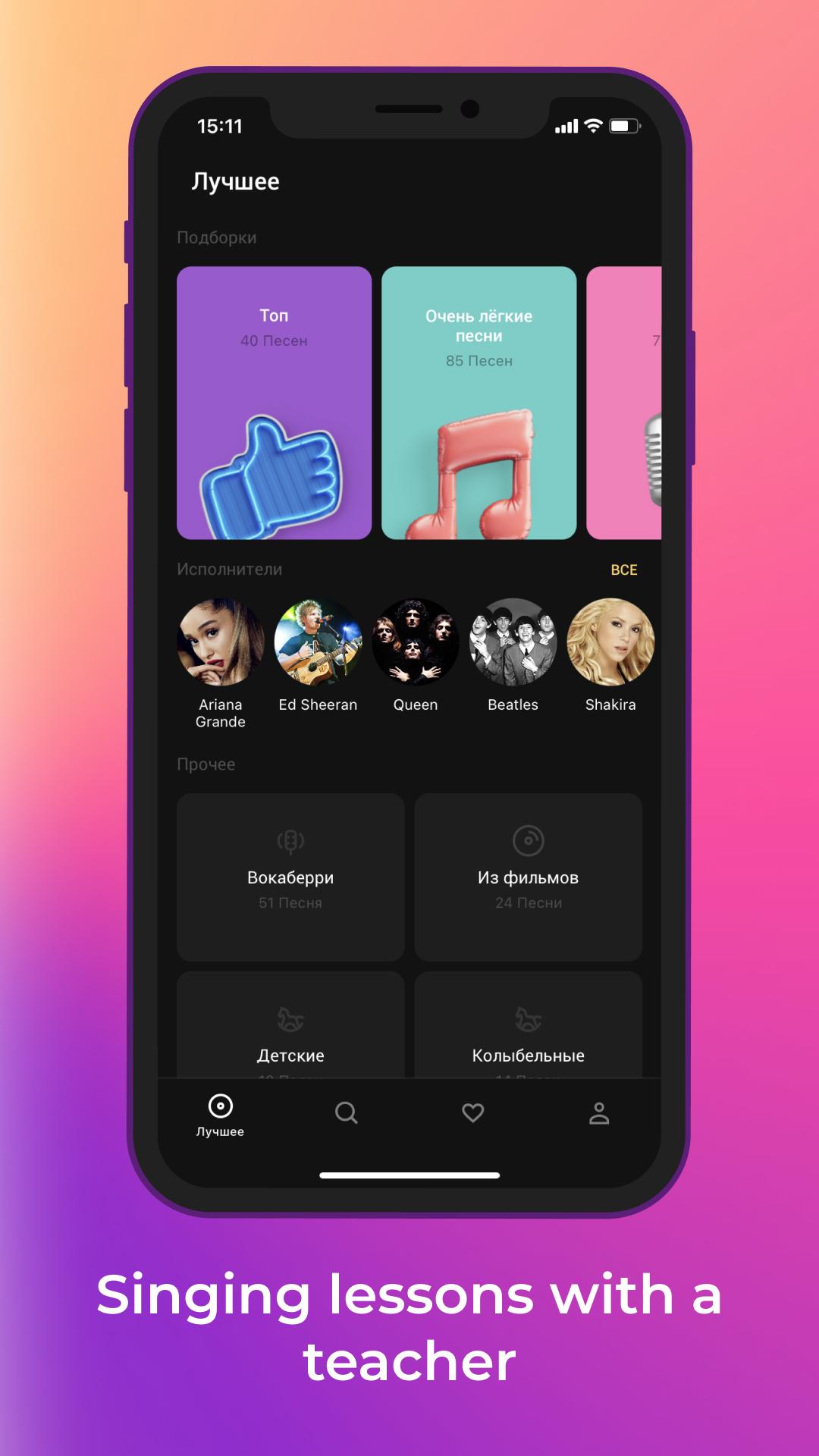
Vocaberry will automatically adjust all songs to suit your vocal range. For each lesson, personal warm ups and vocal exercises are offered. You can train your voice and take singing lessons in a playful way.
You can learn to sing better for FREE with the playful interface learning program.
Vocaberry technologies allow real-time accuracy of hitting notes and visualization on the screen for easy singing.
Sing and listen to yourself on the recording to improve your singing skills!
Learn to hit the notes without a teacher's training, develop your hearing and musical memory with Vocaberry!
The application develops with you: suggest new songs for lessons in the Vote and learn your favorite songs!
Functions:
- Find out your vocal range
- Change the tempo of the song
- Change the key of the song
- Fast forward and backward song
- Record yourself
- Vote for next lessons!
Preview
Tags
EducationInformation
Developer
adhocapp
Latest Version
1.5.0GMS
Last Updated
2022-06-17
Category
Education
Available on
Google Play
Show More
Cara bermain Vocaberry: Vocal Coach 0+ dengan GameLoop pada PC
1. Muat turun GameLoop dari laman web rasmi, kemudian jalankan fail exe untuk memasang GameLoop.
2. Buka GameLoop dan cari "Vocaberry: Vocal Coach 0+", cari Vocaberry: Vocal Coach 0+ dalam hasil carian dan klik "Pasang".
3. Nikmati bermain Vocaberry: Vocal Coach 0+ di GameLoop.
Minimum requirements
OS
Windows 8.1 64-bit or Windows 10 64-bit
GPU
GTX 1050
CPU
i3-8300
Memory
8GB RAM
Storage
1GB available space
Recommended requirements
OS
Windows 8.1 64-bit or Windows 10 64-bit
GPU
GTX 1050
CPU
i3-9320
Memory
16GB RAM
Storage
1GB available space