Touch Abacus PC
NextGen PlayfulMath
Download Touch Abacus on PC With GameLoop Emulator
Touch Abacus pada PC
Touch Abacus, datang daripada pembangun NextGen PlayfulMath, sedang berjalan pada sistem Android pada masa lalu.
Kini, Anda boleh bermain Touch Abacus pada PC dengan GameLoop dengan lancar.
Muat turunnya dalam pustaka GameLoop atau hasil carian. Tiada lagi melihat bateri atau panggilan yang mengecewakan pada masa yang salah lagi.
Hanya nikmati Touch Abacus PC pada skrin besar secara percuma!
Touch Abacus Pengenalan
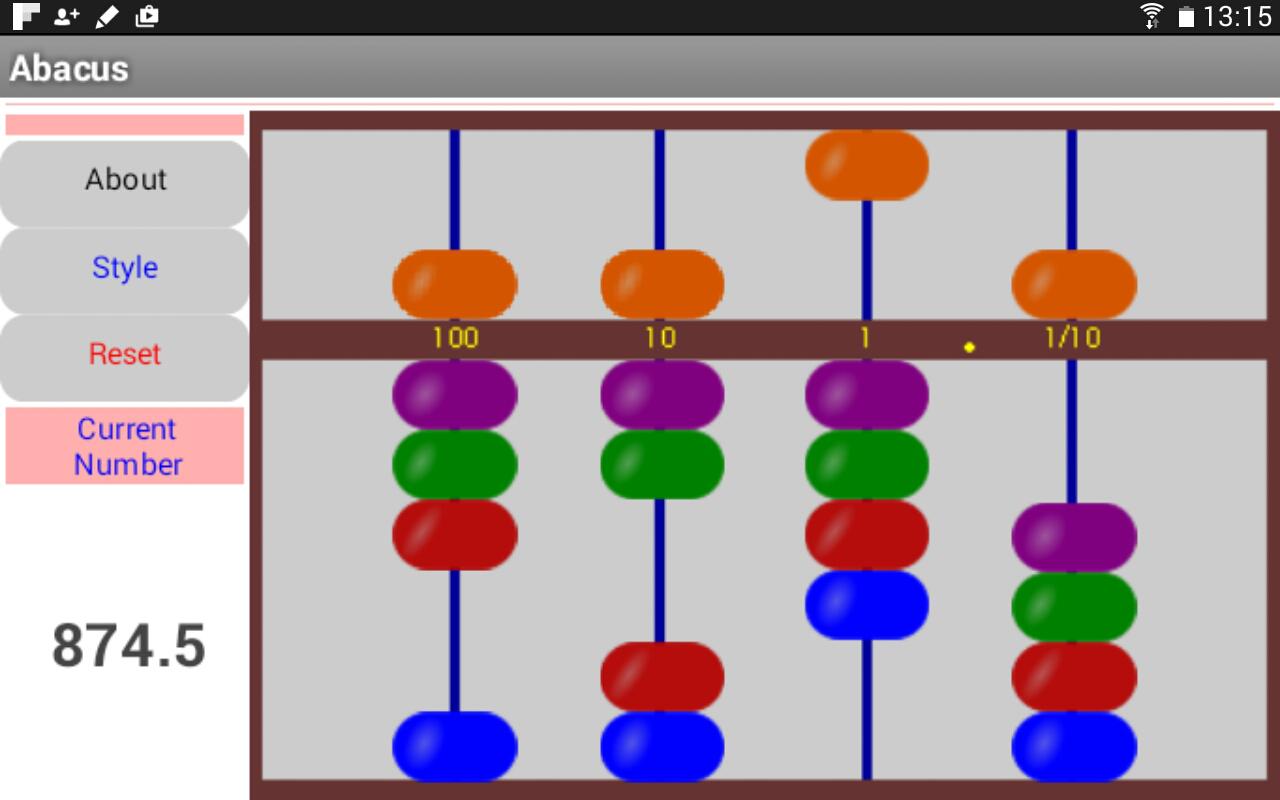
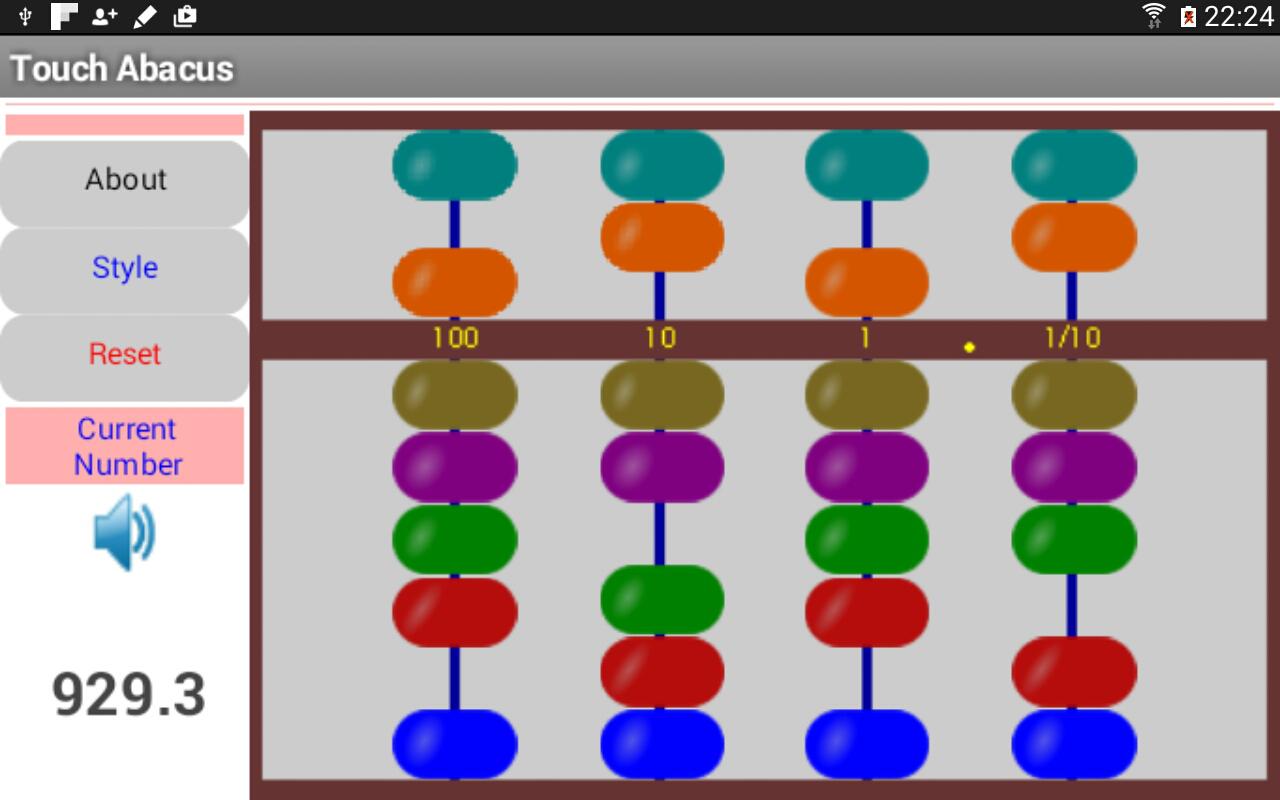
A simple Touch Abacus aimed for the development of number sense in early math learning. The abacus has a long history in various cultures and is both concrete and abstract in some sense. This app provides the Chinese and Japanese versions. The Chinese abacus has seven beads on a vertical bar, while the Japanese version has five beads on a vertical bar. As a general rule, each bead in the lower deck represents one when moved toward to center beam. Each bead in the upper deck represents five when moved to the center beam. On the Japanese abacus, each bar could represent zero to nine units. By contrast, the Chinese abacus allows the representation of zero through 15 units on each bar, thus supporting calculation using the base-16 system. For the base-10 system, the two beads at the very top and bottom are not used. About the decimal point, users could, in fact, choose their own place, depending on their specific needs. This abacus app is developed by Dr. Lingguo Bu (lgbu@siu.edu) using MIT AI 2, free for educators. Have fun playing with math.
Preview
Tags
EducationInformation
Developer
NextGen PlayfulMath
Latest Version
1.3
Last Updated
2015-11-15
Category
Education
Available on
Google Play
Show More
Cara bermain Touch Abacus dengan GameLoop pada PC
1. Muat turun GameLoop dari laman web rasmi, kemudian jalankan fail exe untuk memasang GameLoop.
2. Buka GameLoop dan cari "Touch Abacus", cari Touch Abacus dalam hasil carian dan klik "Pasang".
3. Nikmati bermain Touch Abacus di GameLoop.
Minimum requirements
OS
Windows 8.1 64-bit or Windows 10 64-bit
GPU
GTX 1050
CPU
i3-8300
Memory
8GB RAM
Storage
1GB available space
Recommended requirements
OS
Windows 8.1 64-bit or Windows 10 64-bit
GPU
GTX 1050
CPU
i3-9320
Memory
16GB RAM
Storage
1GB available space