
Seattle University Experience PC
YouVisit LLC
Download Seattle University Experience on PC With GameLoop Emulator
Seattle University Experience pada PC
Seattle University Experience, datang daripada pembangun YouVisit LLC, sedang berjalan pada sistem Android pada masa lalu.
Kini, Anda boleh bermain Seattle University Experience pada PC dengan GameLoop dengan lancar.
Muat turunnya dalam pustaka GameLoop atau hasil carian. Tiada lagi melihat bateri atau panggilan yang mengecewakan pada masa yang salah lagi.
Hanya nikmati Seattle University Experience PC pada skrin besar secara percuma!
Seattle University Experience Pengenalan
Download the Seattle University app today and get fully immersed in the experience.
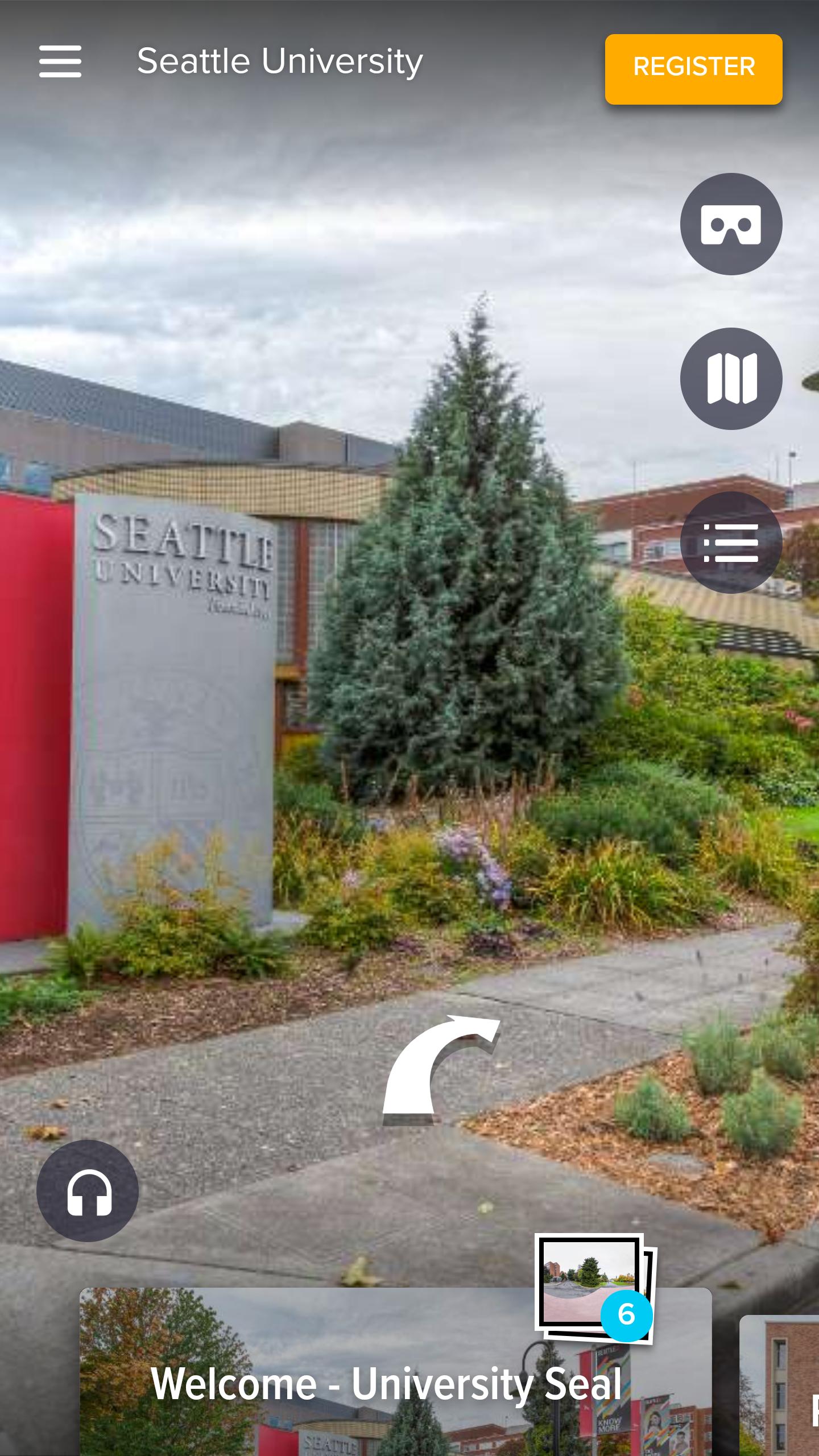
Prospective students and families can navigate the campus and learn about our unique locations, programs and culture through self-guided tours. Whether at home or on campus our interactive student guide will accompany you as you explore our offerings through the use of the GPS-enabled campus map, student videos and photos.
Using the app you can:
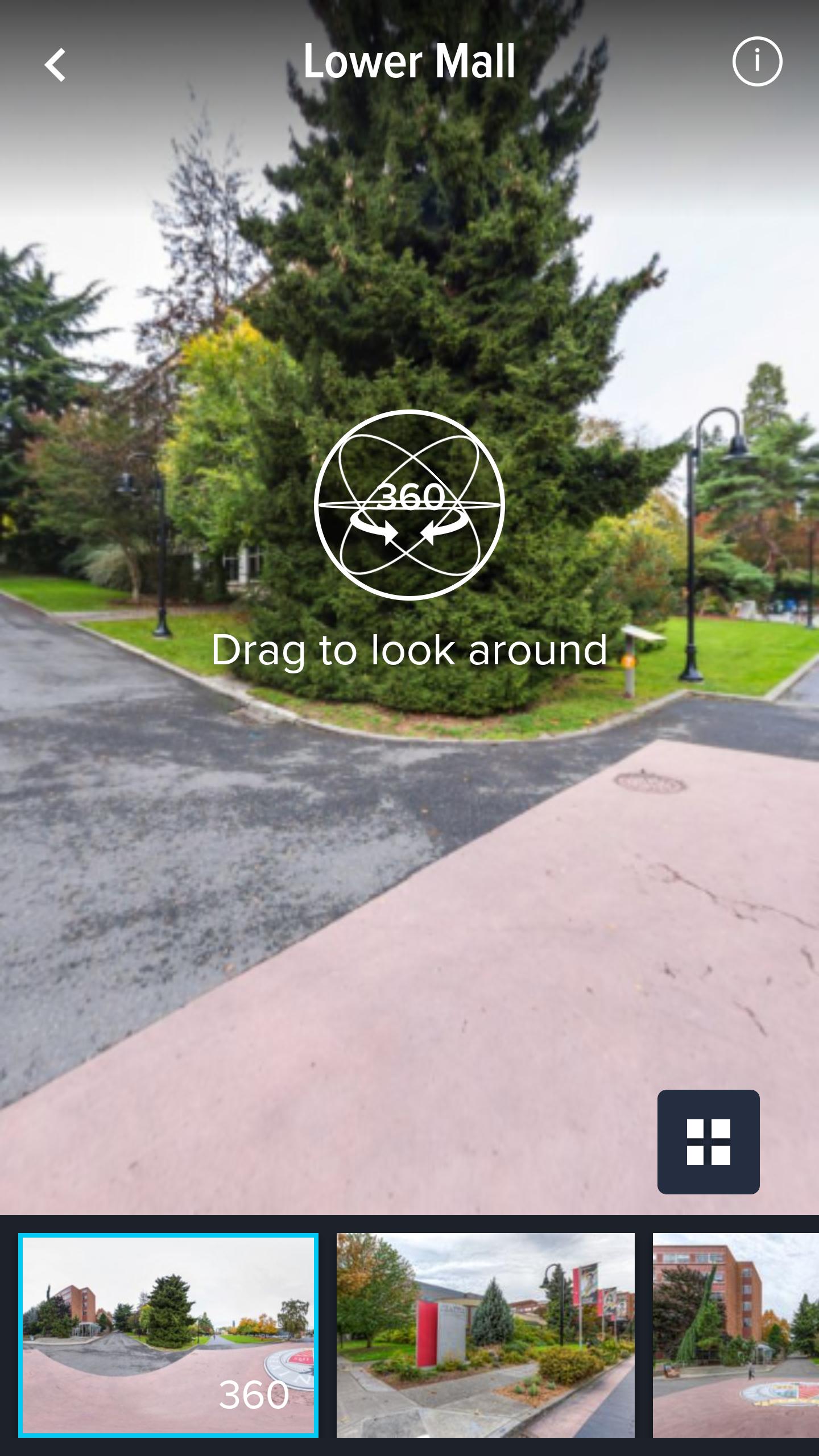
• Explore each 360° panorama and the entire experience with fully immersive cinematic technology
• Choose your own story path as you progress from scene to scene
• Actively interact with story elements as if you were physically there
• Select and view the experience in Web or VR mode
• App is fully functional with or without a VR headset
Preview
Tags
EducationInformation
Developer
YouVisit LLC
Latest Version
4.0.0
Last Updated
2020-09-03
Category
Education
Available on
Google Play
Show More
Cara bermain Seattle University Experience dengan GameLoop pada PC
1. Muat turun GameLoop dari laman web rasmi, kemudian jalankan fail exe untuk memasang GameLoop.
2. Buka GameLoop dan cari "Seattle University Experience", cari Seattle University Experience dalam hasil carian dan klik "Pasang".
3. Nikmati bermain Seattle University Experience di GameLoop.
Minimum requirements
OS
Windows 8.1 64-bit or Windows 10 64-bit
GPU
GTX 1050
CPU
i3-8300
Memory
8GB RAM
Storage
1GB available space
Recommended requirements
OS
Windows 8.1 64-bit or Windows 10 64-bit
GPU
GTX 1050
CPU
i3-9320
Memory
16GB RAM
Storage
1GB available space