2D Kinematics calculator PC
Boxx Development
Download 2D Kinematics calculator on PC With GameLoop Emulator
2D Kinematics calculator pada PC
2D Kinematics calculator, datang daripada pembangun Boxx Development, sedang berjalan pada sistem Android pada masa lalu.
Kini, Anda boleh bermain 2D Kinematics calculator pada PC dengan GameLoop dengan lancar.
Muat turunnya dalam pustaka GameLoop atau hasil carian. Tiada lagi melihat bateri atau panggilan yang mengecewakan pada masa yang salah lagi.
Hanya nikmati 2D Kinematics calculator PC pada skrin besar secara percuma!
2D Kinematics calculator Pengenalan
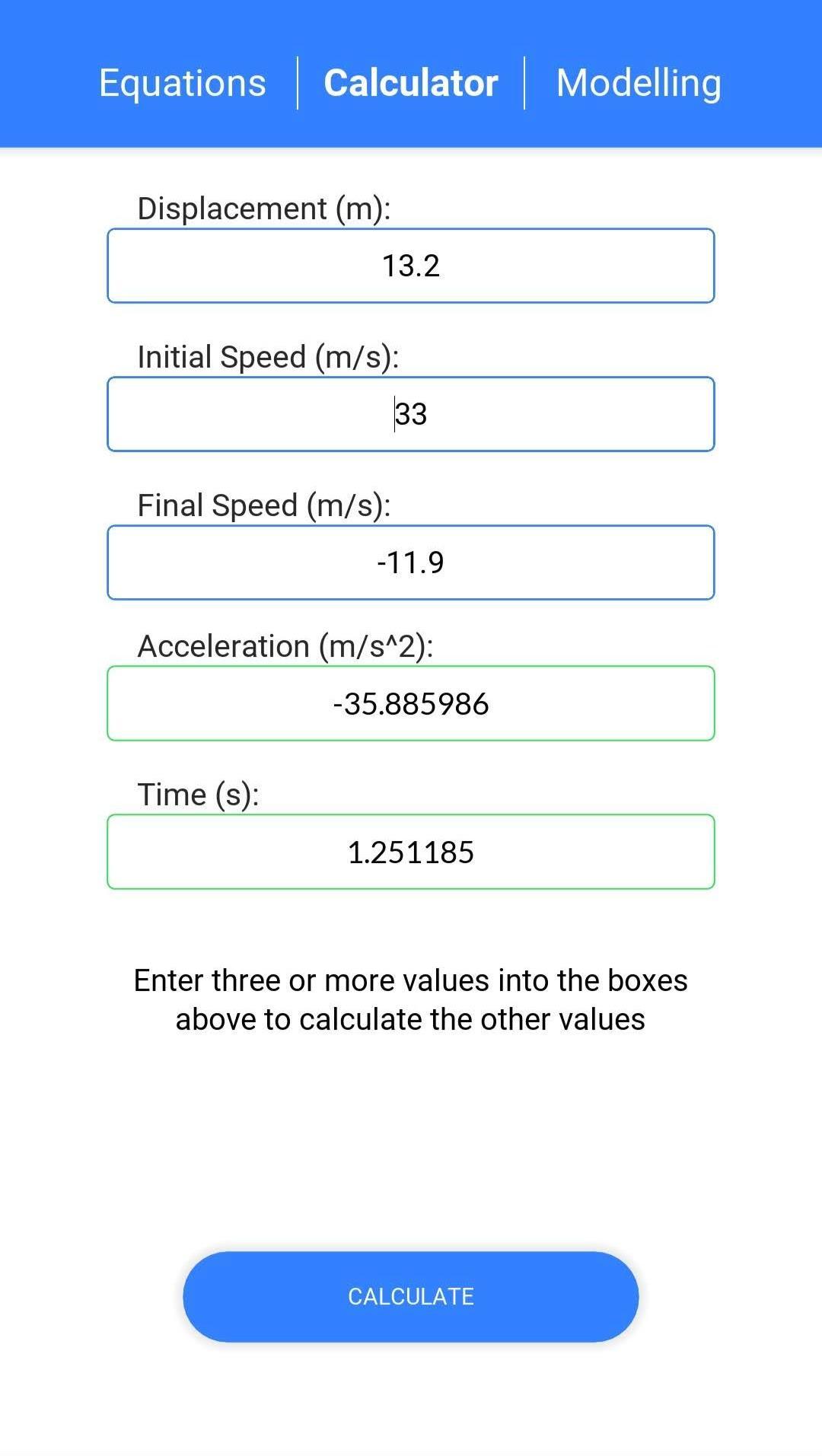
This app is perfect for anyone studying AP/A-Level Maths or Physics, or anyone who needs to solve mechanics problems of constant acceleration (SUVAT)
Enter 3 or more of displacement, initial velocity, final velocity, acceleration, or time to find the values of the rest.
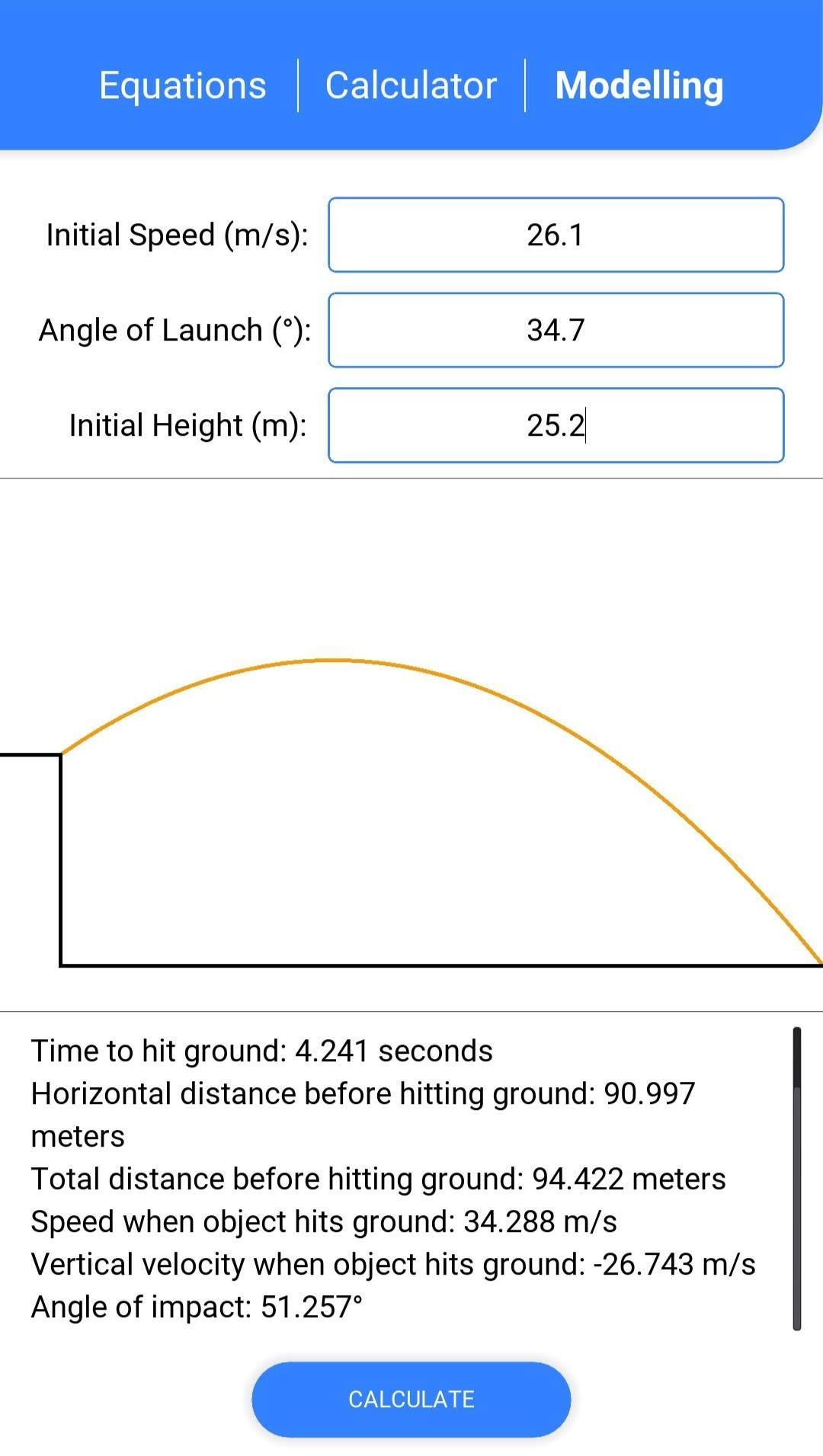
In the modelling section of this app, you can see the real world affects of a projectile being launched from a raised platform to the ground. In this you are given the:
- Time to hit ground
- Speed hitting the ground
- Angle the object hits the ground at
- Total distance the object travels before hitting the ground
- Max height reached
- Time to reach max height
- Total distance the object travels before reaching max height
- And more
This app is great for learning how to use the equations of constant acceleration with an easy to navigate layout.
Leave us a review! All feedback is greatly appreciated!
Preview
Tags
EducationInformation
Developer
Boxx Development
Latest Version
1.0.3
Last Updated
2020-06-10
Category
Education
Available on
Google Play
Show More
Cara bermain 2D Kinematics calculator dengan GameLoop pada PC
1. Muat turun GameLoop dari laman web rasmi, kemudian jalankan fail exe untuk memasang GameLoop.
2. Buka GameLoop dan cari "2D Kinematics calculator", cari 2D Kinematics calculator dalam hasil carian dan klik "Pasang".
3. Nikmati bermain 2D Kinematics calculator di GameLoop.
Minimum requirements
OS
Windows 8.1 64-bit or Windows 10 64-bit
GPU
GTX 1050
CPU
i3-8300
Memory
8GB RAM
Storage
1GB available space
Recommended requirements
OS
Windows 8.1 64-bit or Windows 10 64-bit
GPU
GTX 1050
CPU
i3-9320
Memory
16GB RAM
Storage
1GB available space