
Whoscall: Caller ID & Block PC
Gogolook
Download Whoscall: Caller ID & Block on PC With GameLoop Emulator
Whoscall: Caller ID & Block pada PC
Whoscall: Caller ID & Block, datang daripada pembangun Gogolook, sedang berjalan pada sistem Android pada masa lalu.
Kini, Anda boleh bermain Whoscall: Caller ID & Block pada PC dengan GameLoop dengan lancar.
Muat turunnya dalam pustaka GameLoop atau hasil carian. Tiada lagi melihat bateri atau panggilan yang mengecewakan pada masa yang salah lagi.
Hanya nikmati Whoscall: Caller ID & Block PC pada skrin besar secara percuma!
Whoscall: Caller ID & Block Pengenalan
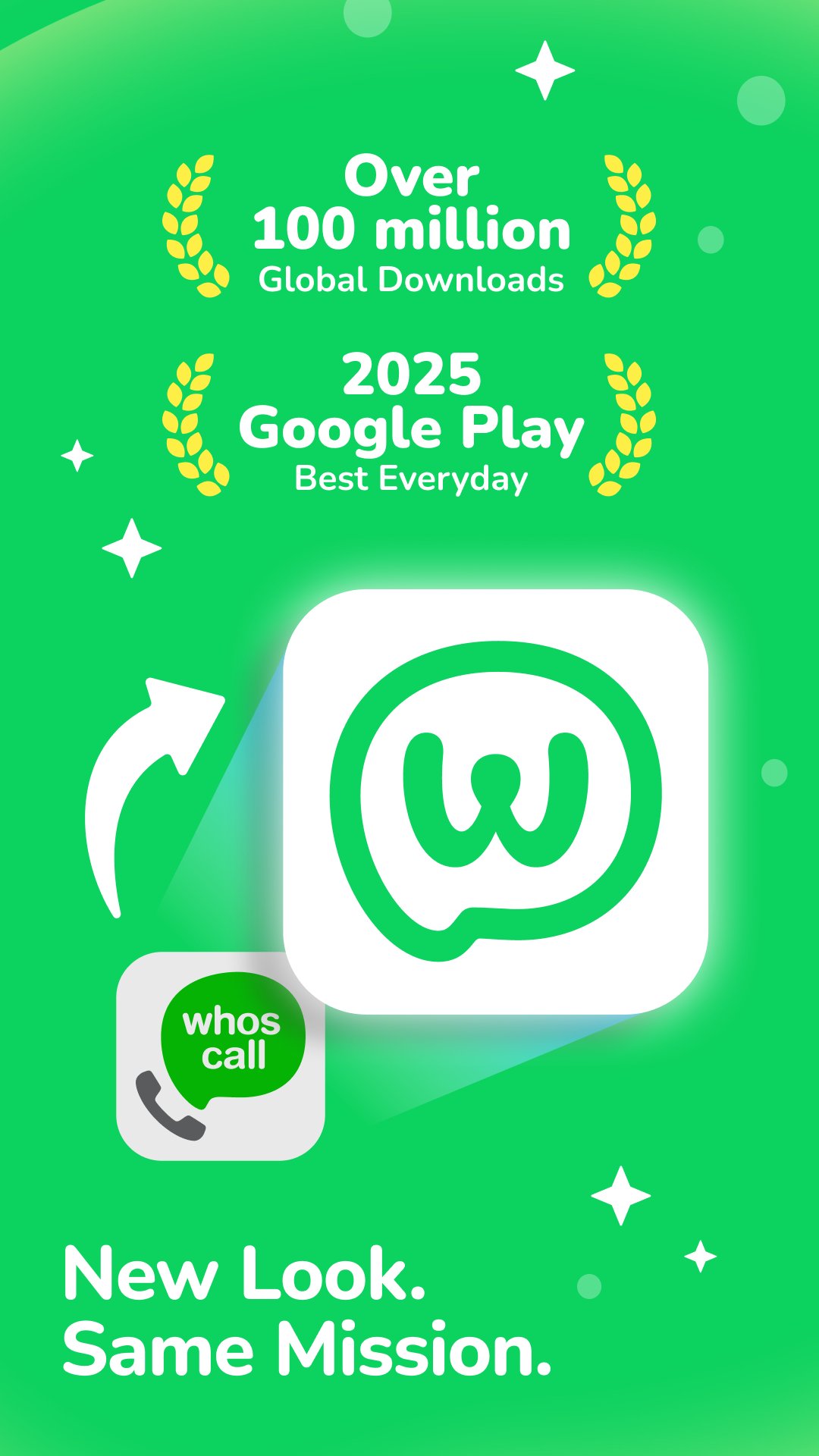
🏆 Winner of Google Play's "Taiwan - Best Everyday Essential" award
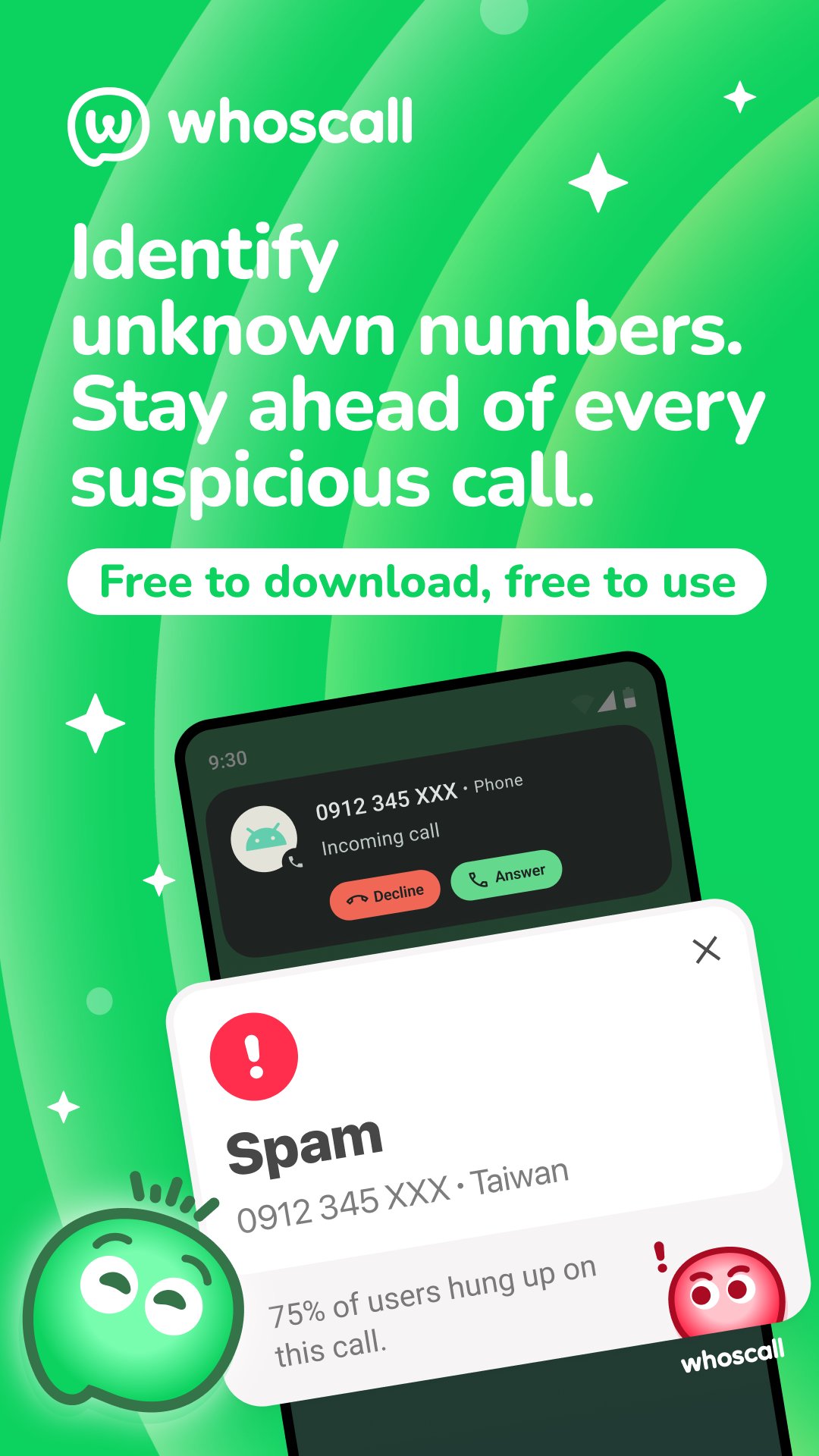
Unknown numbers? Suspicious messages? Too-good-to-be-true offers? Say no more!
Whoscall is your everyday shield against scams and spam. Backed by Whoscall AI and a powerful global community, Whoscall helps you stay safe and protect others along the way.
With a bold new look and smarter protection features, Whoscall is entering a new chapter in digital safety. We're honored that this new experience has been recognized by Google as Taiwan's "Best Everyday Essential" of 2025!
Key Features:
📞 Caller ID & Blocker – Instantly identify unknown calls and block scams automatically
📩 Smart SMS Assistant – Catch phishing messages before they reach you
🔍 Check – Verify phone numbers, URLs, and even screenshots in one place
🏅 Badge System – Earn badges as you help safeguard the community
📌 Mission Board – Complete simple tasks, like reporting or checking in, and collect points
Every small action helps protect the network. With Whoscall, you’re not just using the app, you’re helping power it!
Together, we’re safer.
Preview
Tags
CommunicationsInformation
Developer
Gogolook
Latest Version
8.46
Last Updated
2026-11-18
Category
Communications
Available on
Google Play
Show More
Cara bermain Whoscall: Caller ID & Block dengan GameLoop pada PC
1. Muat turun GameLoop dari laman web rasmi, kemudian jalankan fail exe untuk memasang GameLoop.
2. Buka GameLoop dan cari "Whoscall: Caller ID & Block", cari Whoscall: Caller ID & Block dalam hasil carian dan klik "Pasang".
3. Nikmati bermain Whoscall: Caller ID & Block di GameLoop.
Minimum requirements
OS
Windows 8.1 64-bit or Windows 10 64-bit
GPU
GTX 1050
CPU
i3-8300
Memory
8GB RAM
Storage
1GB available space
Recommended requirements
OS
Windows 8.1 64-bit or Windows 10 64-bit
GPU
GTX 1050
CPU
i3-9320
Memory
16GB RAM
Storage
1GB available space